ugee Funbox 3D Printer: A Kid-Friendly Way to Start 3D Printing at Home
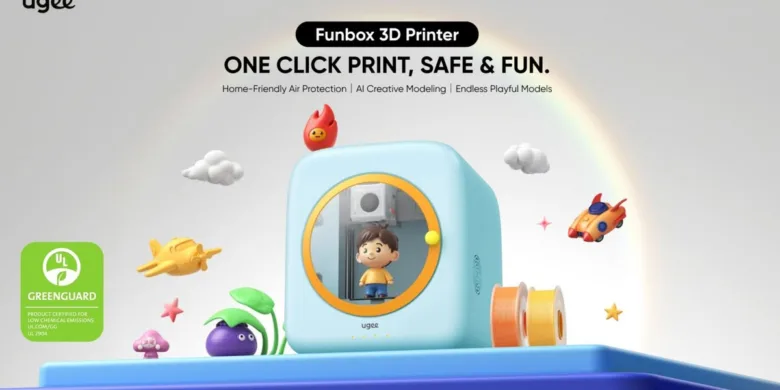
3D printing is a fun way for kids to turn ideas into real objects, but most 3D printers are not made with children in mind.
A regular desktop 3D printer can be confusing at first. There can be setup steps, bed leveling, slicer settings, filament loading, temperature controls, and moving parts that need attention. For an adult hobbyist, that can be part of the learning process. For a child, or for a parent who just wants a simple creative tool at home, it can feel like too much.
The ugee Funbox is designed for a different type of user. It is a compact, enclosed 3D printer made for kids, beginners, parents, and educators who want a simpler way to explore 3D printing. Instead of focusing on advanced tuning or technical controls, Funbox focuses on safety, guided use, AI creation tools, and easy printing from the ugee UFun app.
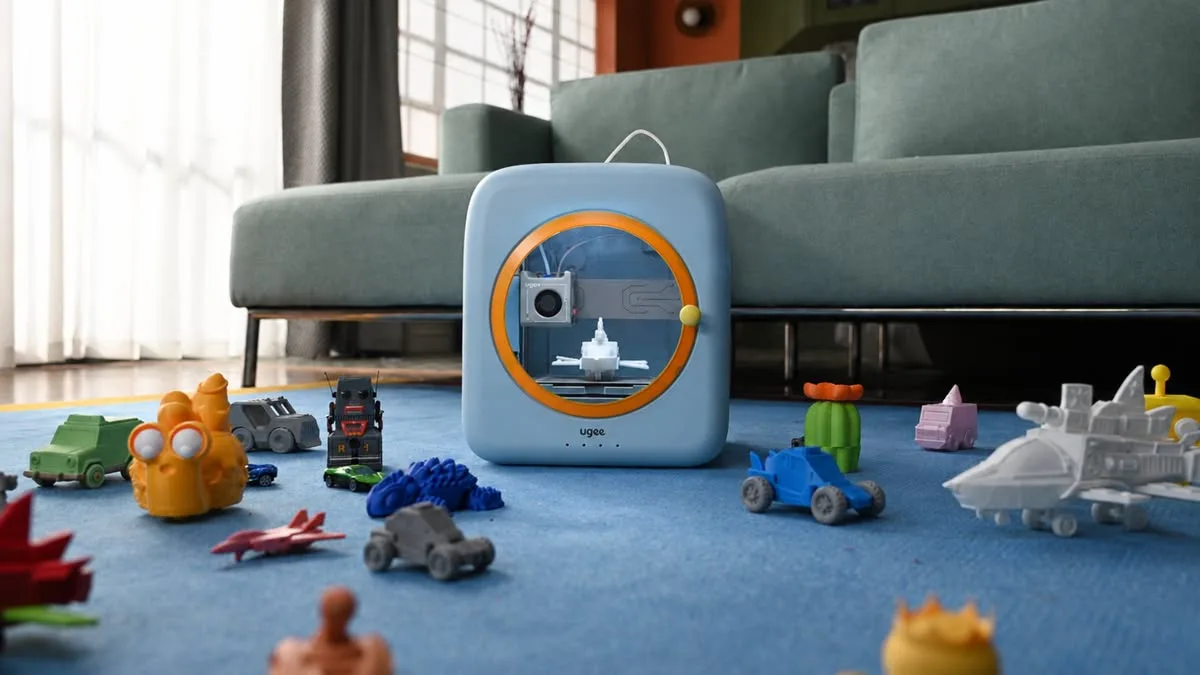
The goal is simple: let kids create toys, small objects, crafts, decorations, and learning projects without needing to understand every technical part of 3D printing from day one.
A 3D Printer Made for Kids and Beginners
The ugee Funbox is positioned as a child-friendly and beginner-friendly 3D printer. It is mainly aimed at children aged 4 to 12, but it can also work as a first printer for families, classrooms, and people who want a more guided 3D printing experience.
This is important because 3D printing can be exciting, but the first experience matters a lot. If the setup is too complicated, the printer can quickly become something that only adults use. Funbox is built around a simpler workflow, where users can pick a model, follow guided steps, and start printing with fewer manual tasks.
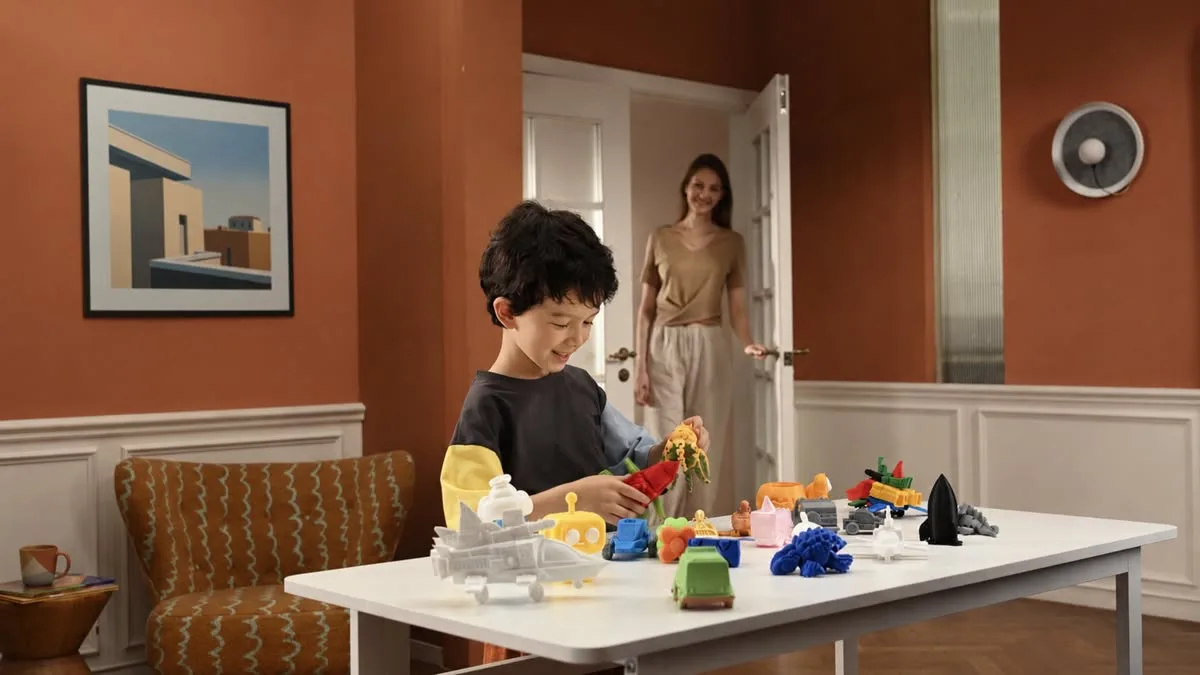
For kids, this means the printer can be used for creative play and learning. For parents, it means there is less time spent dealing with calibration, settings, and basic setup. And for educators, it offers a more approachable way to introduce 3D printing into STEM activities.
Enclosed Structure for Home Use
Safety is one of the main areas where Funbox is different from many traditional entry-level 3D printers.
Most open-frame 3D printers leave the hotend, moving parts, and print area exposed. That can be fine in a workshop, but it is not ideal when the printer is used around children. Funbox uses a fully enclosed structure, which helps reduce direct contact with the print head and other moving parts during printing.
The enclosed body also makes the printer feel more suitable for home environments. It looks more like a family learning device than a technical machine that belongs on a workbench.
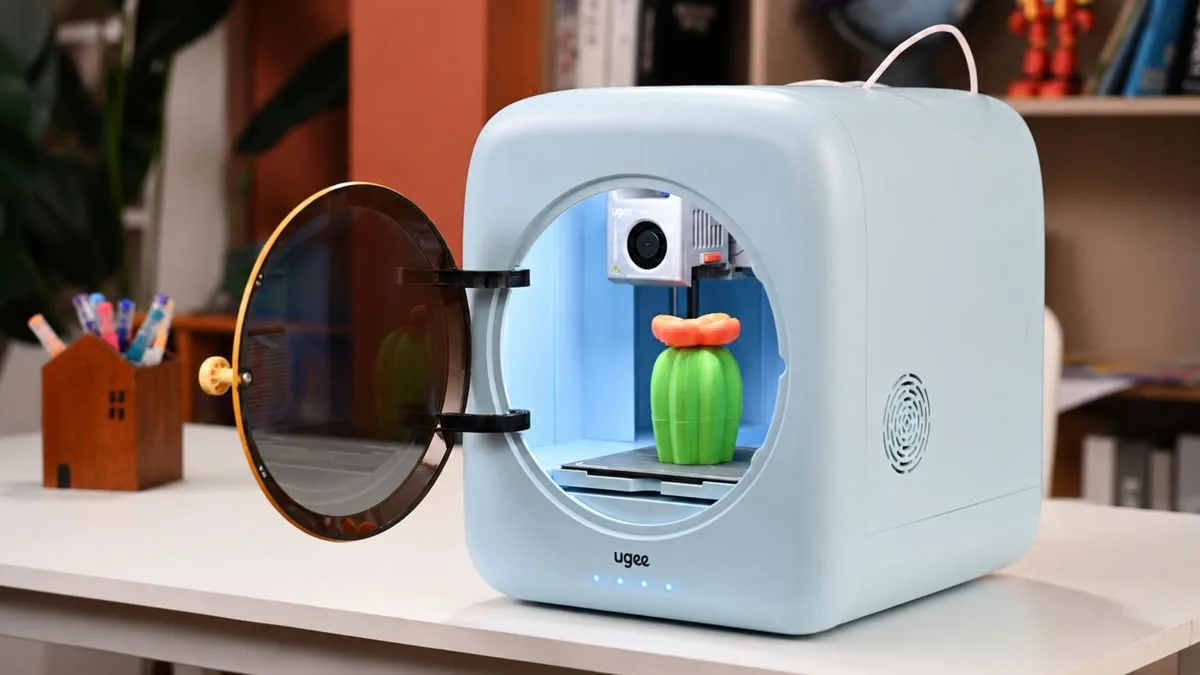
Funbox also includes a heating indicator system. This gives users a clearer visual status when the nozzle is heating, cooling, loading filament, unloading filament, or showing an error. For kids and beginners, simple visual feedback is useful because they do not need to understand every temperature value or printer state. They can just follow the status lights and app guidance.
Built-In Air Protection
Another important feature is the built-in air purification system.
Funbox uses an H12 HEPA filter and activated carbon cotton dual air purification system, along with an active exhaust fan. This system is designed to help capture ultrafine particles and odors produced during printing.
This does not mean users should ignore basic ventilation. PLA is generally one of the more common and beginner-friendly materials, but 3D printing is still a heating process. Having air filtration built into the machine gives parents and educators an extra layer of reassurance when using the printer indoors.
Funbox supports different certifications, including UL GREENGUARD, ASTM F963-23, EN71, and EN62115. These certifications are part of the product’s positioning as a home-friendly and child-friendly 3D printer.
Simple Setup Out of the Box
One of the biggest barriers for new users is setup.
Many 3D printers require assembly, bed leveling, calibration, slicer setup, and test prints before users can get reliable results. Funbox is designed to avoid most of that friction.
The Funbox 3D printer comes fully assembled. There is no screw installation, no bed leveling, and no mechanical calibration needed before first use. ugee says users can go from setup to printing in around six minutes.
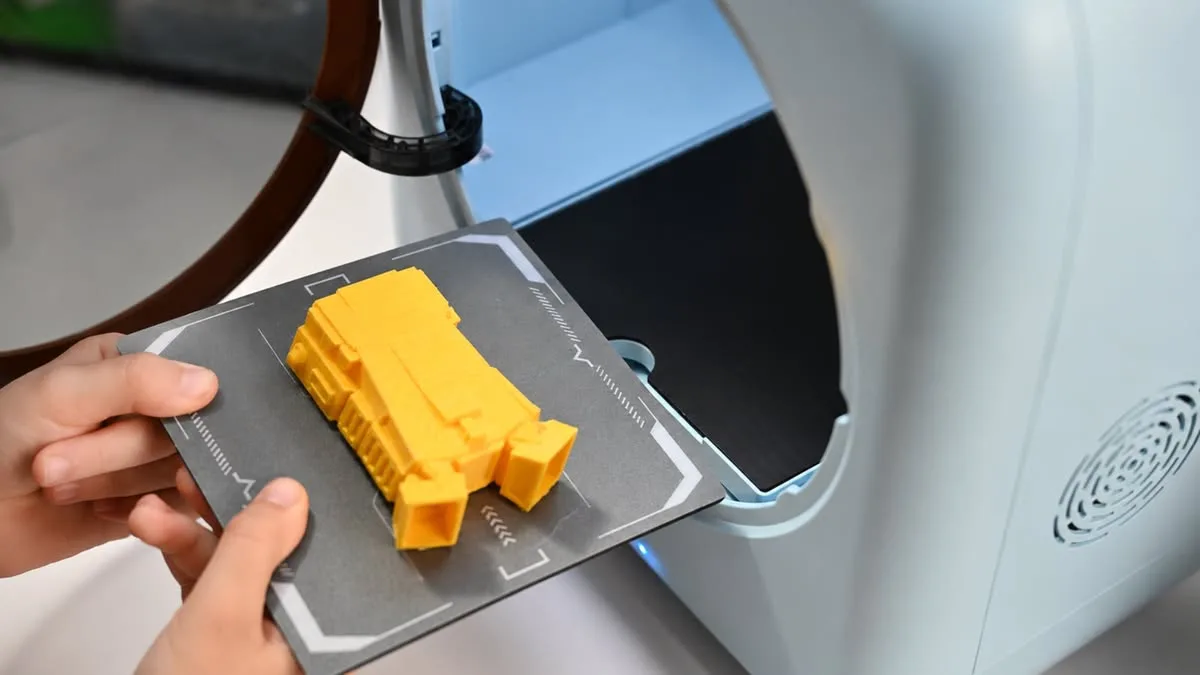
The box includes the Funbox printer, filament holder, power adapter, magnetic base plate, PLA filament, pliers, cleaning needle, pneumatic fitting, calibration card, quick guide, and DIY stickers.
That makes it easier for families to get started without needing a long setup session. Plug it in, connect the app, load filament, choose a model, and start printing.
ugee UFun App and Guided Printing
Funbox works with the ugee UFun app, which is made for phone and tablet use. The app helps guide users through the printing process and gives kids a more visual way to interact with the printer.
This matters because most kids will not want to deal with desktop slicers, complex menus, or model preparation settings. With the UFun app, the experience is more direct. Users can choose models, follow instructions, and print with fewer technical steps.
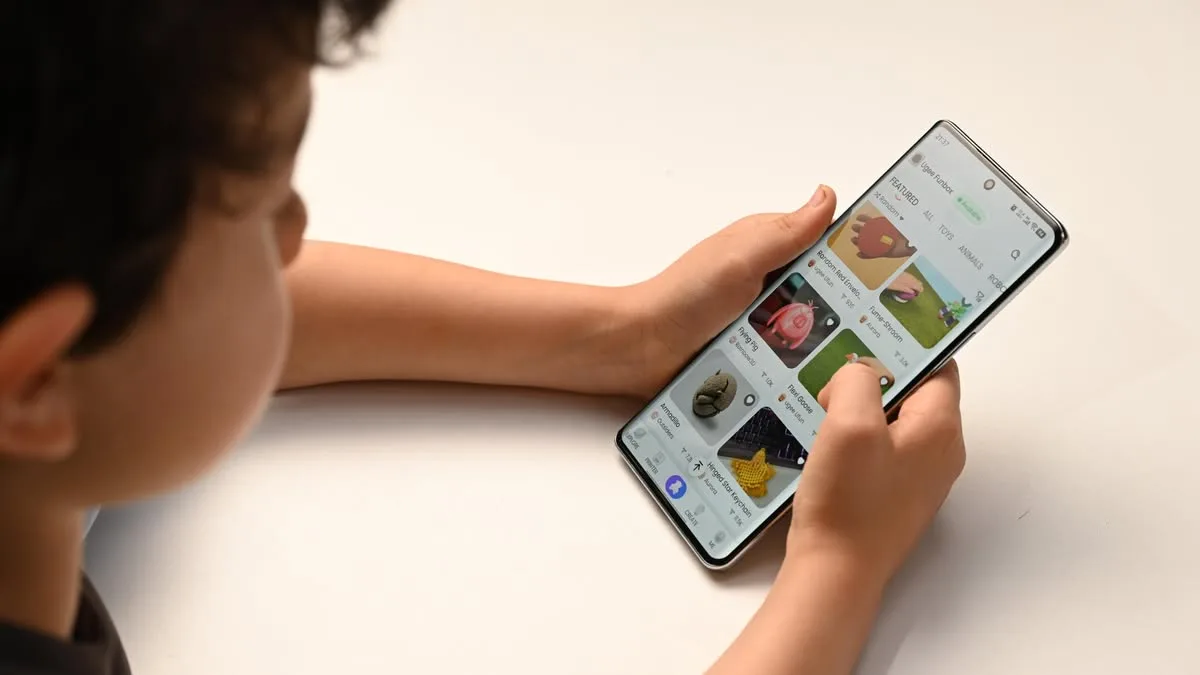
The workflow is to pick a model, tap print, and let Funbox handle the technical details. That is exactly the kind of approach that makes sense for a kid-focused printer.
There is also U-PRINT software for PC users available on Windows. This gives older users another way to prepare prints from a computer, while younger users can stay with the app-based experience.
AI Creative Modeling
Funbox also includes AI creation features, which are designed to make 3D modeling easier for kids.
Instead of needing a child to learn complex 3D design software, the Funbox AI tools can help turn simple ideas into printable objects. The system supports voice input, text-to-model generation, and hand-doodle conversion.
That means a child can describe an idea, type a prompt, or make a simple drawing, then use the AI tool to create a printable 3D model.
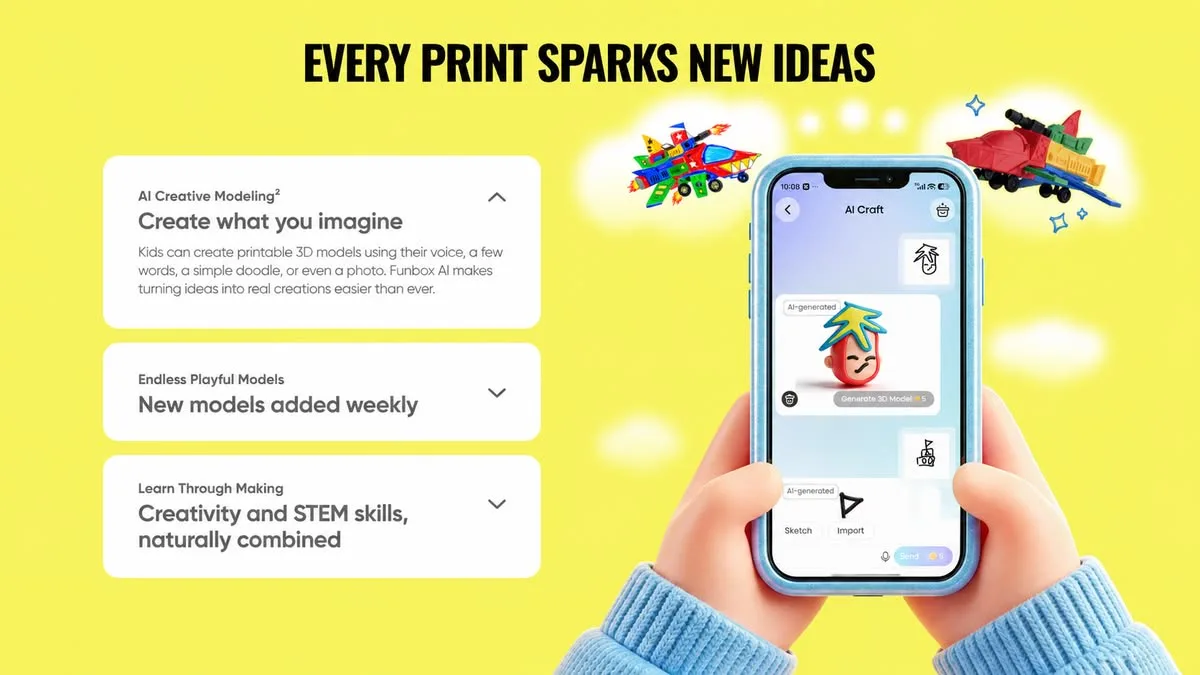
This is one of the more interesting parts of the Funbox concept. In many cases, the hardest part of 3D printing is not pressing print. It is finding or making the model. AI tools can make that first creative step easier and more playful.
Of course, this is mostly aimed at simple creative projects. Toys, decorations, animals, small characters, stationery items, and crafts are a better fit than complex engineering parts. But for children and beginners, that is usually the right starting point anyway.
Model Library for Ongoing Projects
A beginner-friendly 3D printer also needs good content.
Funbox includes access to the UFun App ecosystem, which offers a growing library of models. You can print toys, stationery, animal crafts, mechanical designs, structured STEM content, and online tutorials.
This helps keep the printer useful after the first few prints. Kids can explore ready-made projects, while parents and teachers can use the printer for creative learning activities.
Possible projects include small toys, classroom objects, simple decorations, holiday gifts, personalized name tags, desk accessories, small organizers, and parent-child weekend projects.
The idea is not only to print objects. It is also to help kids understand how digital ideas become physical items. That is where 3D printing can be useful as a STEM learning tool. Children can test ideas, see what works, change the model, and print again.
Print Modes for Different Needs
Funbox includes three slicing modes: Fast, Standard, and Fine.
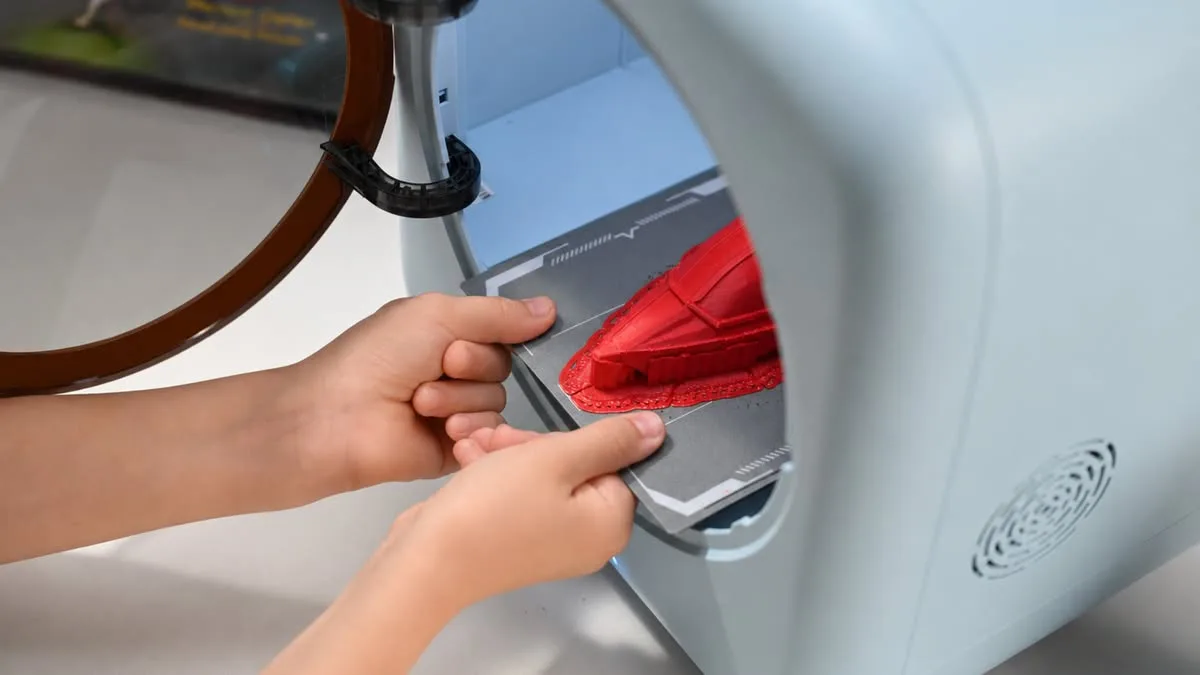
This gives users a simple way to choose between speed and detail without needing to adjust many advanced settings. Fast mode can be useful for quick toys and simple objects. Standard mode is a balanced option for most prints. Fine mode can be used when more detail is needed.
This makes the printer easier to grow into. Younger kids can keep things simple, while older children and beginners who want more control can start experimenting with different print quality settings.
What Funbox Can Be Used For
The ugee Funbox is not positioned as a workshop printer for advanced materials or heavy technical projects. It is made more for creative use, learning, and simple 3D printing at home or in classrooms.
It can be used for:
- Children’s toy creation
- Personalized small objects
- Creative learning projects
- STEM activities
- Parent-child projects
- Simple household items
- Home decoration
- Seasonal crafts and gifts
- Small stationery items
- Animal models and characters
- Basic mechanical learning models
That gives it a broad range of use cases without making it overly technical.
Where to Order the ugee Funbox
The ugee Funbox is listed through the official ugee store on the Funbox presale page.
Final Thoughts
The ugee Funbox is designed as a simple, enclosed 3D printer for kids, beginners, families, and educators.
Its main features are focused on making 3D printing easier to approach. The printer comes fully assembled, uses an enclosed structure, includes air filtration, supports guided app-based printing, offers AI creative modeling, and gives users access to a growing library of printable models.
For families who want to introduce children to 3D printing without starting with a technical hobby machine, Funbox offers a more guided path. It focuses on what kids are likely to care about most: making things, learning through play, and turning ideas into real objects.
Liked it?
|
|