Baseus Nomos NU1 Air Mac 12-in-1 Docking Station for Mac
As a laptop user, it’s always annoying to connect all your peripherals when working at a desk. Charger, display, external mouse and keyboard, USB drives – they all take space and ports. But you can turn all those cables into a single cable with a docking station, and the NU1 might be exactly what you need.
Packaging and Specifications
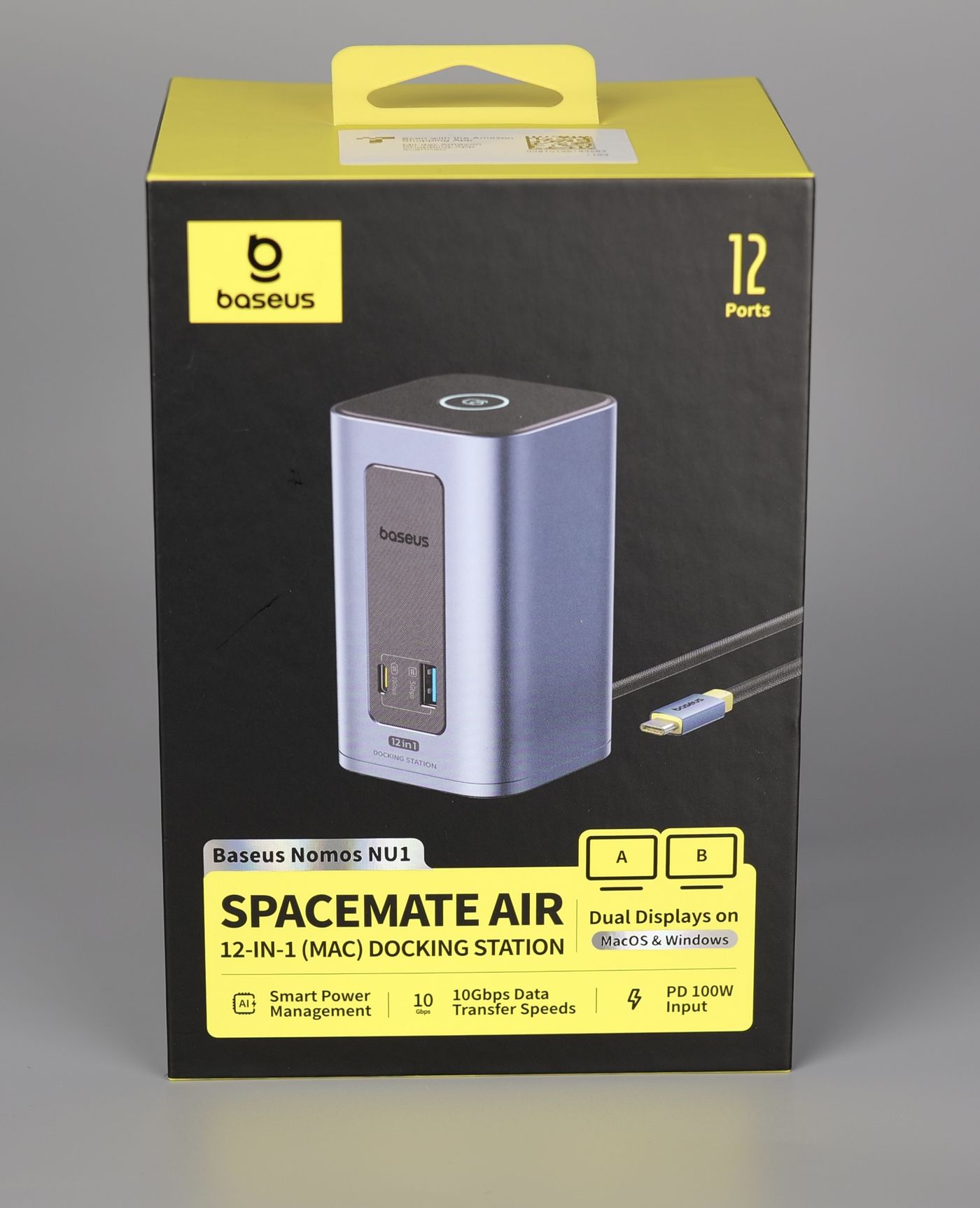
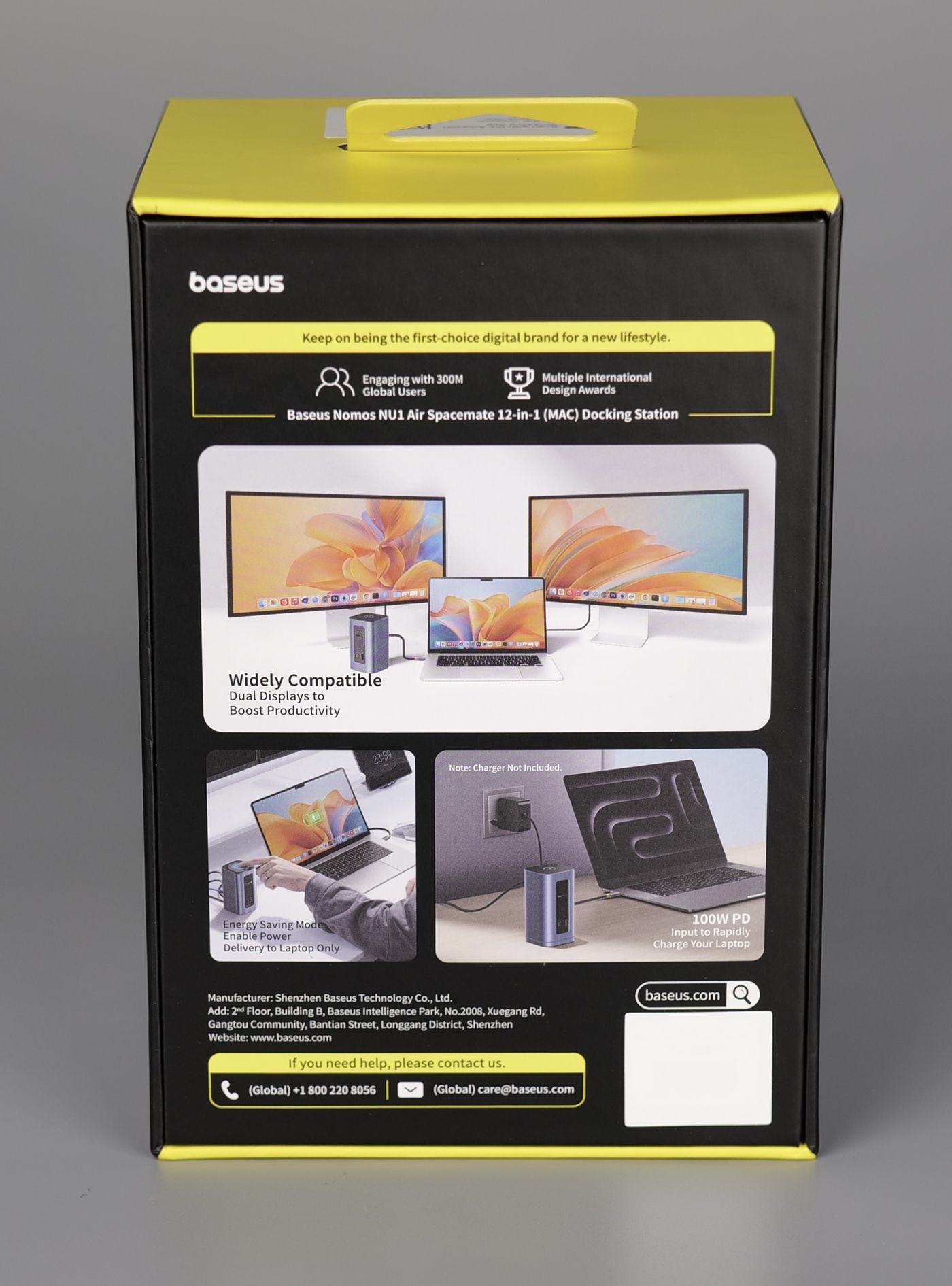
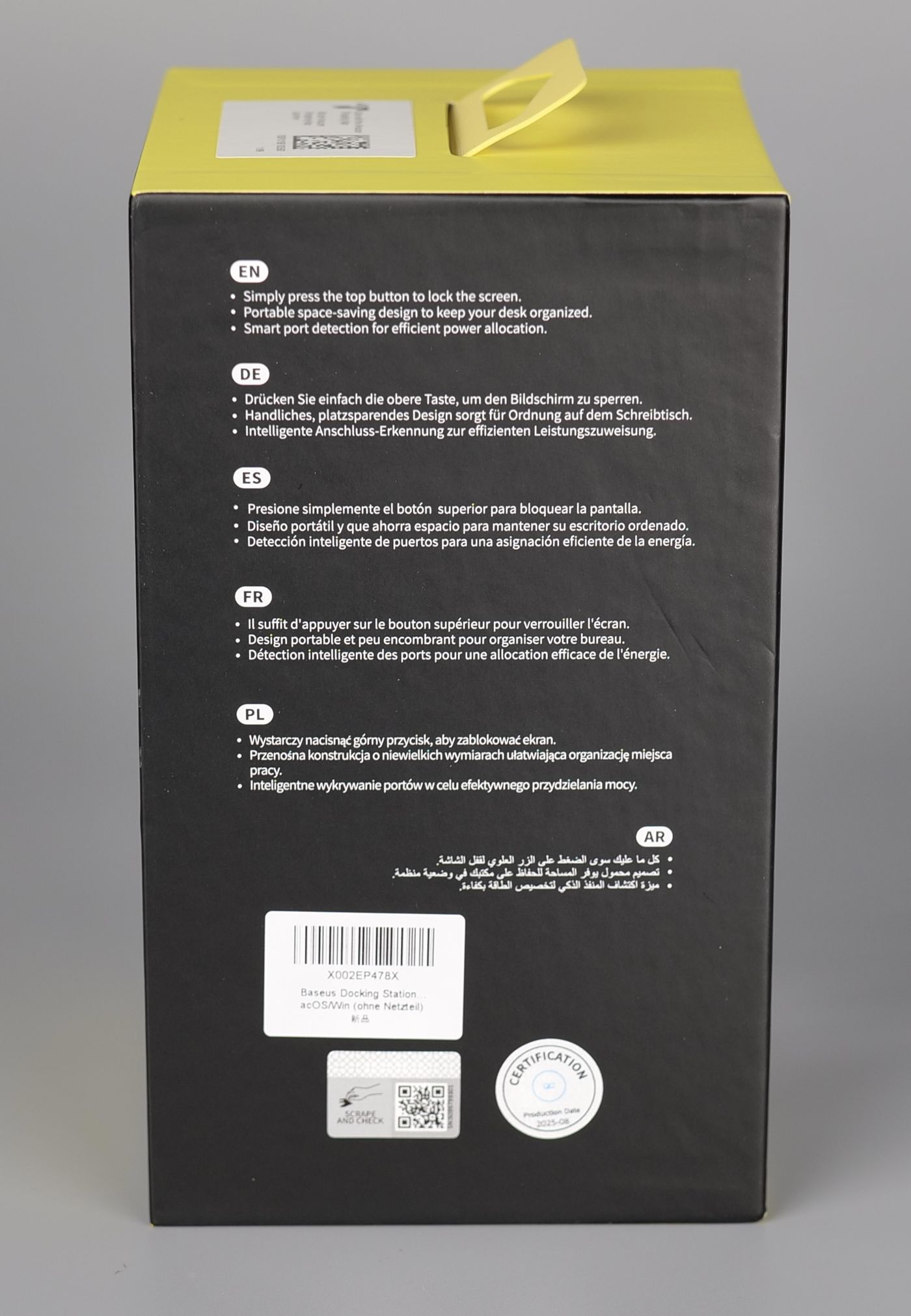
The NU1 docking station is compact, and I like the vertical orientation, which helps save a bit of space on the desk. The front section has a 5Gbps USB-A port and a 10Gbps USB-C port for quick access, while the back side has a variety of ports where you can connect all your peripherals and displays.
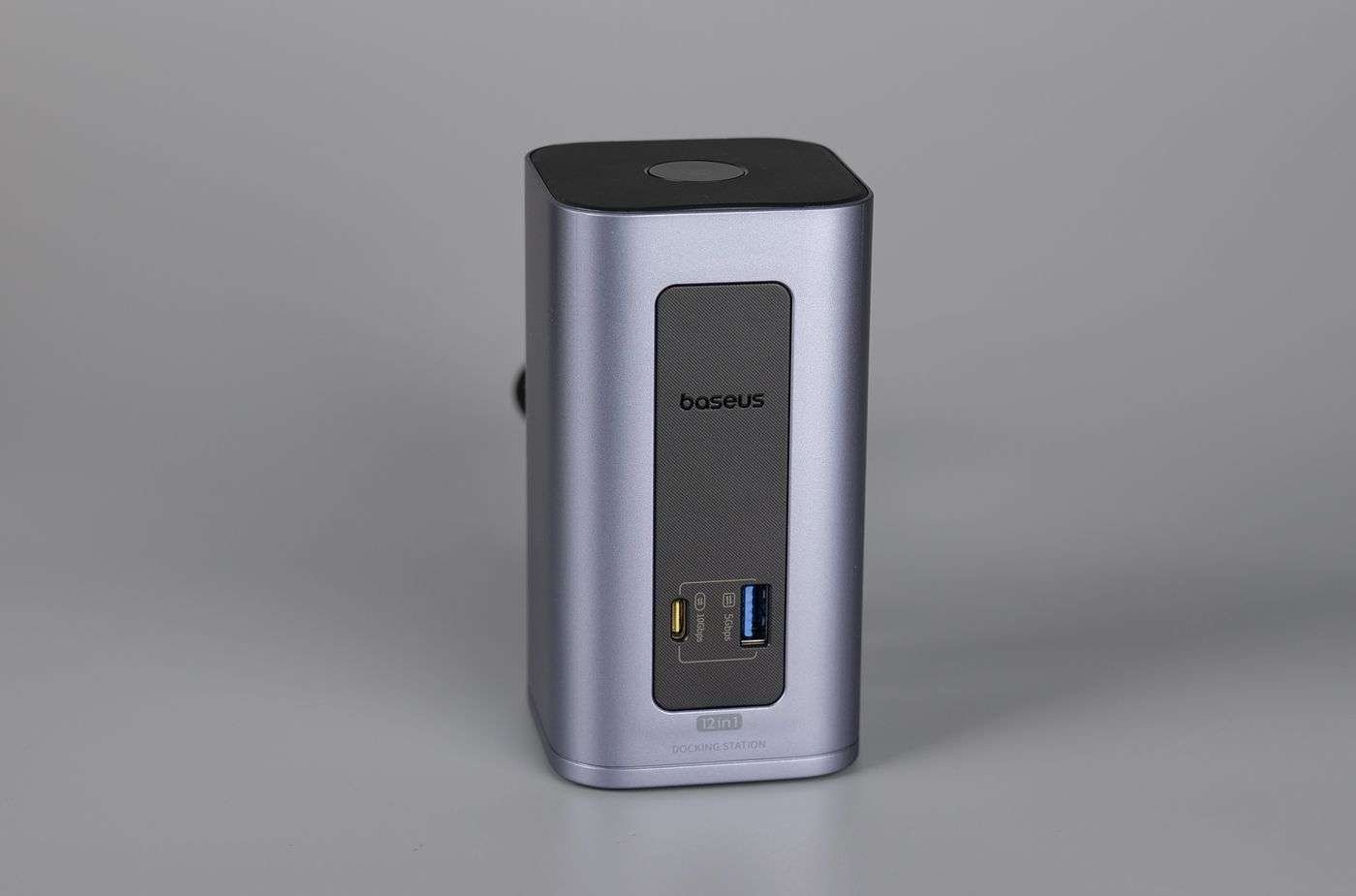
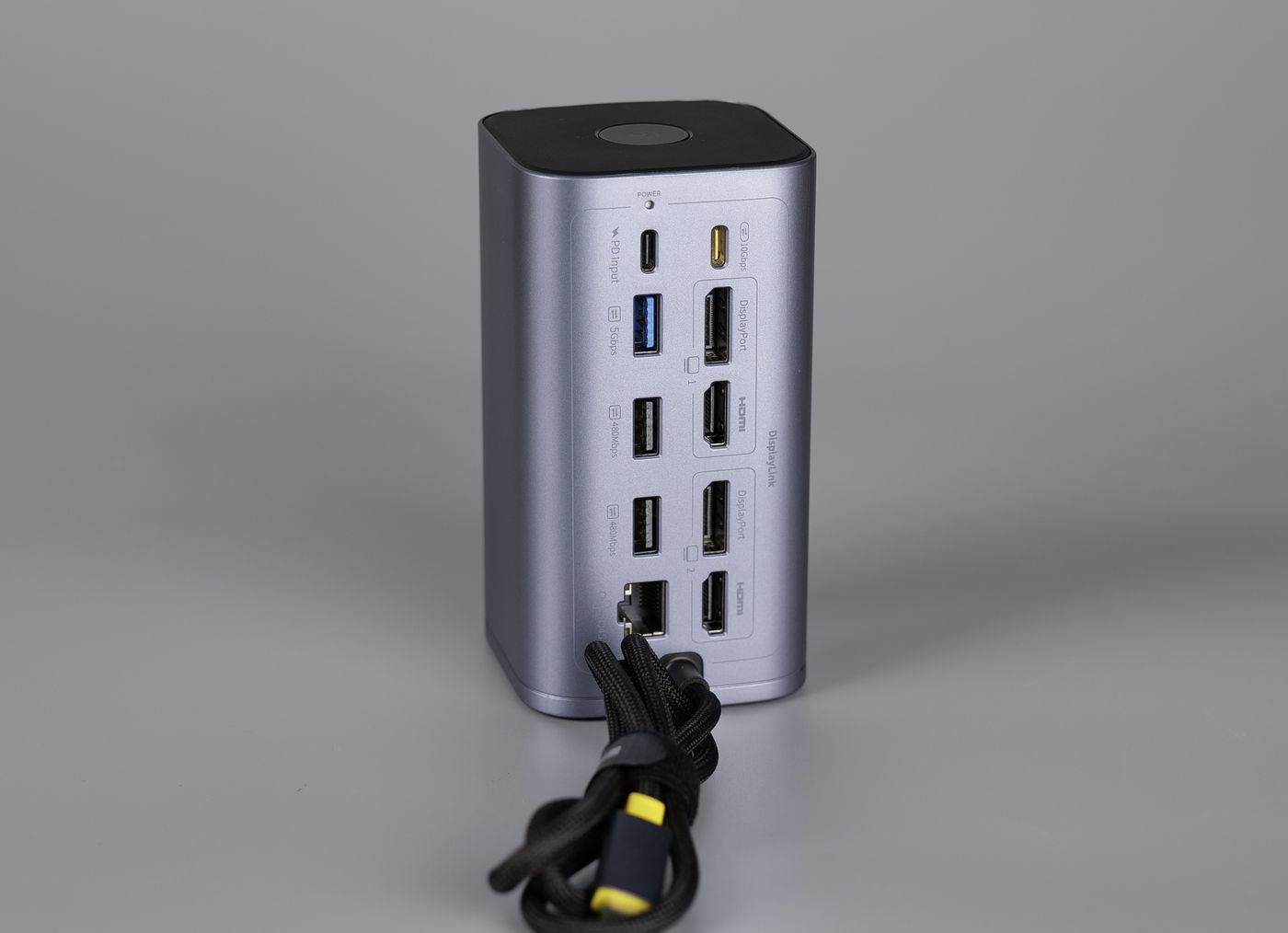
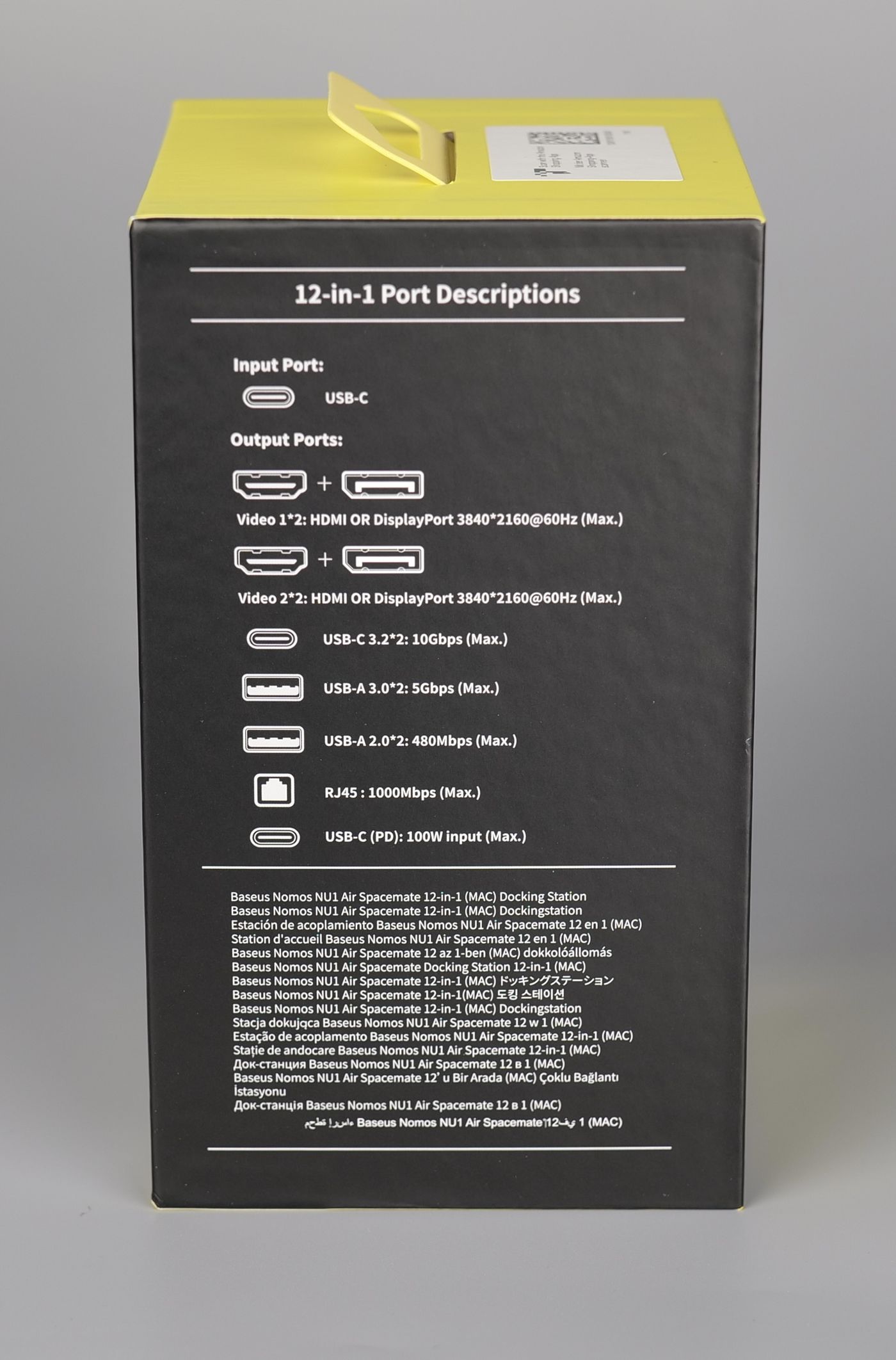
The image below shows all the connectors available on the docking station, and the capabilities of each port.
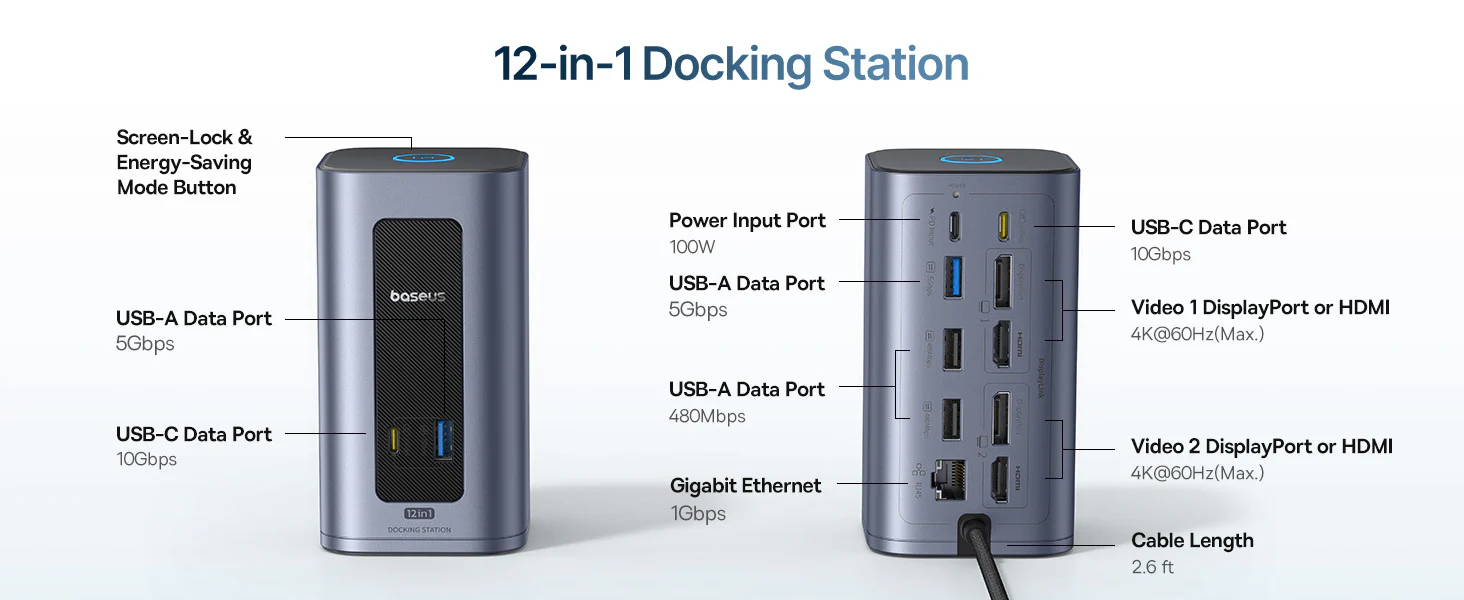
Thanks to the 100W power input port, this docking station is able to power your laptop through the single cable used to connect the other peripherals too.
It’s worth noting that the video display ports allow a single 4K 60Hz display to be used besides the laptop display. When dual-external monitors are used, the resolution of each display is limited to 2560×1440 60Hz. This is achieved with the DisplayLink software, meaning that you will need to install a driver to make them work.
On top of the NU1 dock, you also have a handy button to lock your computer. Instead of the Control + Command + Q button combo, a simple press of the button quickly locks the screen. If you press and hold the button, you can power everything off and only allow the Power Delivery charging of the dock.
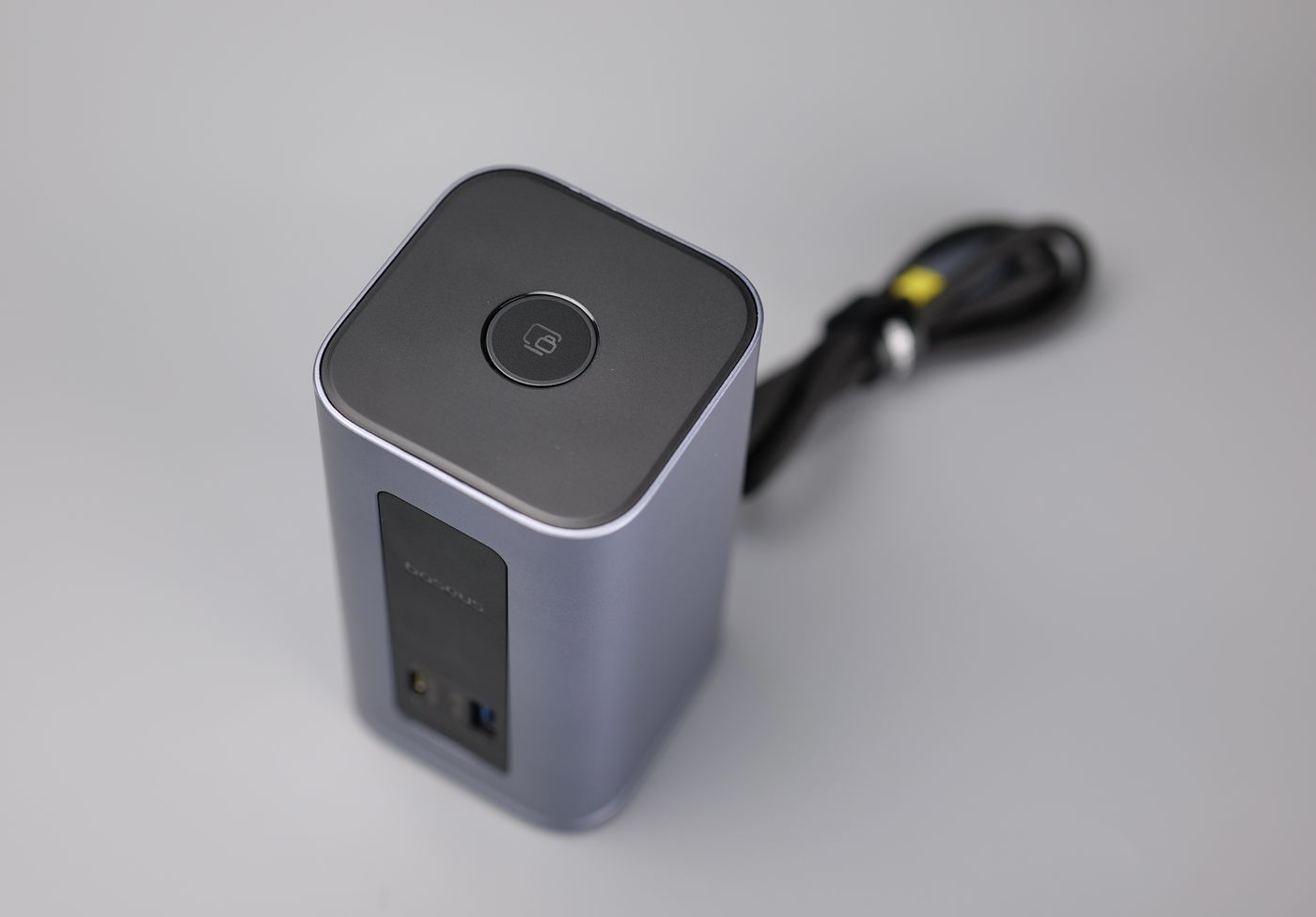
If you are looking for a relatively affordable docking station to connect your MacBook to all your peripherals with a single cable, the NU1 Air could be an option for office use, as long as you are aware of the multi-display resolution limitations.
Where to buy?
If you want to buy the Baseus Nomos NU1 Air Mac 12-in-1 Docking Station, you can do so from the following stores:
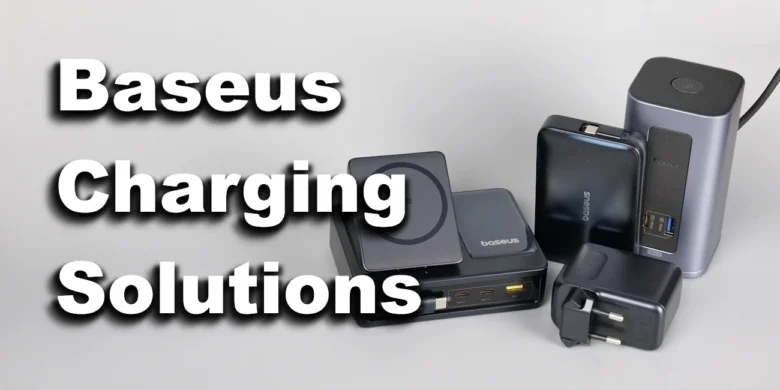
Baseus Nomos 5-in-1 Desktop Charger Qi2 140W
If you are tired of having different chargers with cables on your desk, it’s time to consider a Desktop Charger like the Nomos 5-in-1, which can help keep your devices charged, without the mess.
Packaging and Specifications
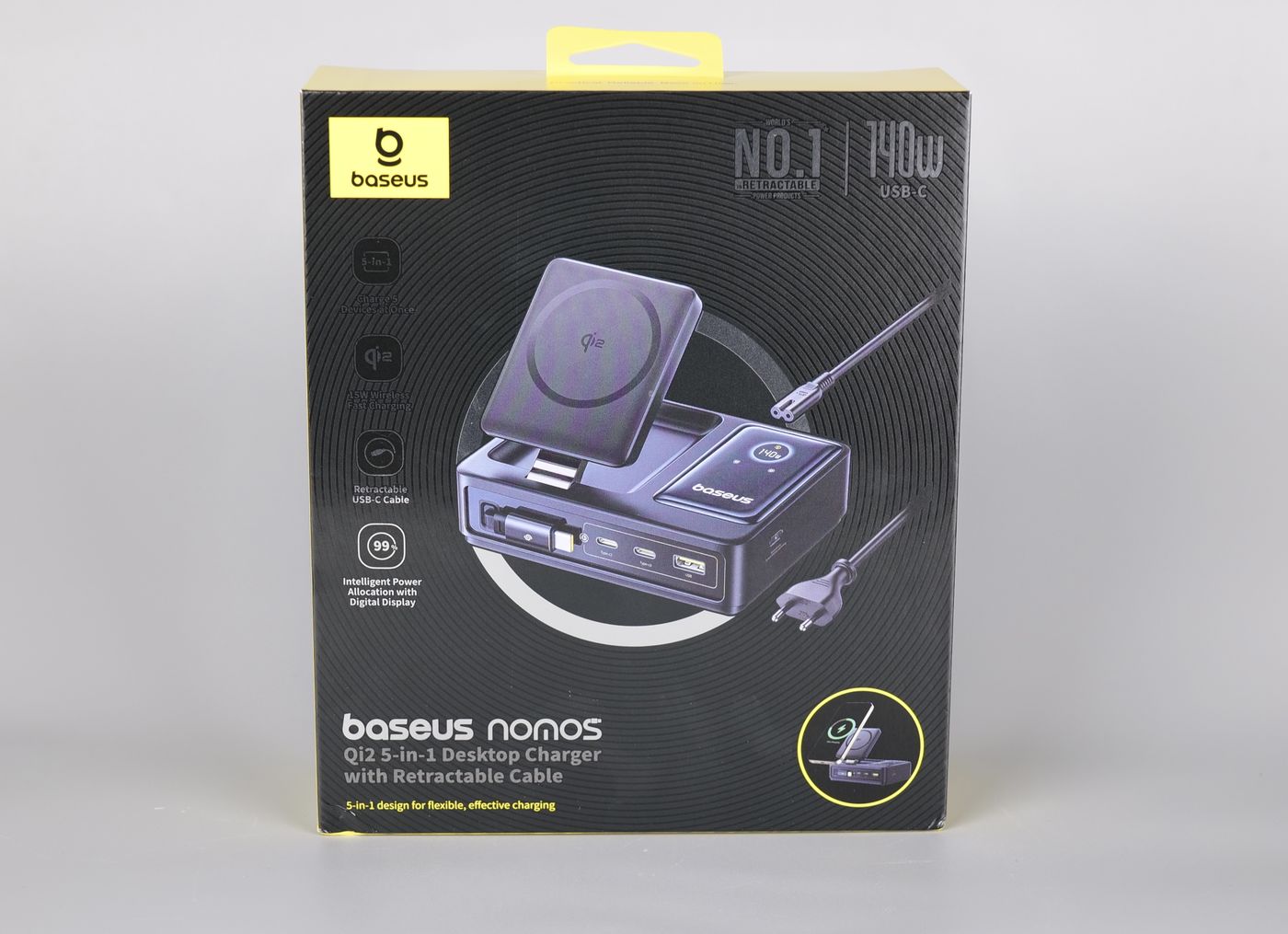
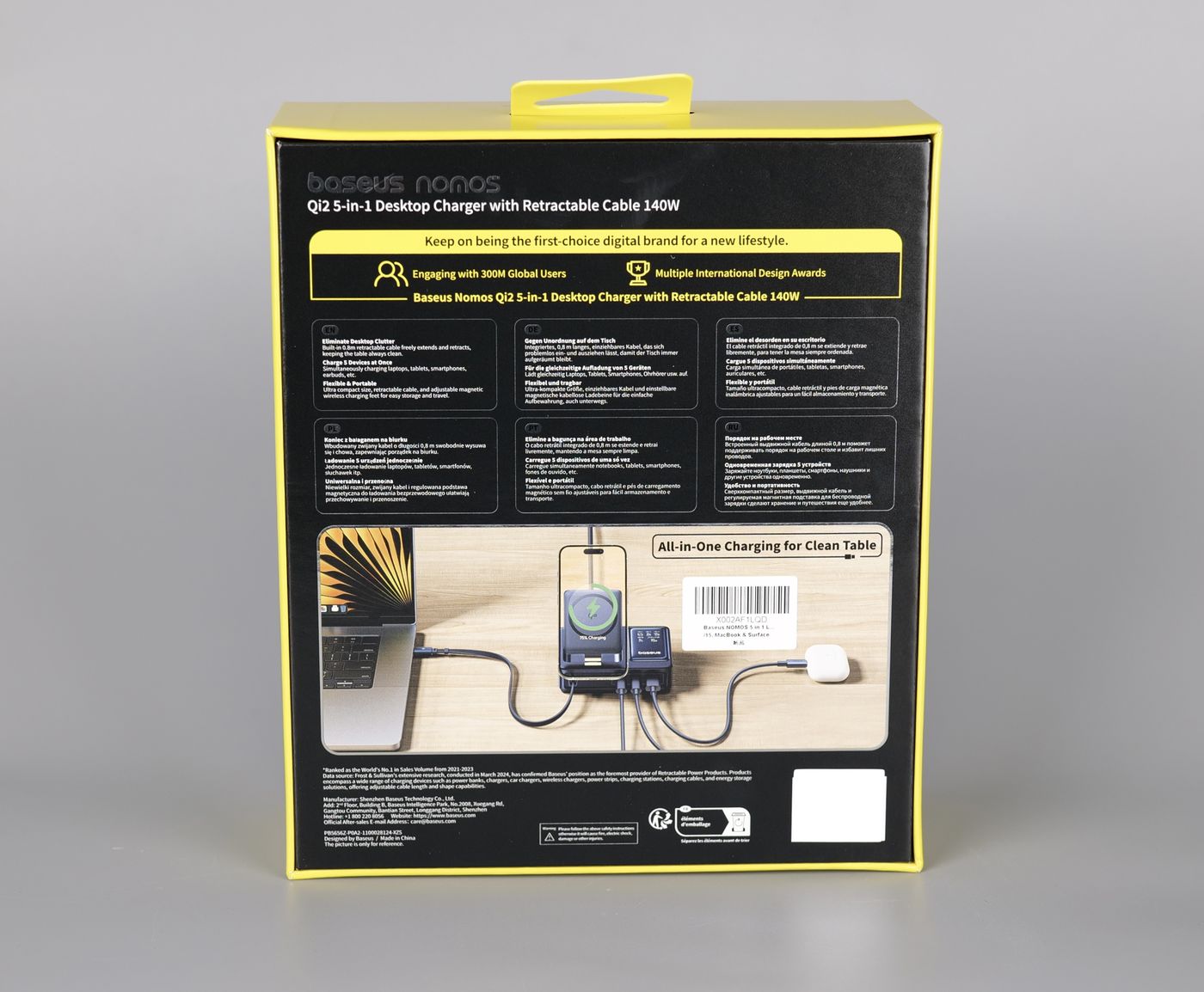
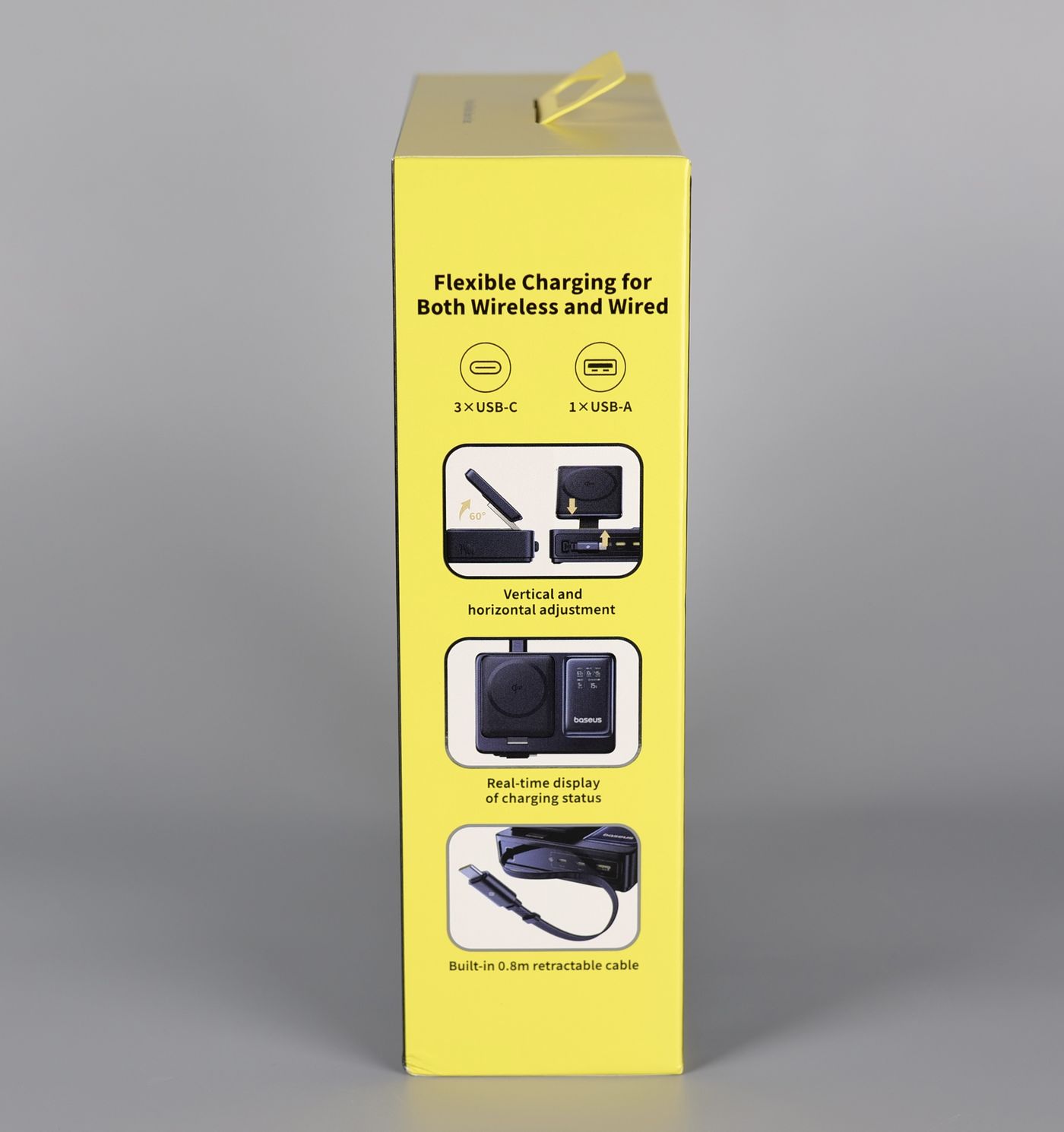
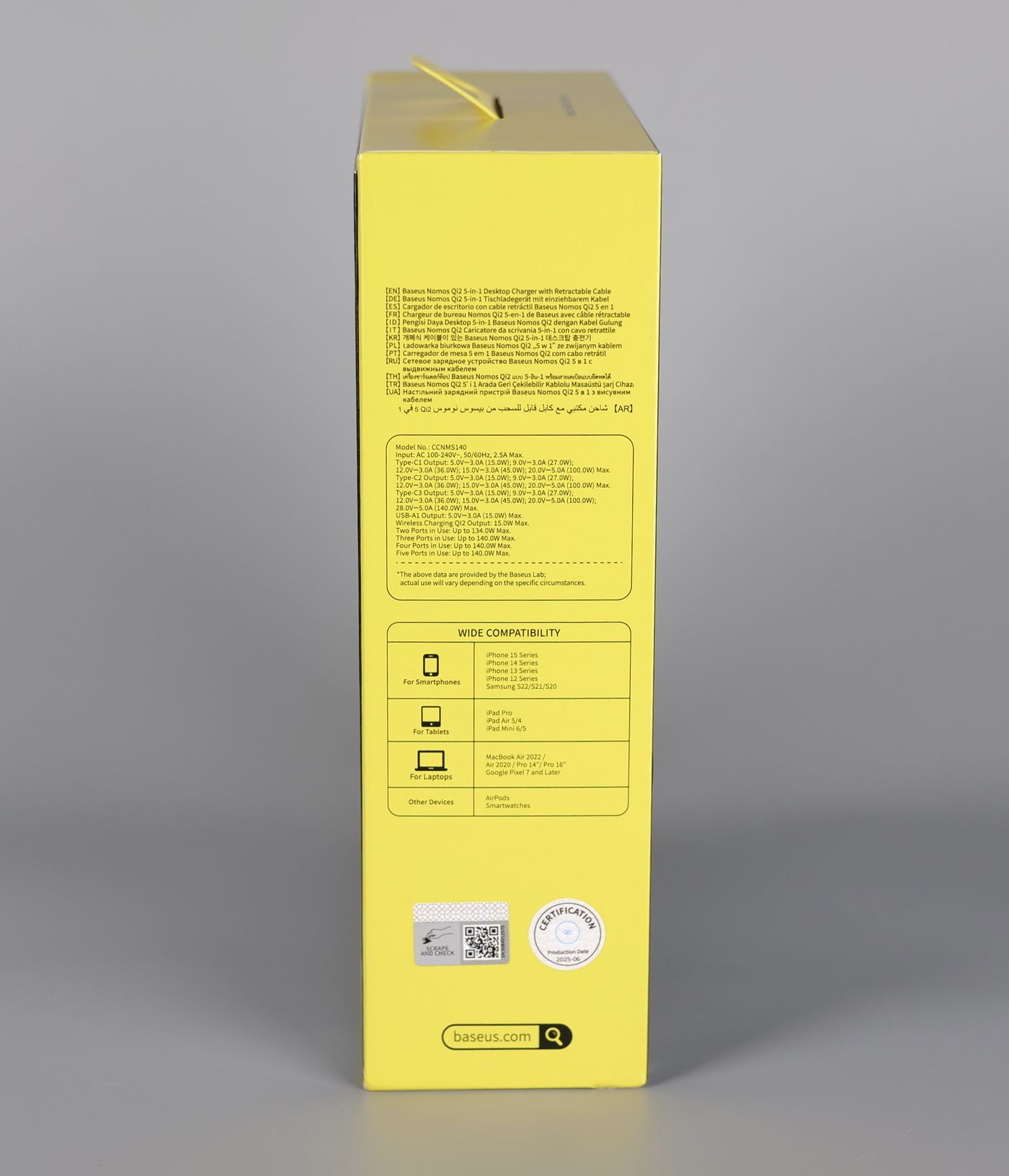
In the package, you get the regular quick start guide, the charger unit, and a power cable.
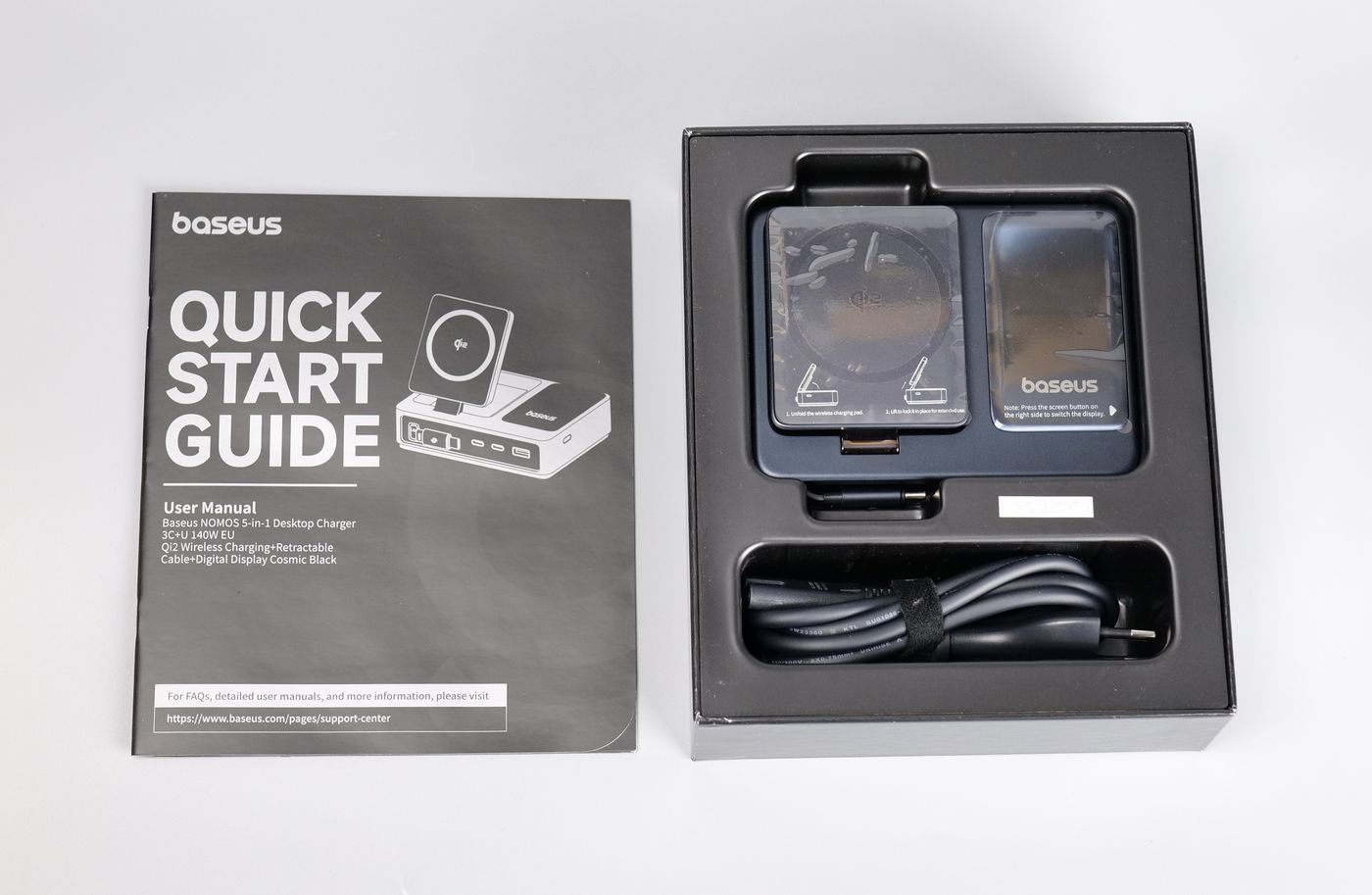
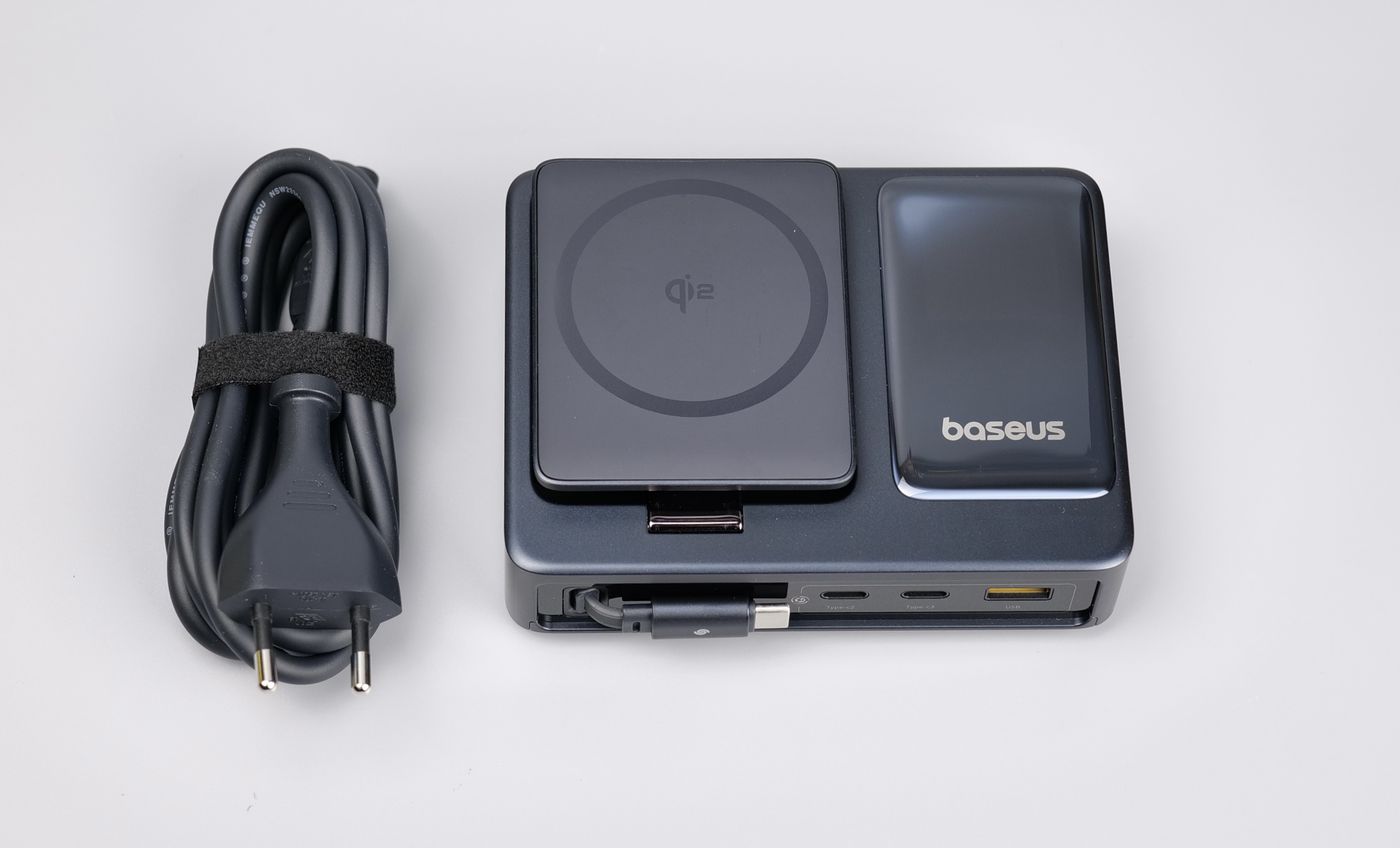
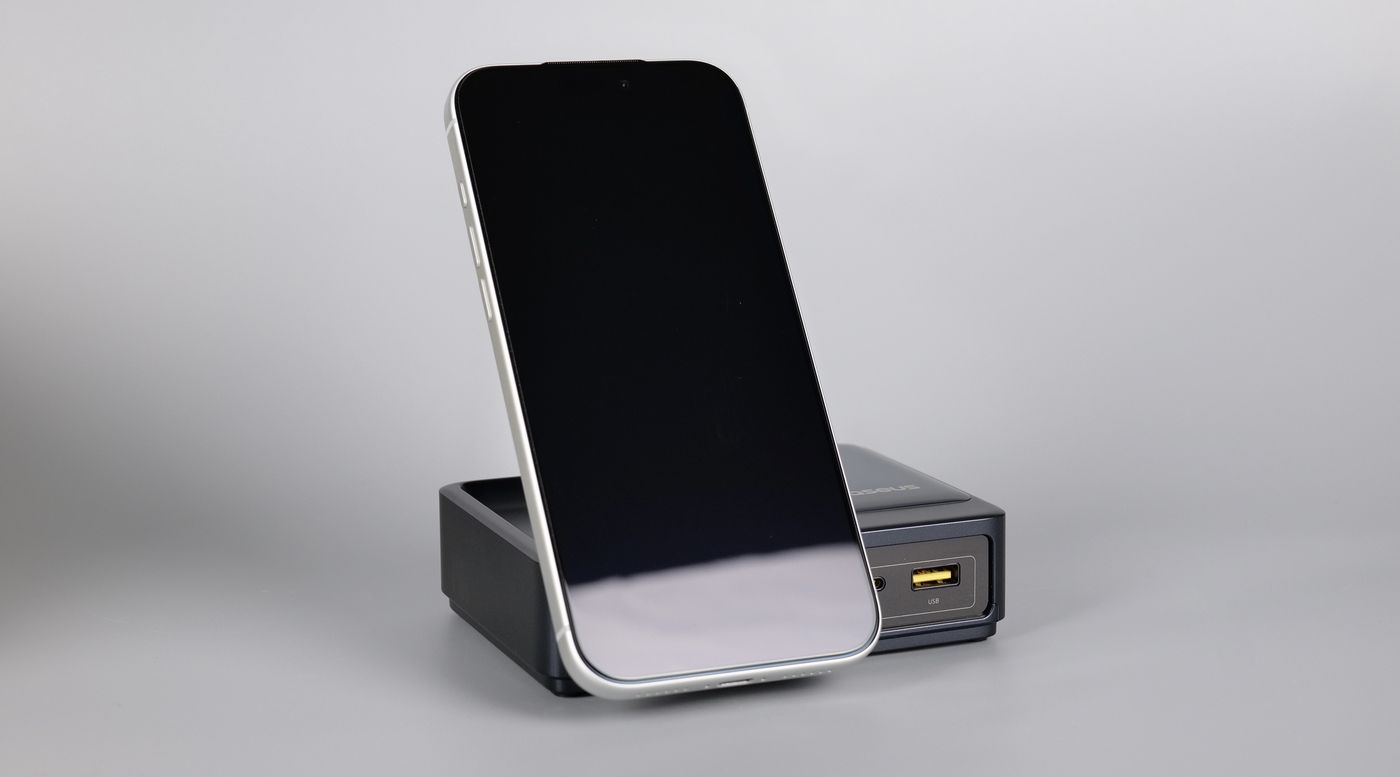
The overall design is nice and sleek, with the wireless charging pad being adjustable depending on your needs. You can either keep it flat or recline it if you wish to angle your phone towards you.
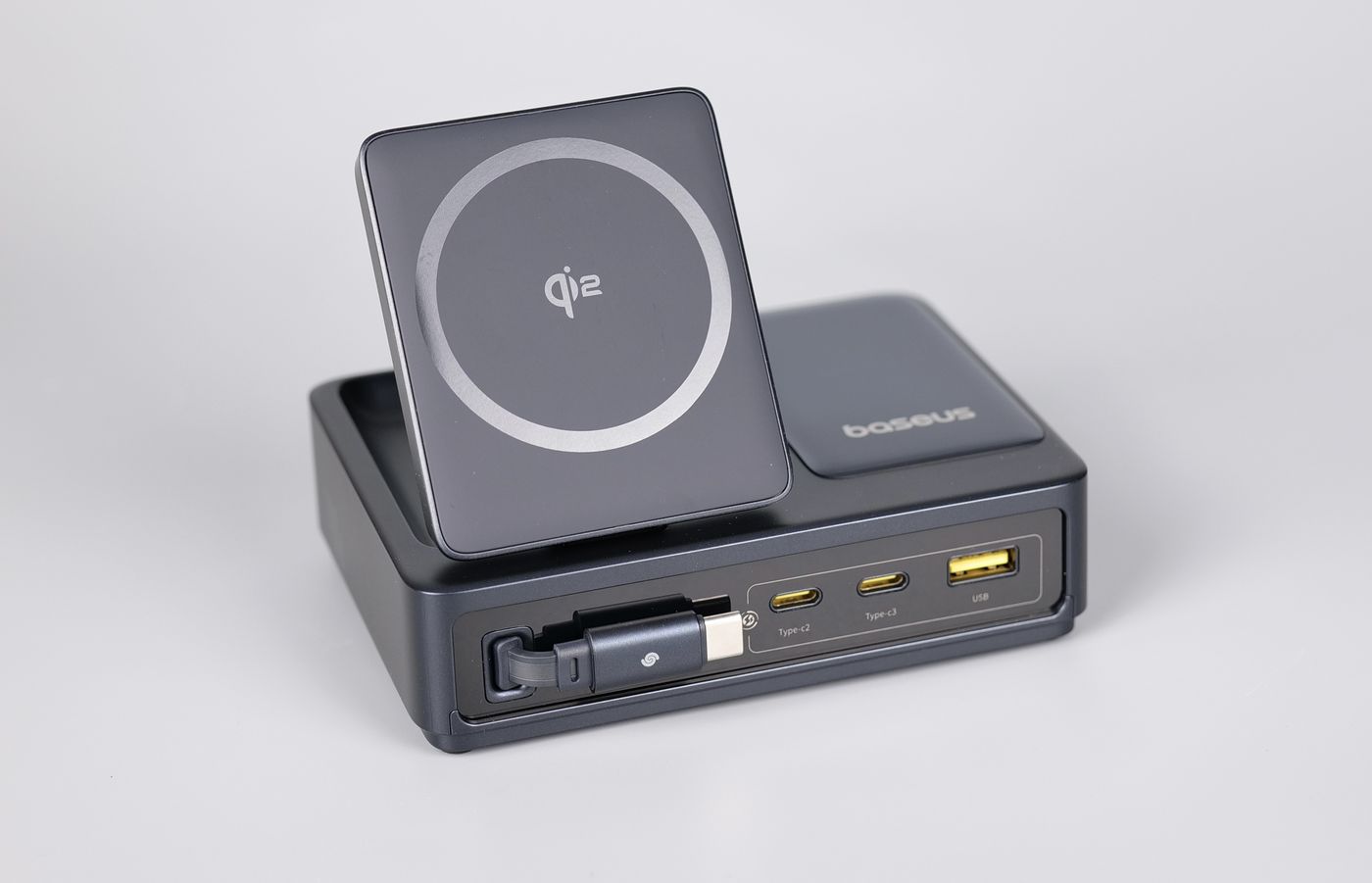
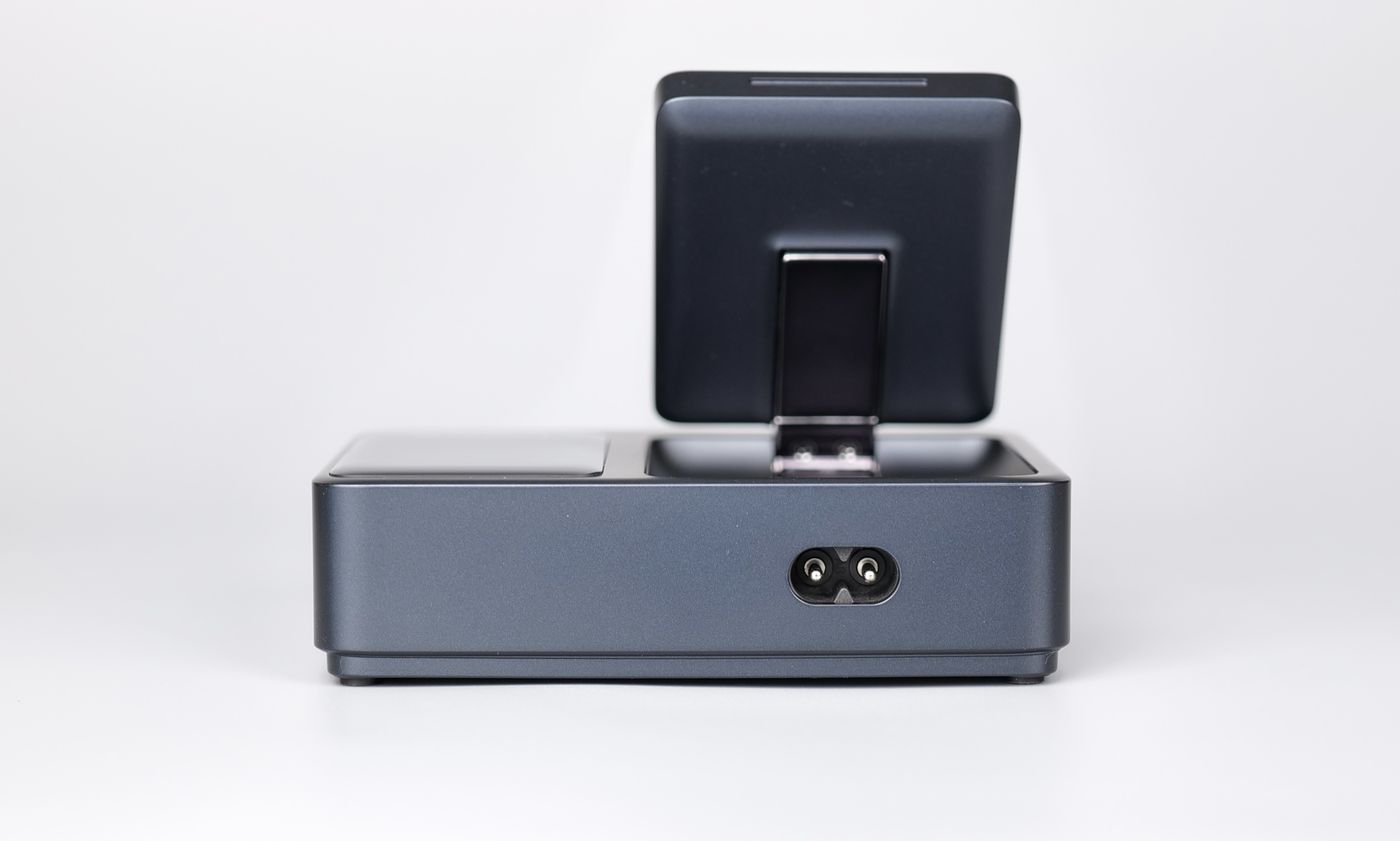
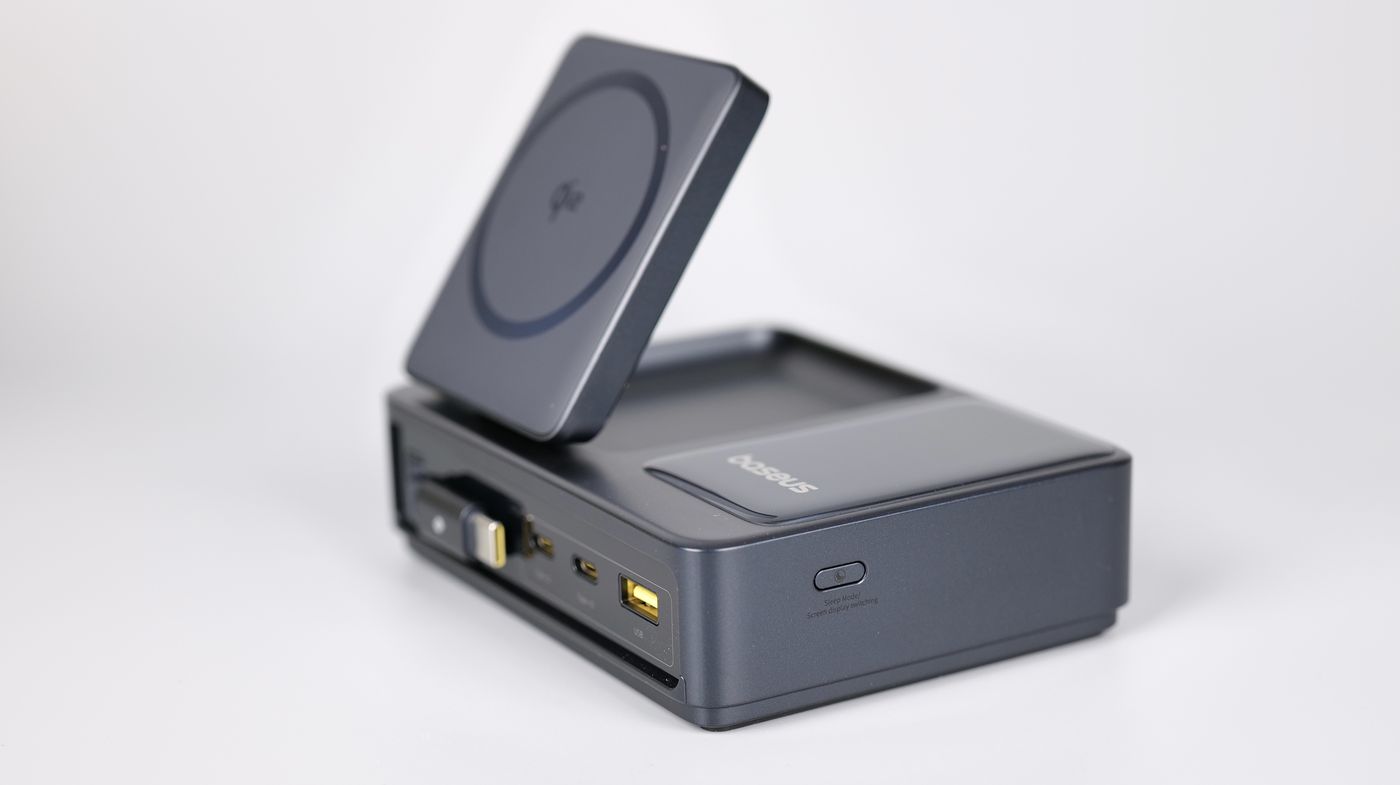
The three front USB connectors will deliver power depending on the number of devices connected.
With a single device connected to the C2 port, you can get up to 100W out of it, while the C3 port can deliver up to 140W with a PD 3.1 device. The USB-A port can deliver up to 15W of power.
When using all the USB-C outputs (the retractable cable and C2 + C3 ports), you can get a total of 140W split between the ports.
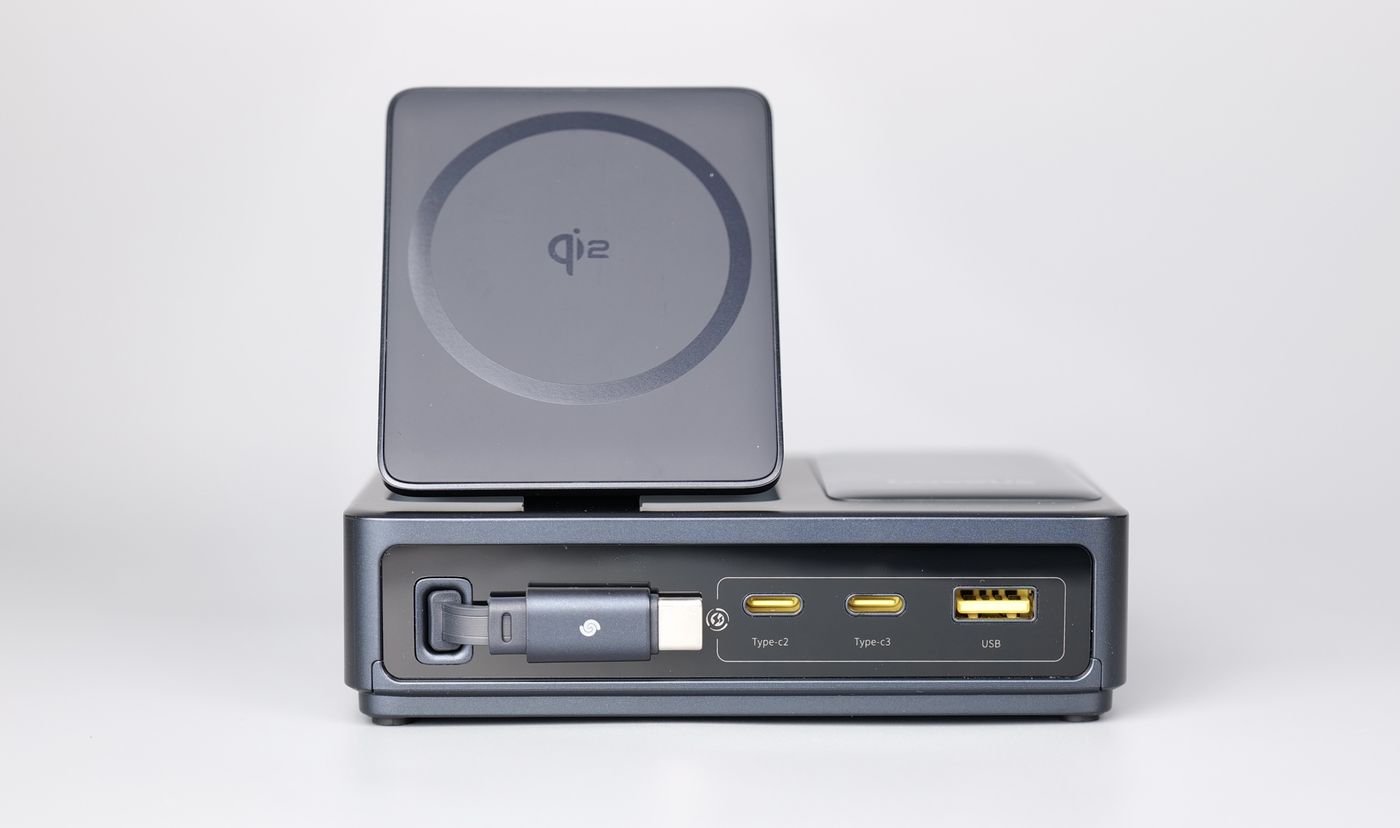
The 100W USB-C retractable cable is 80cm long, which should be sufficient, considering you will likely use this charging station on your desk. Can be easily extended when needed and retracted when done.
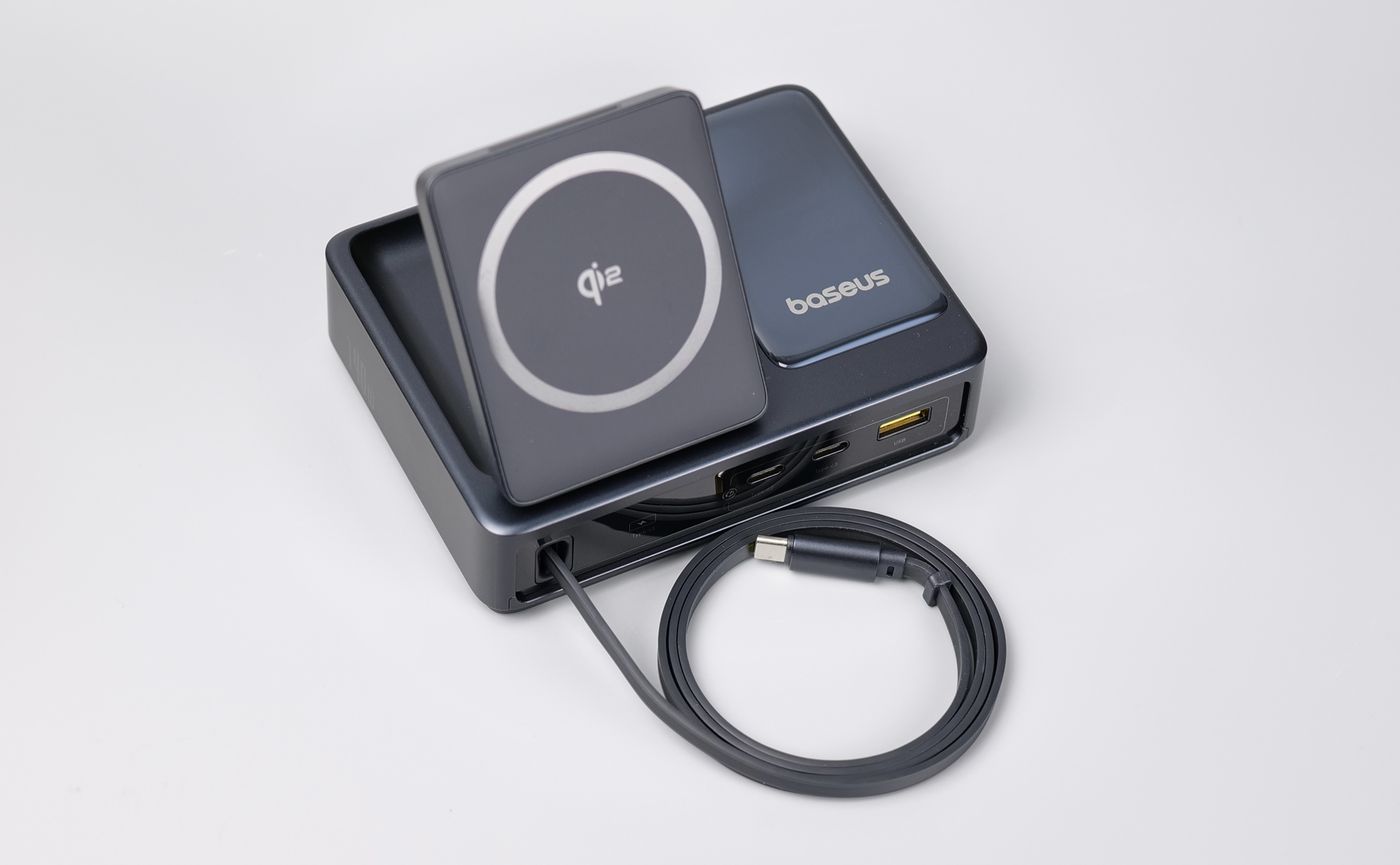
One thing I found a bit annoying is when used with a larger phone, like the 17 Pro Max. If you wish to keep the phone oriented in portrait mode, you lose the easy access to the USB-C retractable cable and the port on the right side. But considering that a lot of users will keep the phone in landscape mode, the problem goes away.
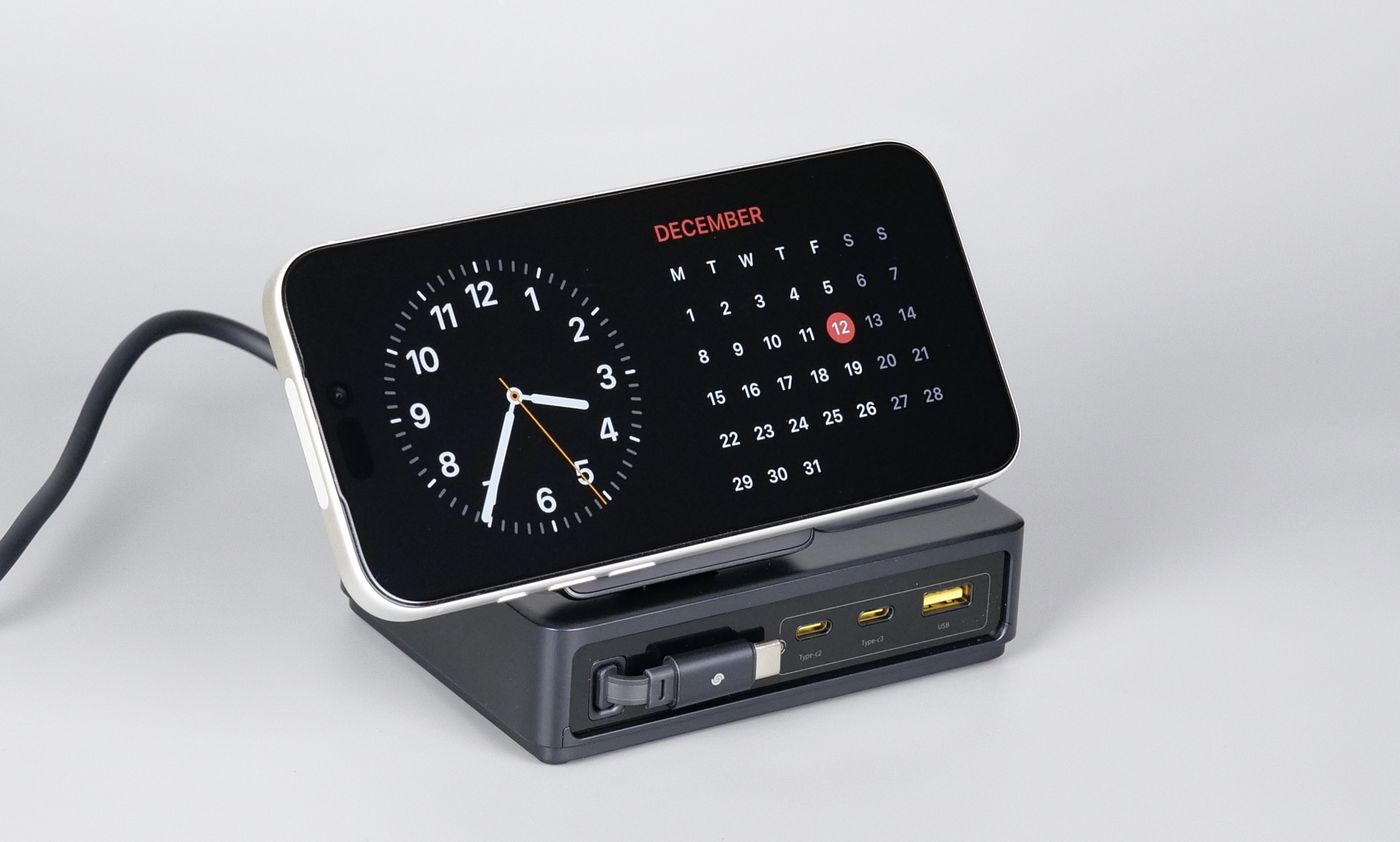
Of course, we can’t forget about the display available on the charging station, which can be toggled to show the current power draw for the entire unit with all the connected devices, or a second screen with detailed charging values for each of the ports available.
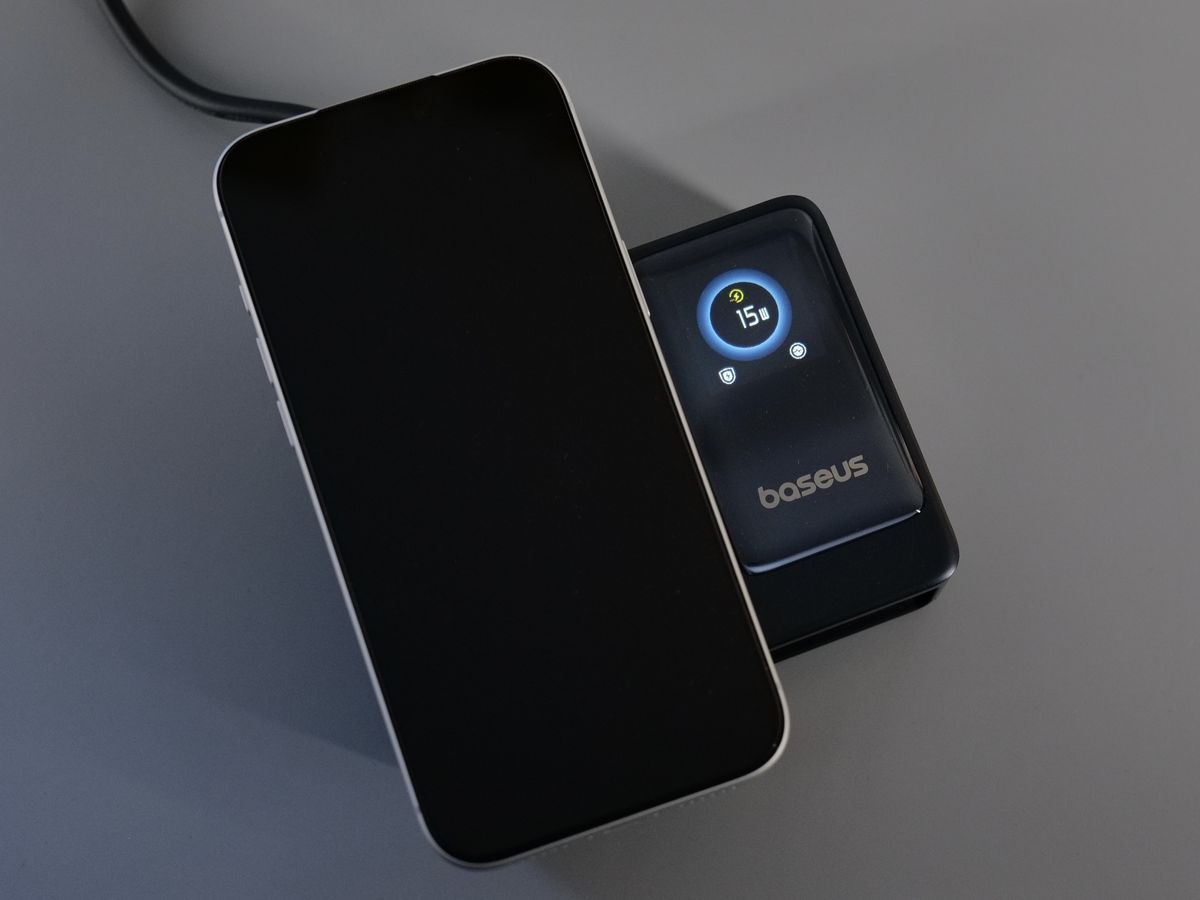
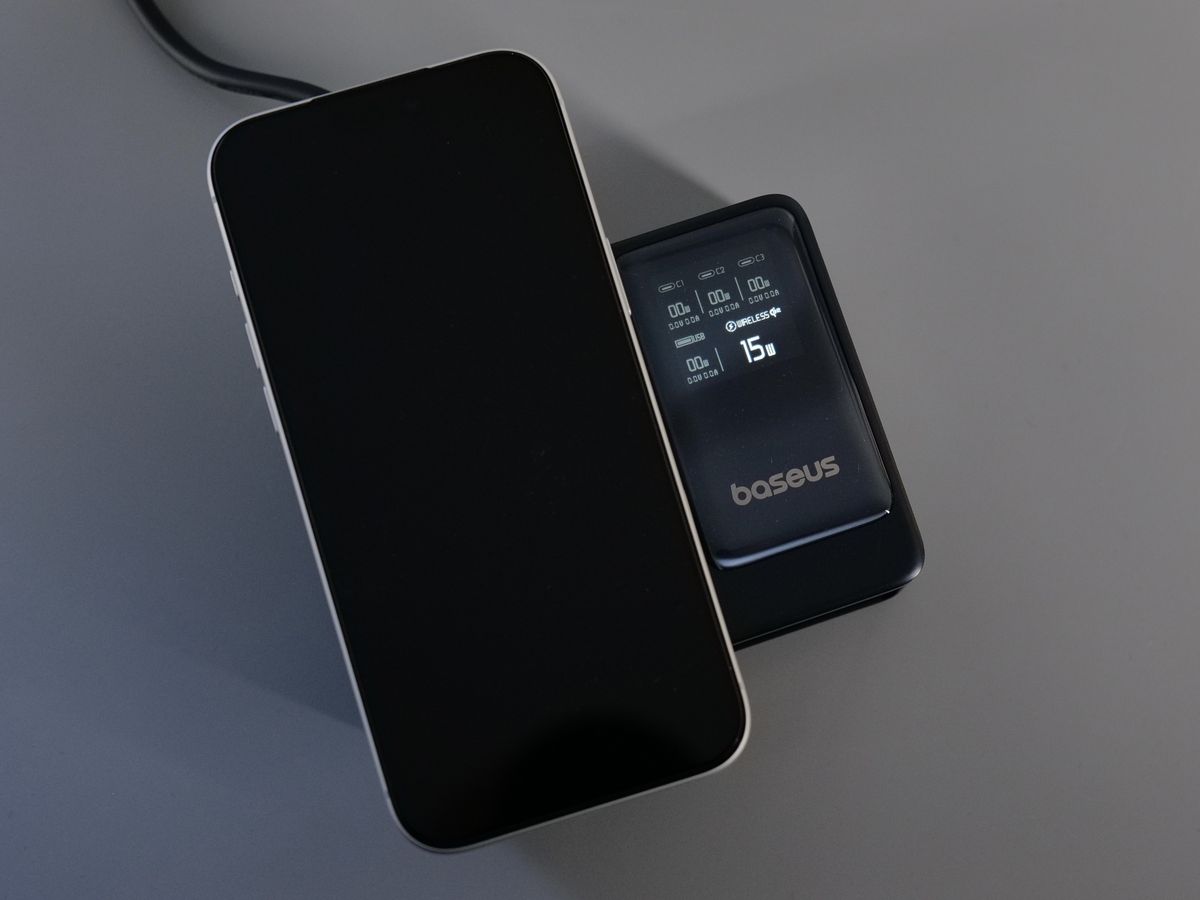
The information on the display is quite useful if you want a quick glance at the power draw of the connected devices, but I found it slightly awkward to glance over it. This is because the screen is quite reflective, and the screen brightness is not very strong.
Overall, I think the Baseus Nomos 5-in-1 Desktop Charger Qi2 140W is a very useful device to have available on your desk, to easily charge all your devices without compromising on charging speed. It has become my main charging unit for the laptop and devices around it.
Where to buy?
If you want to buy the Baseus Nomos 5-in-1 Desktop Charger Qi2 140W, you can do so from the following stores:
Baseus PicoGo AM61 Qi2.2 Magnetic Power Bank 10000mAh 45W
When travelling, I like having a portable powerbank to charge my phone. But I also like having the option to charge other devices without needing to worry about finding a USB cable (which I forget most of the time). The PicoGo AM61 solves this problem with the integrated USB-C cable.
Packaging and Specifications
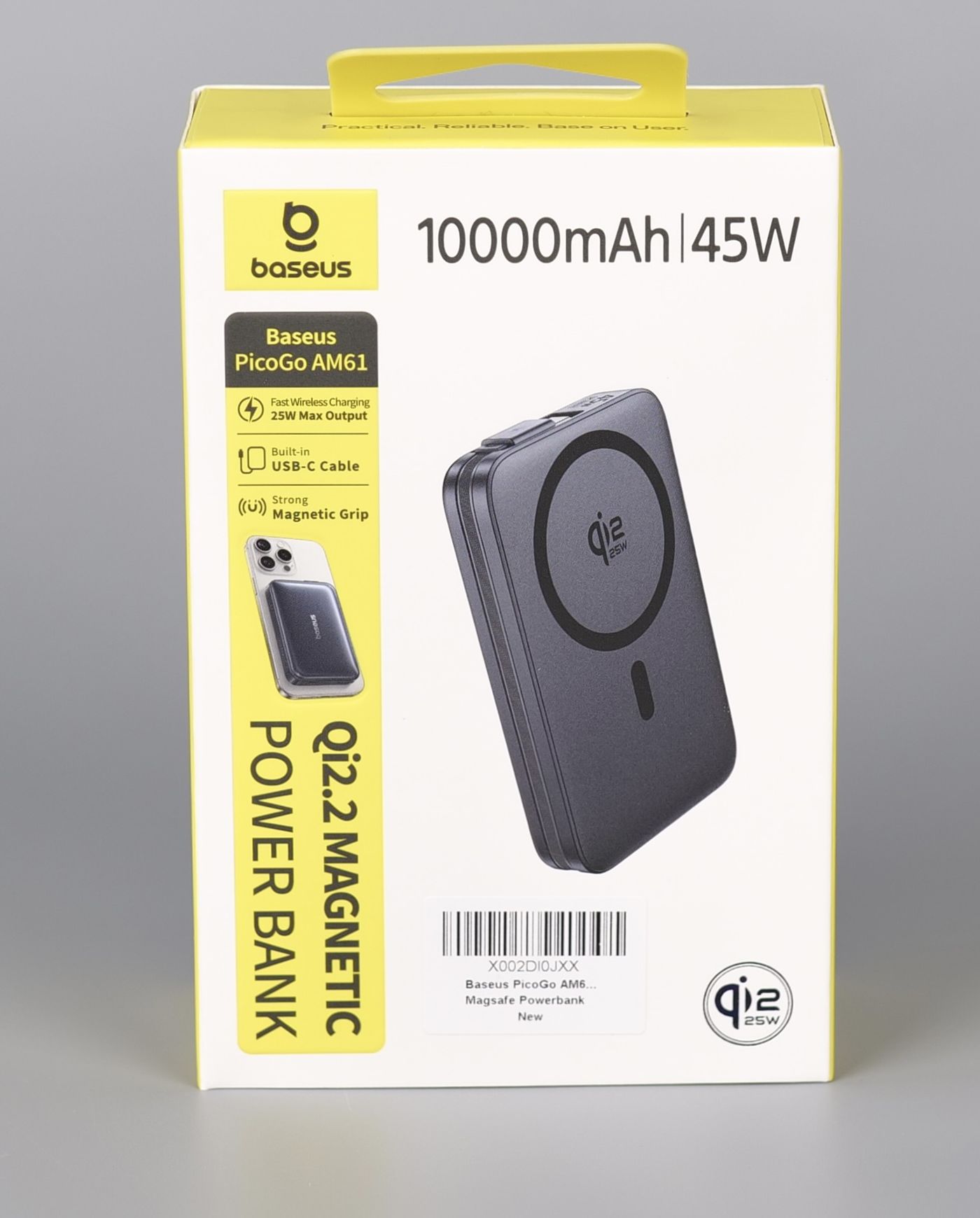
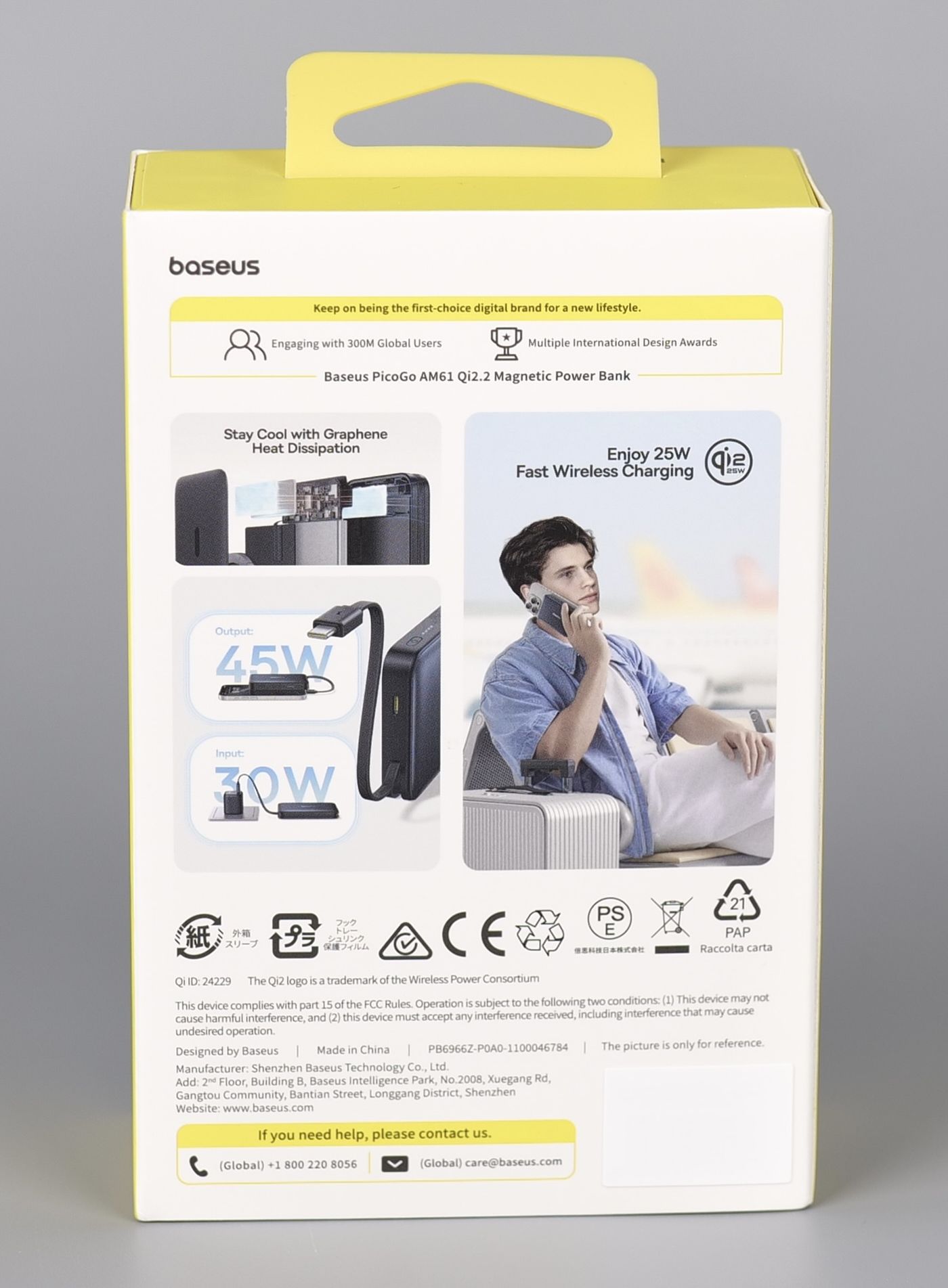
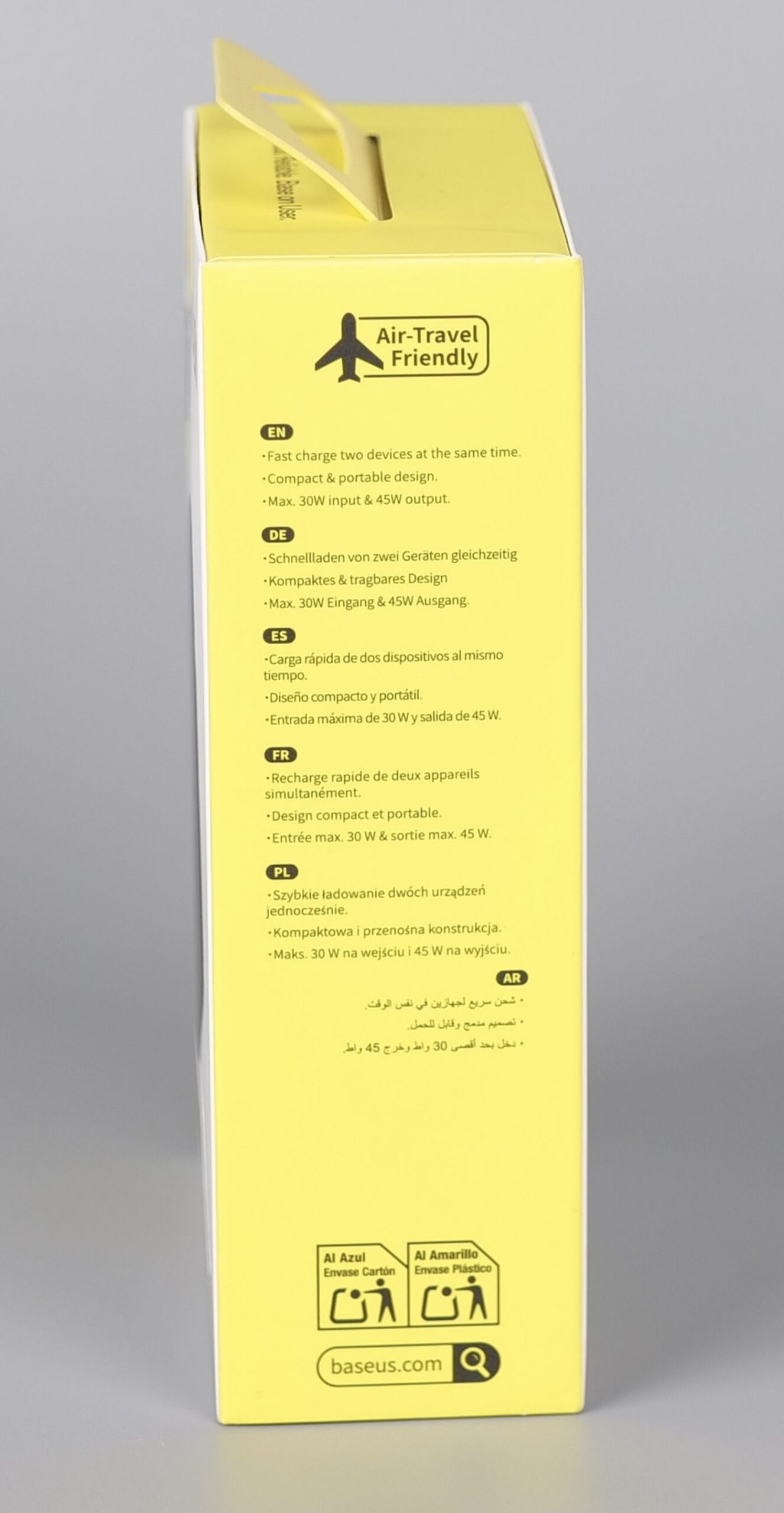
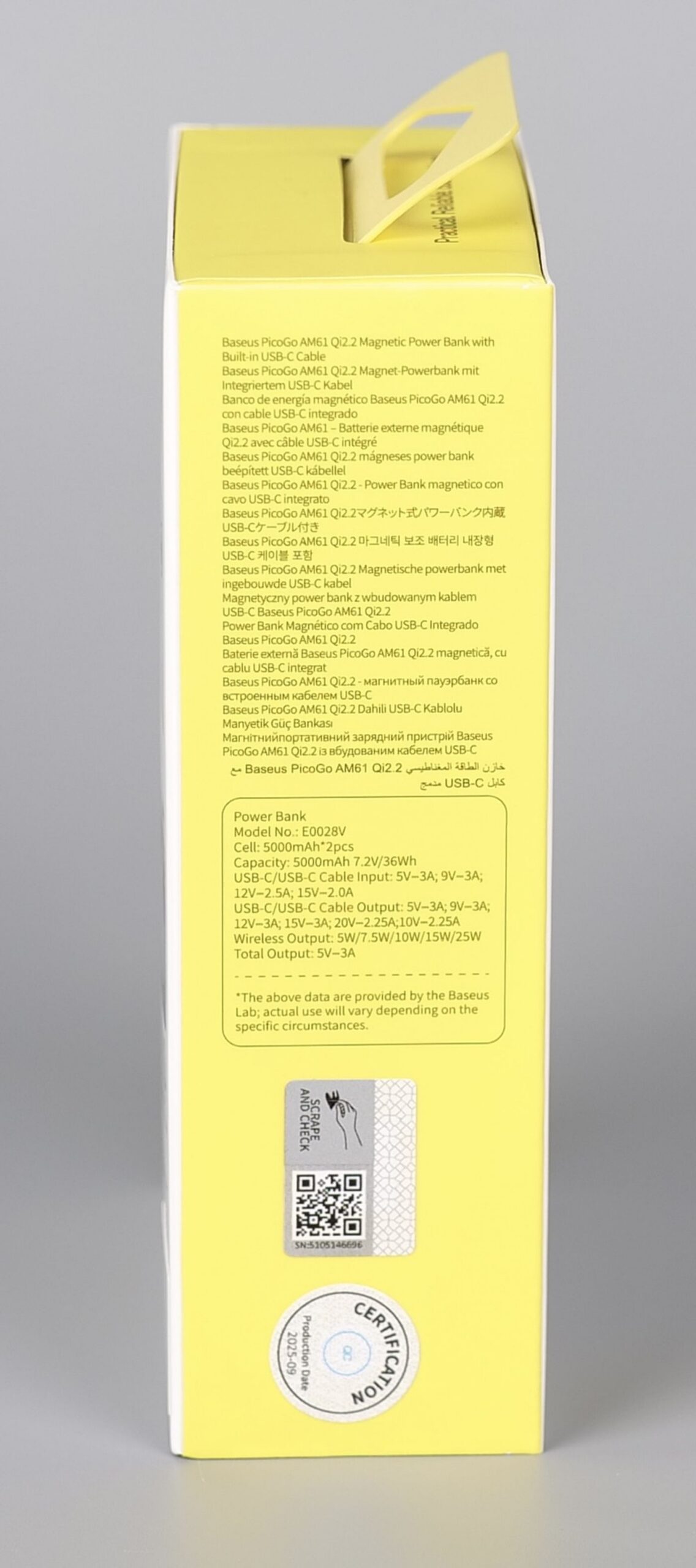
The overall design of the PicoGO AM61 is nice, with a glossy surface on the external side and a matte black finish on the wireless charging side. To be honest, I am not a huge fan of the glossy surface as it will get scratched pretty soon, but I don’t mind it.
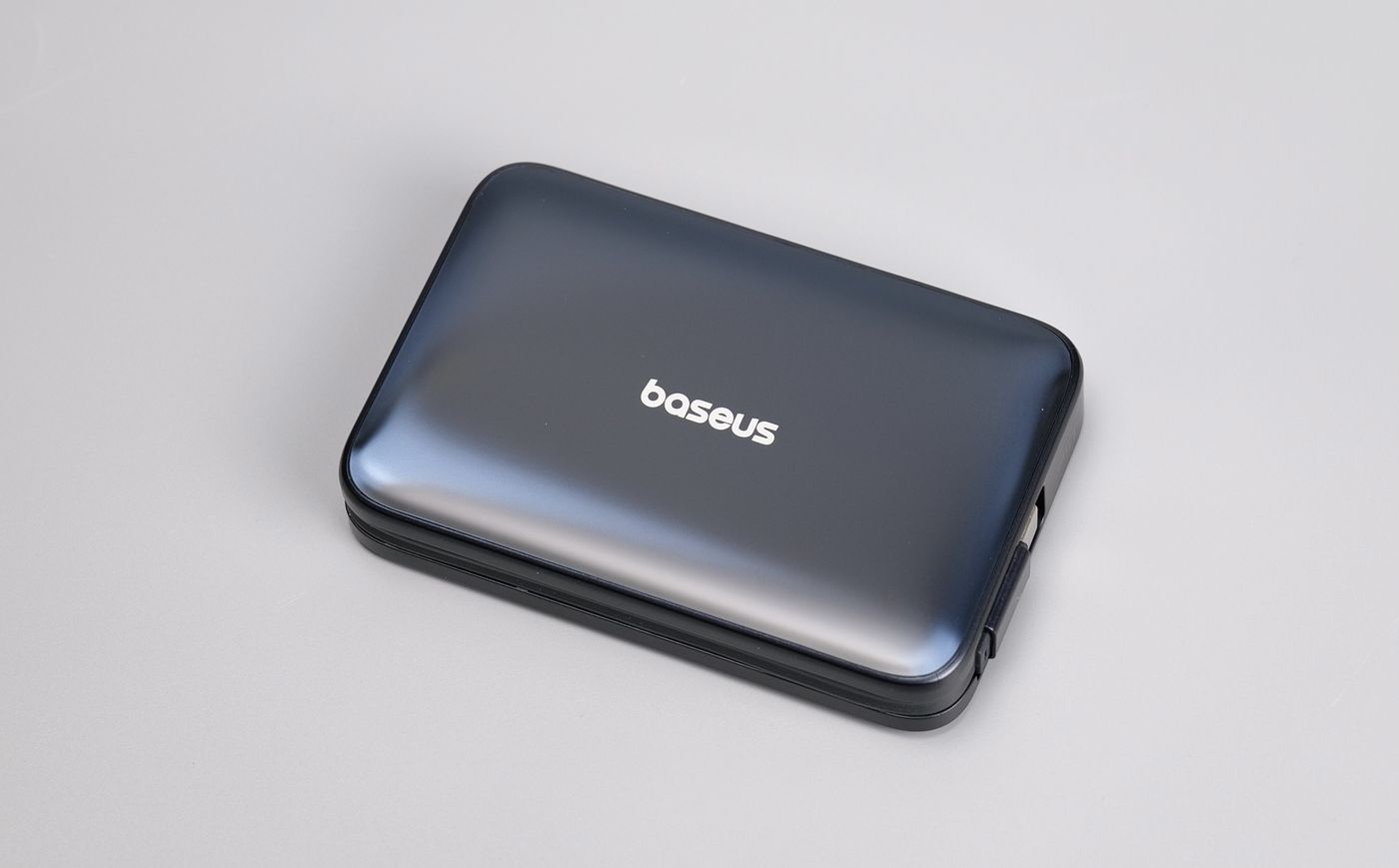
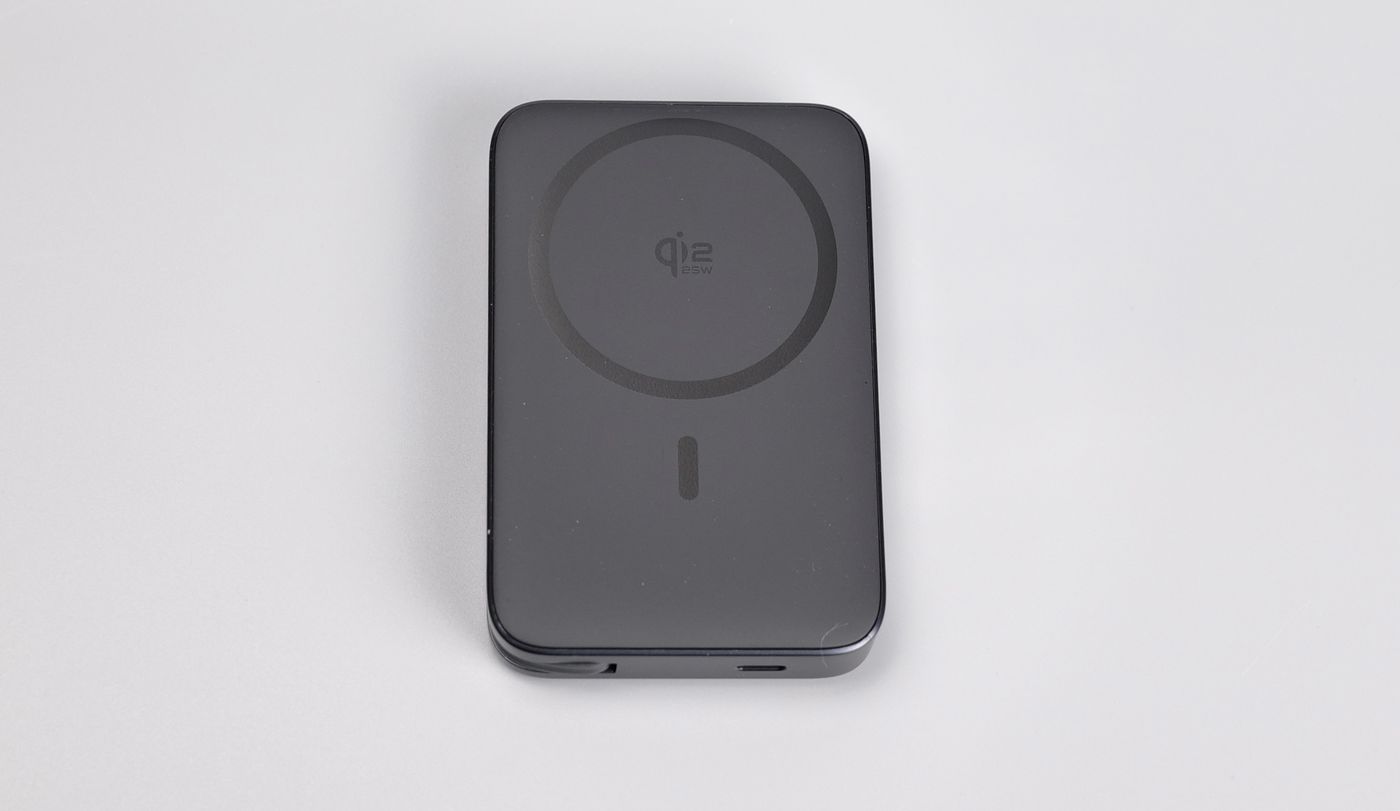
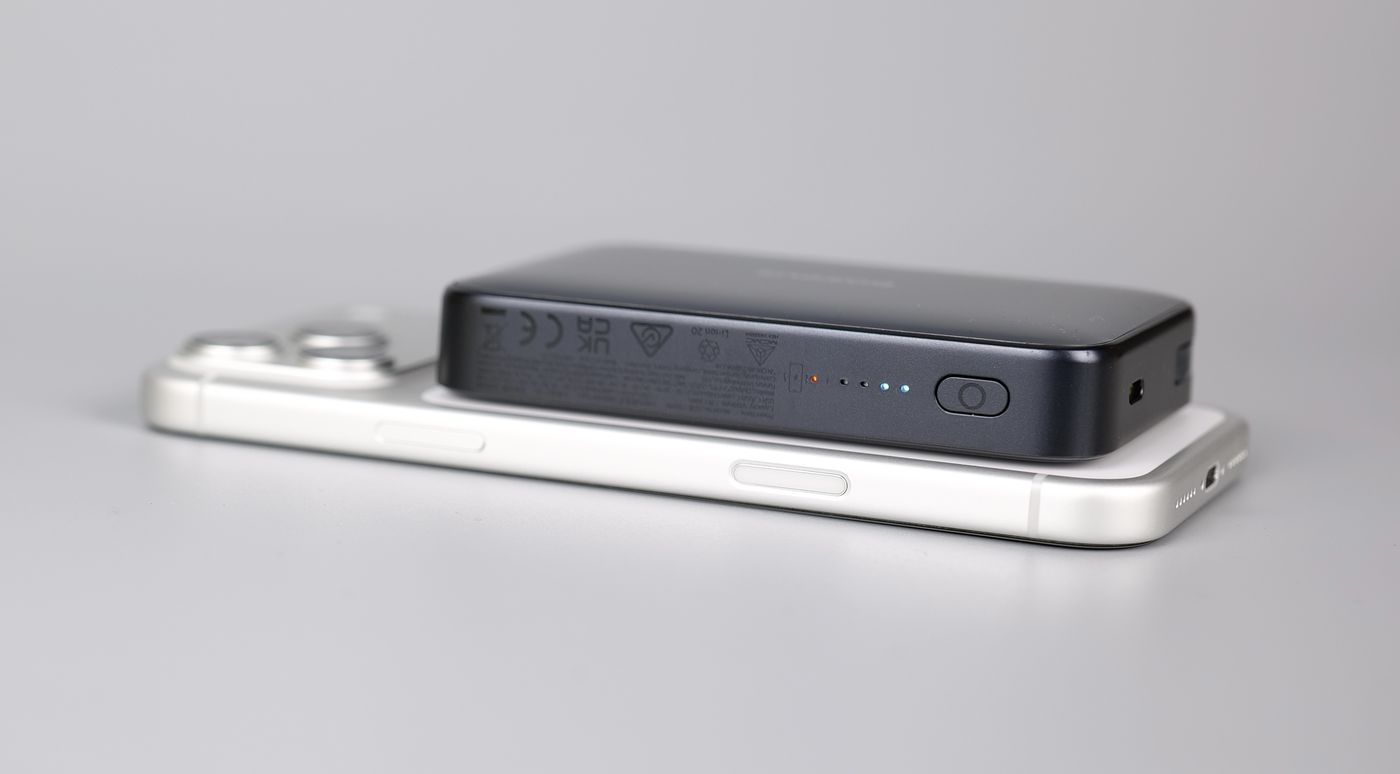
On the powerbank sides, we can see the short USB-C charging cable, an ON/OFF button, LED lights to show the battery charge level, and a status light that turns on when charging wirelessly. Finally, there’s also a USB-C Input/Output port, which can be used to charge the power bank, or charge a secondary device.
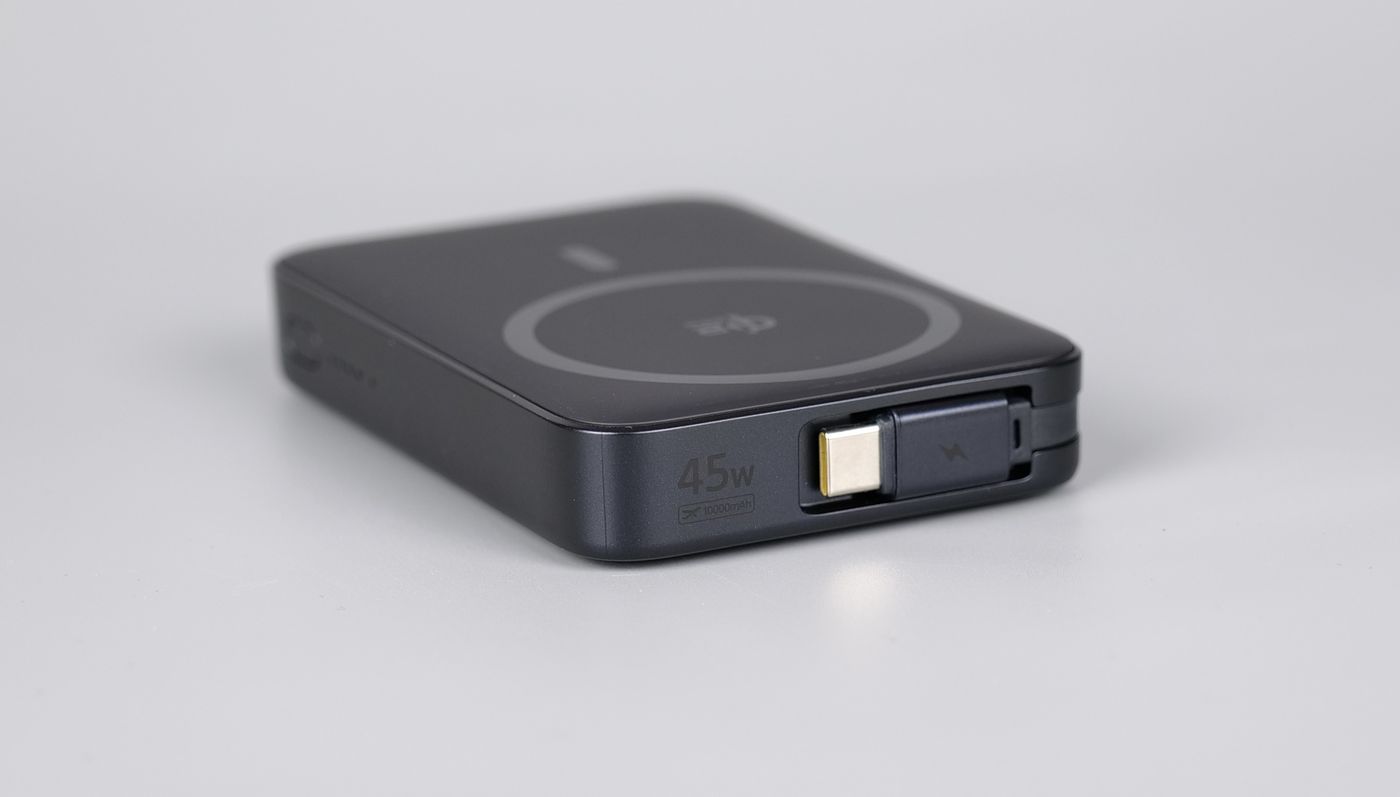
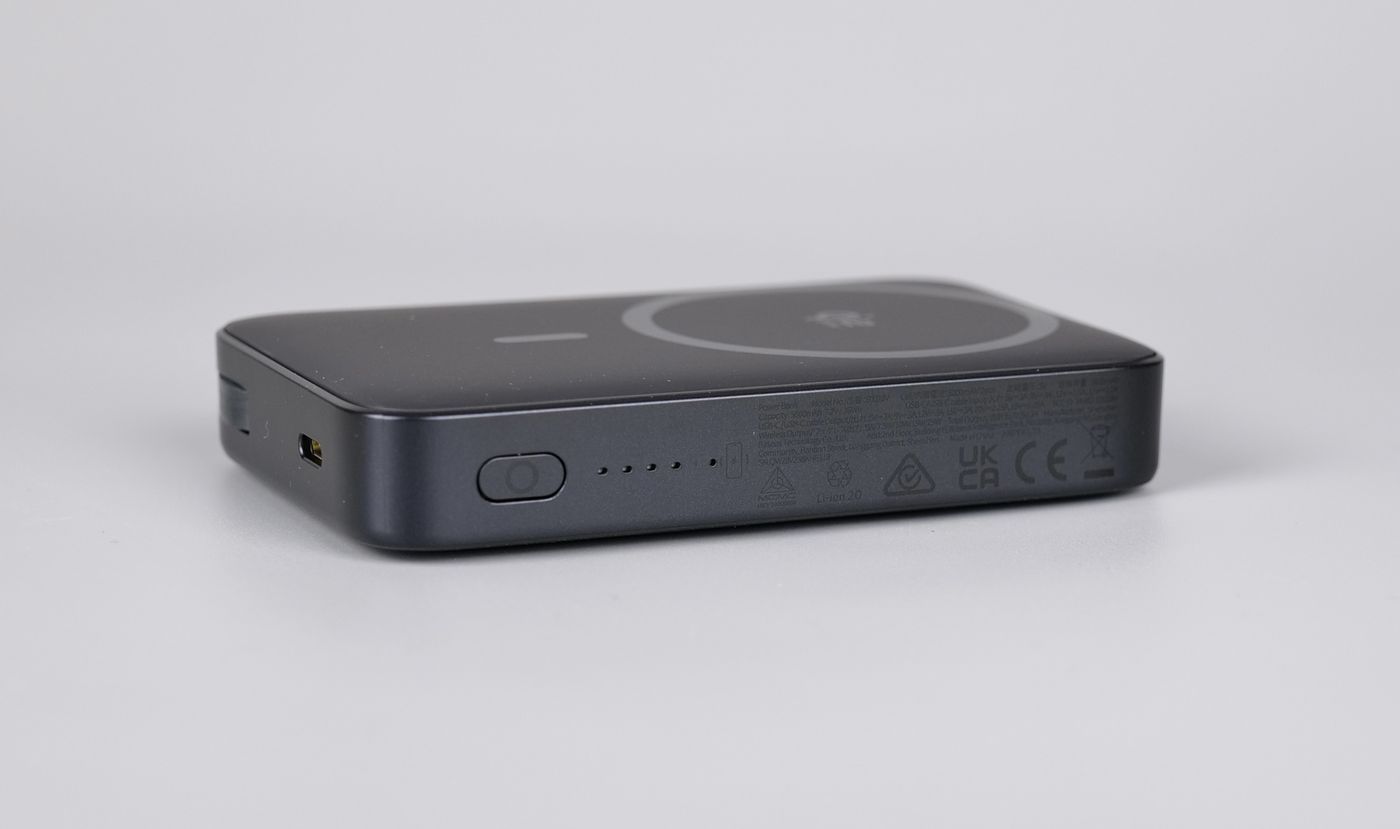
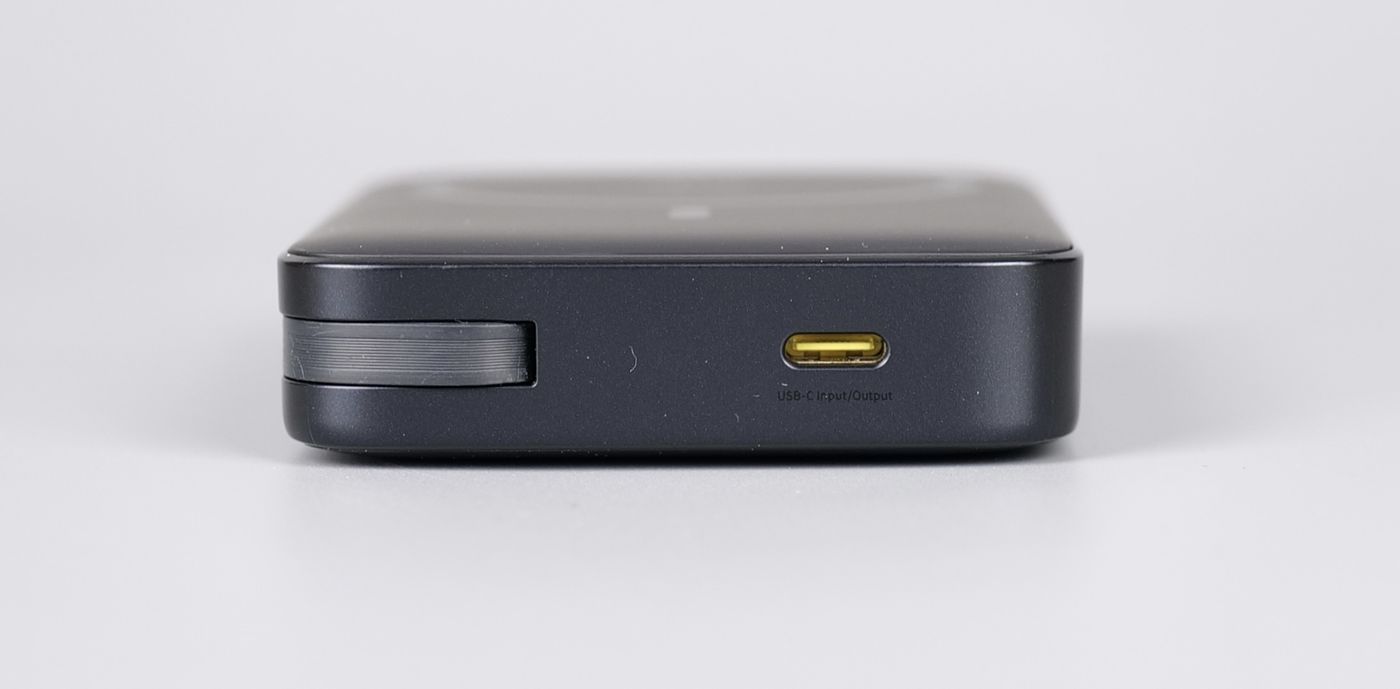
One interesting thing I like about the AM61 power bank is the possibility to charge your phone wirelessly at the same time as charging the battery, with speeds of up to 25W. This means you only need a single port from the main charger.
The PicoGO AM61 also attaches easily to your phone with MagSafe, and the magnets are stronger than those of other battery packs I tried.
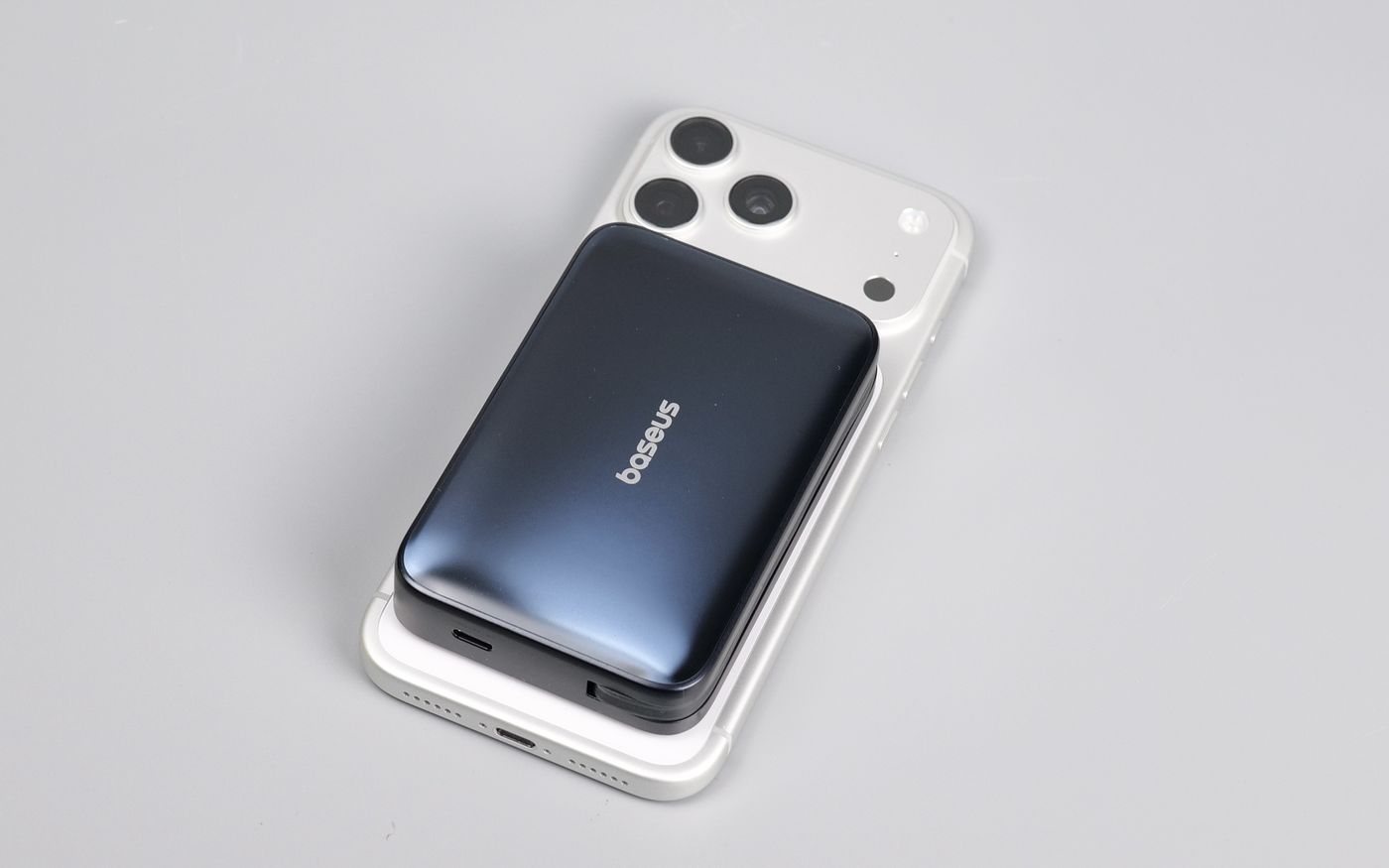
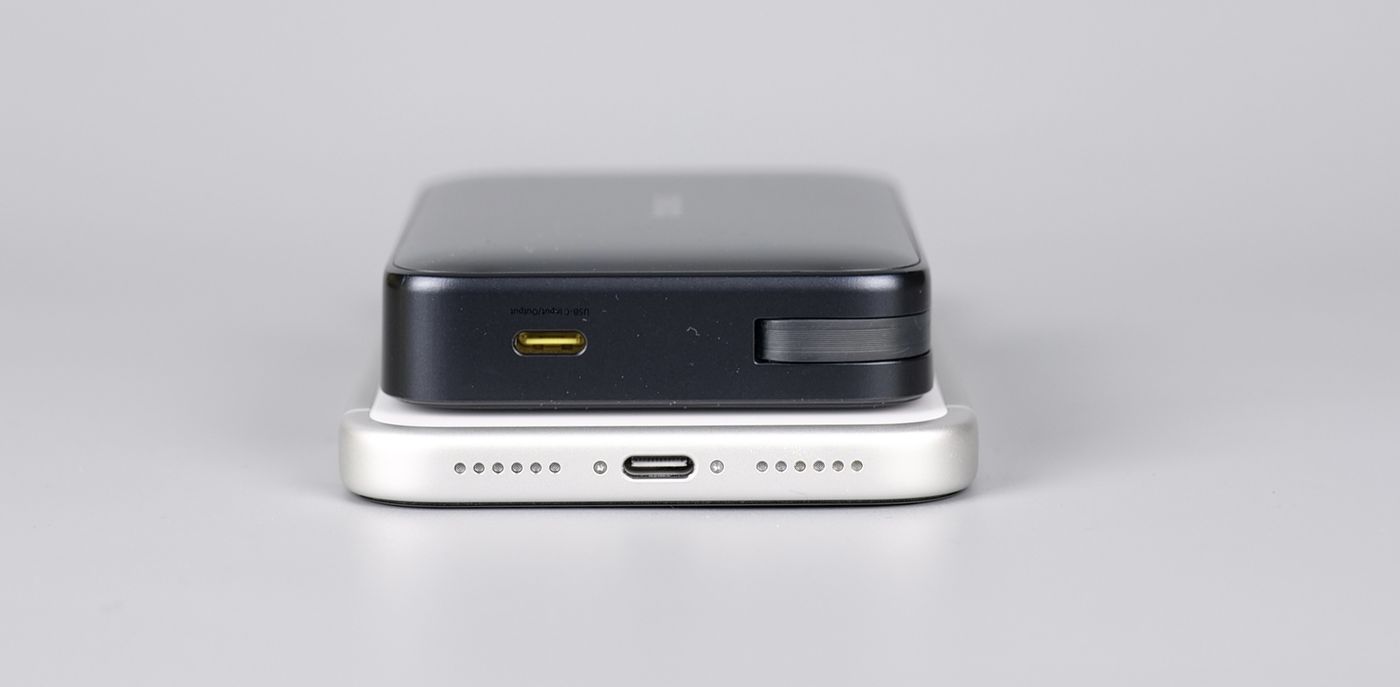
In the image below, you can also see my favourite use case of the AM61 battery – the integrated USB-C directly charging the phone, instead of using the slower wireless charging feature. It gives me the possibility to quickly charge the phone at the highest possible wattage without losing more power due to the inefficiency of the wireless charging. All that, with the power bank magnetically attached to the phone.
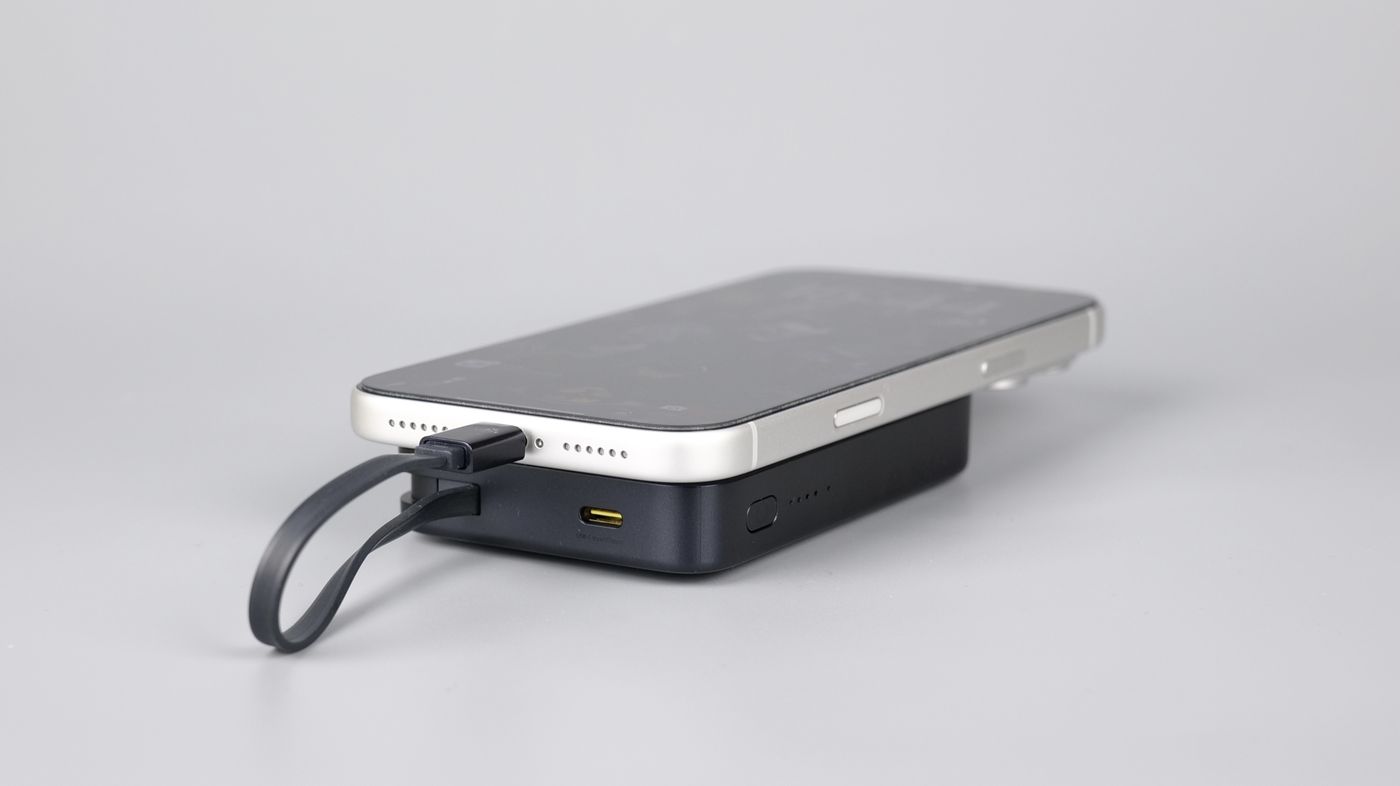
While it’s not the slimmest MagSafe power bank available, the possibility of having a USB-C cable for quick charging and the option to charge both the phone and the power bank at the same time make it a good compromise between capacity and size. Considering you get 10.000 mAh, the size is good enough to make it portable and useful, and it will become my main power bank when travelling.
Where to buy?
If you want to buy the Baseus PicoGo AM61 Qi2.2 Magnetic Power Bank 10000mAh 45W, you can do so from the following stores:
Baseus PicoGo AE21 100W Fast Charger
At home, I use a charging station to top up my battery-powered devices, but when travelling, I am looking for a compact and powerful charger. It’s important for it to have a few different USB ports while also having enough power to charge my devices fast. And the PicoGO AE21 is a good option to consider
Packaging and Specifications
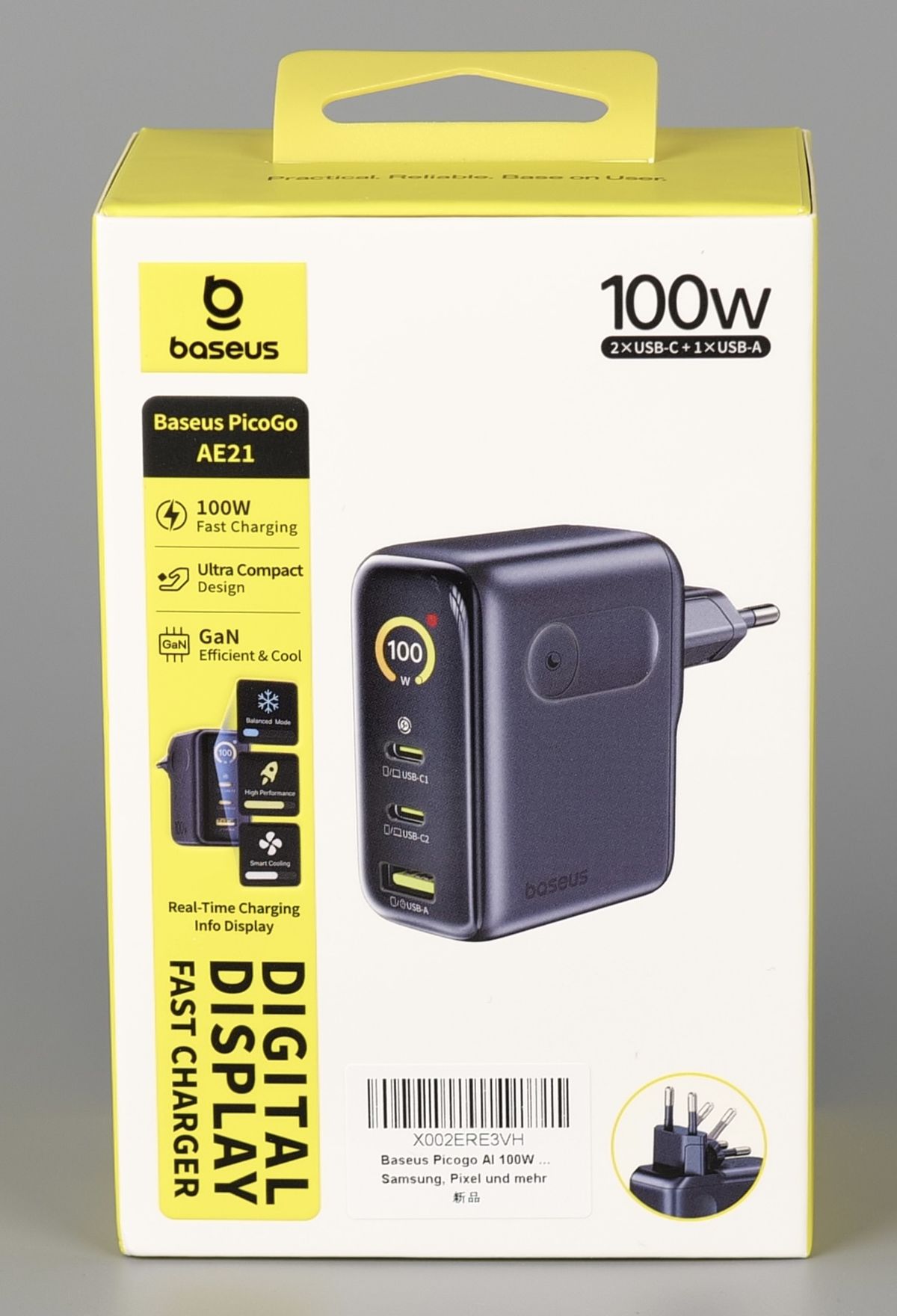
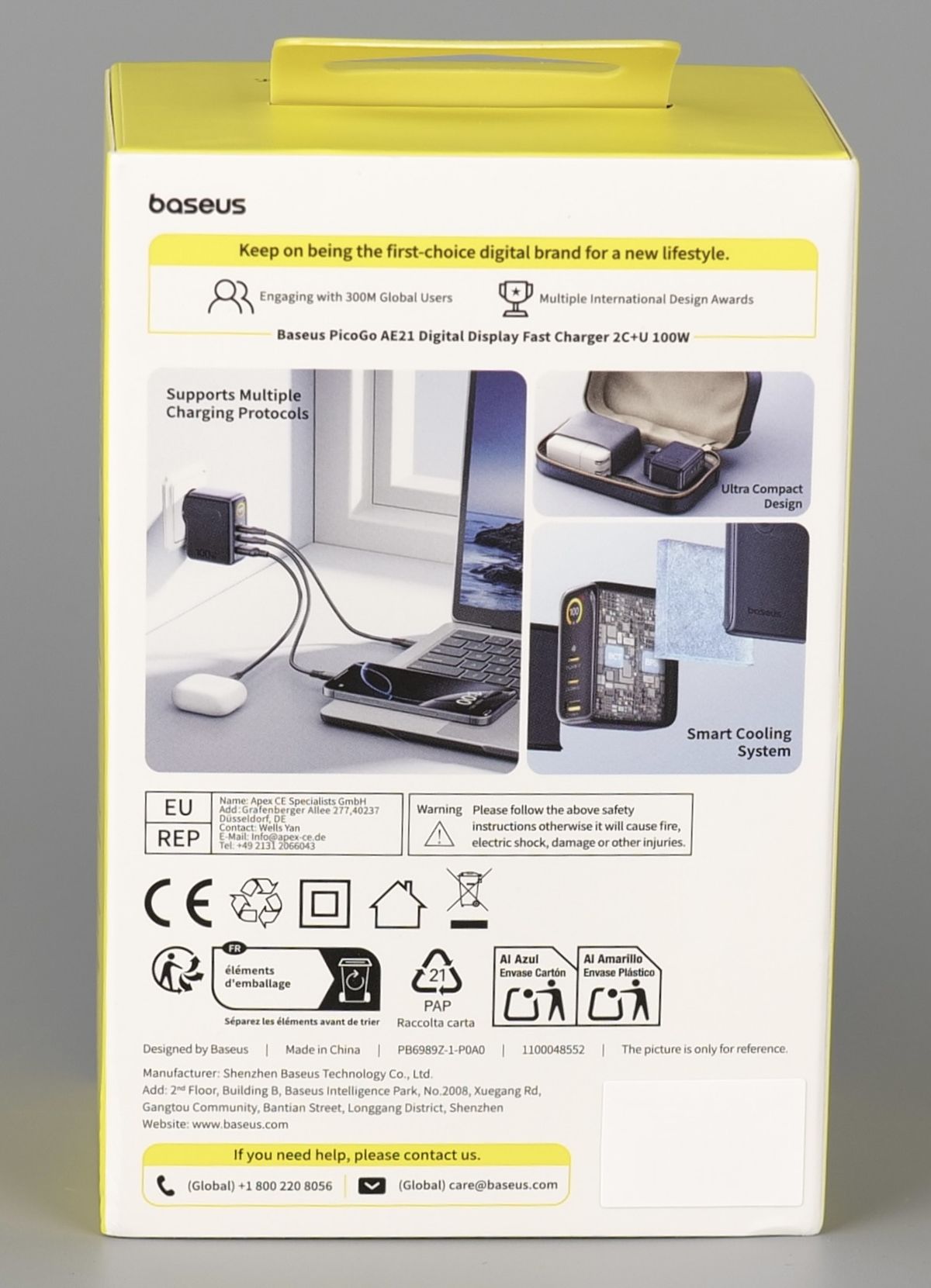
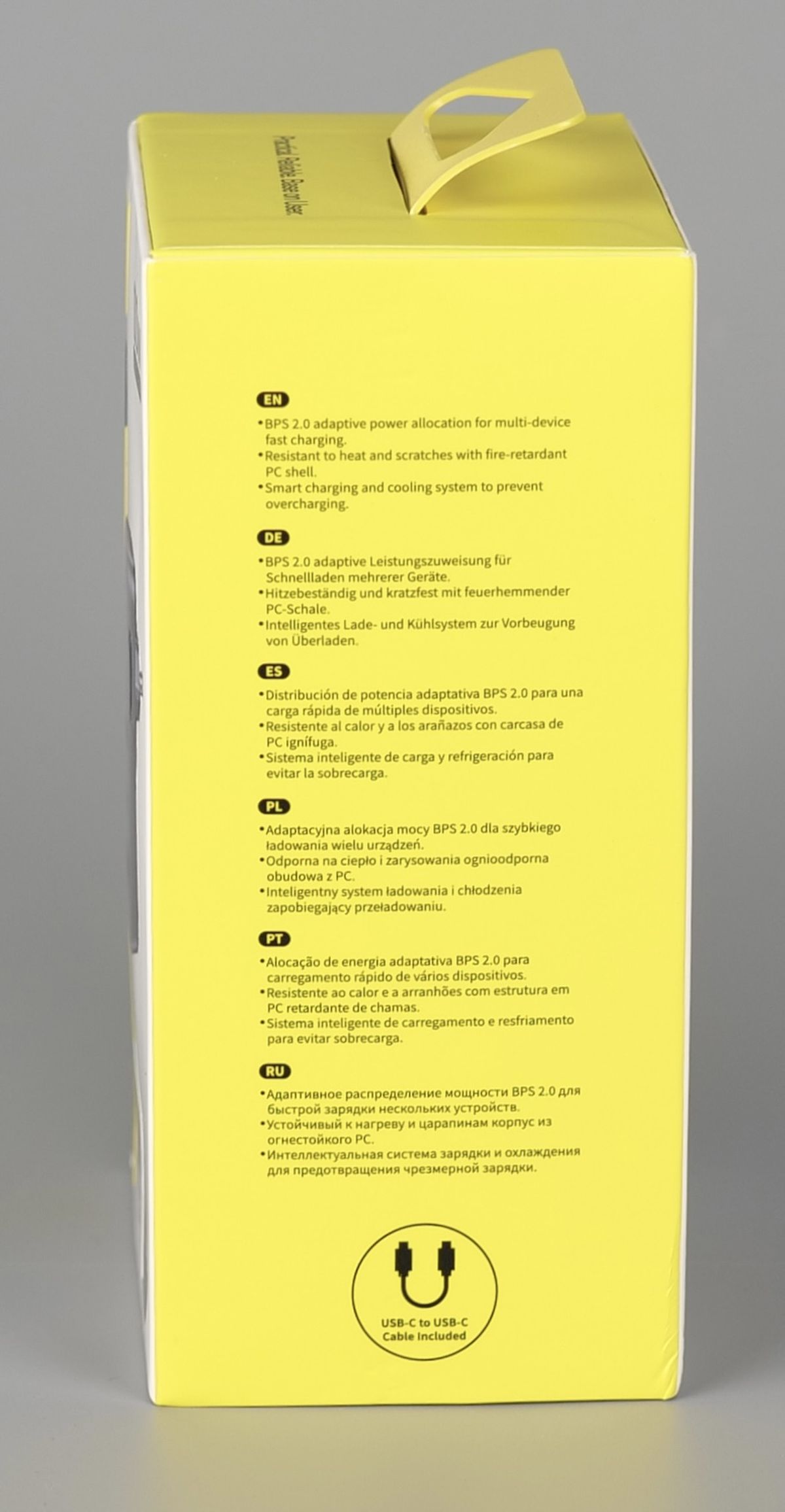
It has two USB-C ports and a USB-A port available in the front of the charger. Next to the ports, there are labels with icons to show you what kind of device to connect to get the best charging speed. For example, the C1 and C2 ports show a phone and a laptop, so you know that you get the fastest charging speed with them.
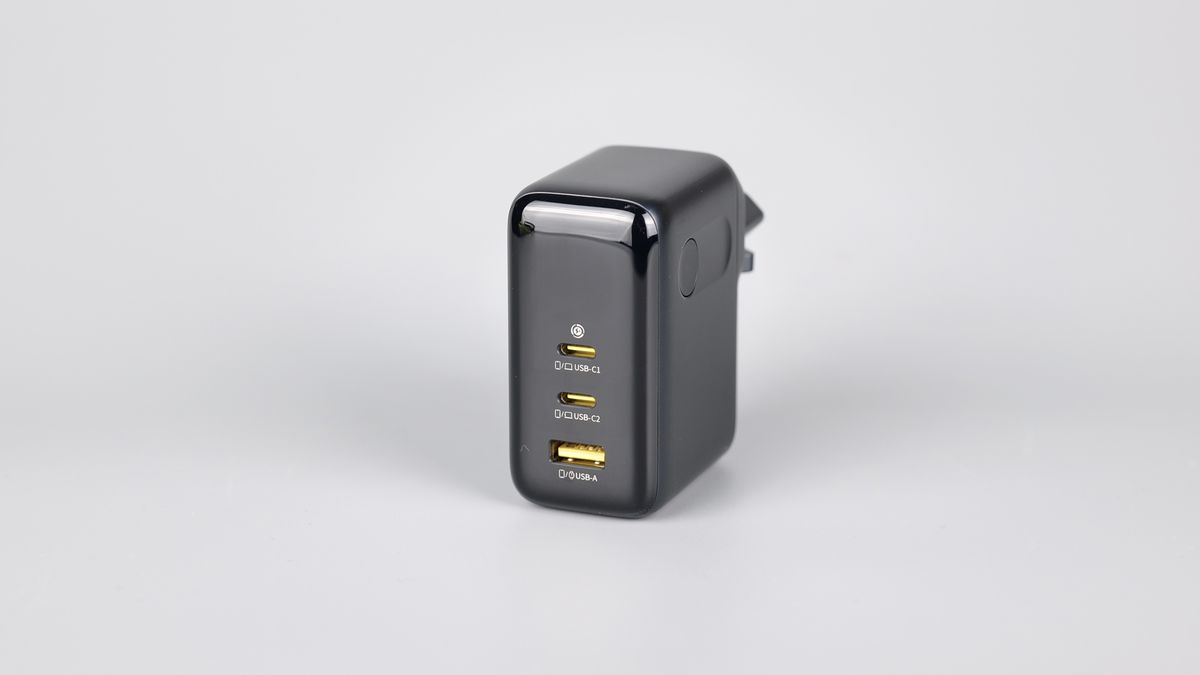
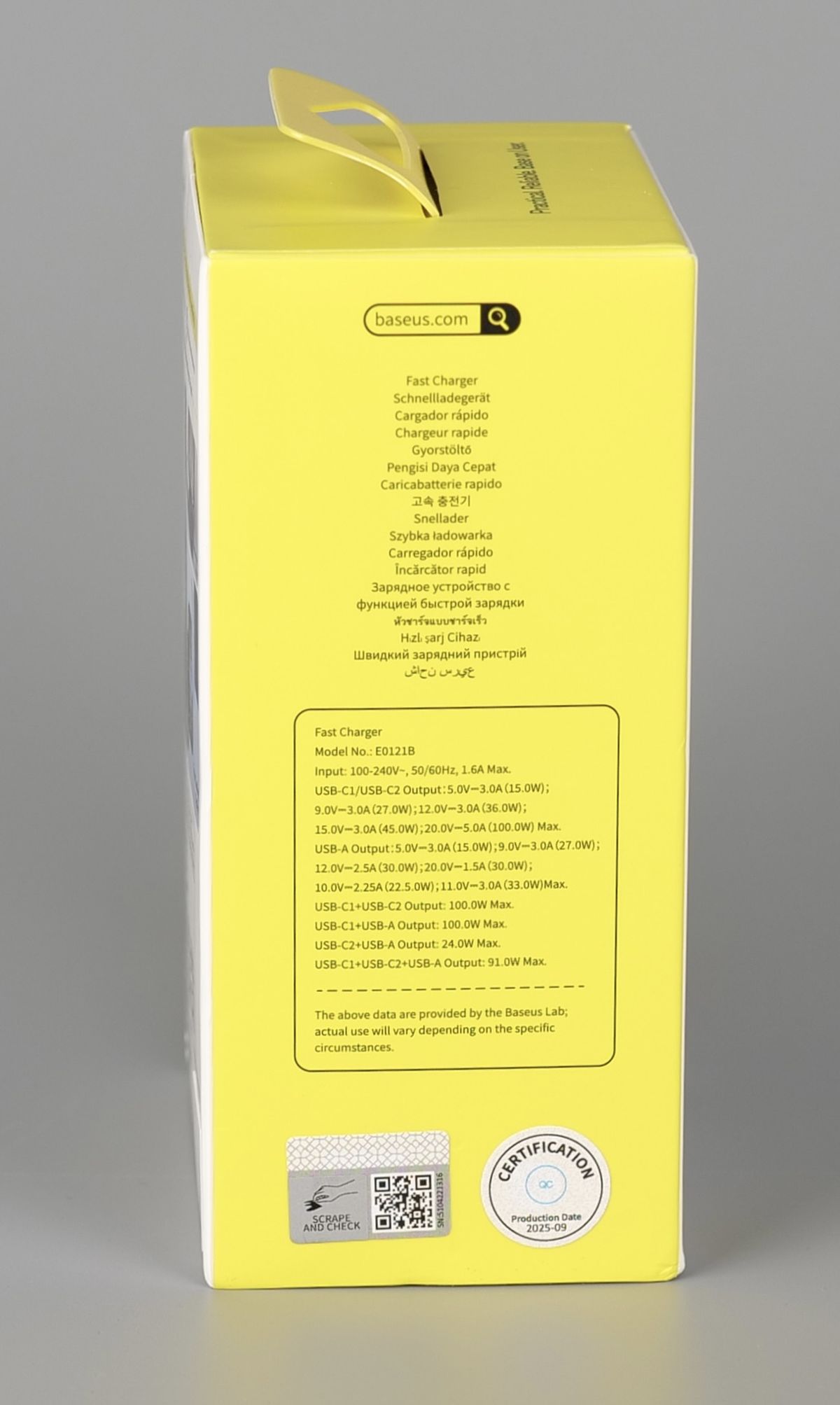
When only one of the two USB-C ports is used, you can get up to 100W of power. When all three charging ports are used at the same time, the total 100W power is split into 67W for the C1, 12W for the C2 port, and 12W for the bottom USB-A port.
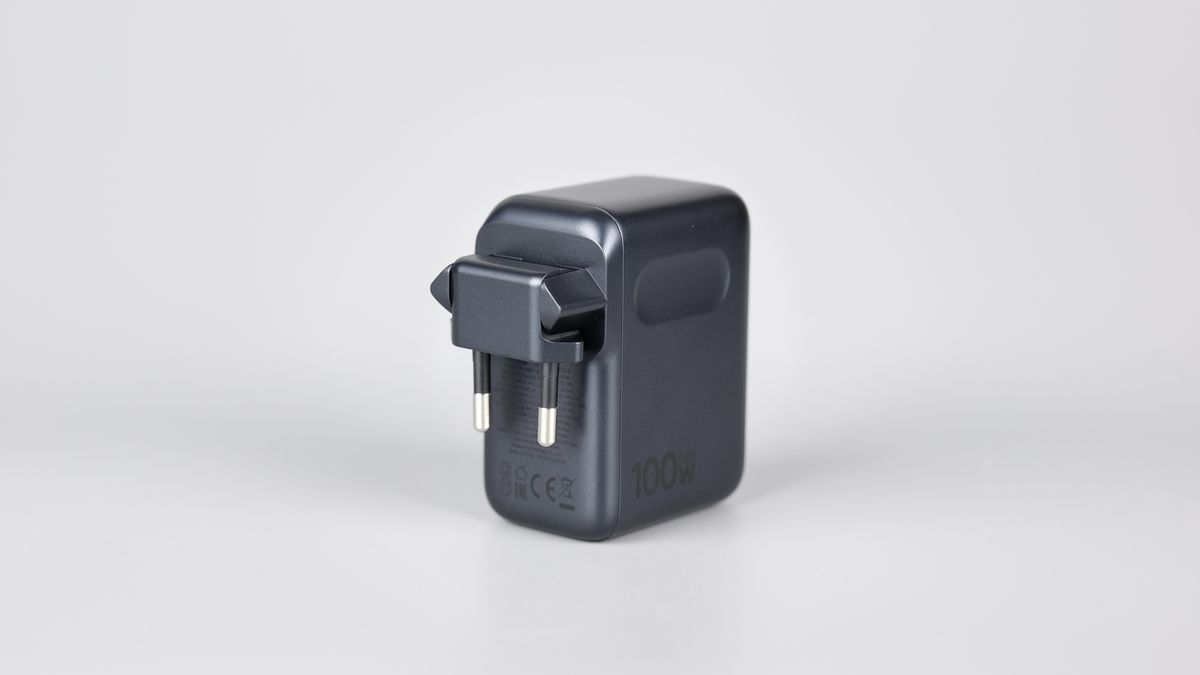
The main plug is also collapsible, to make the charger more compact when packed.
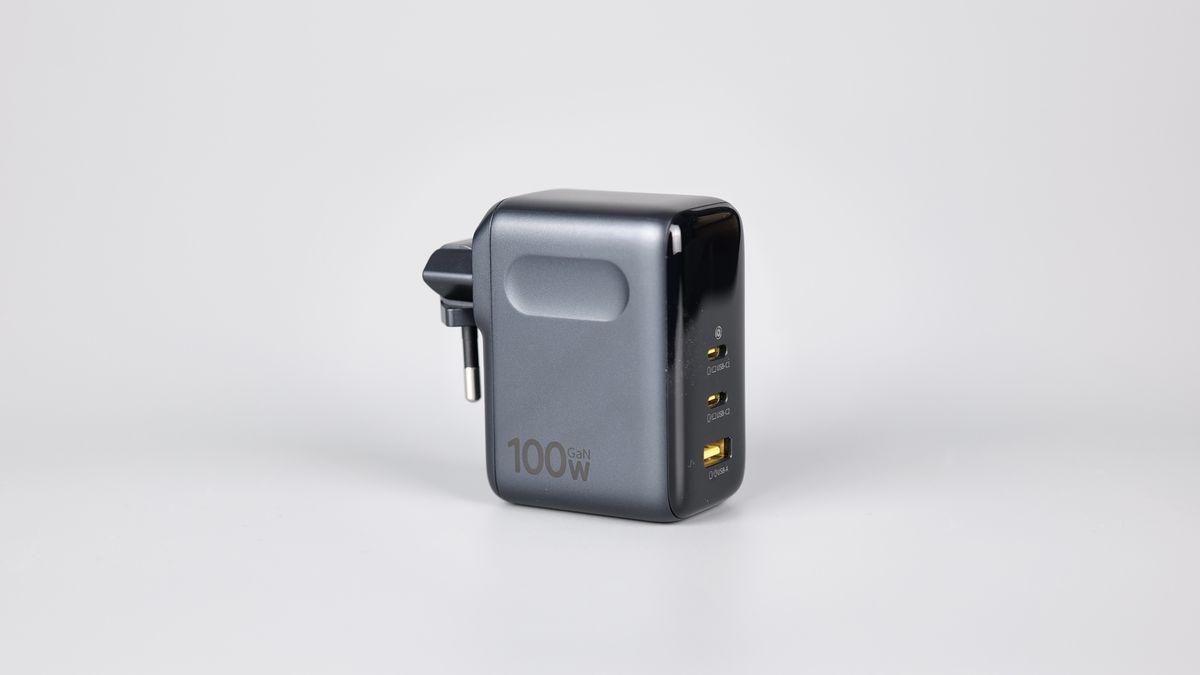
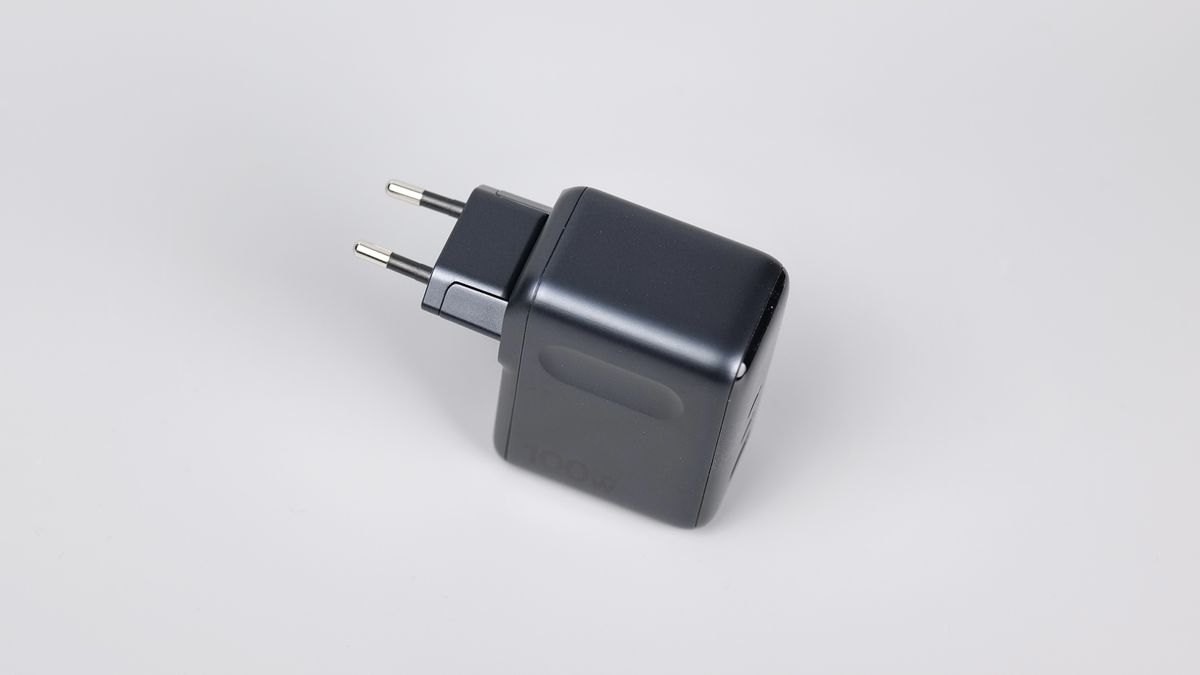
To be honest, it doesn’t make the device much more portable, but it greatly helps to avoid the two plug pins from catching stuff in my bag.
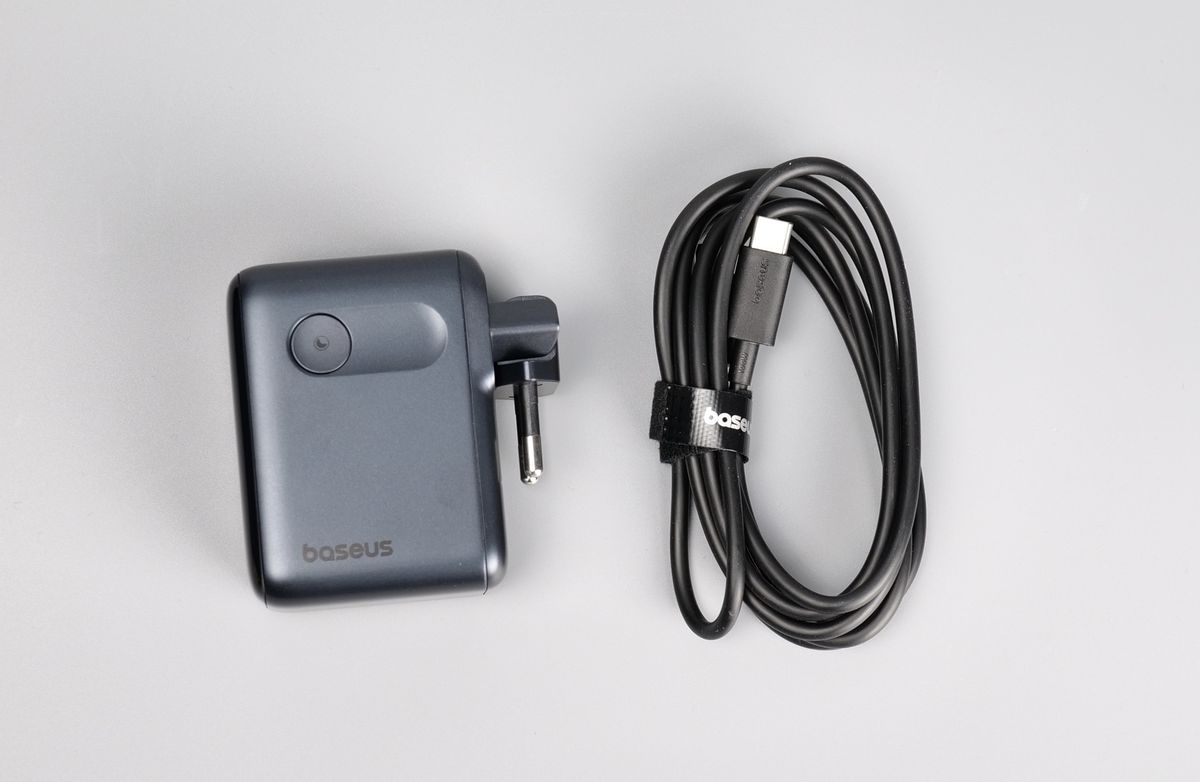
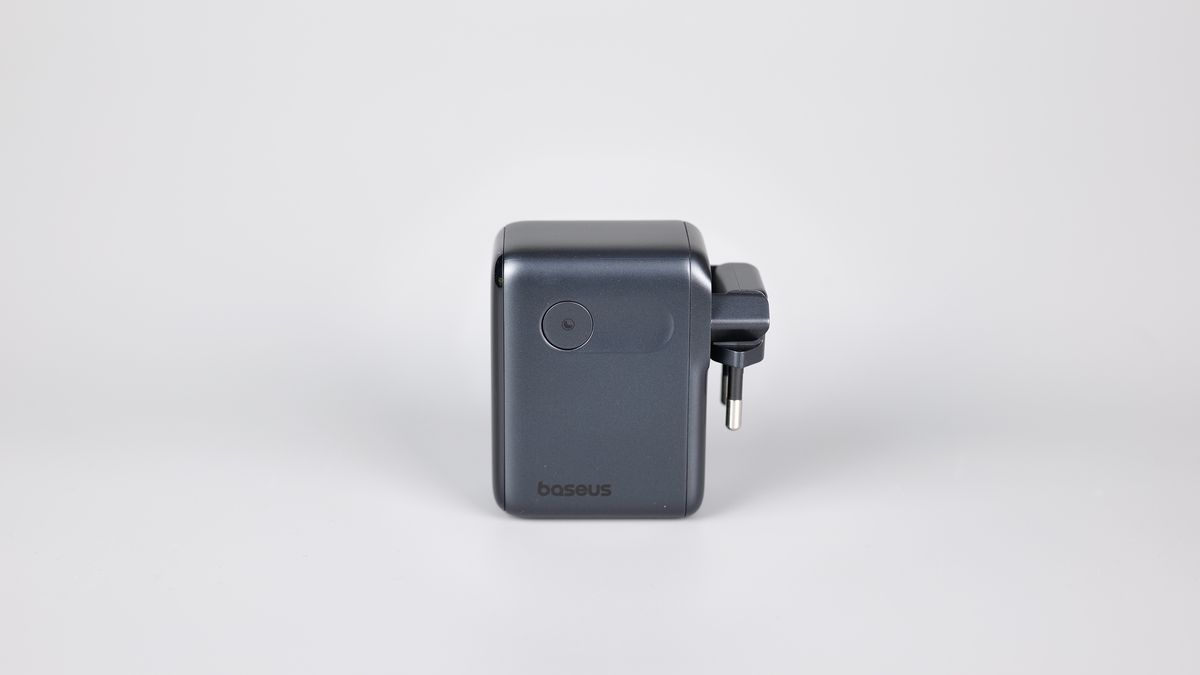
The top section of the AE21 charger has a nice screen with three different interface options that can be toggled using the side button. The default interface shows the total power draw in watts of all devices connected, while the second interface shows the voltage and amperage used by the device connected.
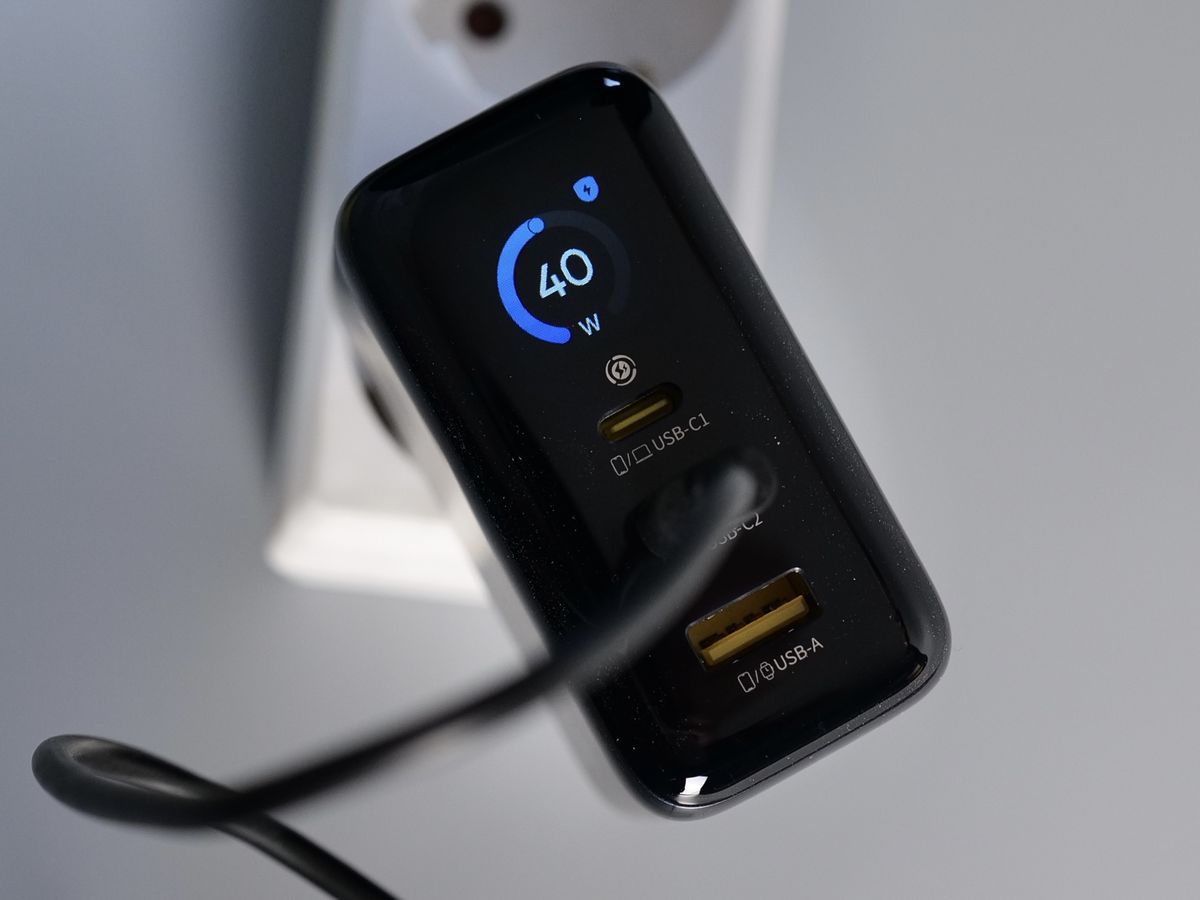
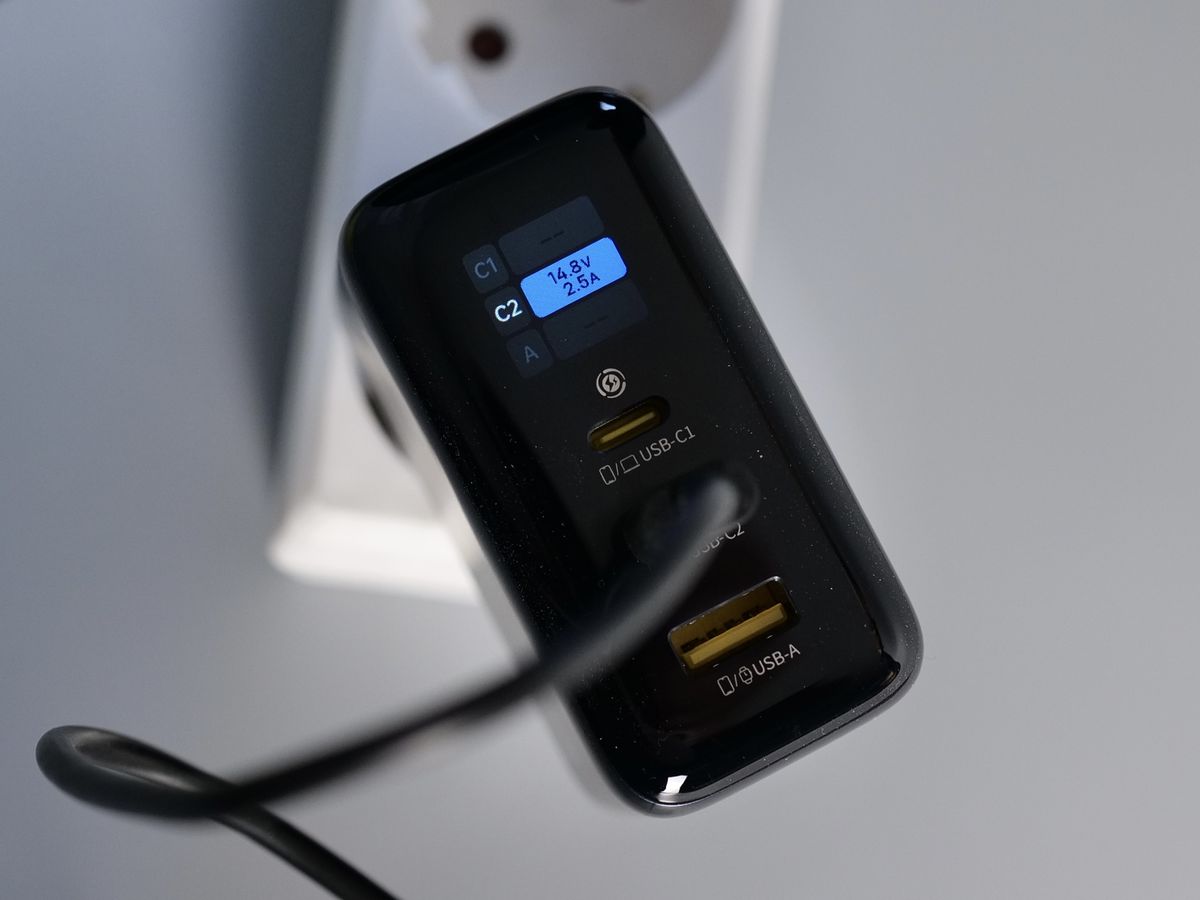
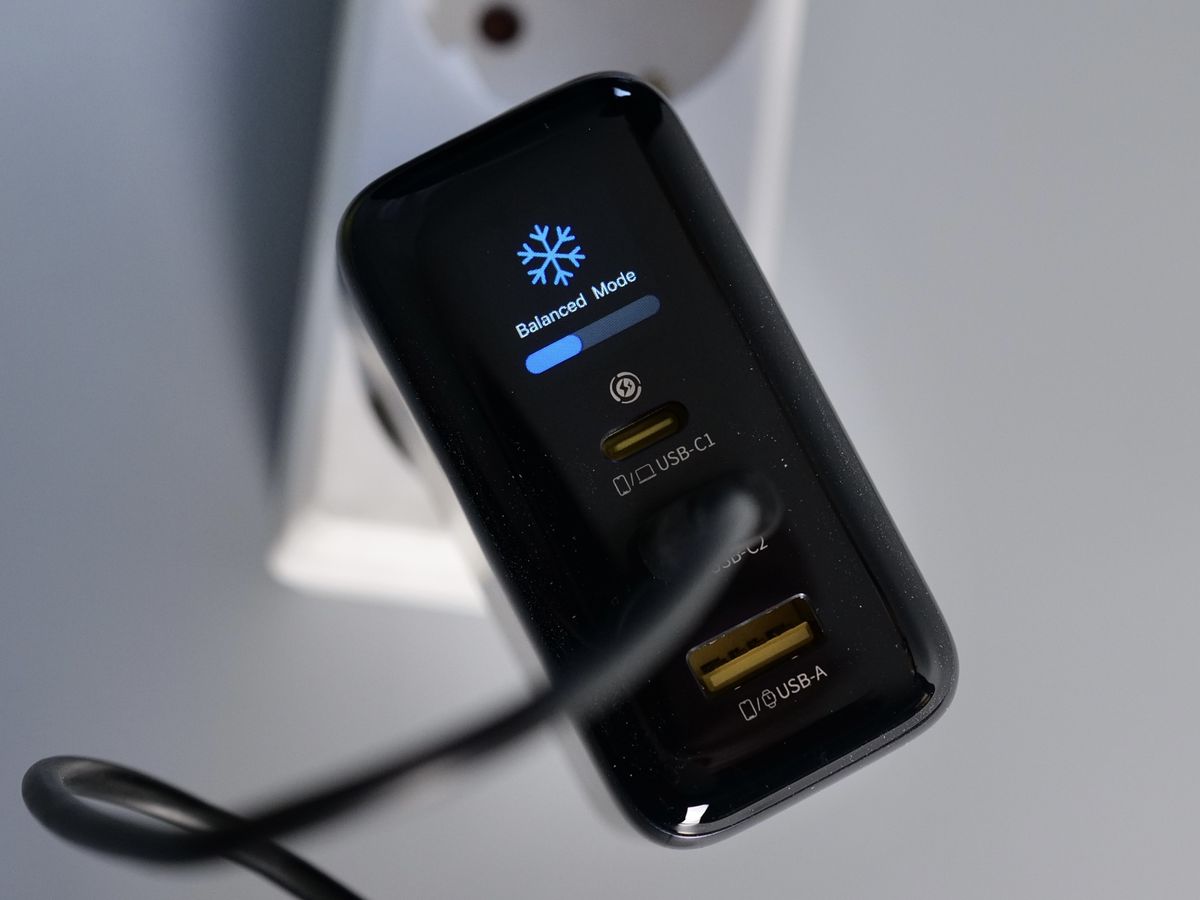
There’s also a third screen showing the “performance” of the charger, which I don’t really find useful, but it’s there to show how hot the charger is.
The AE21 Charger is a good compromise between size, charging speed, port sellection and available information thanks to the screen. If you need a charger more powerful than the more common 65W units, the AE21 is definitely one to consider. After trying it and testing the different USB configurations, it has earned a place in my travel backpack to power my laptop and gadgets.
Where to buy?
If you want to buy the Baseus PicoGo AE21 100W Fast Charger, you can do so from the following stores:
Nomos NH21 245W 6-in-1 Charging Station
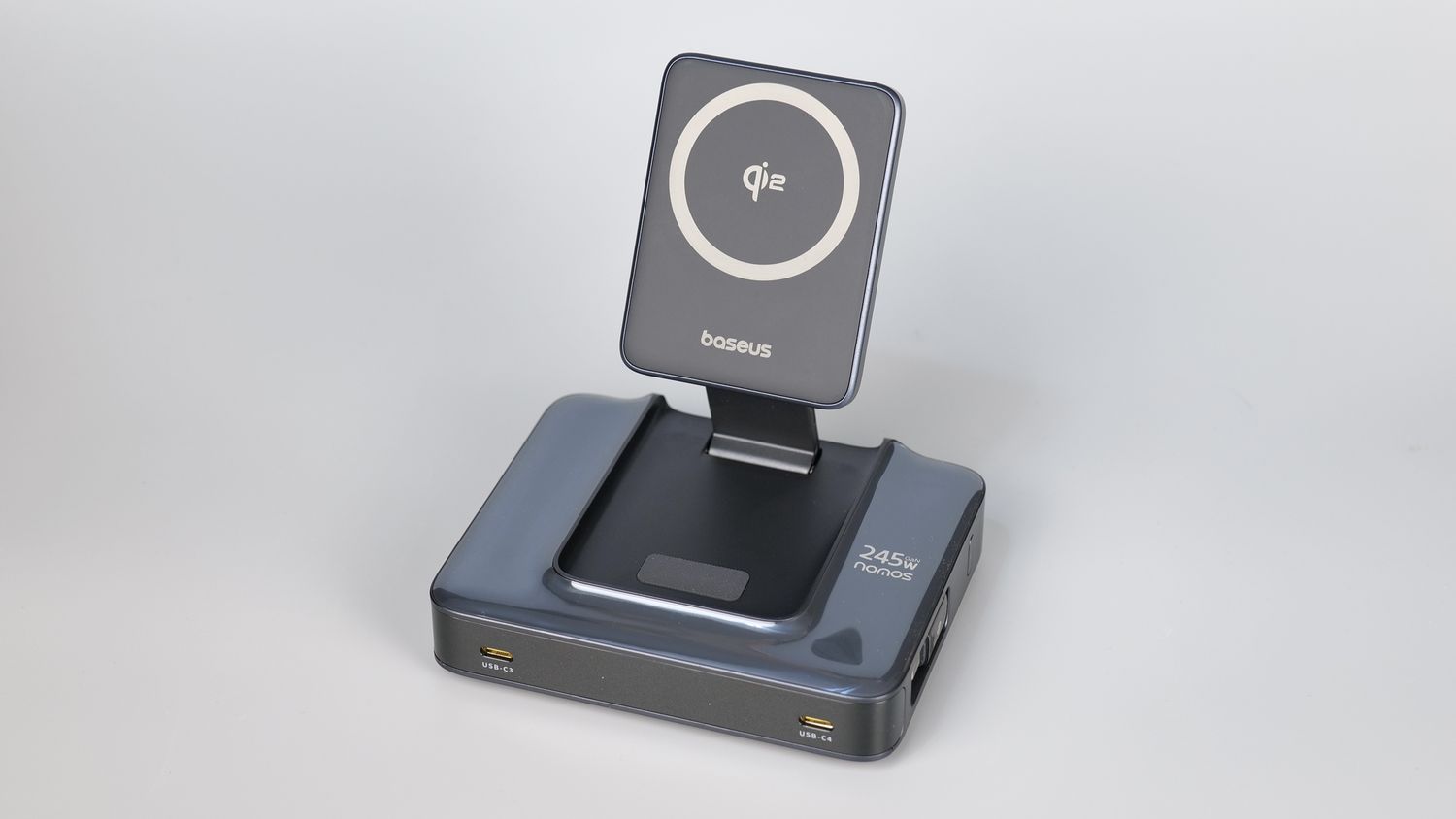
The NH21 is a high-power charging station that is able to deliver up to 245W of power, while still including a wireless charger for your mobile phone.
Packaging and Specifications
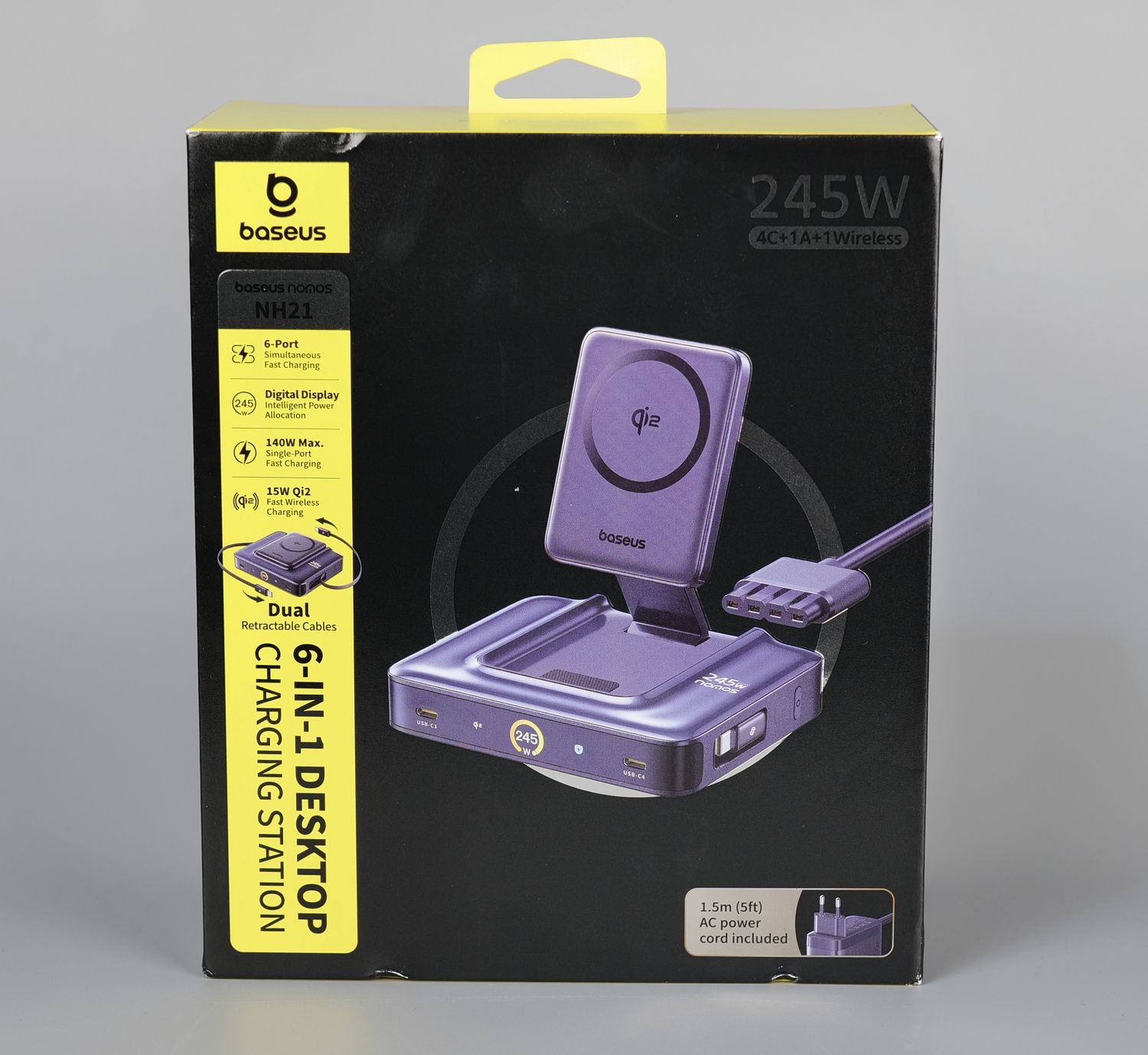
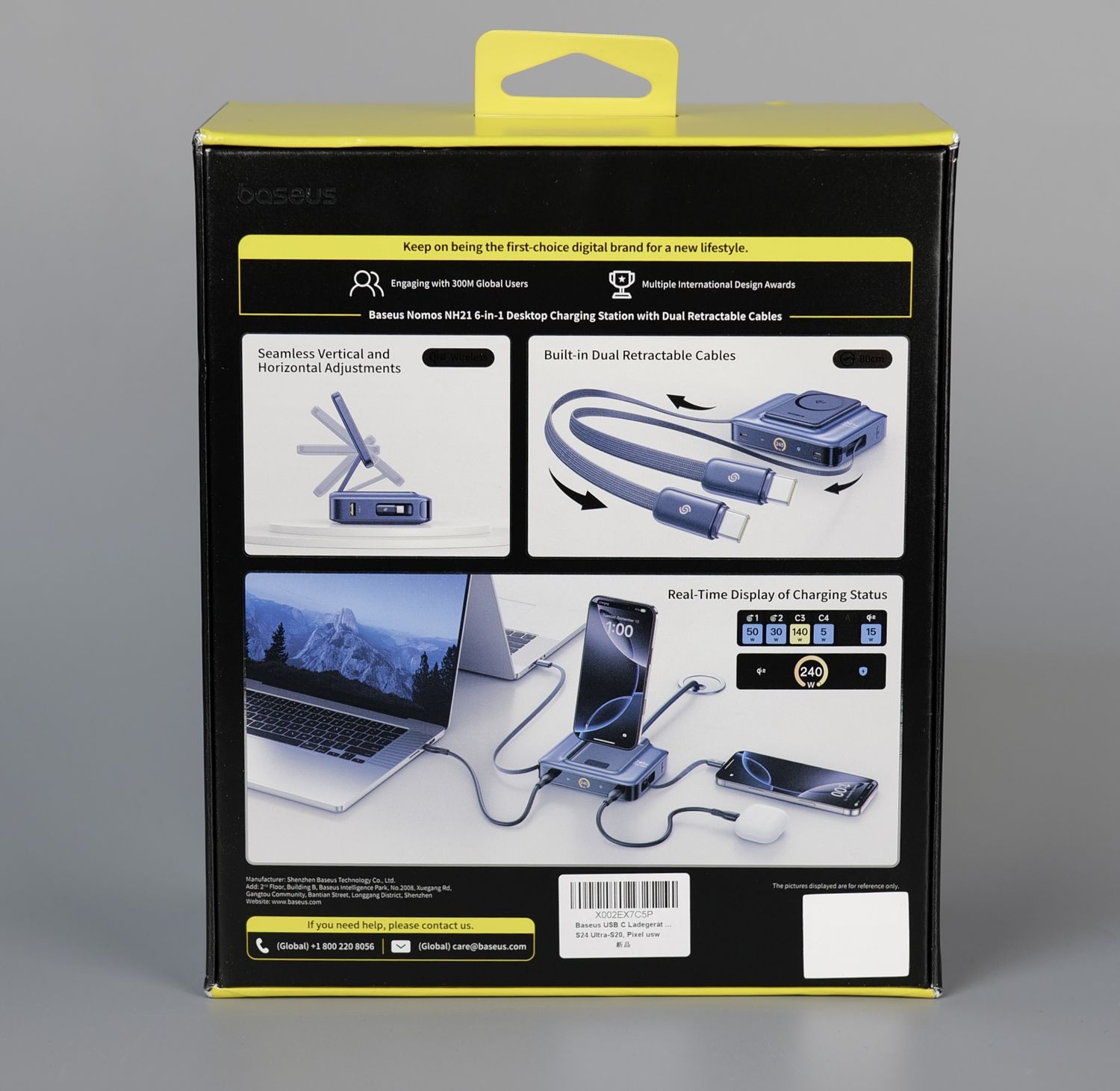
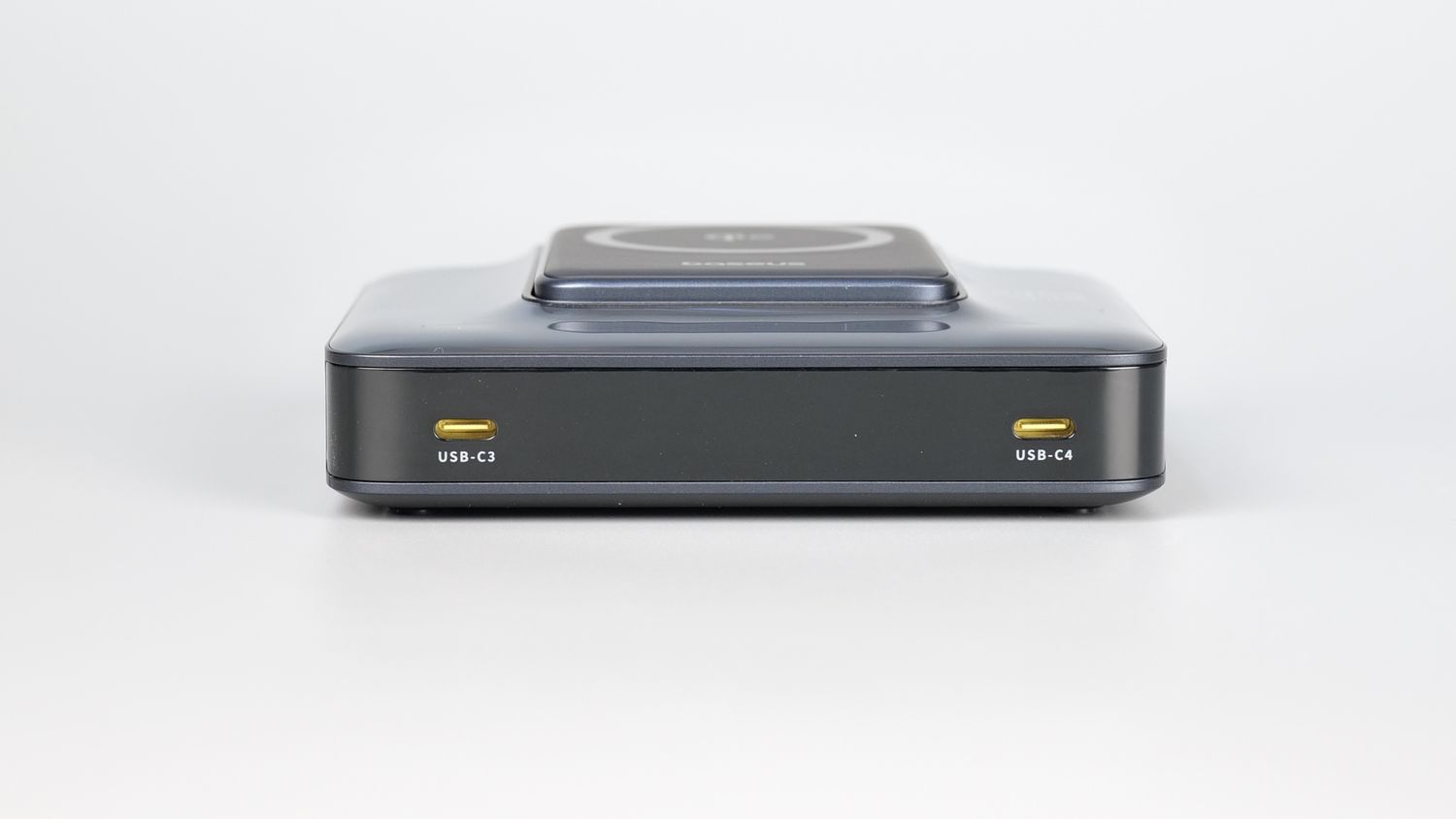
NH21 features 2 front USB-C ports, each supporting up to 140W (PD 3.1 compatible, ideal for fast-charging MacBook Pro or similar laptops).
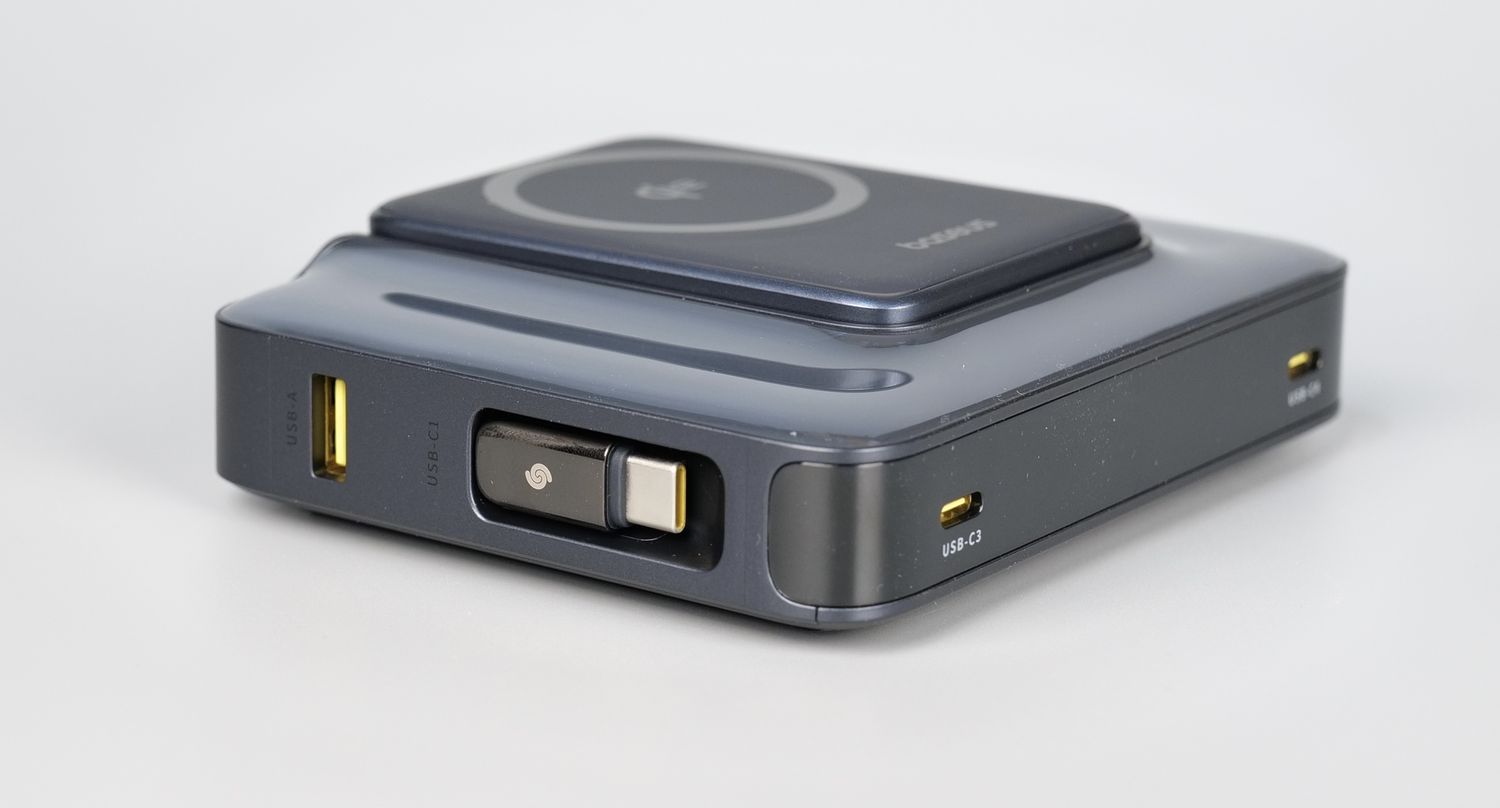
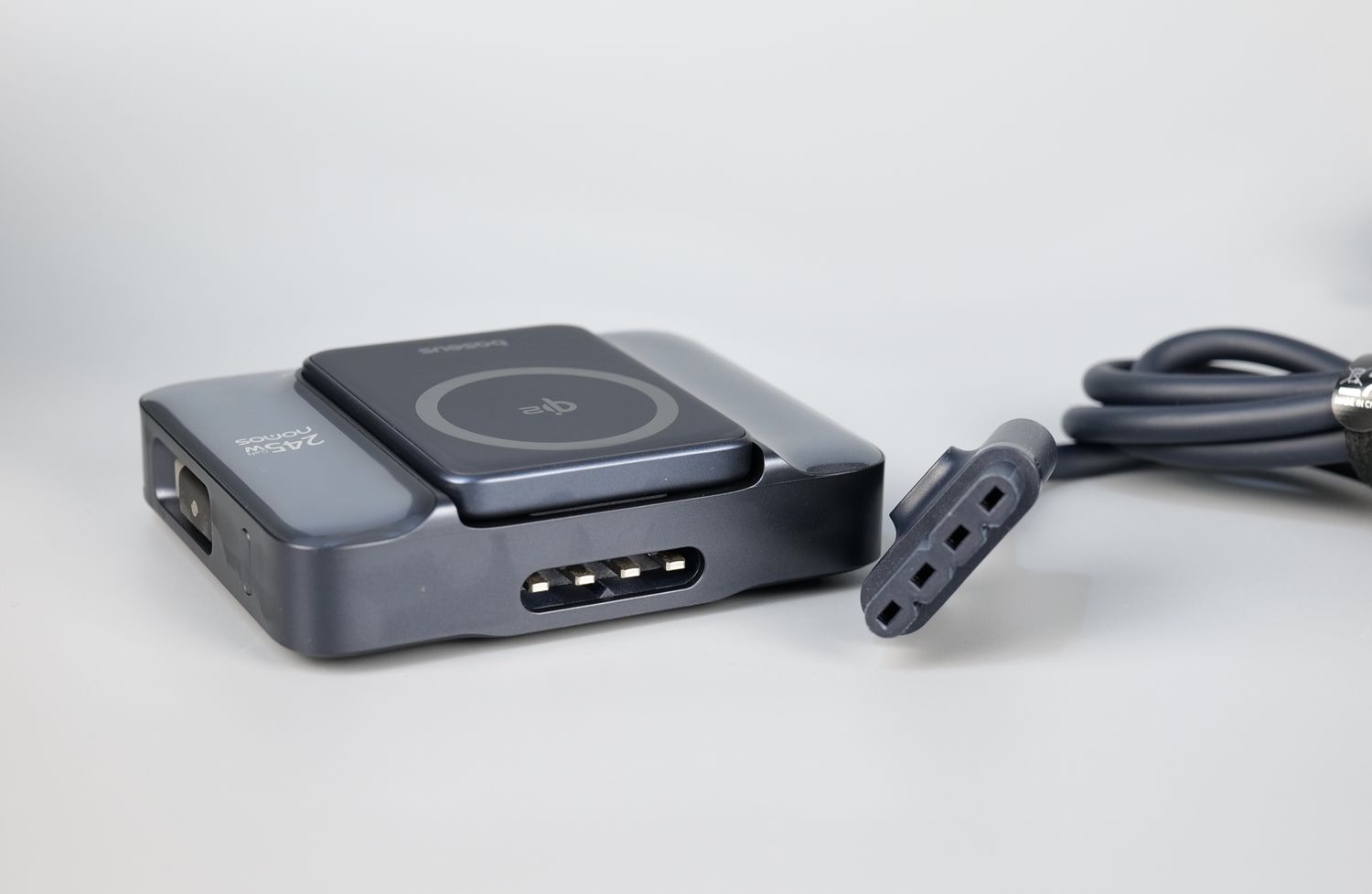
On the left side, we can see a side USB-A port with up to 22.5W for legacy devices like older phones or accessories, and one of the two retractable 80 cm braided USB-C cables, each of them capable of delivering up to 100W, built into the sides.
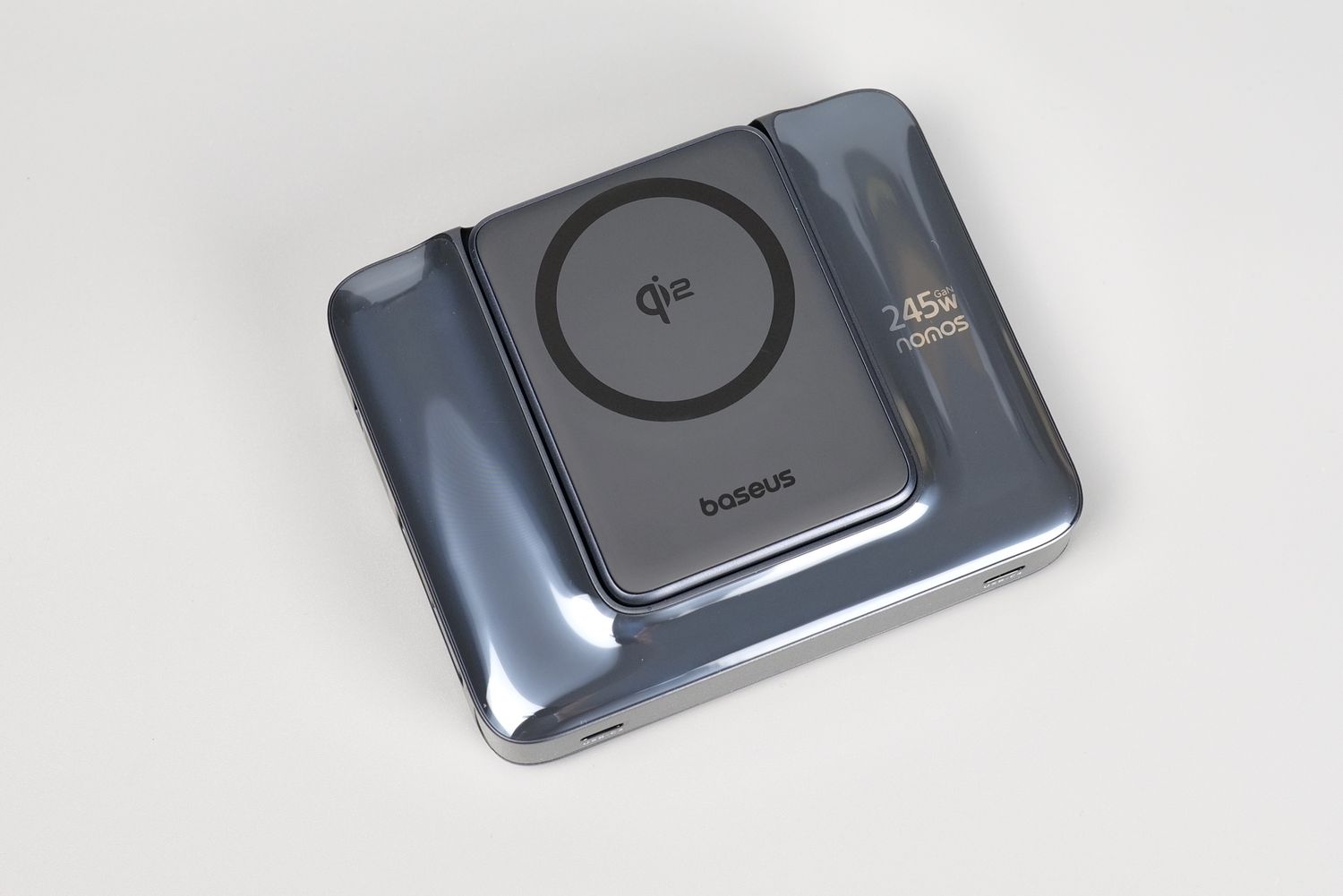
Finally, there’s also a Qi2-certified 15W magnetic wireless charging pad, which swivels and props up as a stand for MagSafe-compatible phones.
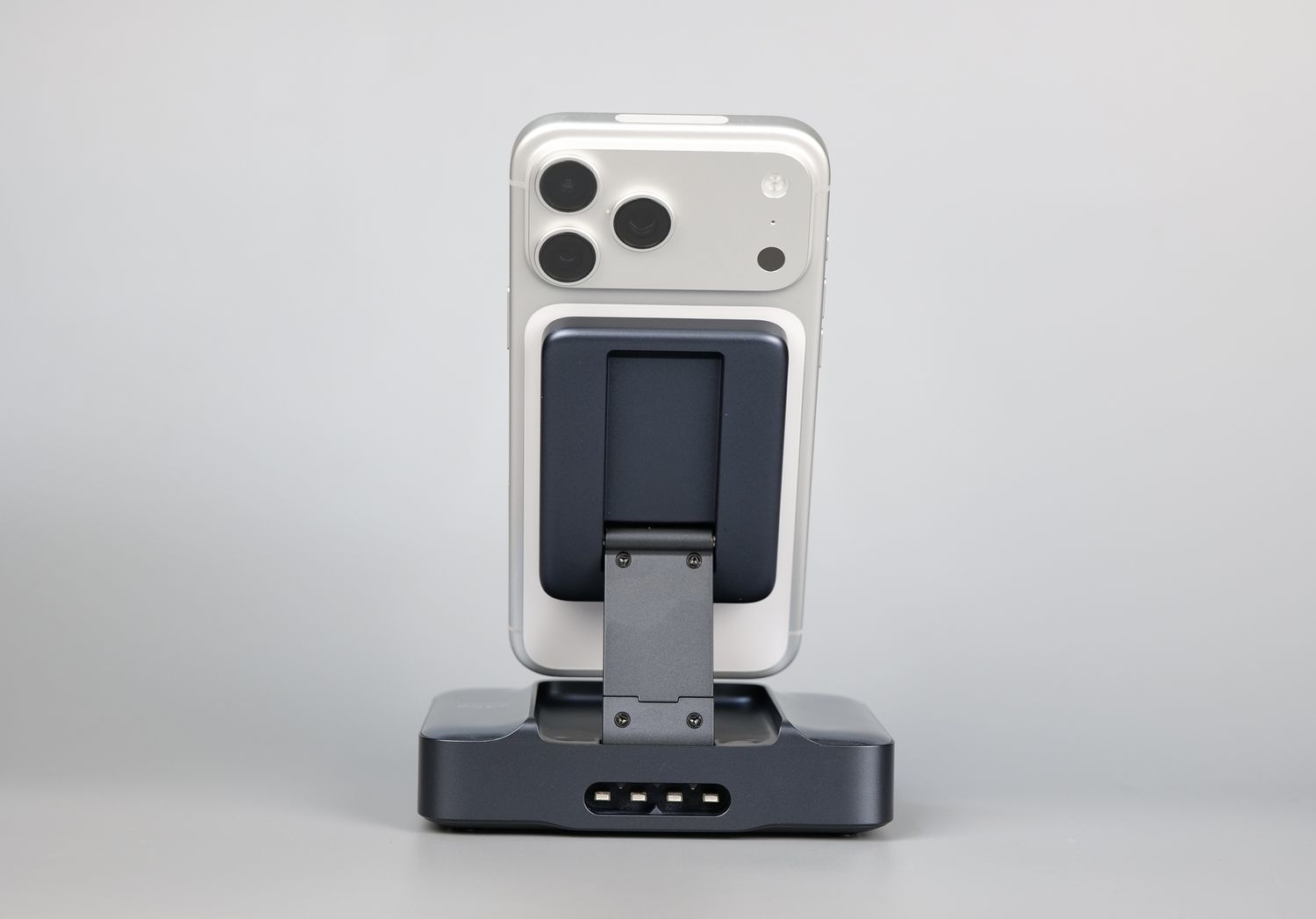
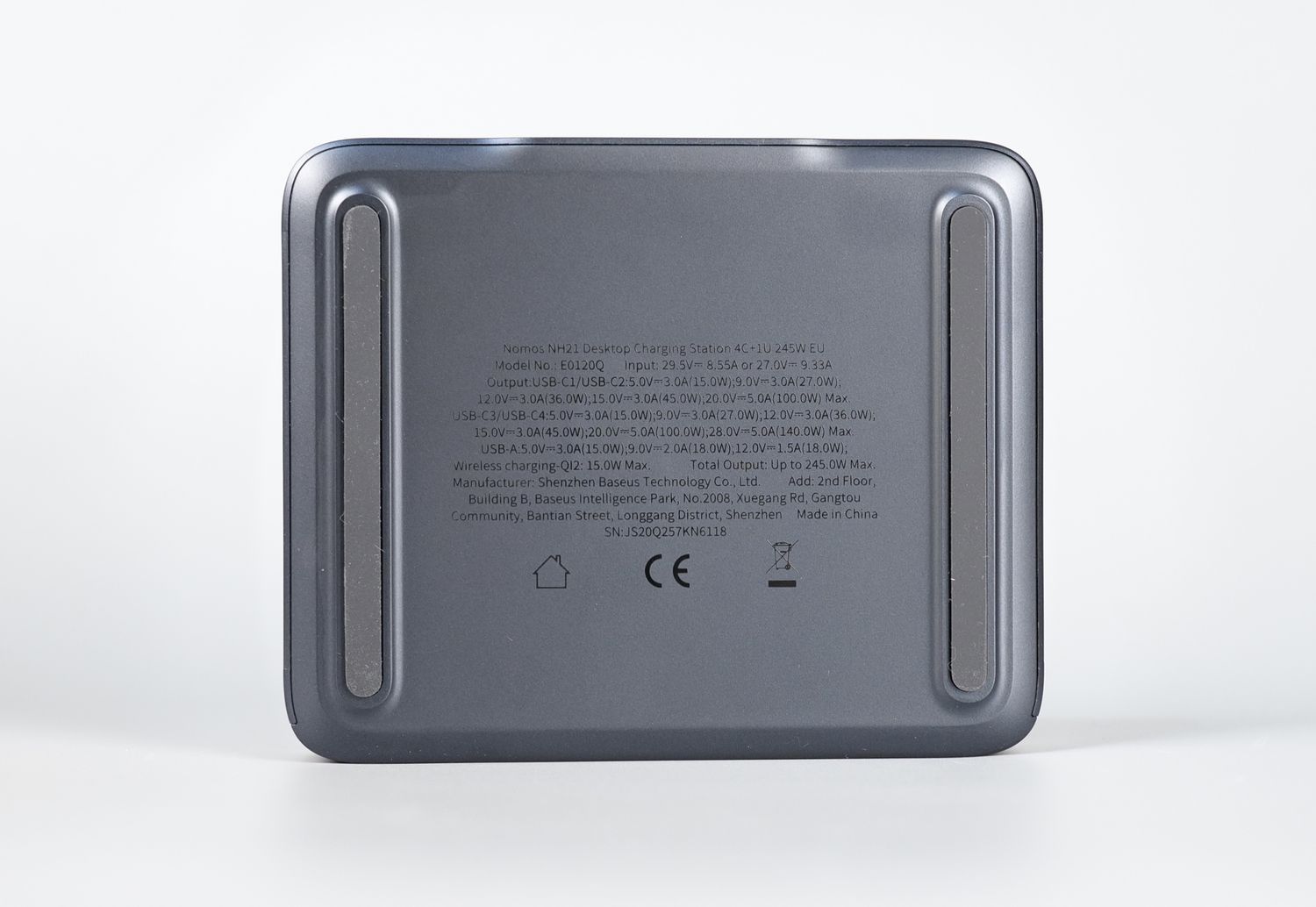
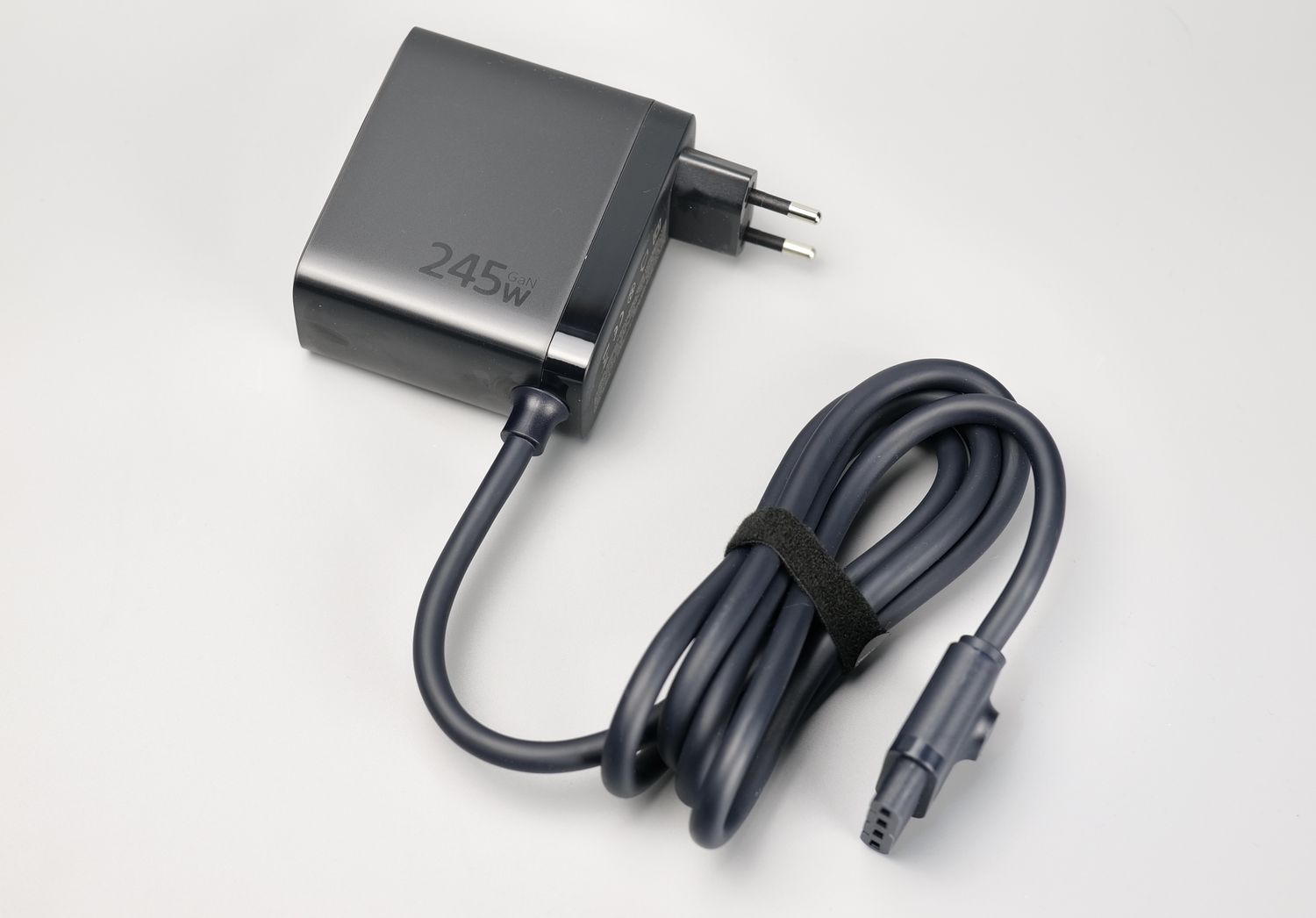
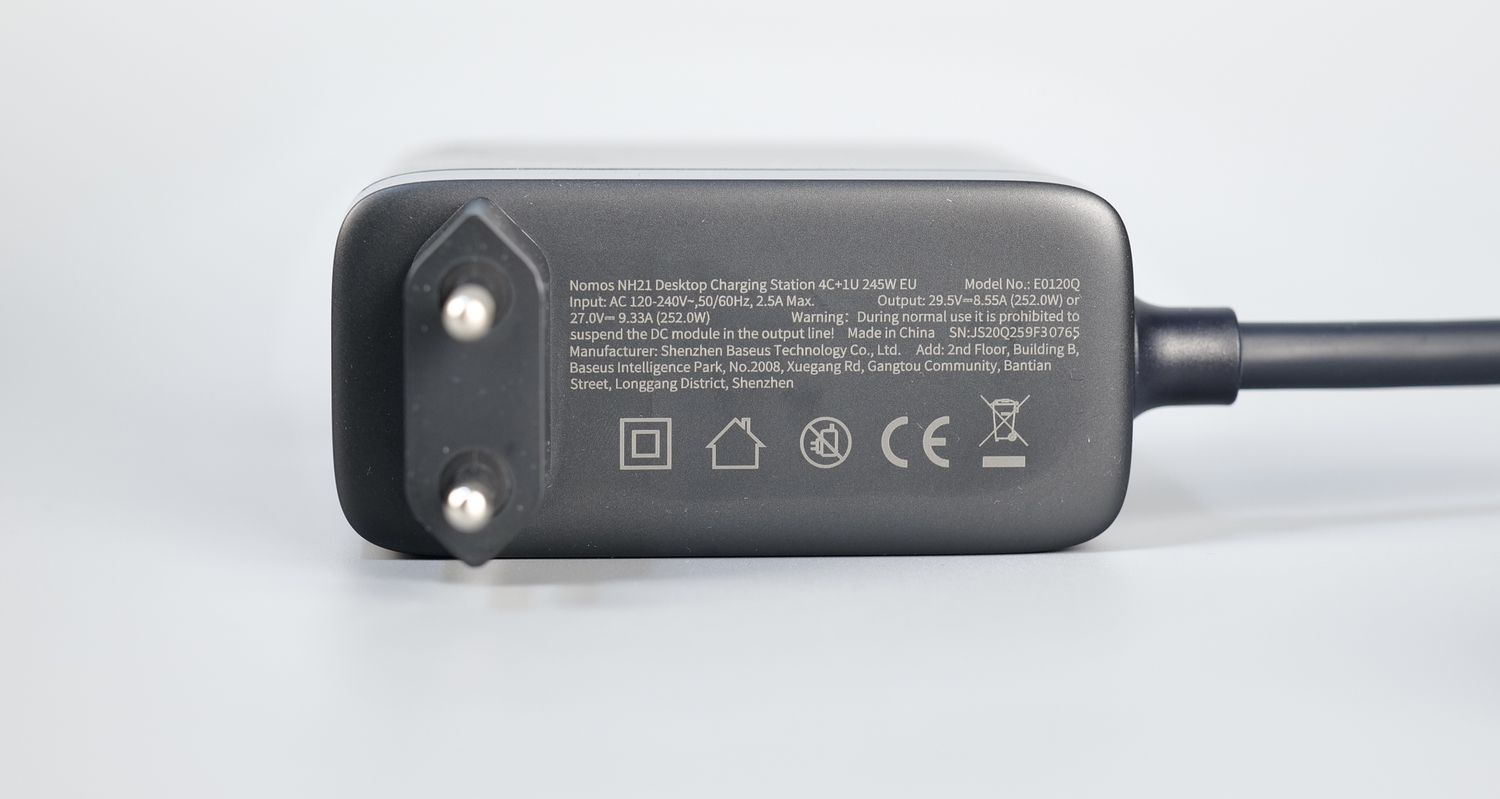
One potential downside of the NH21 charging station is the large powerbrick with a proprietary connector. This can take more space in your power socket, but considering the total power you can get with this charging station, I don’t consider it a big issue.
Where to buy?
If you want to buy the Nomos NH21 245W 6-in-1 Charging Station, you can do so from the following stores:
PicoGO AM52 45W Wireless Power bank
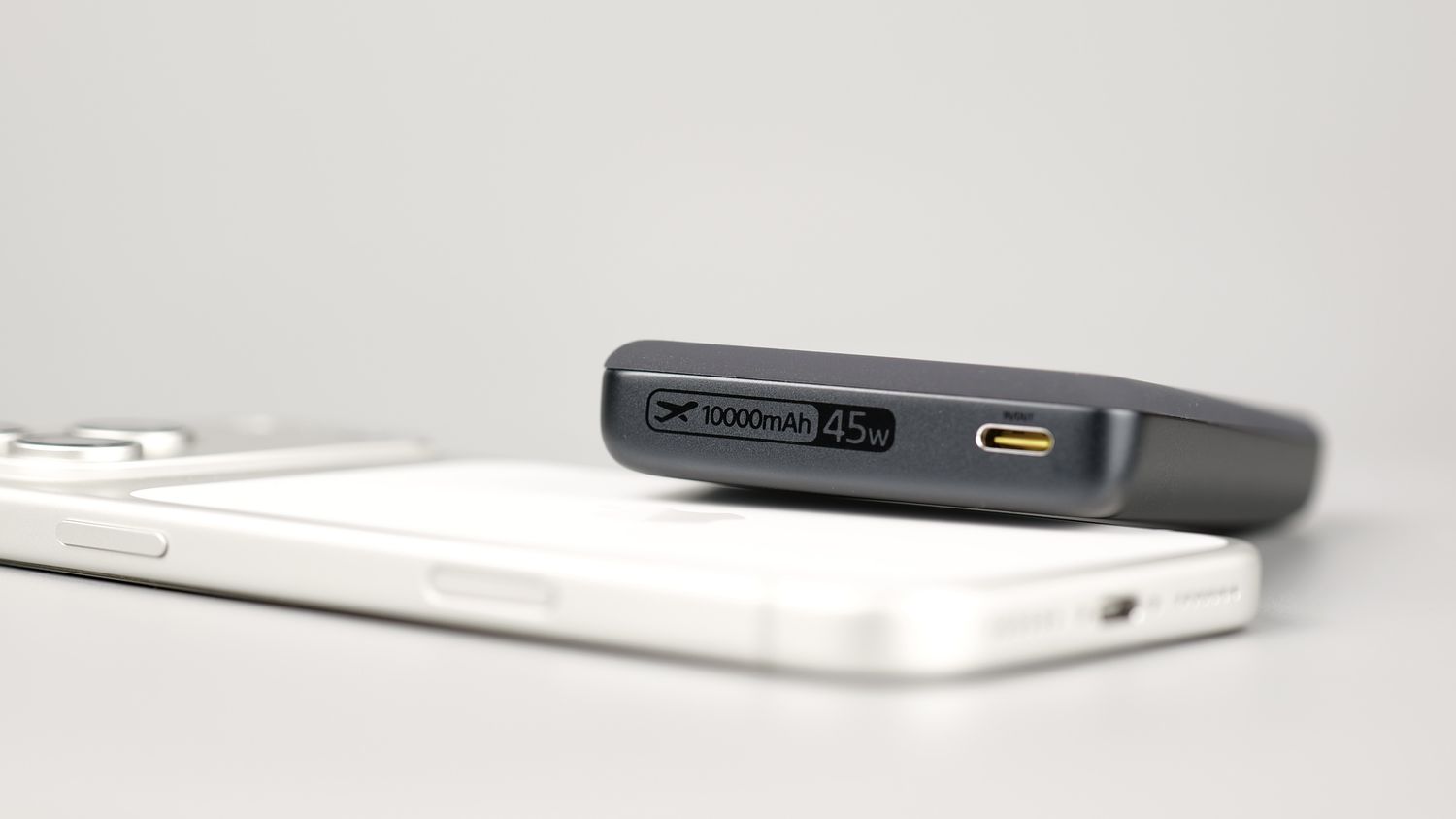
The newly released PicoGO AM52 45W Wireless Powerbank improves on the design from the AM61 bringing the same large-capacity 10.000 mAh at 45W but in a more compact package.
Packaging and Specifications
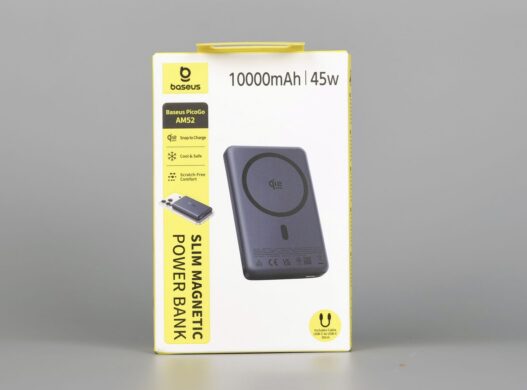
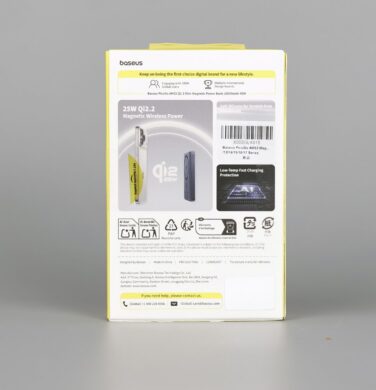
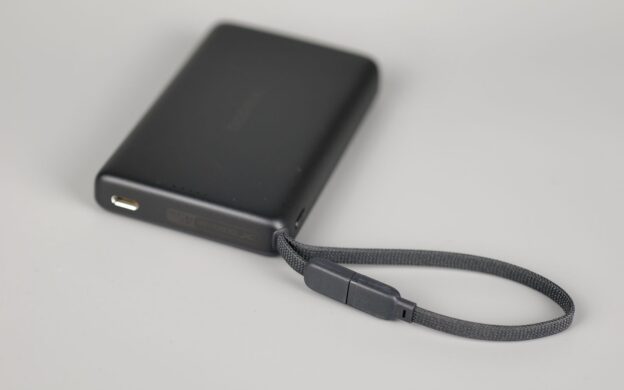
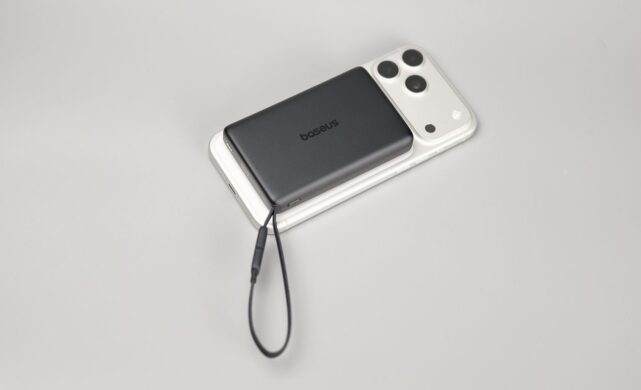
The unit comes in two variants – a completely wireless version, and a second version which features an integrated USB cable. Having a Qi2.2 certification, it delivers up to 25W magnetic wireless charging for devices compatible with the standard, like the iPhone 16 and 17 series. With such a charging speed, you can expect to get up to 50% charge in about 35 minutes for an iPhone 17 Pro.
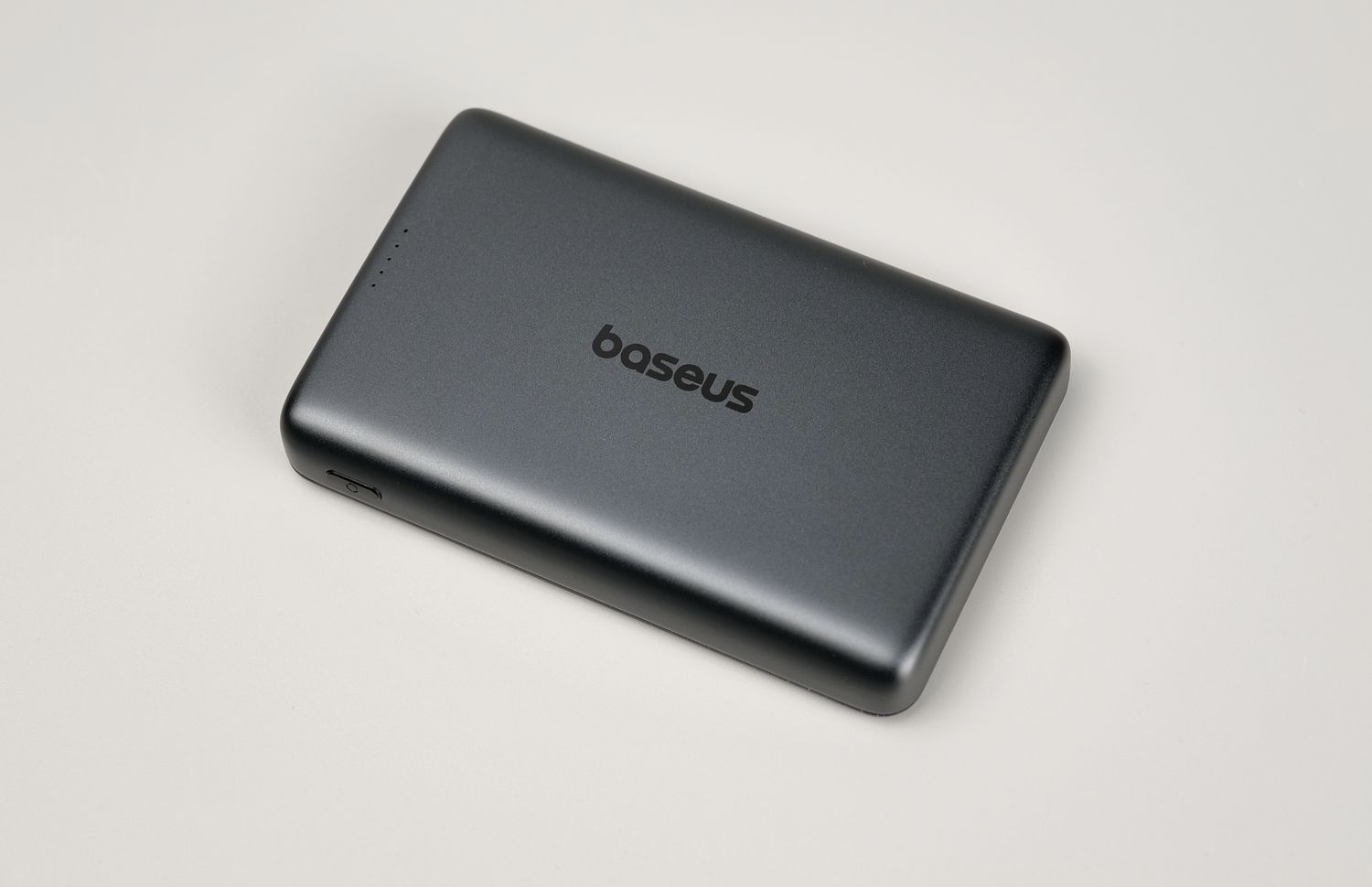
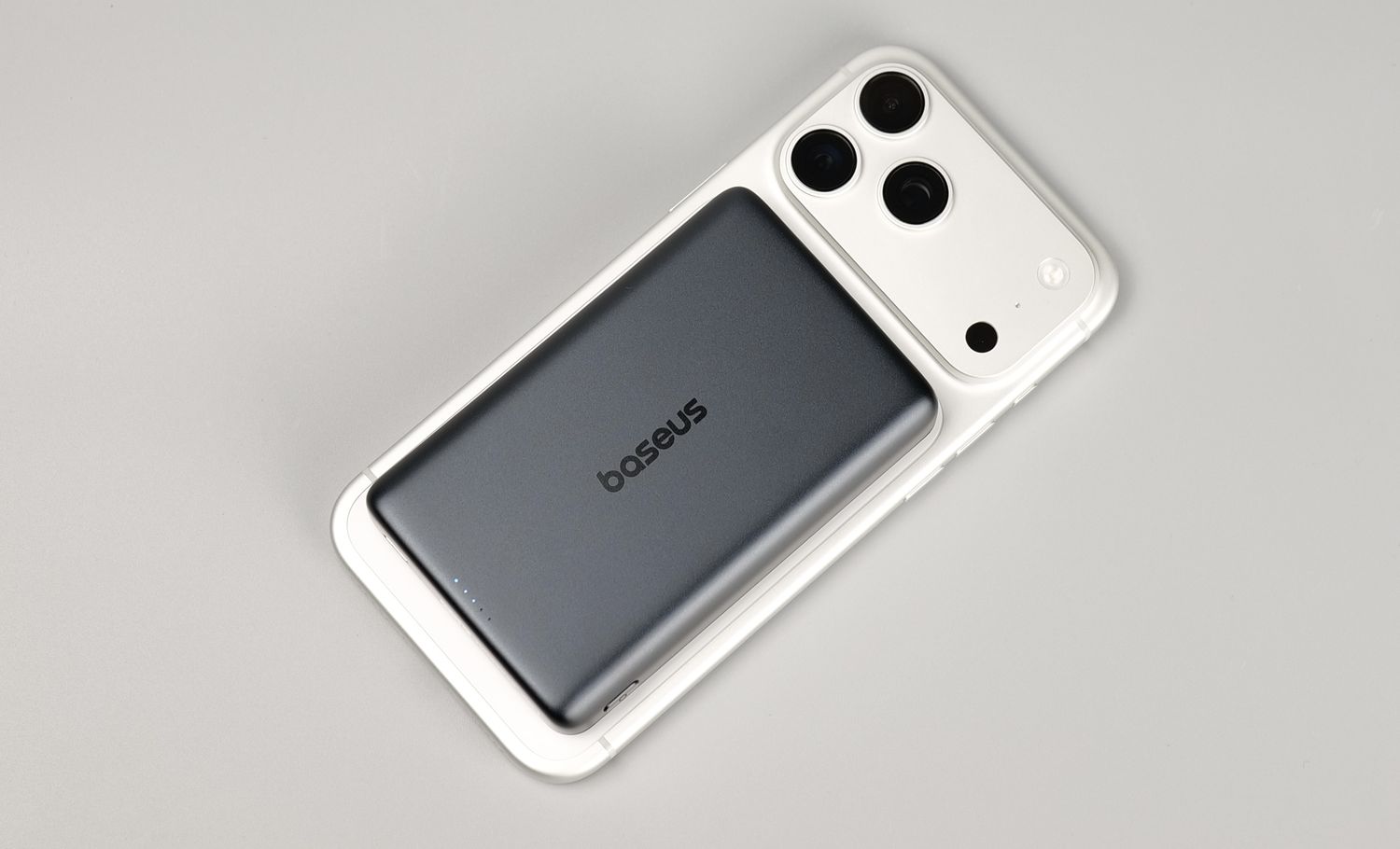
Besides the fast wireless charging, the AM52 can also charge itself at up to 30W in around 90 minutes.
The wired version can be used to easily charge your phone and AirPods (or any secondary device) at the same time. When charging the iPhone 17 Pro Max wired, it can saturate the charging speed of the phone, being able to charge up to 65% of the phone’s battery in around 30 minutes.
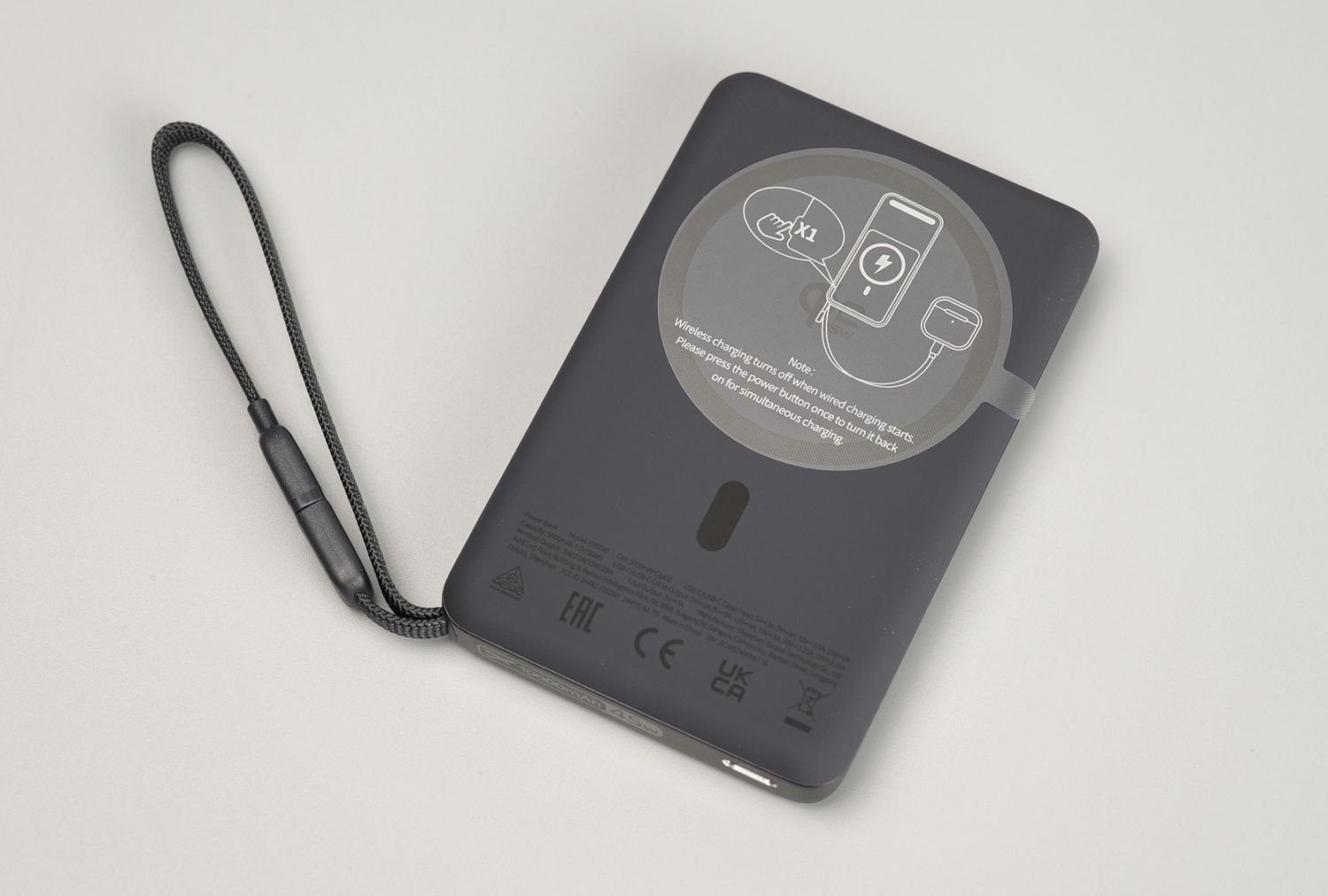
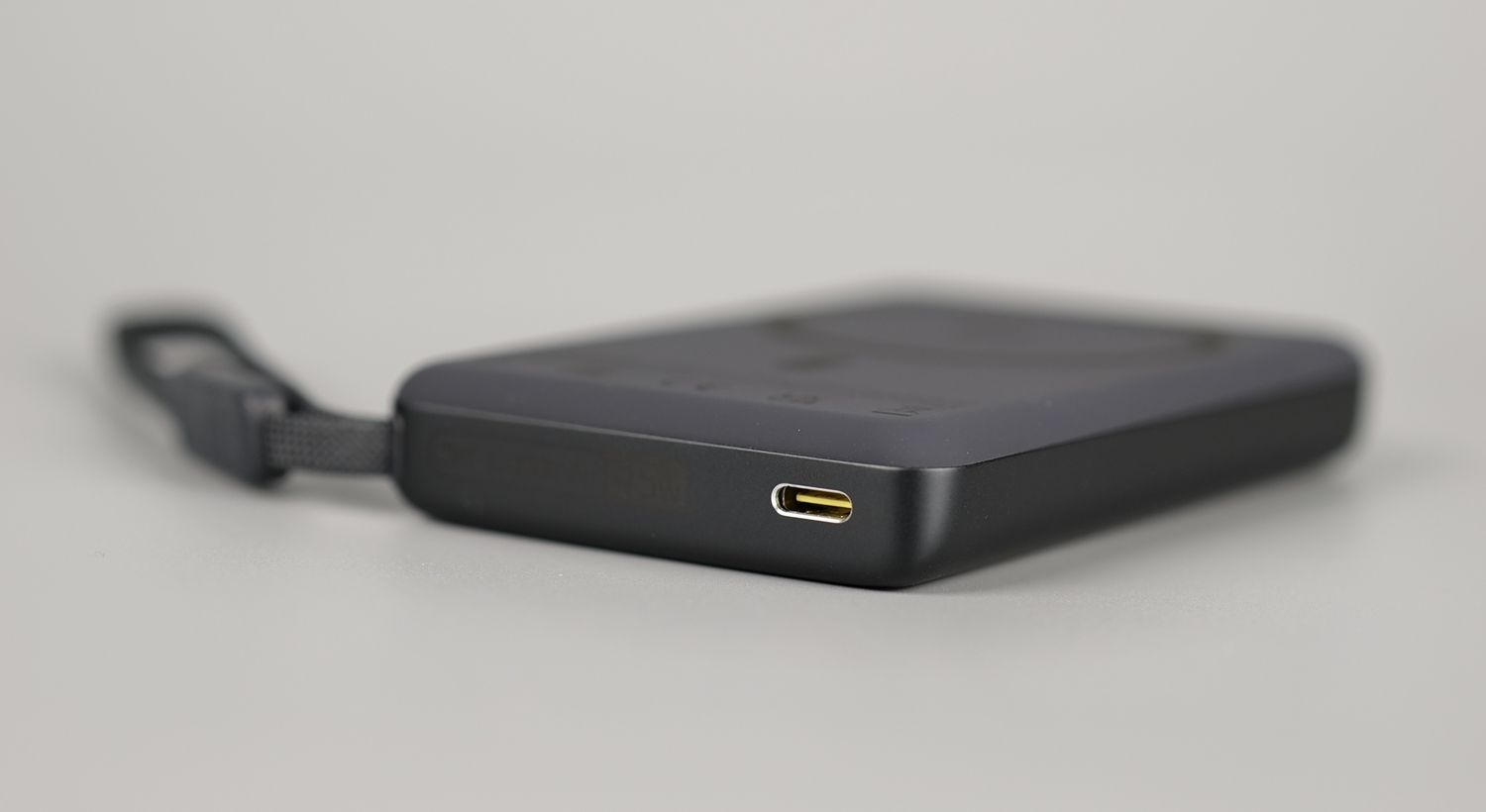
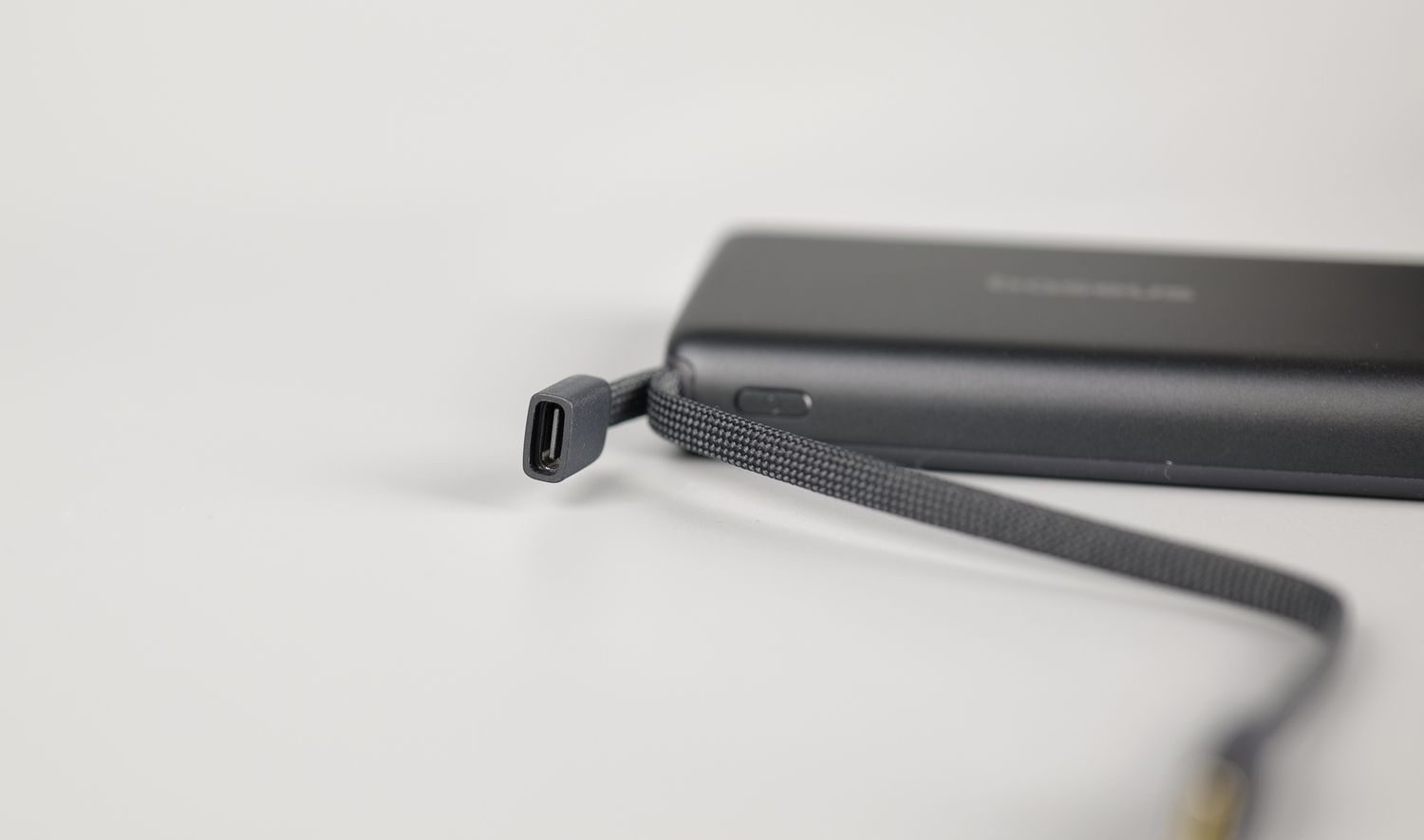
If you are looking for a relatively high-capacity power bank in a compact package, I suggest getting the wired version to avoid needing to carry an extra cable, while also getting the highest efficiency charging.
Where to buy?
If you want to buy the PicoGO AM52 45W Wireless Power bank, you can do so from the following stores:
The Baseus charging solutions were provided free of charge by Baseus for the purpose of covering them in this article. While the article includes affiliate links, all opinions are my own. Nobody reviewed the article before it was posted, following the Review Guidelines.
Liked it?
|
|