The HeyGears Reflex RS TURBO is the upgraded version of the popular Reflex RS resin 3D printer from HeyGears which brings a few different upgrades to print faster and improve the user experience. In this article we’ll check out its features to help you understand what improvements it brings.
Reflex RS TURBO Specs
| Model | UltraCraft Reflex RS Turbo |
| LCD screen | 10.3 Inch 8K Amber Screen |
| Light Source | 405 nm Wavelength |
| Release Film | nFEP Film |
| Build Volume | 222*128*228 mm |
| Printing Speed (Tested with PAWW2 Water-washable Resin) | Average Speed 4.5 s/layer |
| Automatic Leveling | 240 μm Gap Leveling |
| Resin Automatic Refill | Yes |
| Residue Detection | 0.2 mm Residue Detection |
| Printing Monitoring | Force Value Monitoring |
| Release Film Life Span | Yes |
| Net Weight | 20 kg |
| Size | 380*360*584 mm |
| Compatible Resin List | PARP10, PAS10, PAWW10, PAP10, PAWR10, PAF10, PAWW20, PAU11 |
Amber Screen with 566:1 Contrast Ratio
One of the main upgrades of the RS TURBO is the new Amber Screen. The high-contrast amber screen improves the curing efficiency of each layer by controlling light transmission more precisely.
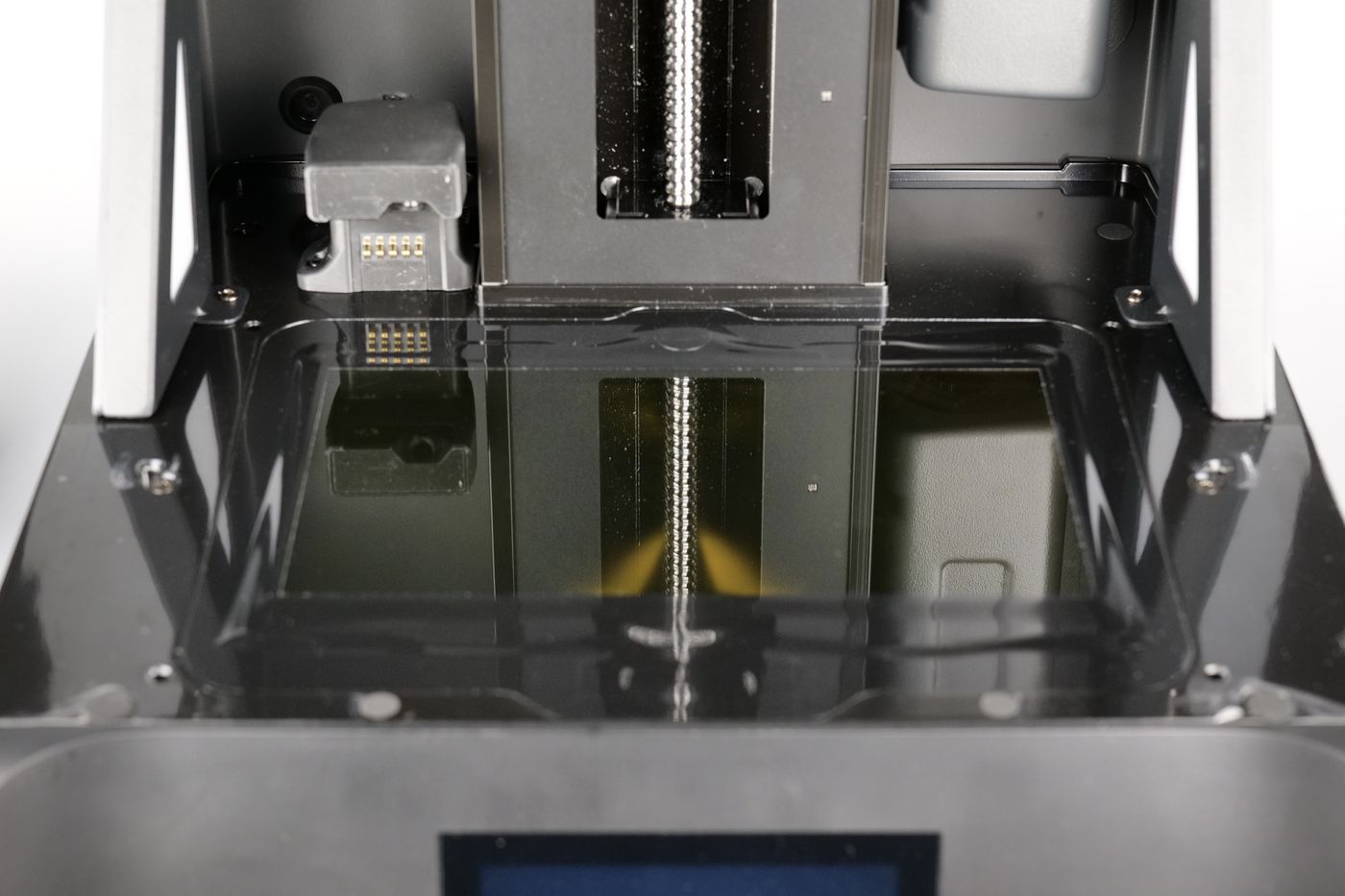
It minimizes light bleeding and stray UV exposure, which helps produce models with sharper edges, smoother surfaces, and fewer printing errors. The screen also offers improved UV resistance and thermal stability, resulting in a longer service life and more consistent print quality over time.
C5 Grade Z-axis Module with 2um positioning accuracy
The printer also boasts a C5-grade Z-axis module with ±2μm motion accuracy and a Dynamic Motion Algorithm 3.0, enabling up to 33% faster print speeds. This means you’ll achieve sharper, more precise prints while enabling fast printing speeds as the frame of the printer and the motion system remains stable.
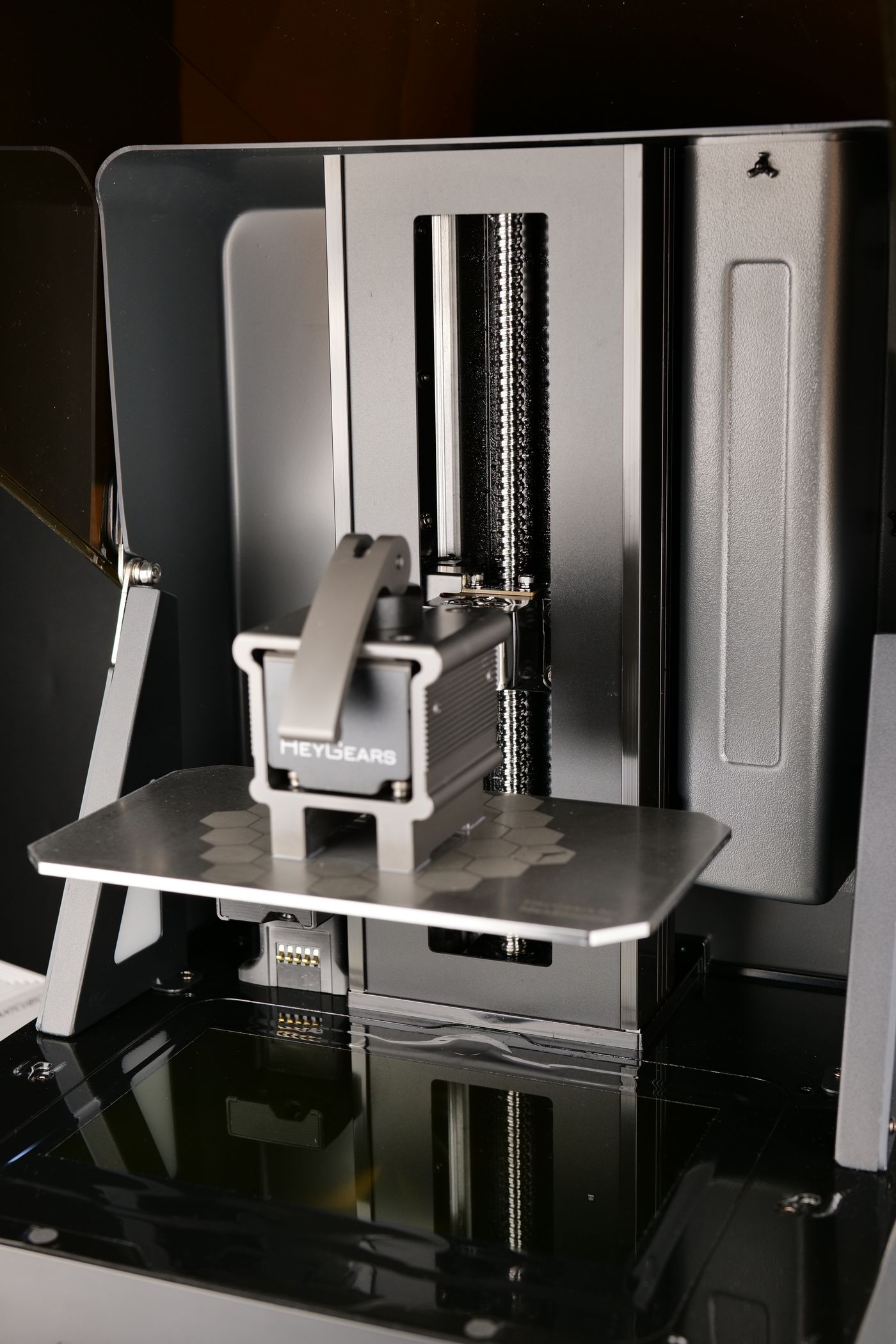
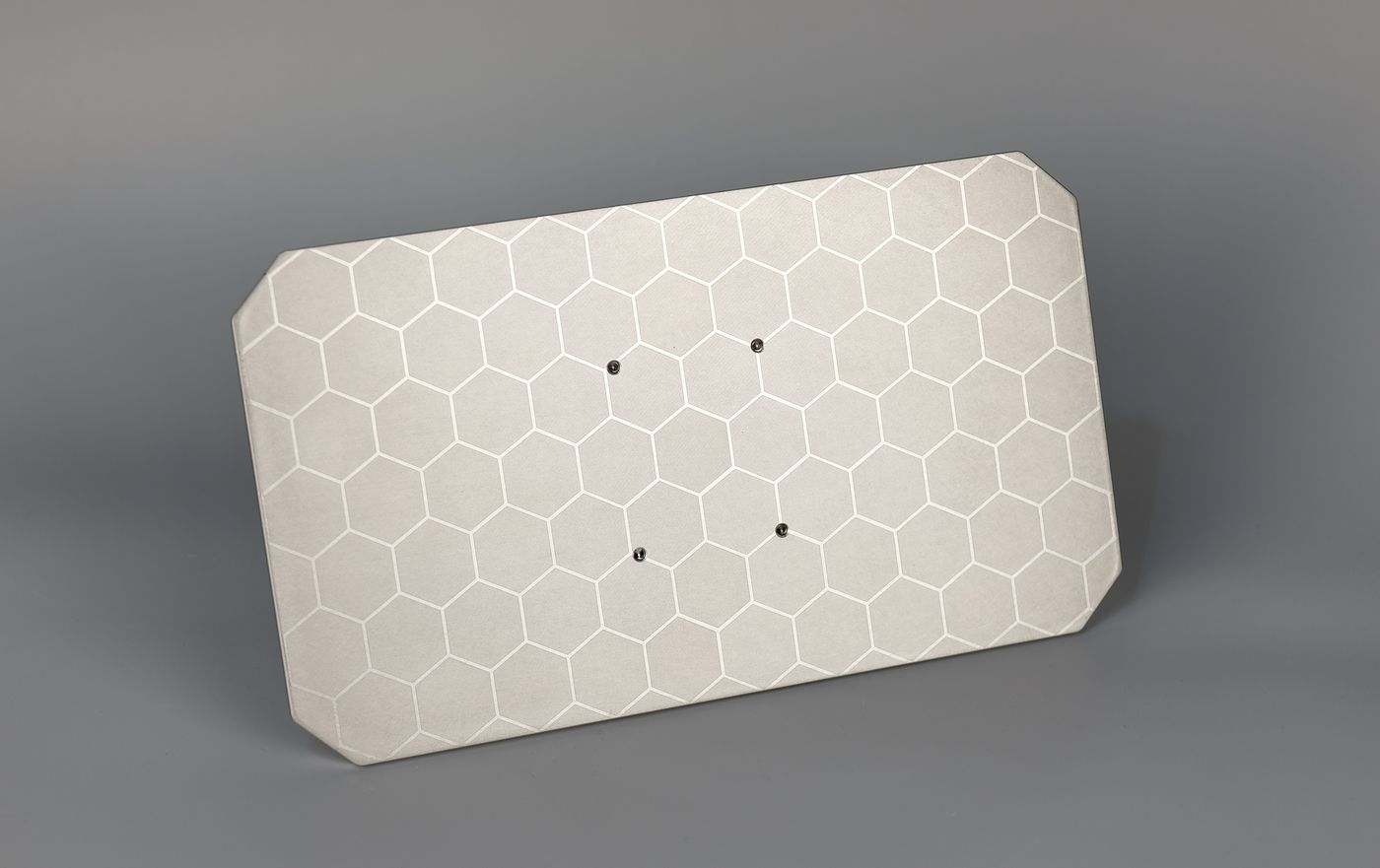
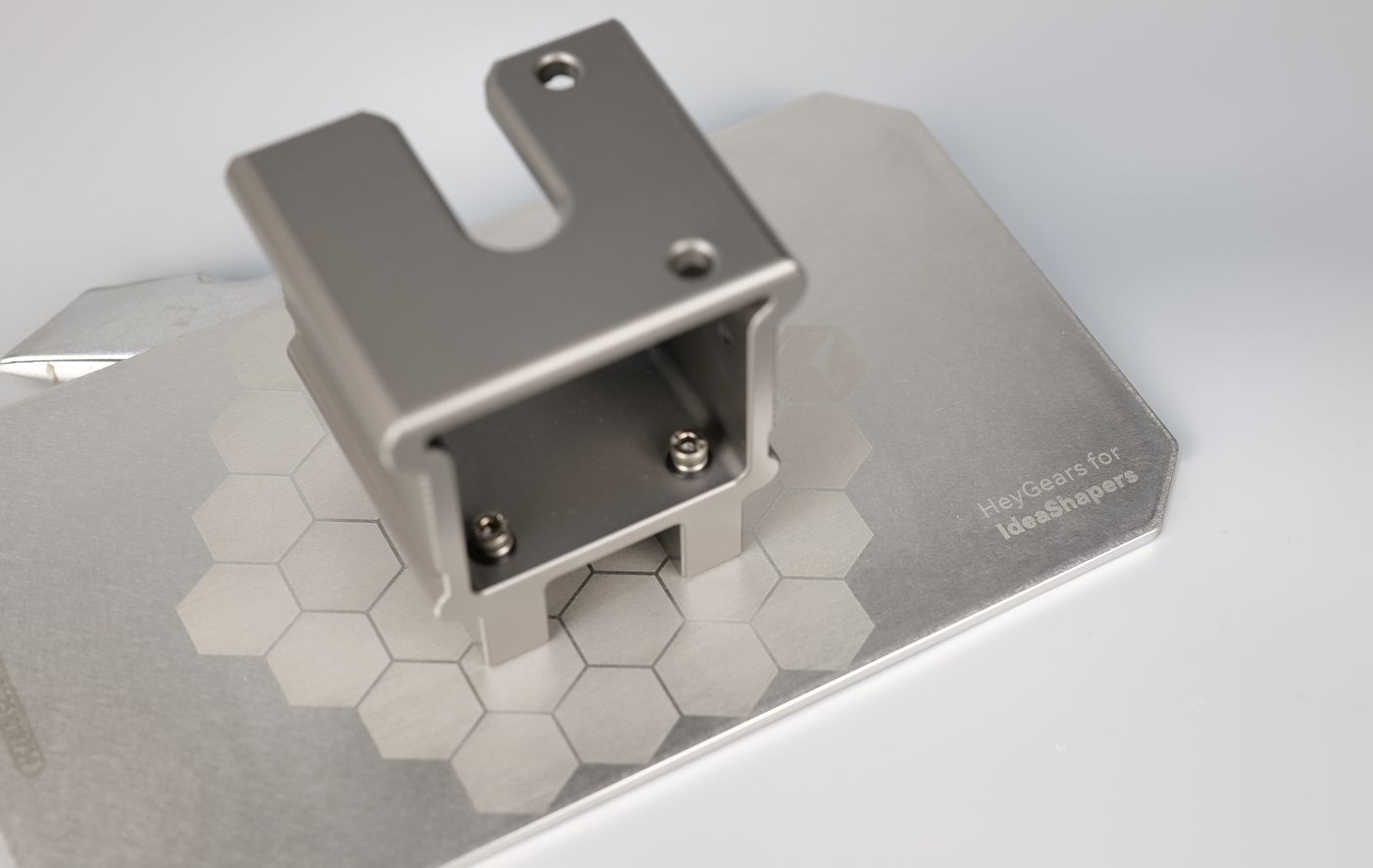
Also contributing to this stable printing experience is the sturdy metal plate which is quite heavy and feels extremely rigid.
USB, MicroSD and Wi-Fi Connectivity
While the Reflex RS TURBO is designed to be used within the ecosystem built around the HeyGears account, it’s worth noting that you can also print offline with the USB and MicroSD interface available on the right side of the unit.
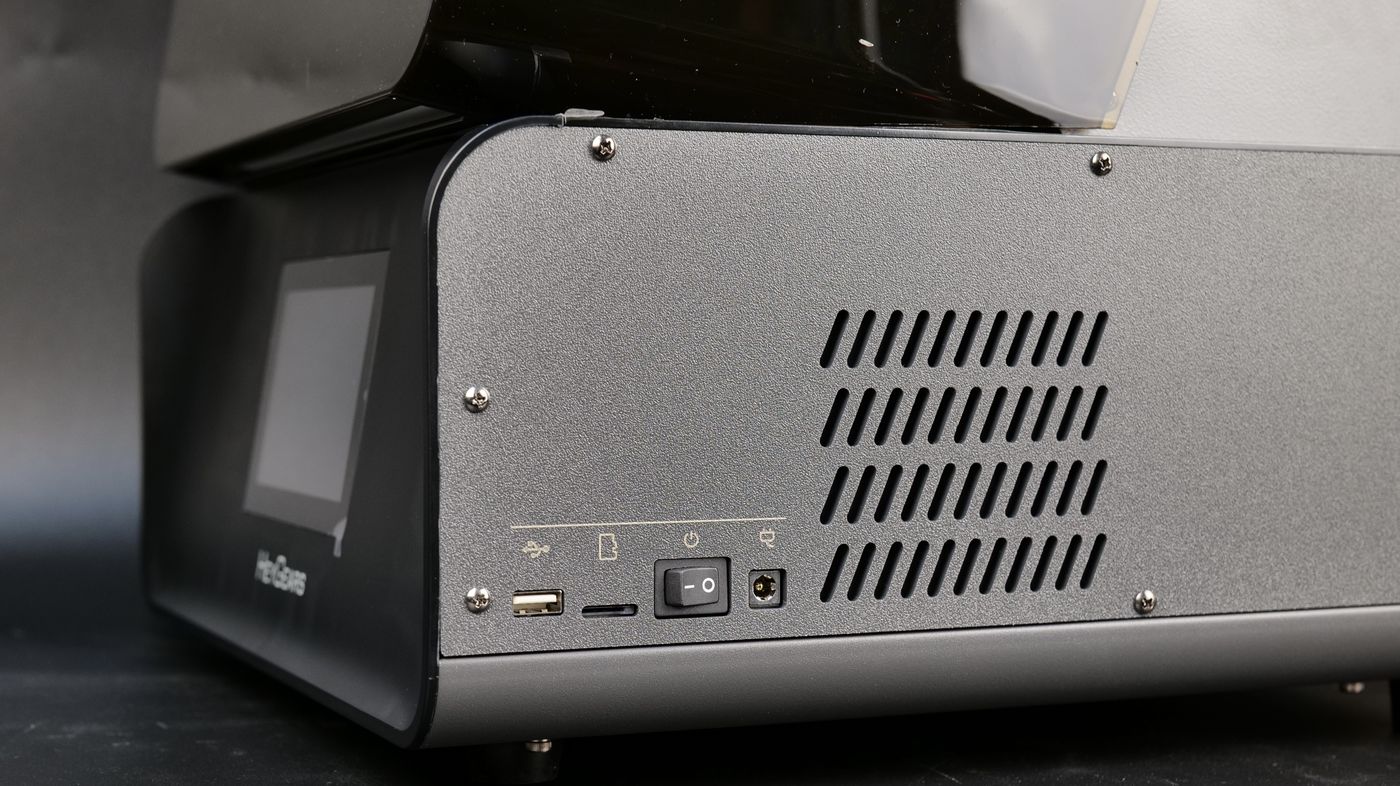
On the same side, you have access to the power button, and the power adapter connector.
Extensive Video Documentation
What surprised me is the extensive video documentation HeyGears has on their website, which will make the initial setup a breeze. But the on-screen setup wizzard is also great to help you get started.
The smart detection features let you know when the Resin Tank is installed correctly, the Platform is attached and ready to go, and when to load the resin.
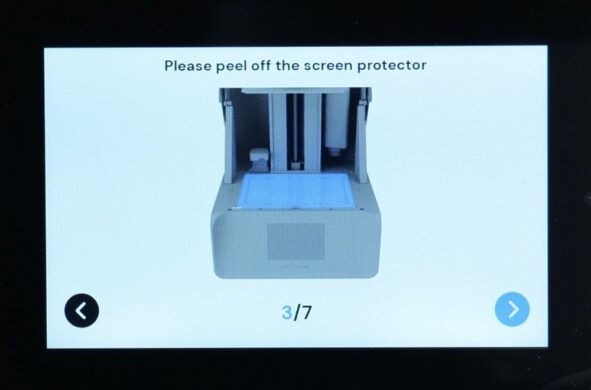
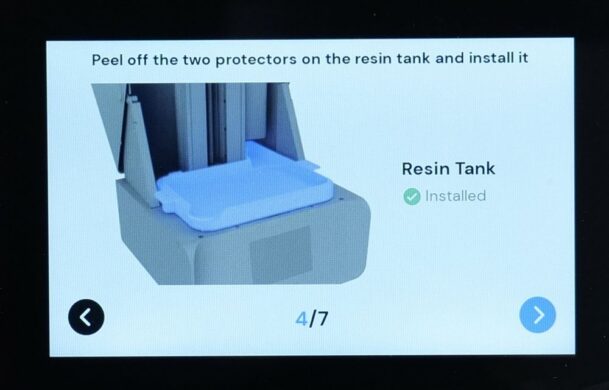
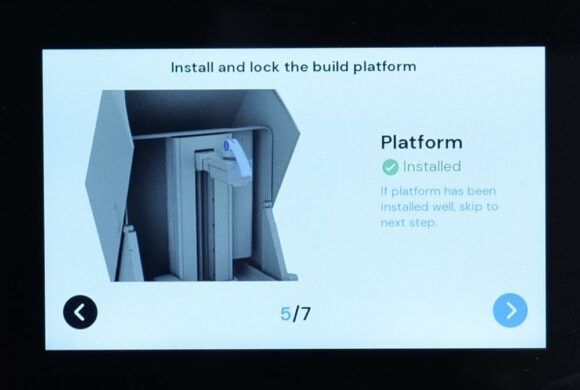
I have included a few other screenshots of the screen interface to better understand what options you have available. Most of the options are great, and the only drawback which I felt is the order of the Settings menu, which feel a bit mixed.
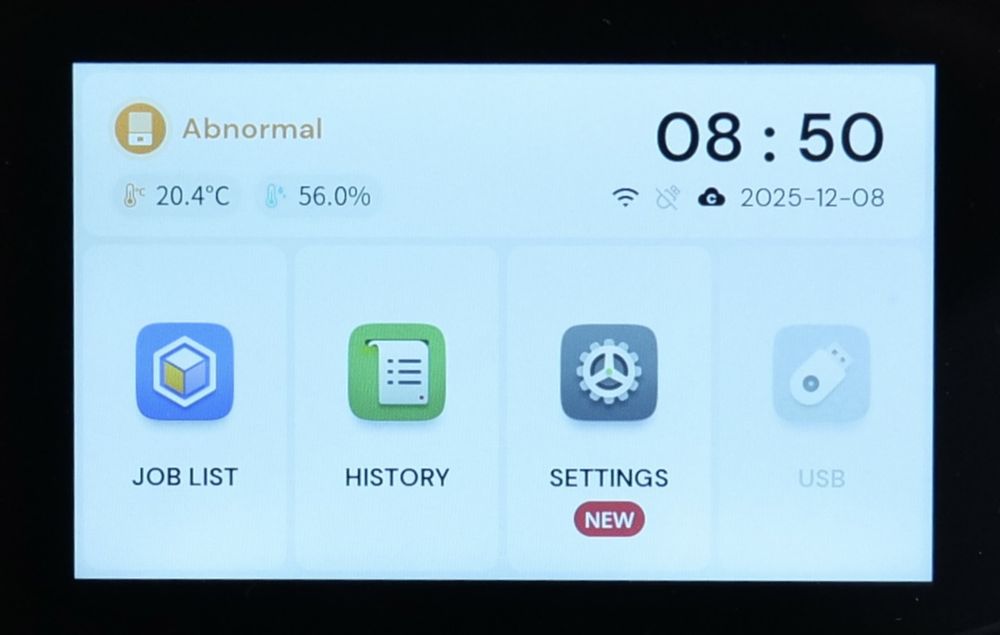
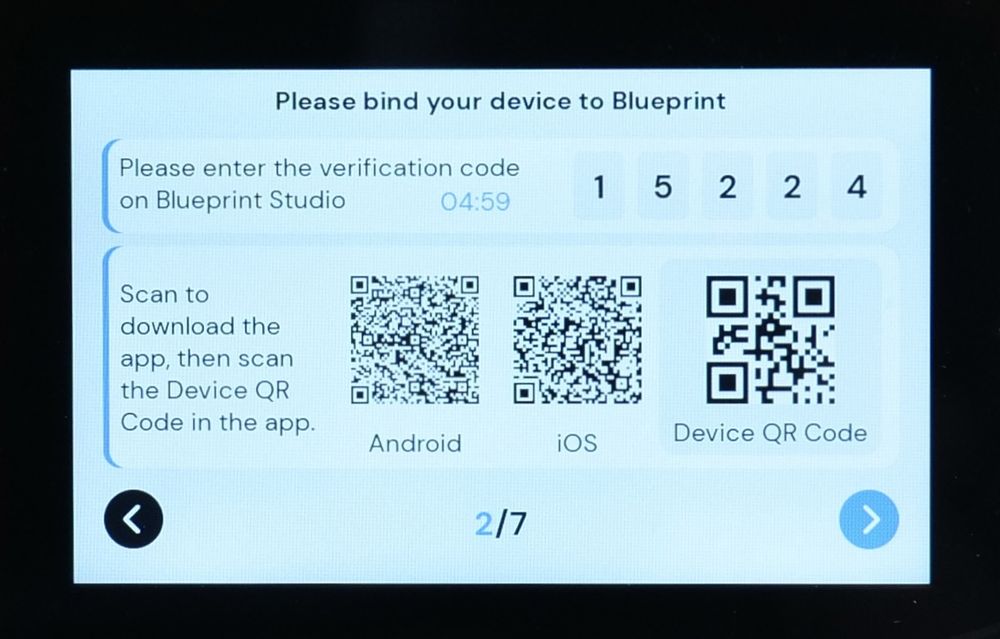
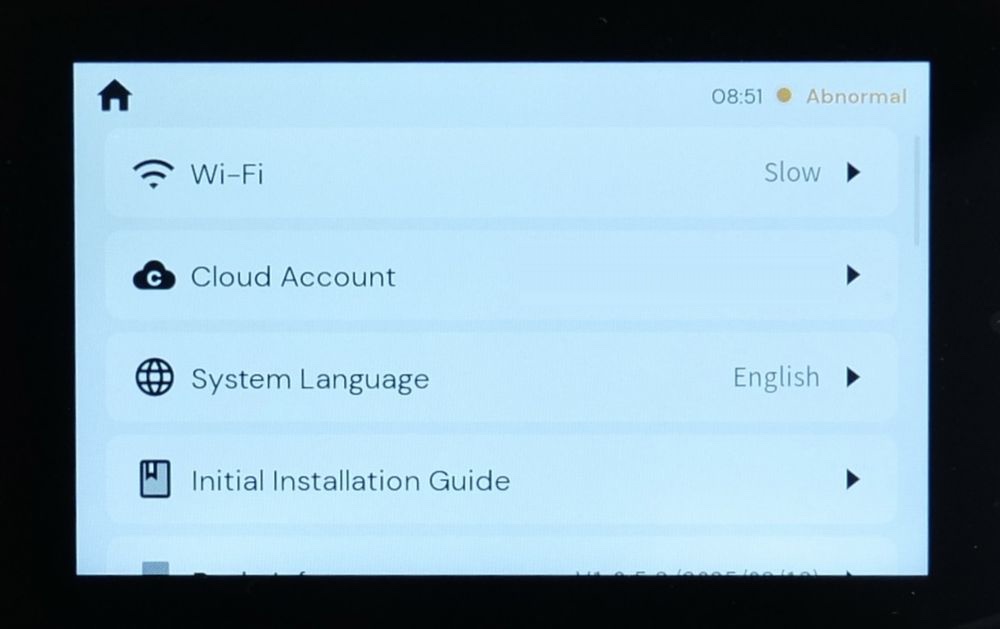
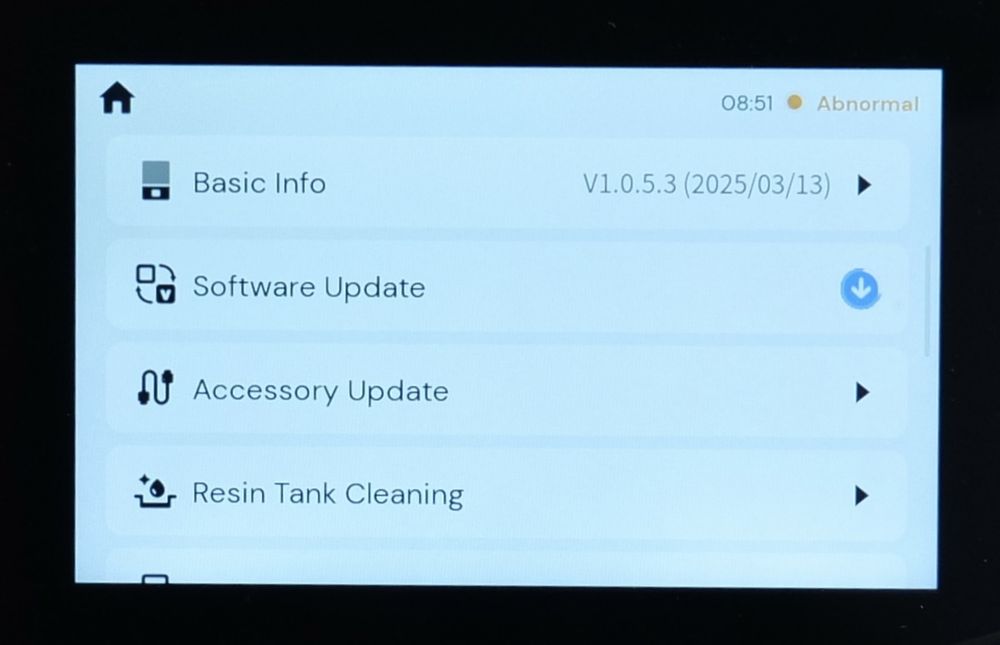
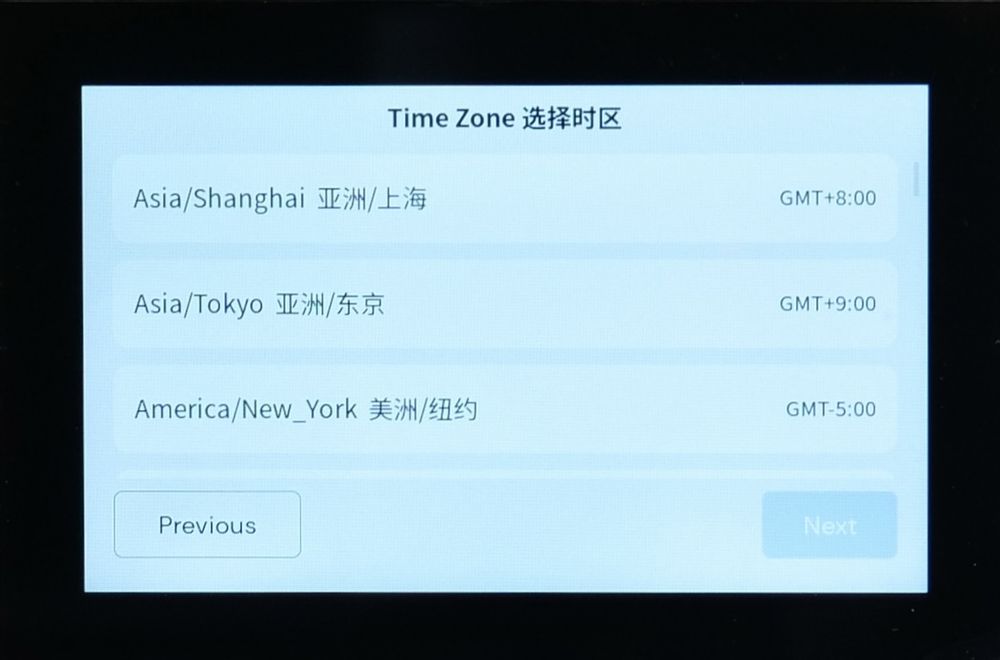
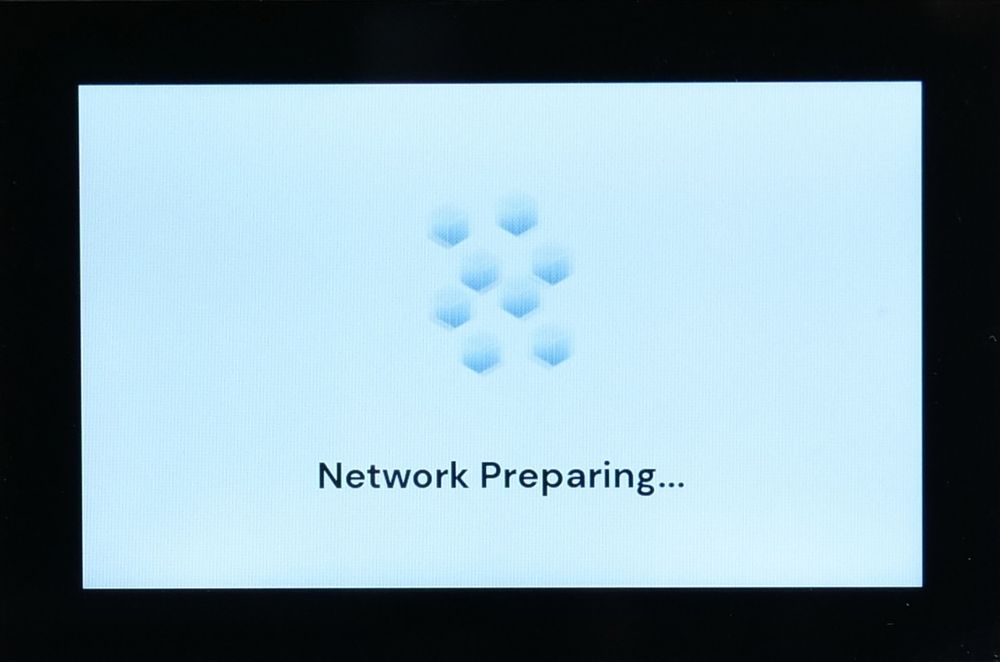
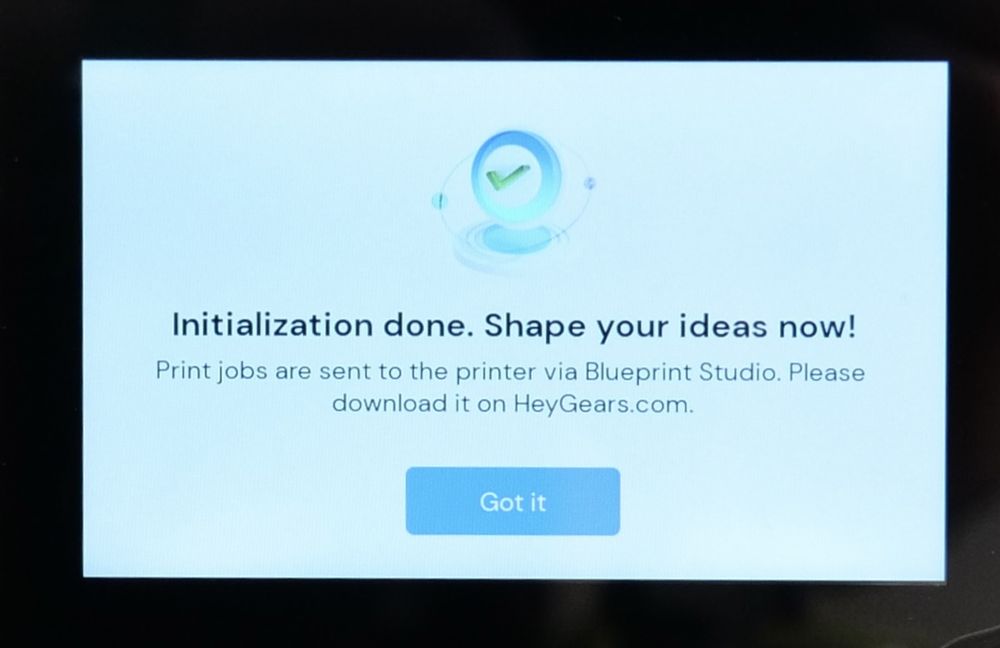
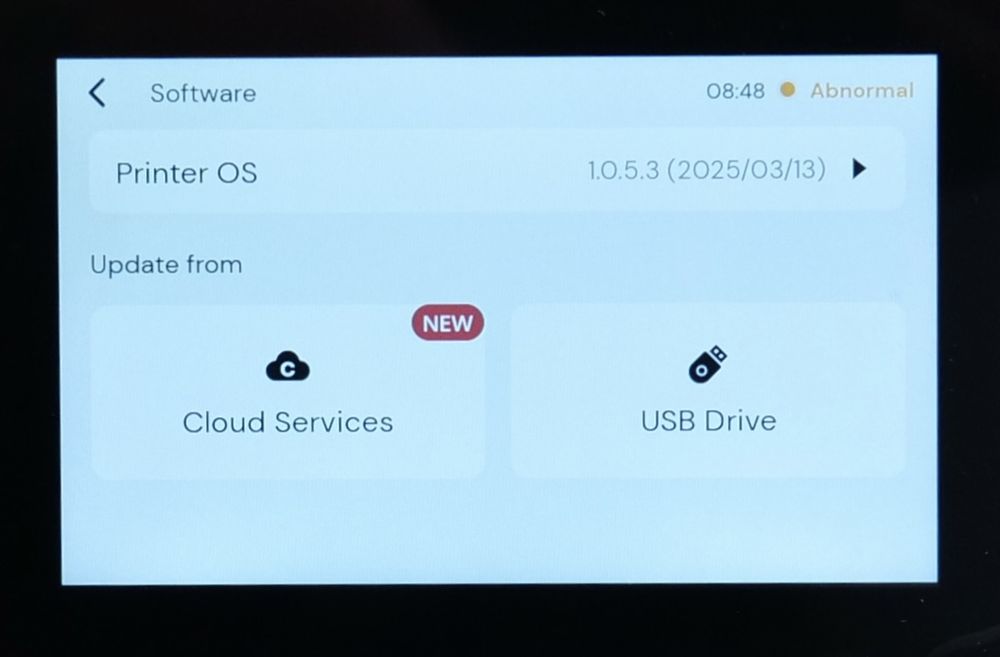
For example, the Wi-Fi option is in the top, but that’s probably one of the least used features after the setup is done, so it could be lower in the list once the setup is done.
Reflex RS Heated & Pulsing Release Resin Tank
I also received the Reflex RS Heated & Pulsing Release Resin Tank which is a 2-in-1 resin tray that adds the automated heating function to the printer, and when combined with the Pulsing Release Module, it allows for the pulsing release function to be used.
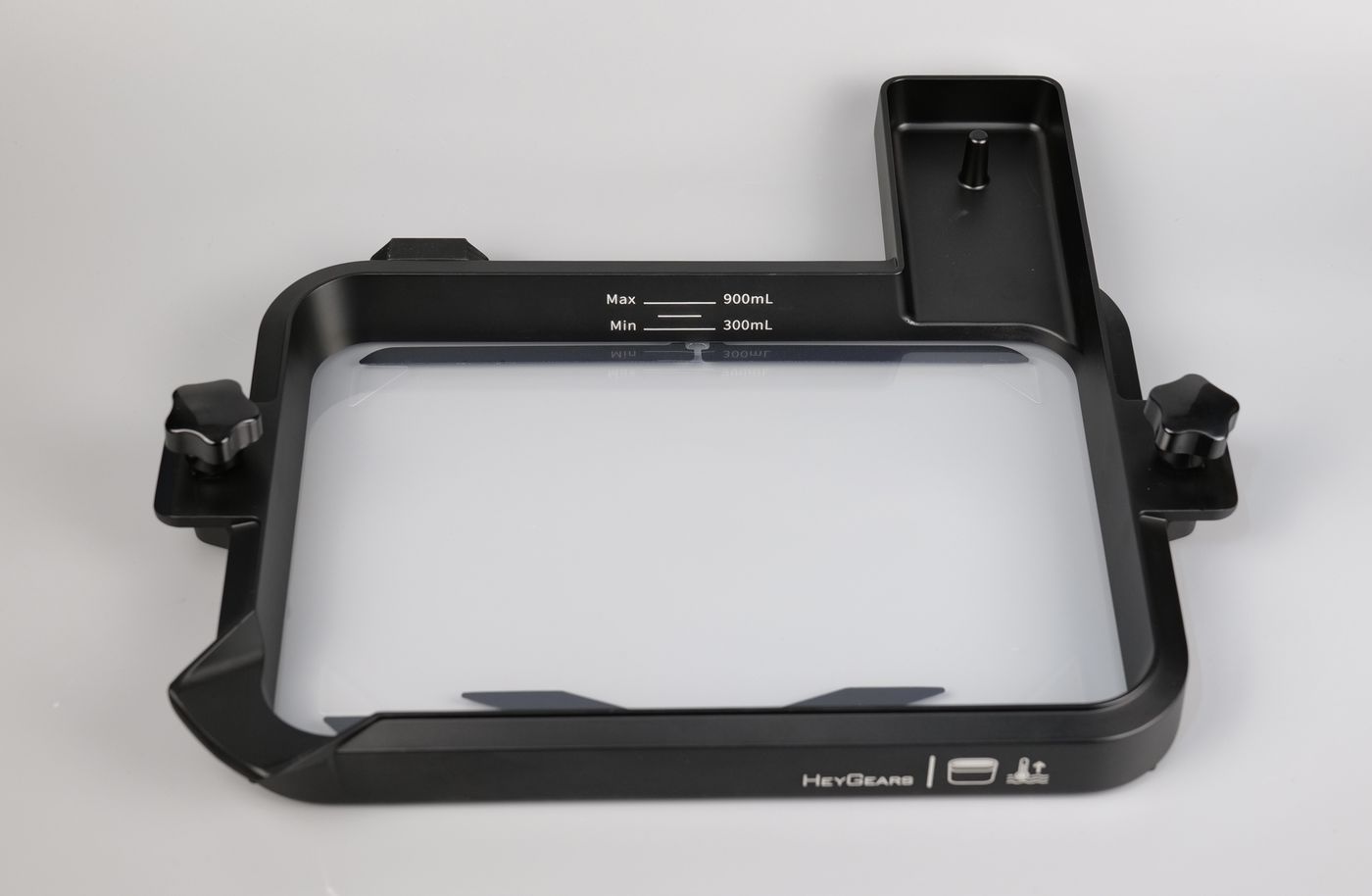
The heating connection is located on the back side of the unit, and in the images below you can also see the RFID/NFC tags used for the automated detection feature of the printer, which lets the printer know when everything is correctly aligned and installed.
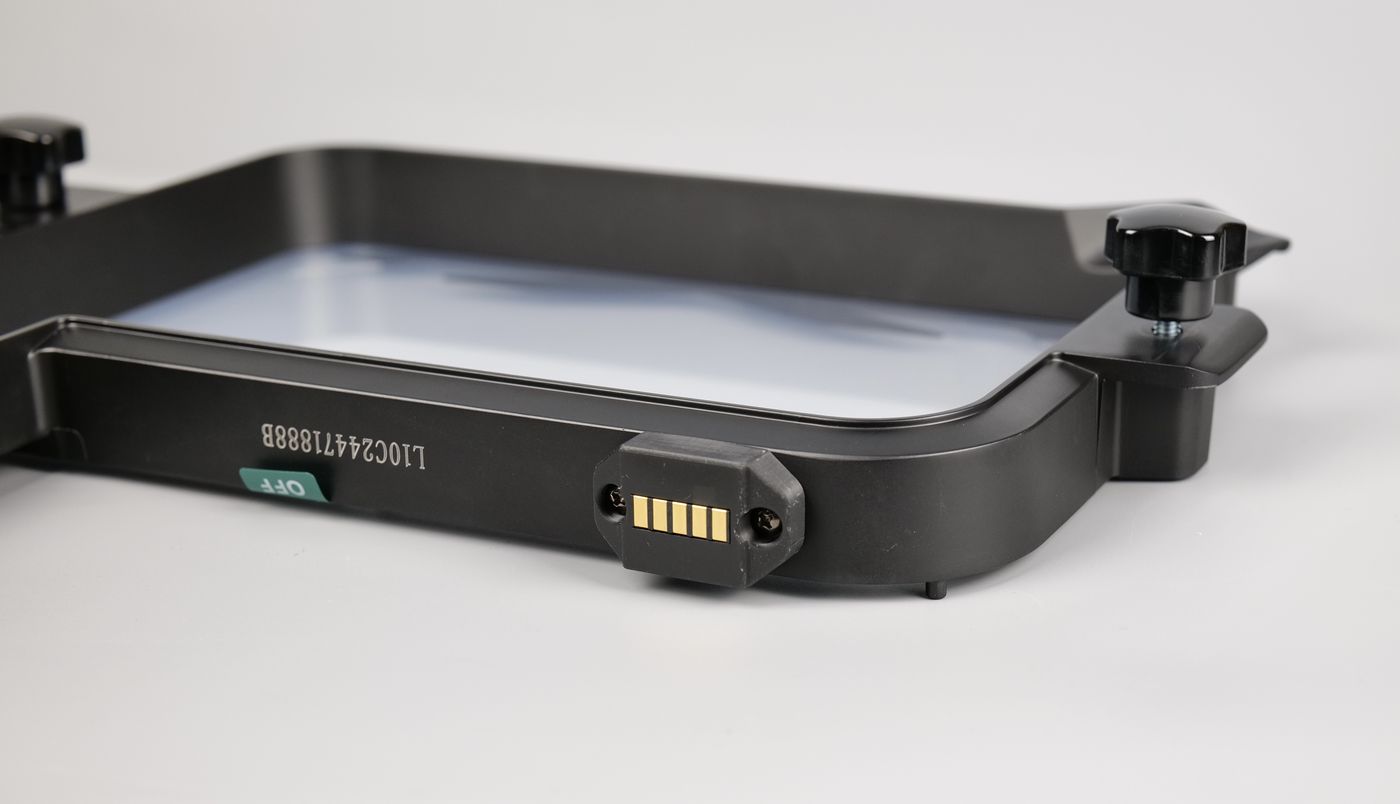
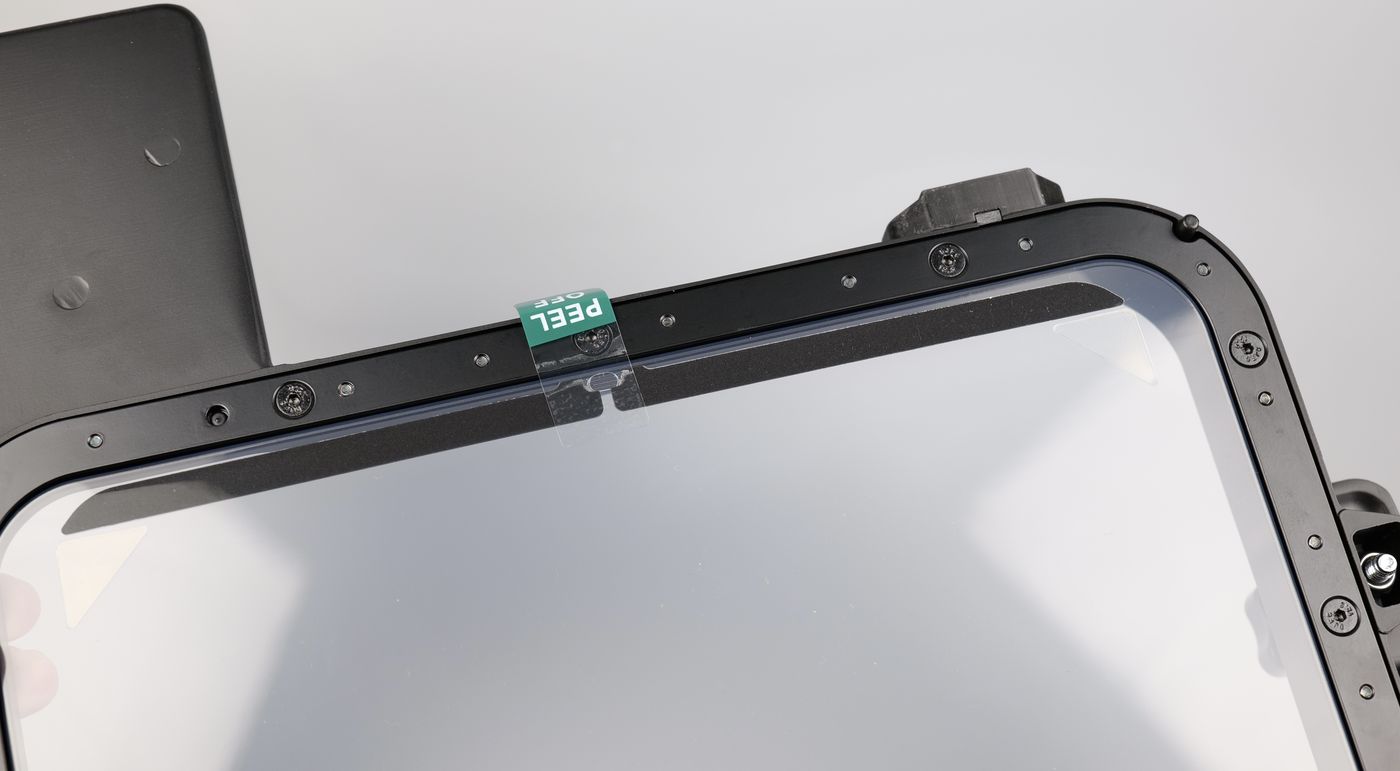
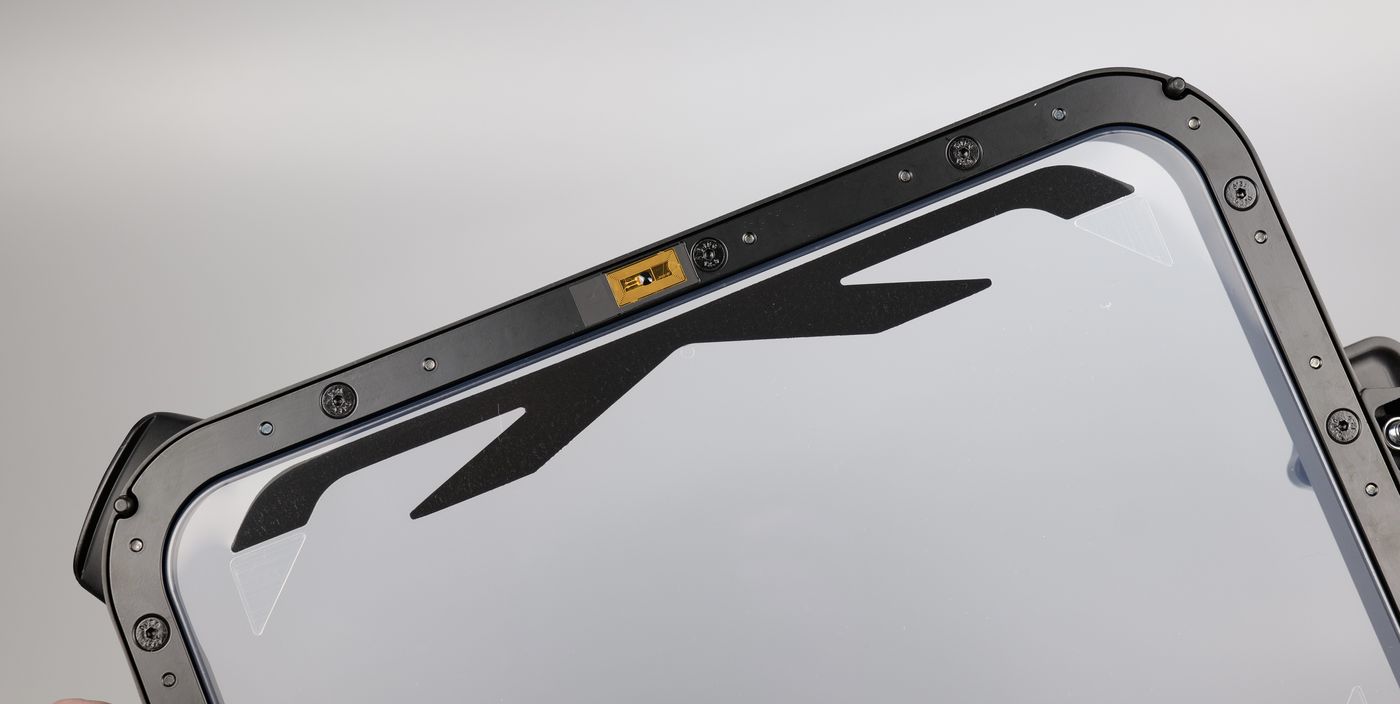
Unfortunately, i was unable to test the pulsing module as it was not included in my package. But the resin tray worked as expected.
The main benefit of using this upgraded tray is to heat the resin as low temperatures for the resin can affect the flow of the resin and cause incomplete curing. The tray will heat automatically and keep the resin to the best temperature during printing, to ensure successful printing
Auto Resin Refill
The resin bottle design automatically refills the tray, so there is always enough resin for larger prints. The only downside is that the initial fill can be a bit slow when you first load the resin.
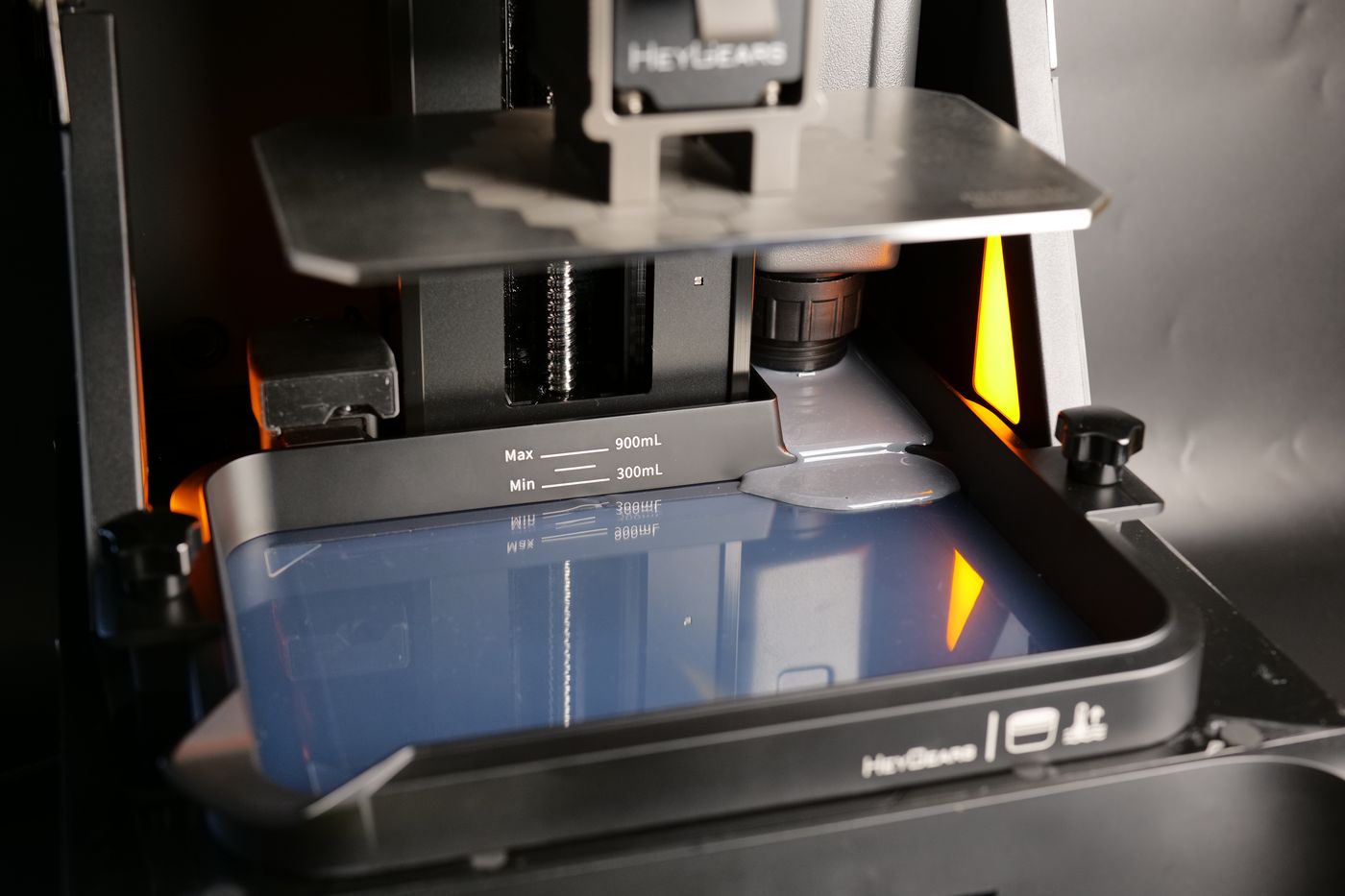
A simple workaround is to pour some resin directly into the vat first, then attach the resin bottle for the rest of the print. This lets you start printing right away and helps avoid any low resin issues later on.
UltraCraft Wash and Cure Systems
HeyGears also have two units available for post-processing resin prints done with their resin printers, the UltraCraft Wash and the UltraCraft Cure. The main benefit of using the HeyGears washing and curing systems is the tight integration between the products.
Both devices are connected to WiFi and your HeyGears account, becoming available in the software. Once you complete the print, the washing and curing steps are available for each of the resin types, ensuring the right settings are selected.
UltraCraft Wash
The UltraCraft Wash is a dedicated washing unit designed to seamlessly integrate with the Reflex, Reflex RS Turbo, and Reflex RS units. It plays a key role in post-processing by efficiently cleaning printed parts, helping ensure consistent surface quality and reliable results as part of a streamlined, end-to-end production workflow.
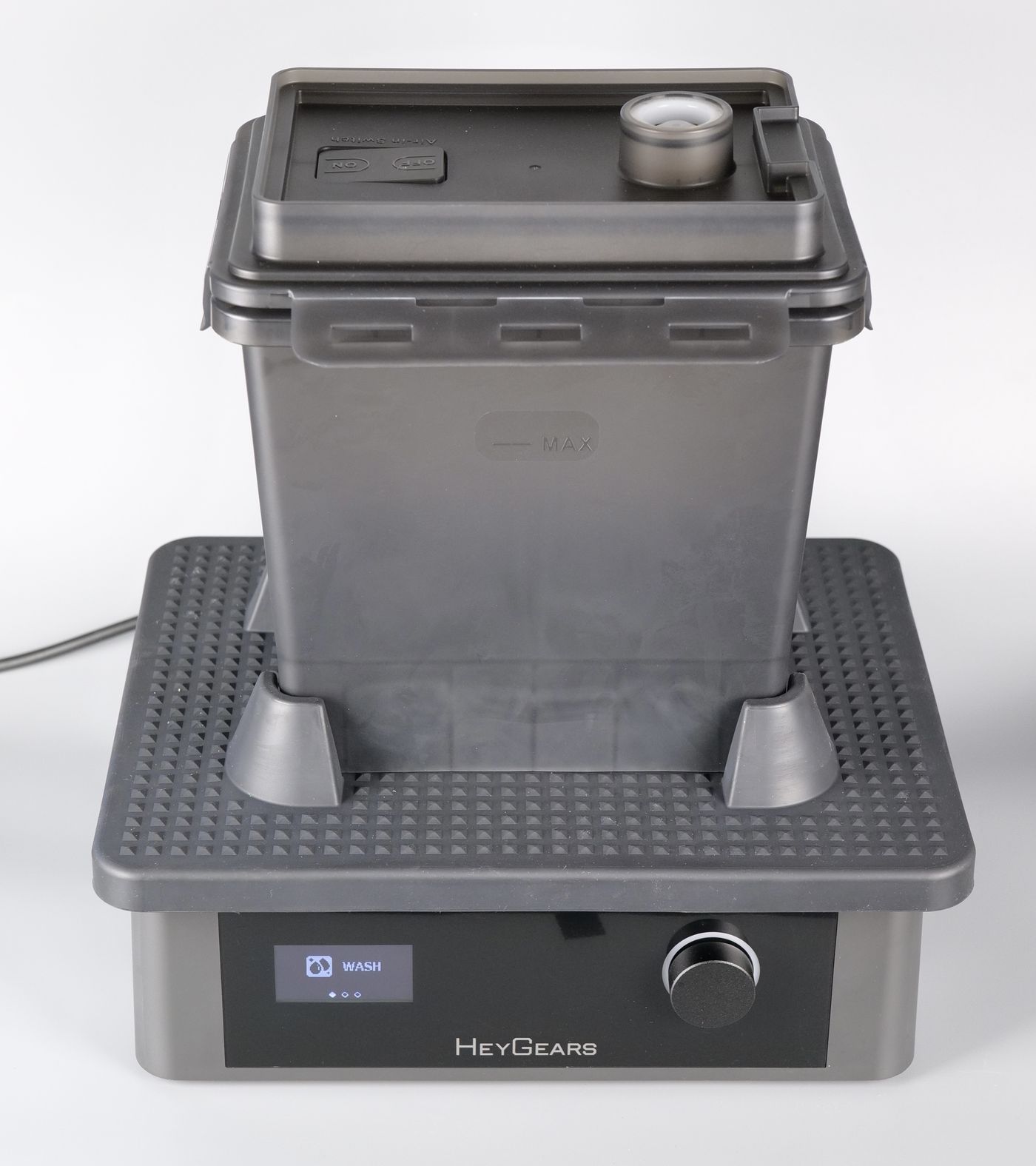
Once the prints are done, you simply remove the supports of the models, then start cleaning the models with IPA in the Washing Box. Thanks to the two included washing boxes, you can have a two stage cleaning process where you clean most of the resin in a single container, then move the models in the second container for the final cleaning with clean resin.
The screen options are very easy to access using the knob on the right side. Simply select the Washing or Shaking section then you can manually control the duration and the shaking speed.
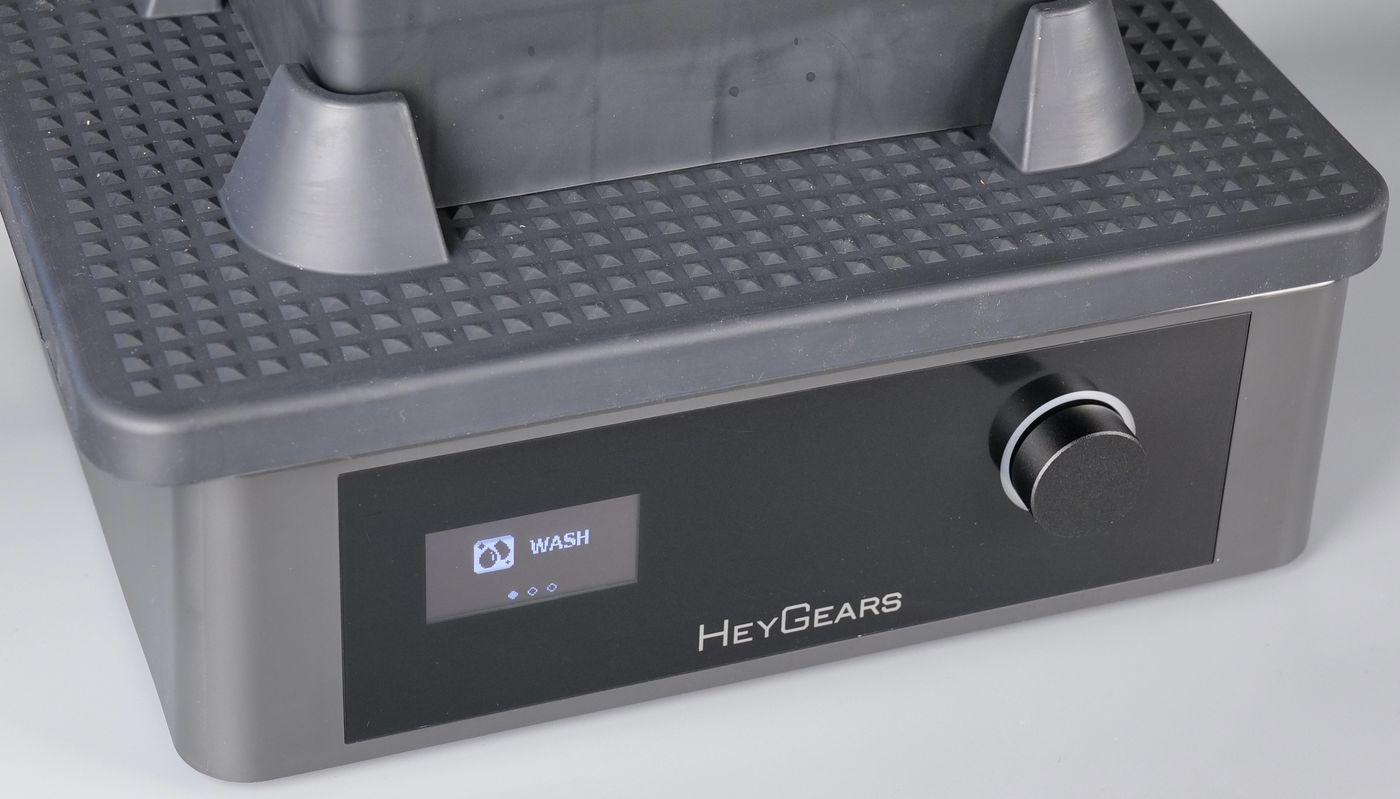
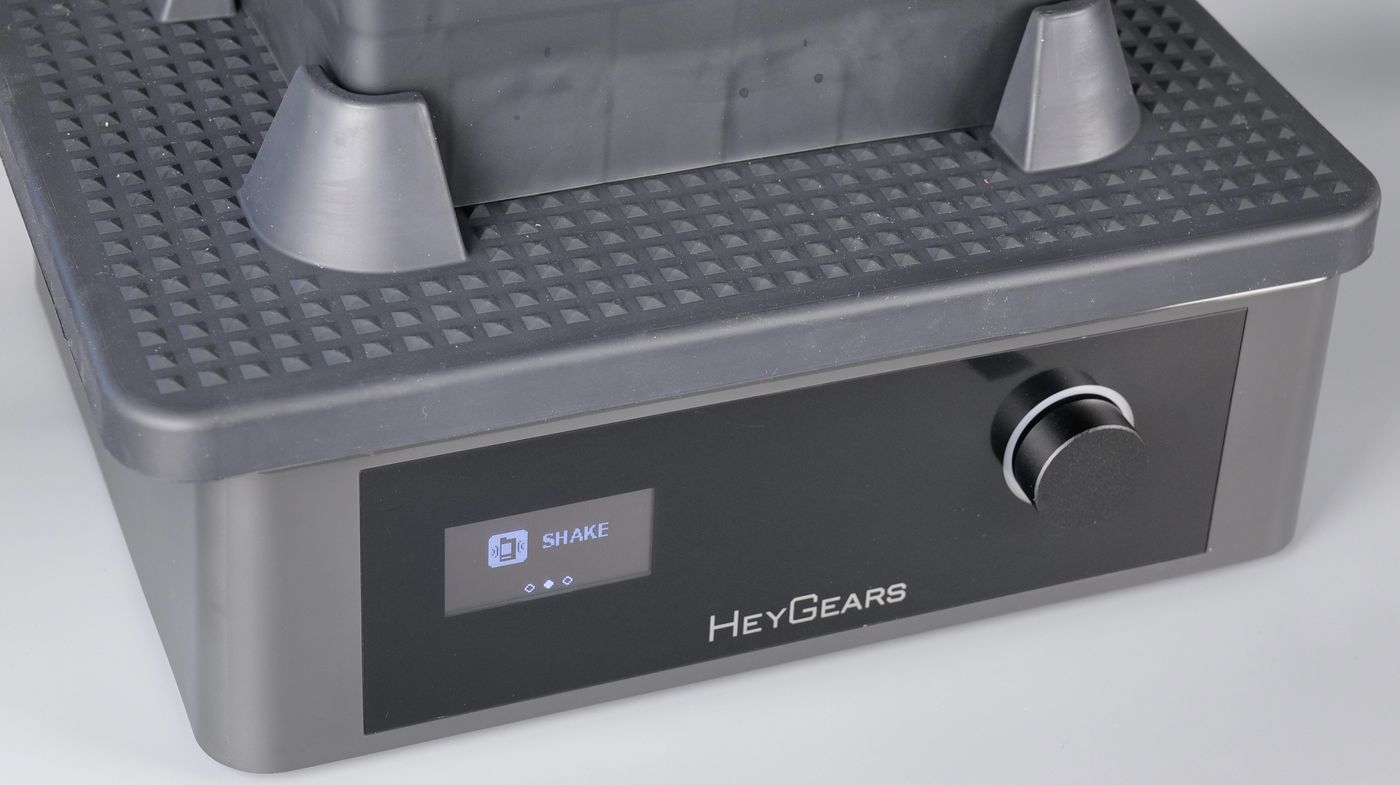
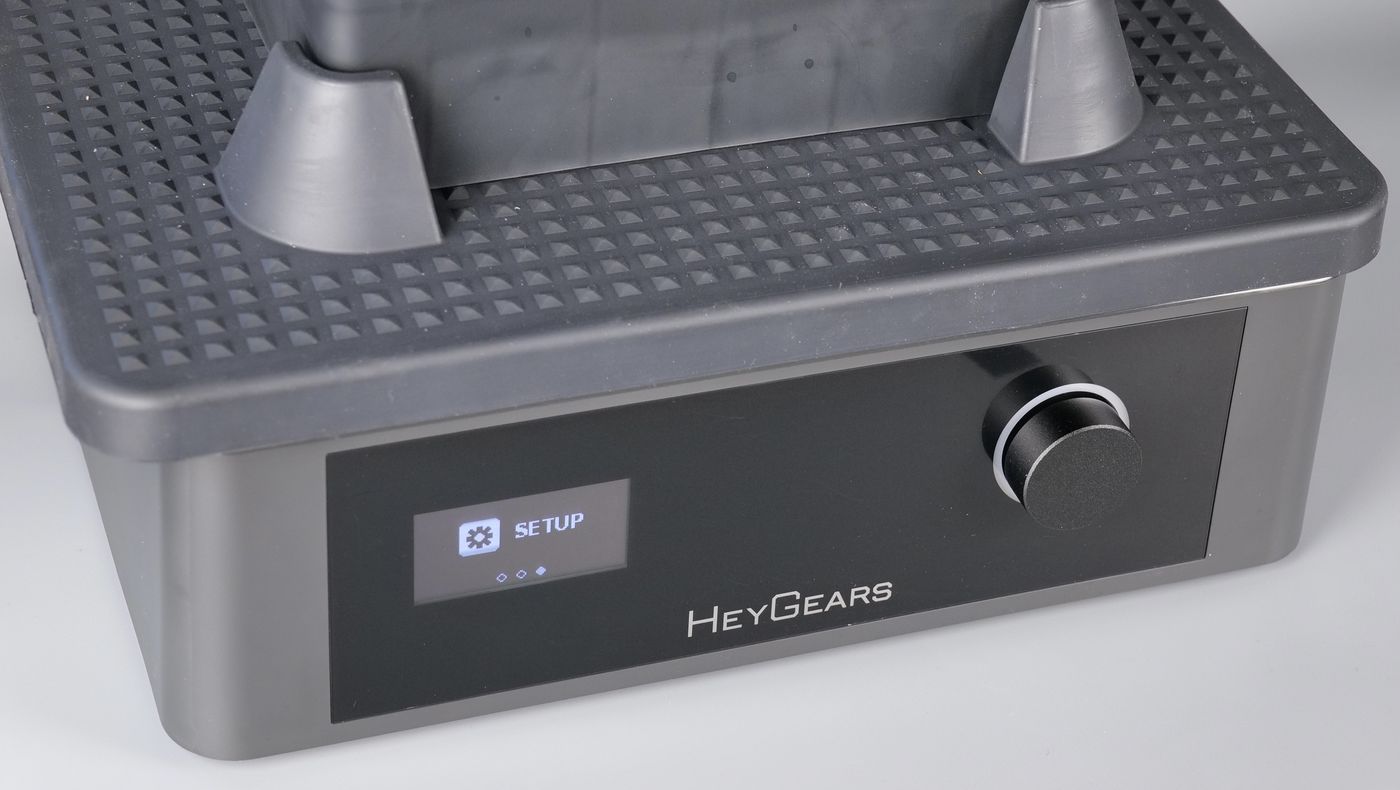
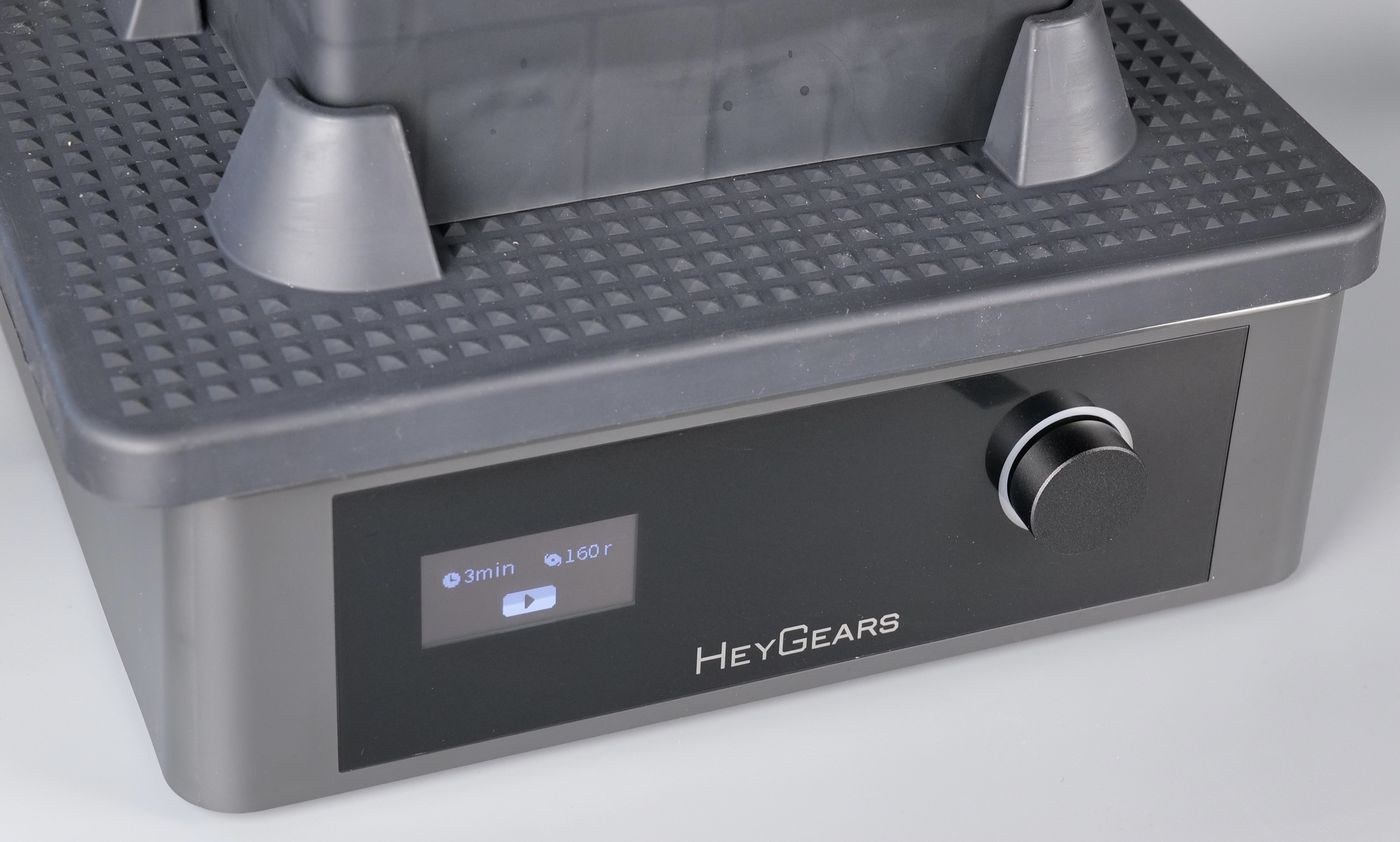
Conventional washing units usually have a rotating mixer on the bottom to spin the resin inside the container, but the UltraCraft Wash is actually shaking the contents which could be a problem if you wash a larger number of models at the same time. This shaking motion could make the prints hit one another leading to some minor scuffs in the post-processing operation. But based on my testing, this is not a very big issue.
An additional feature of the UltraCraft Wash is the possibility to shake the resin before using it, to ensure it is ready for printing.
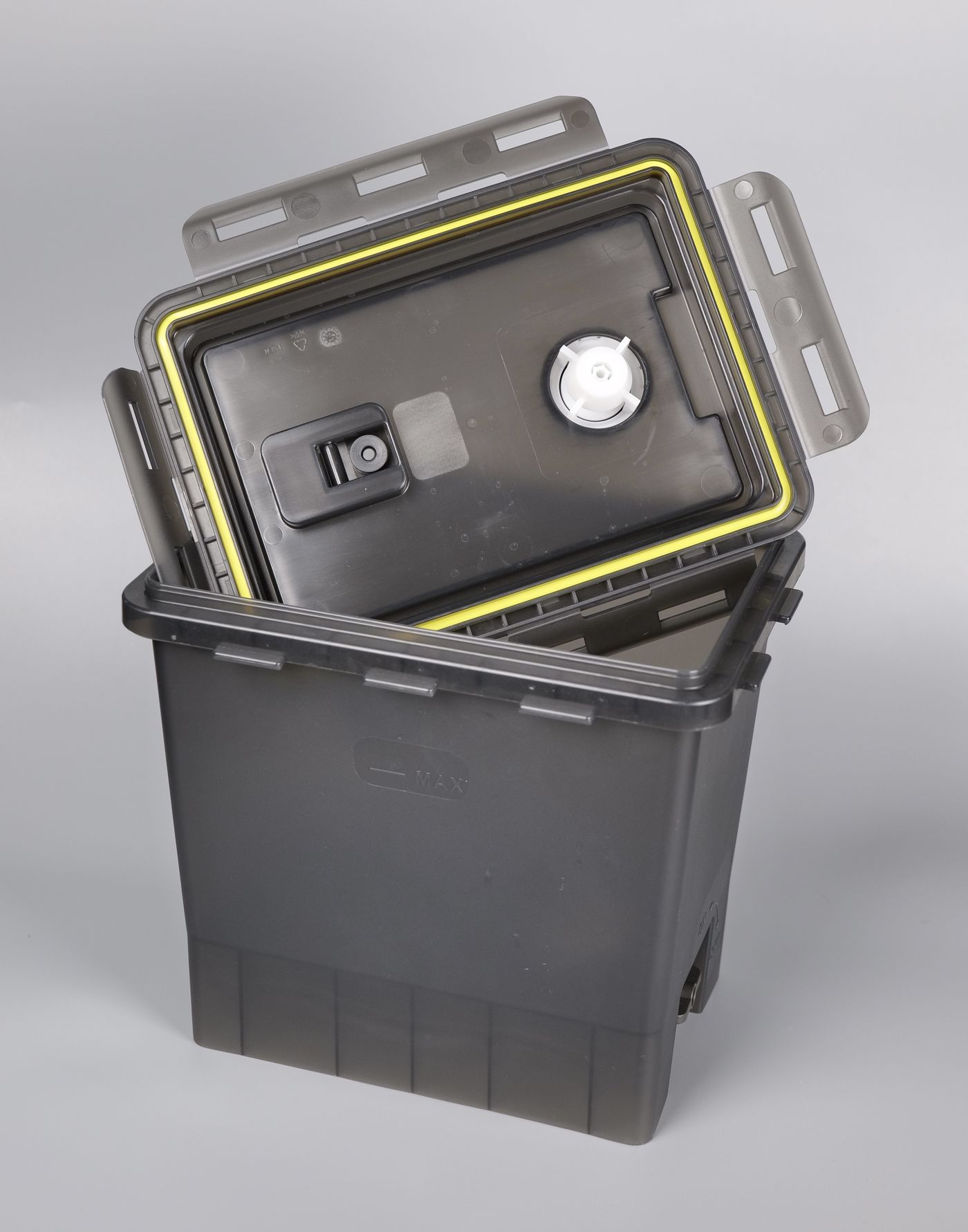
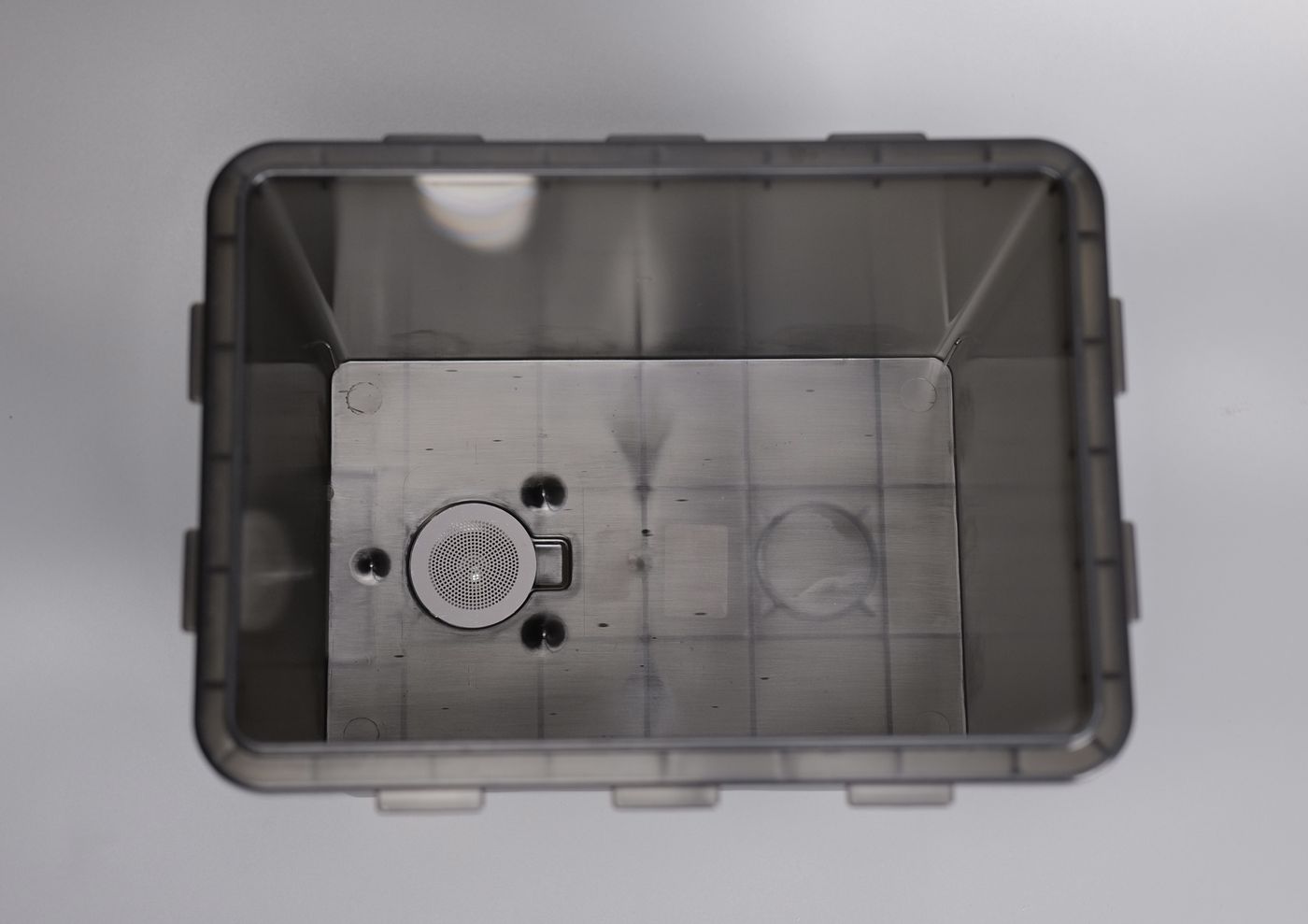
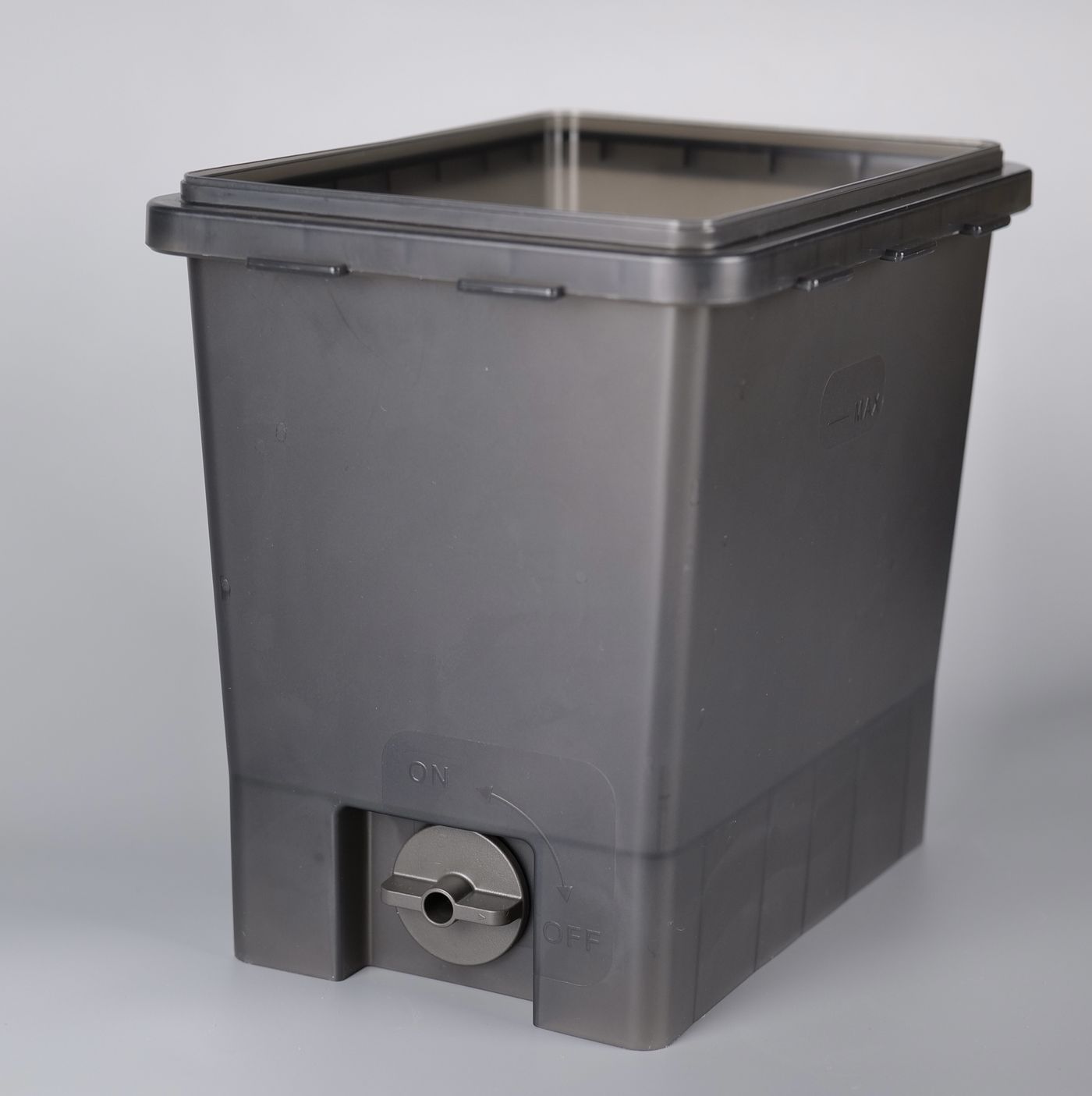
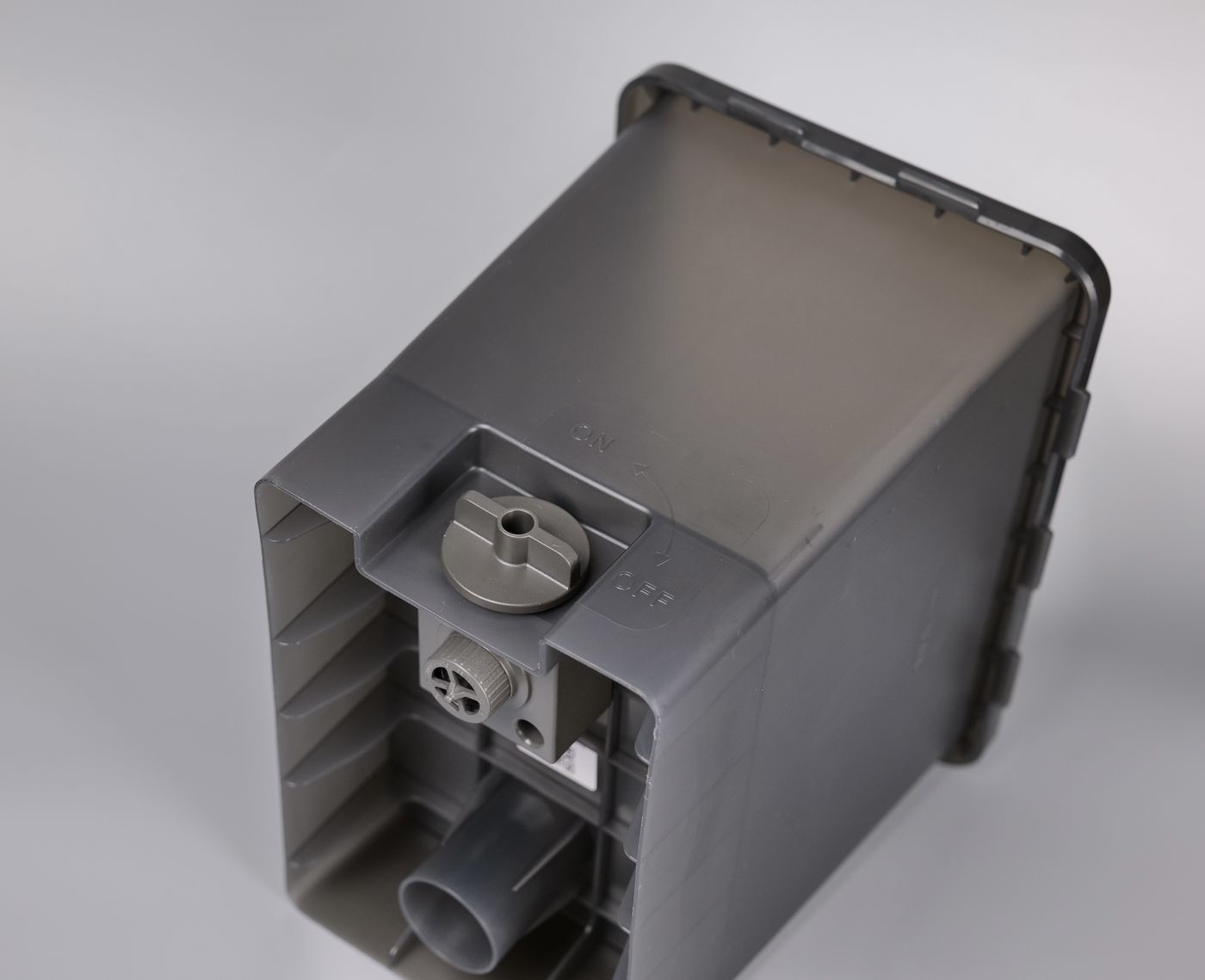
While these washing boxes seem like simple containers, they are more than that. On the left side there is a simple valve to easily drain the used IPA, while on the top and the bottom of the units you have access to the main draining system, which can be used to transfer IPA from one container to the other.
UltraCraft Cure
The UltraCraft Cure is the curing station offered by HeyGears to be used in the final post-processing steps of resin printing. Once the models are washed in the Washing station, UltraCraft Cure will do the final curing of the models with dual UV LEDs.
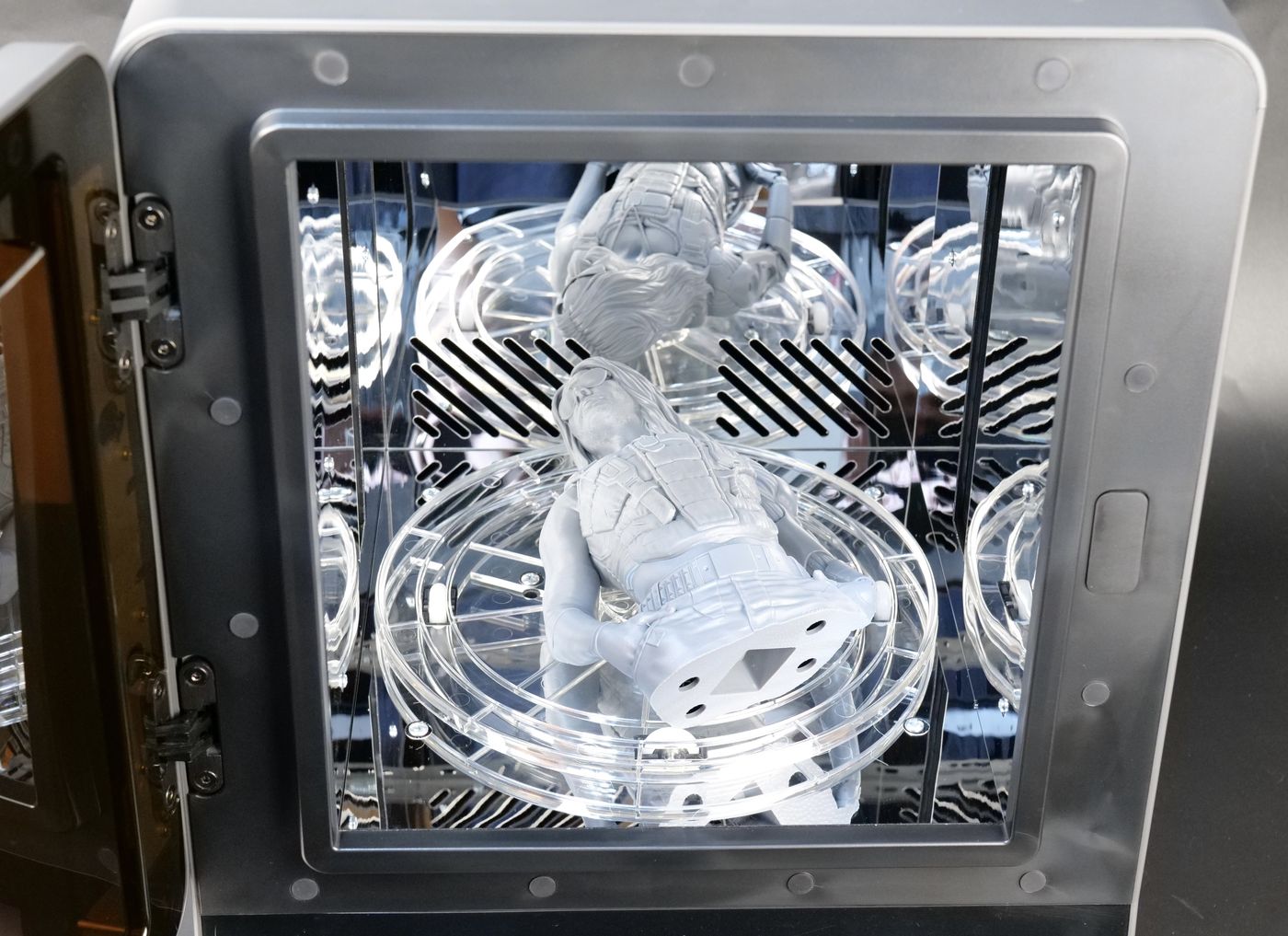
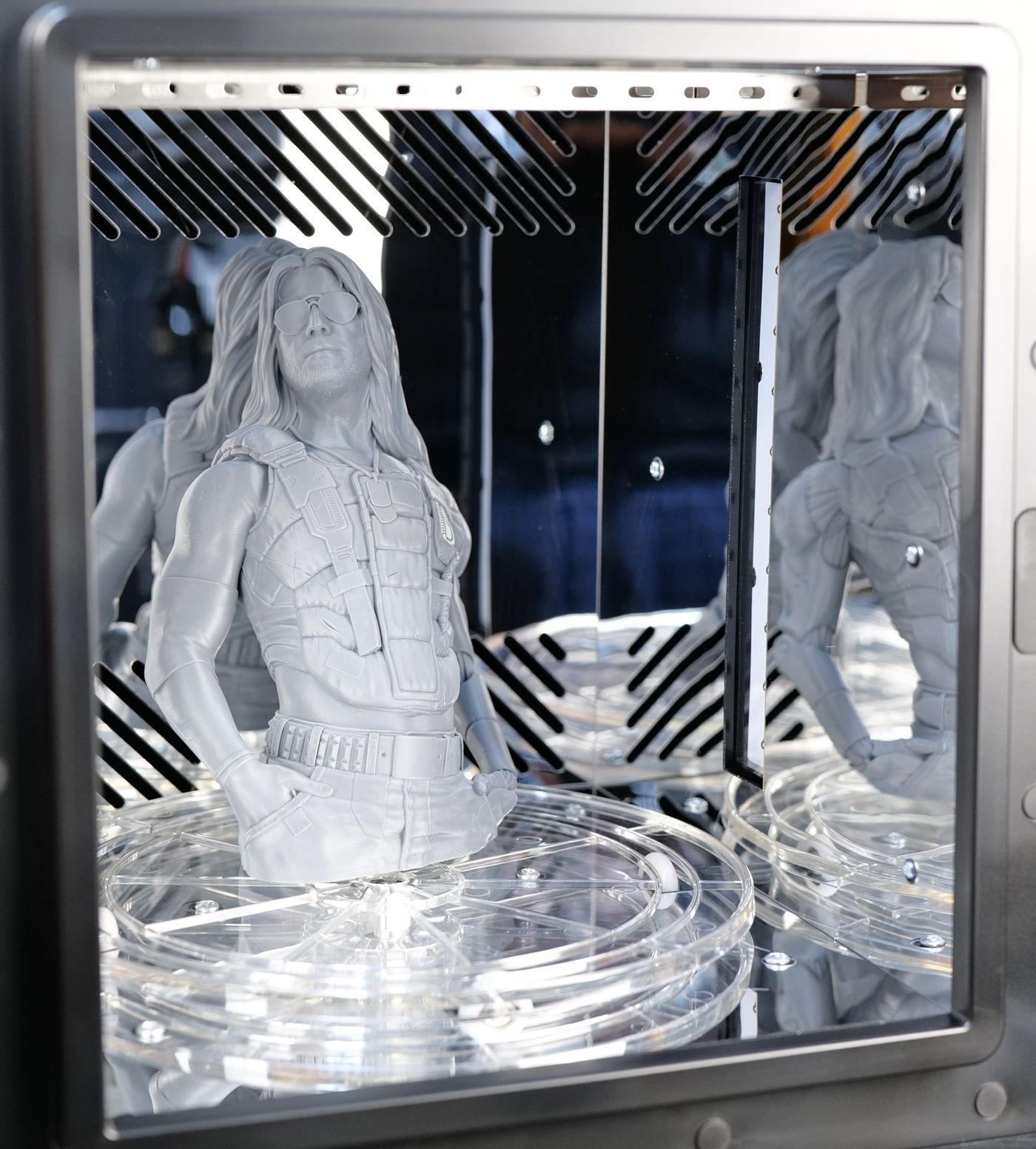
Besides the main feature of curing the model, the UltraCraft Cure also has a fan which blows inside the chamber to dry the model, and a heater which can reach up to 60C to cure the model at high temperature, if required.
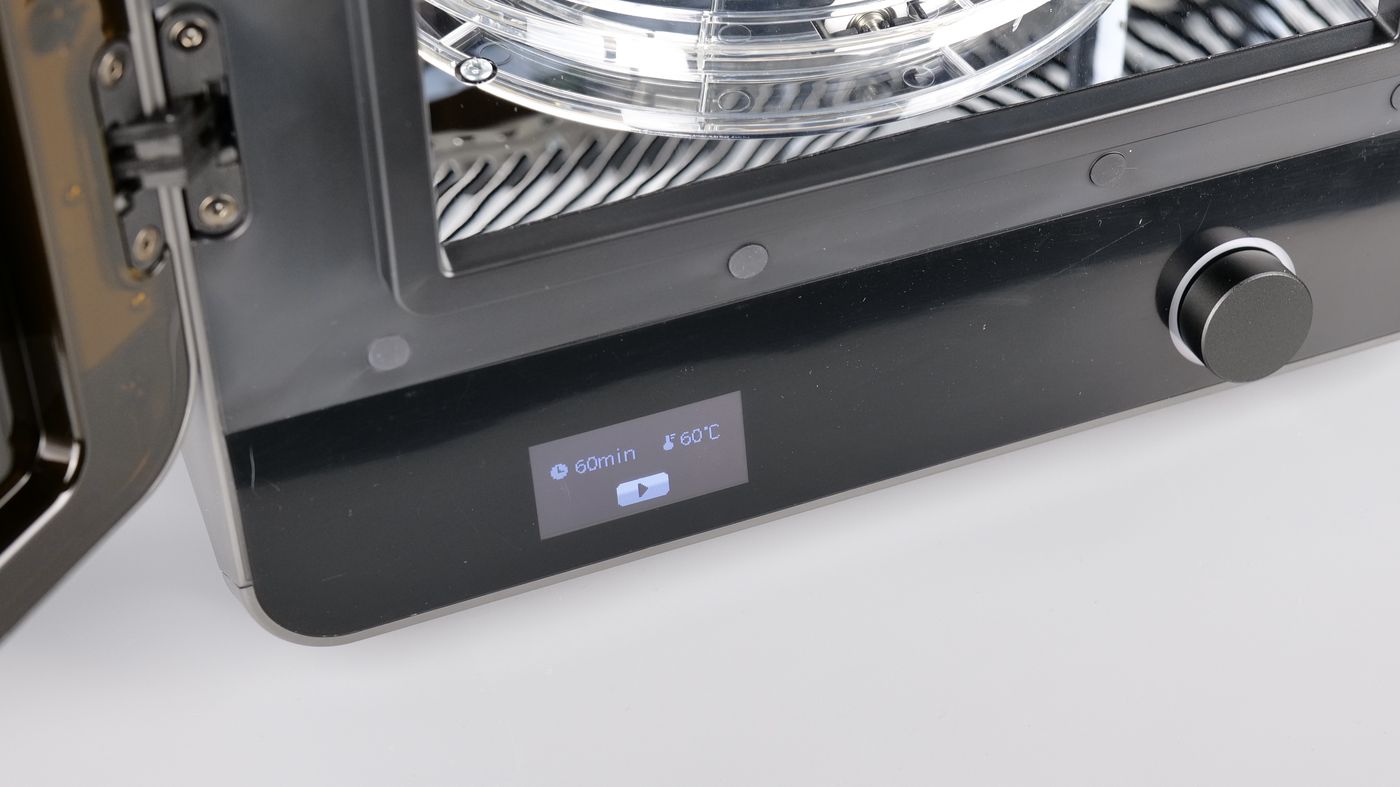
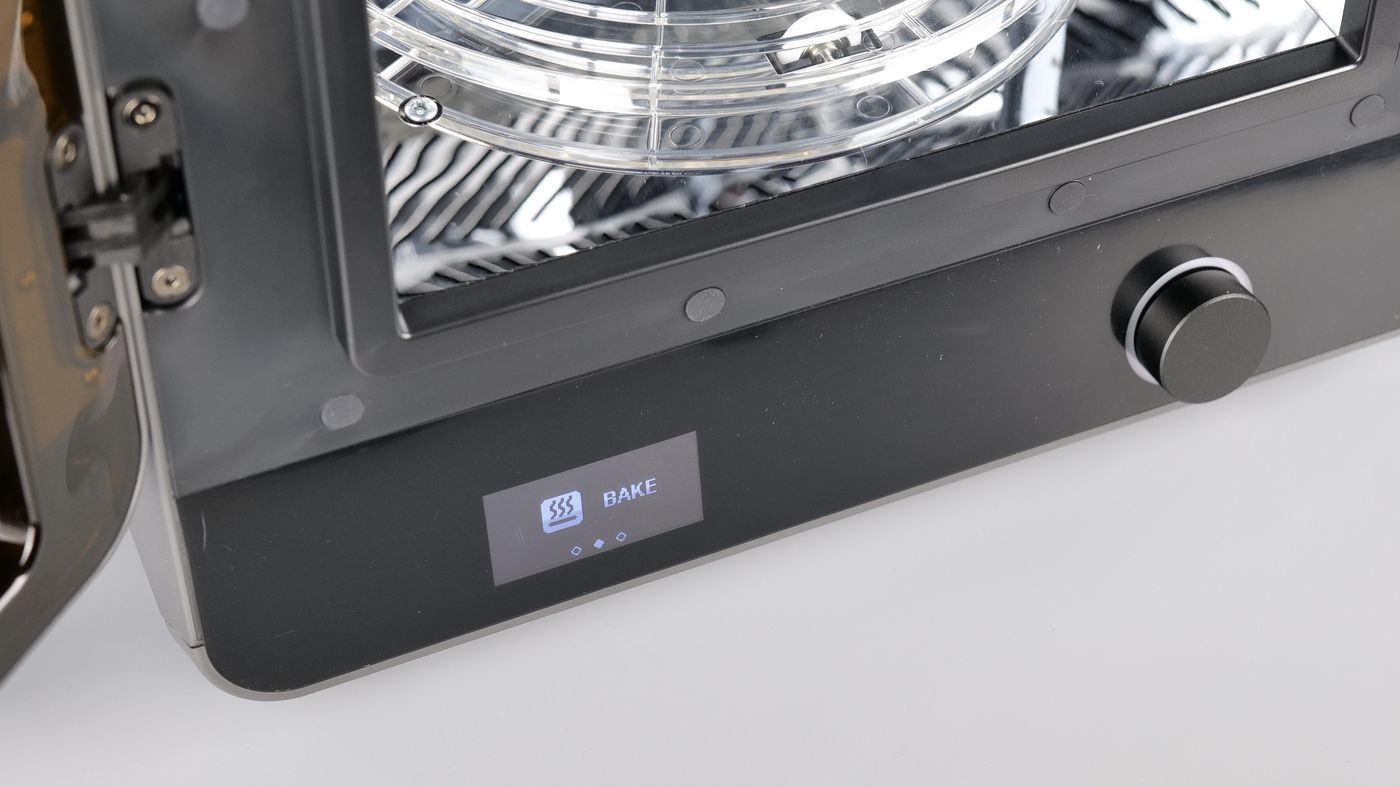
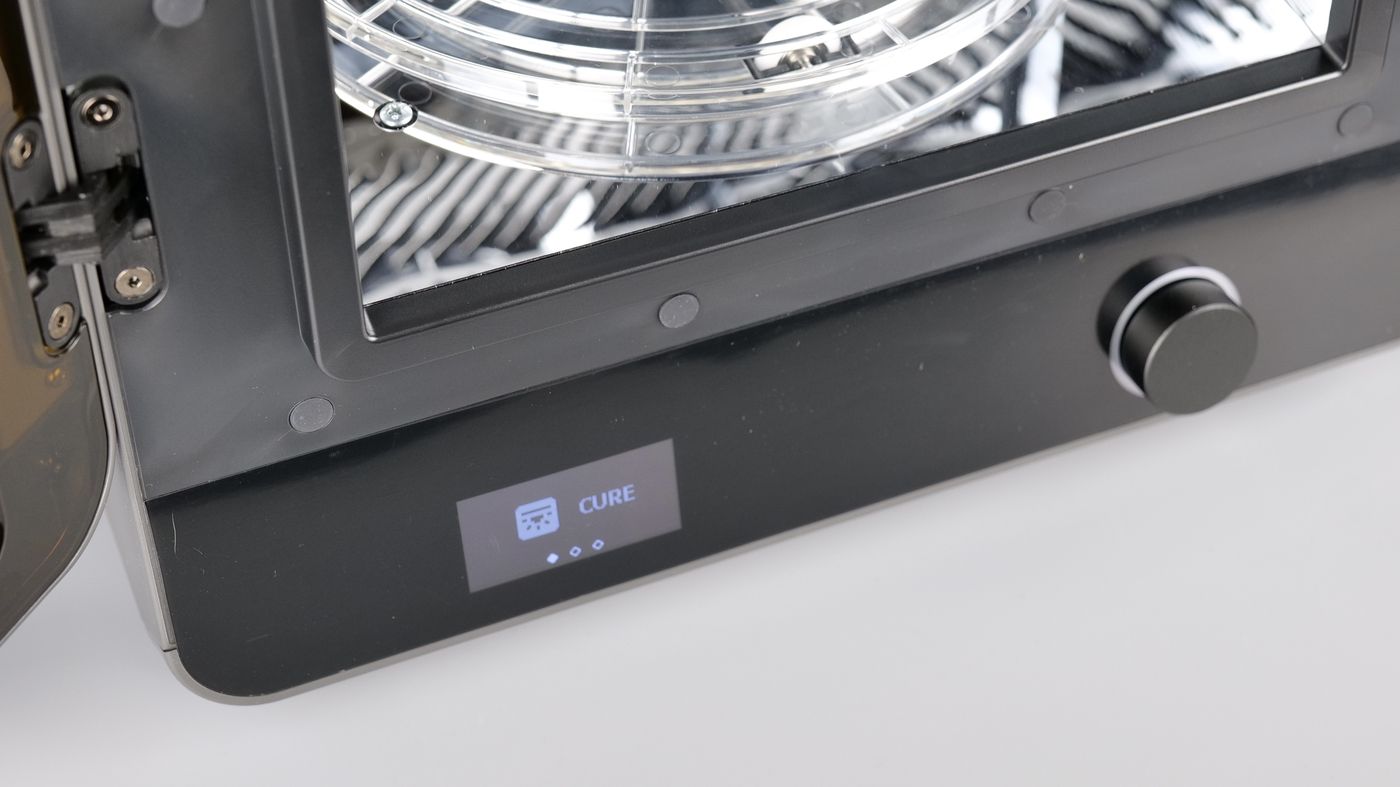
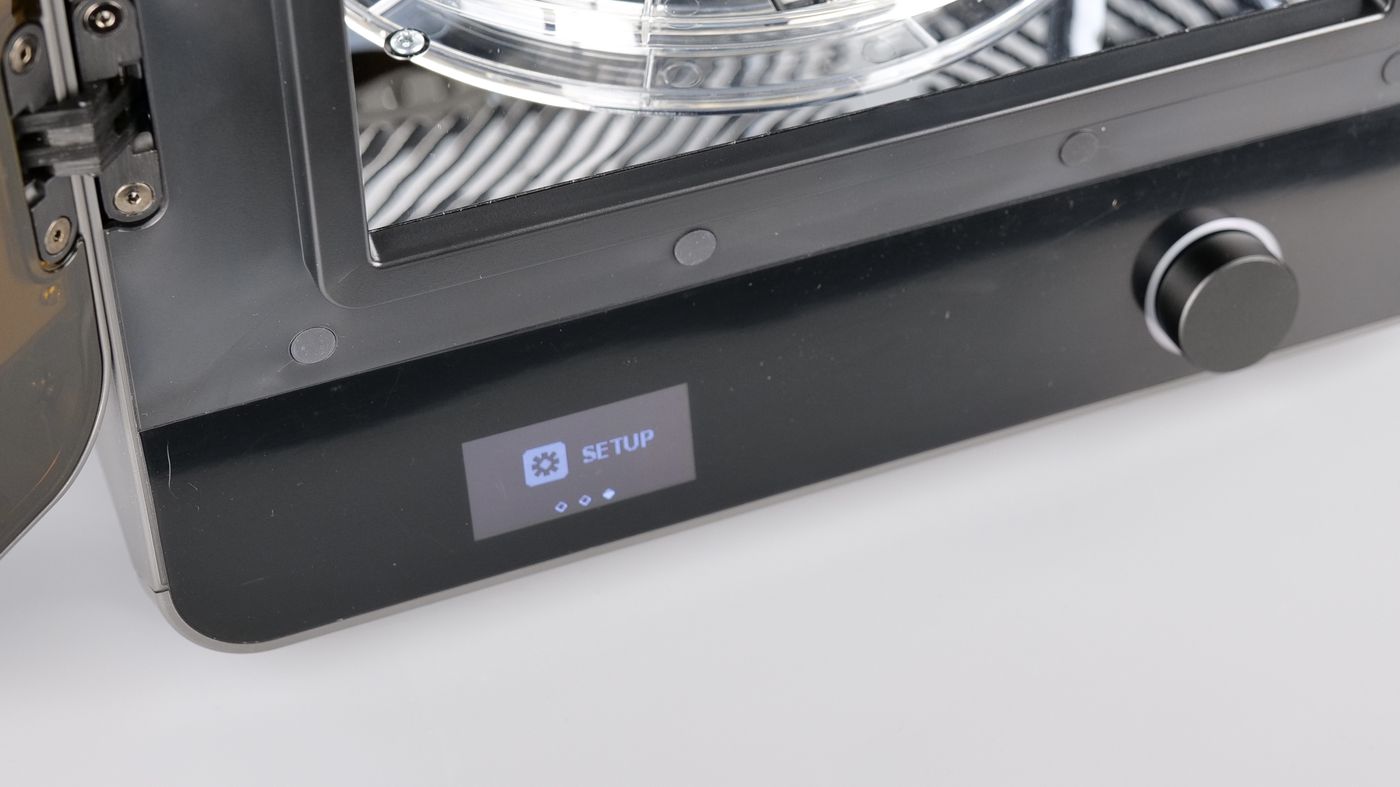
With these additional features, the Curing station also becomes a tool to finish off your painted models. For example, the added heated air can be used to dry the model paint much quicker compared to leaving them to dry naturally.
HeyGears Blueprint and Blueprint GO
The Reflex RS Turbo works in the HeyGears ecosystem, meaning that you need the HeyGears Blueprint slicer, and the mobile app Blueprint GO for the best experience.
Blueprint
The main slicing software used for HeyGears printers is called Blueprint. Overall, the interface is easy to use, and you have most of the features available for quick slicing and preparation. I tried the One-click Slice feature which worked better than expected – but it’s not always 100% accurate and it’s recomemnded to double-check and adjust the models if something looks off.
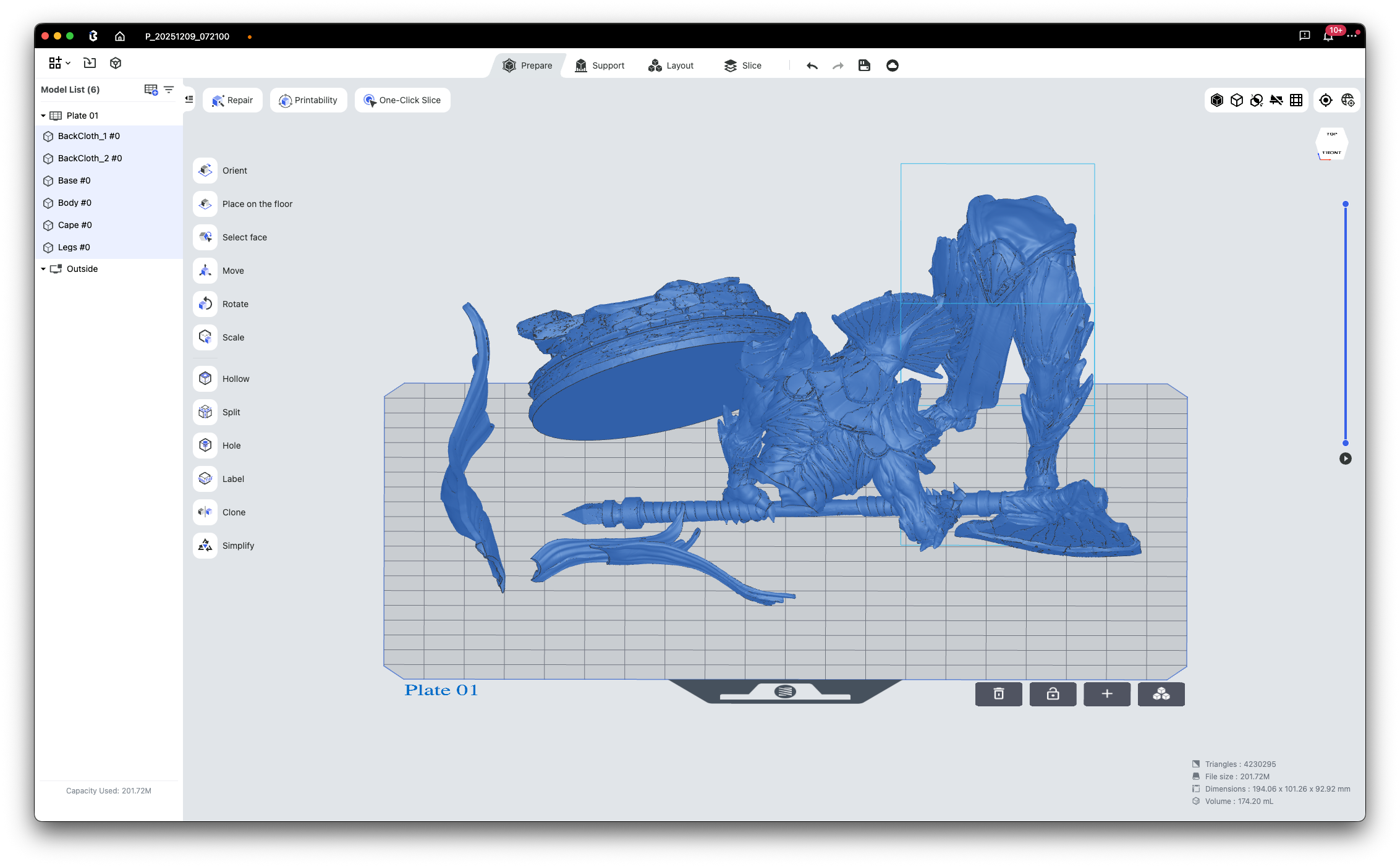
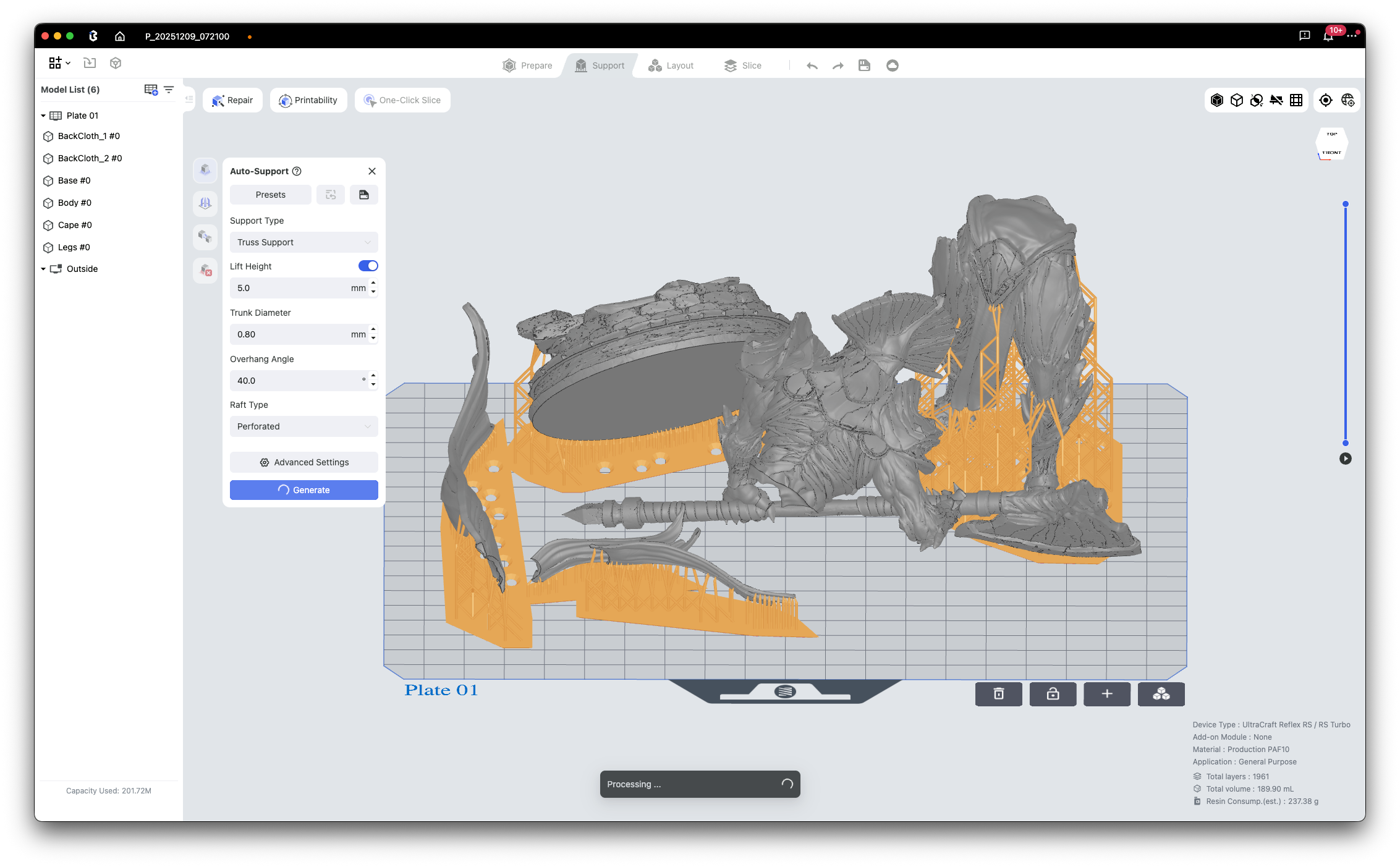
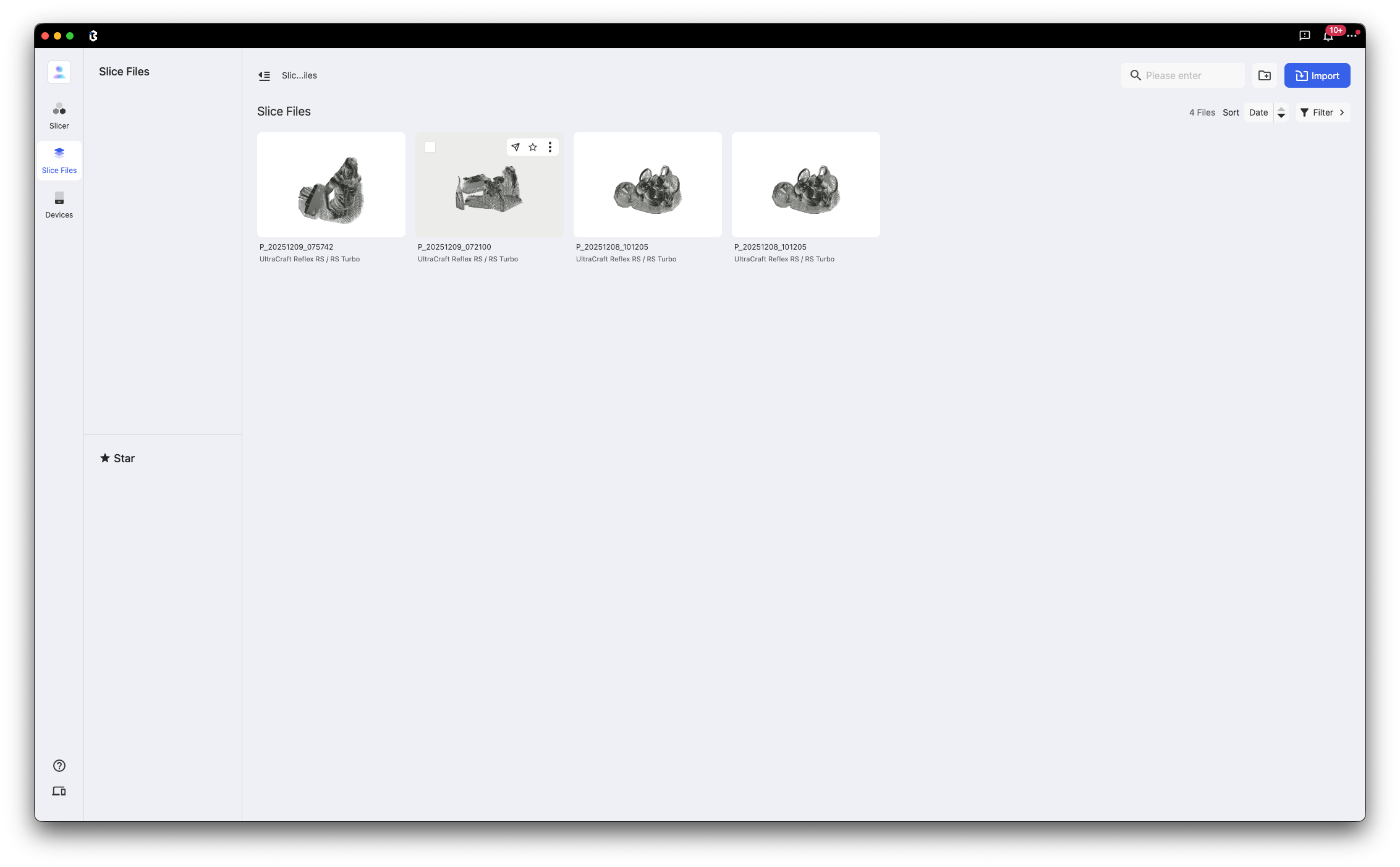
The slicing process is also quite easy to follow in the right order, by following the tabs in the top section. Each stage allows you to do any modifications required for the model to be prepared for printing. Once ready, simply slice the model and wait for it to be compelted.
Blueprint GO
The mobile app is called Blueprint GO and it’s one of the quickest ways you can bind your printers to your account.
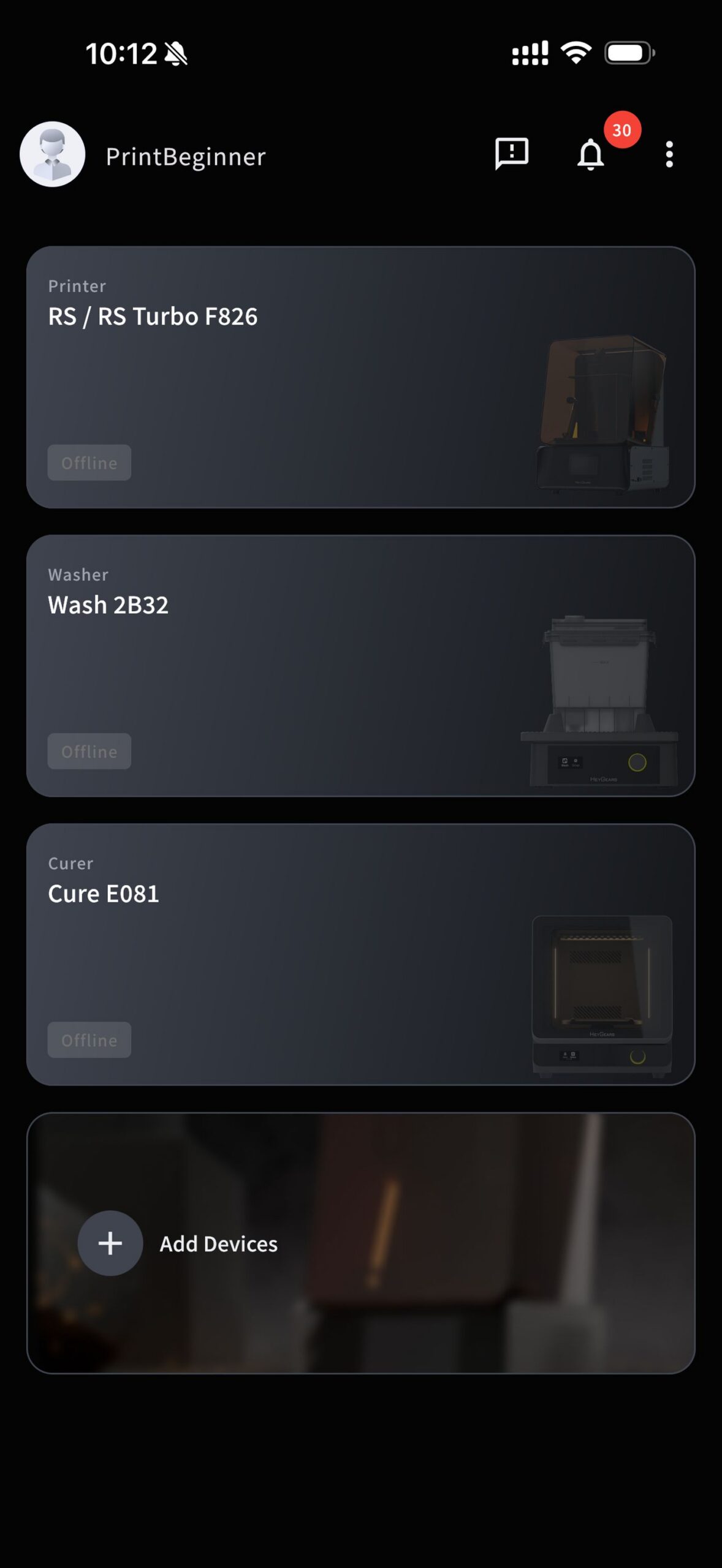

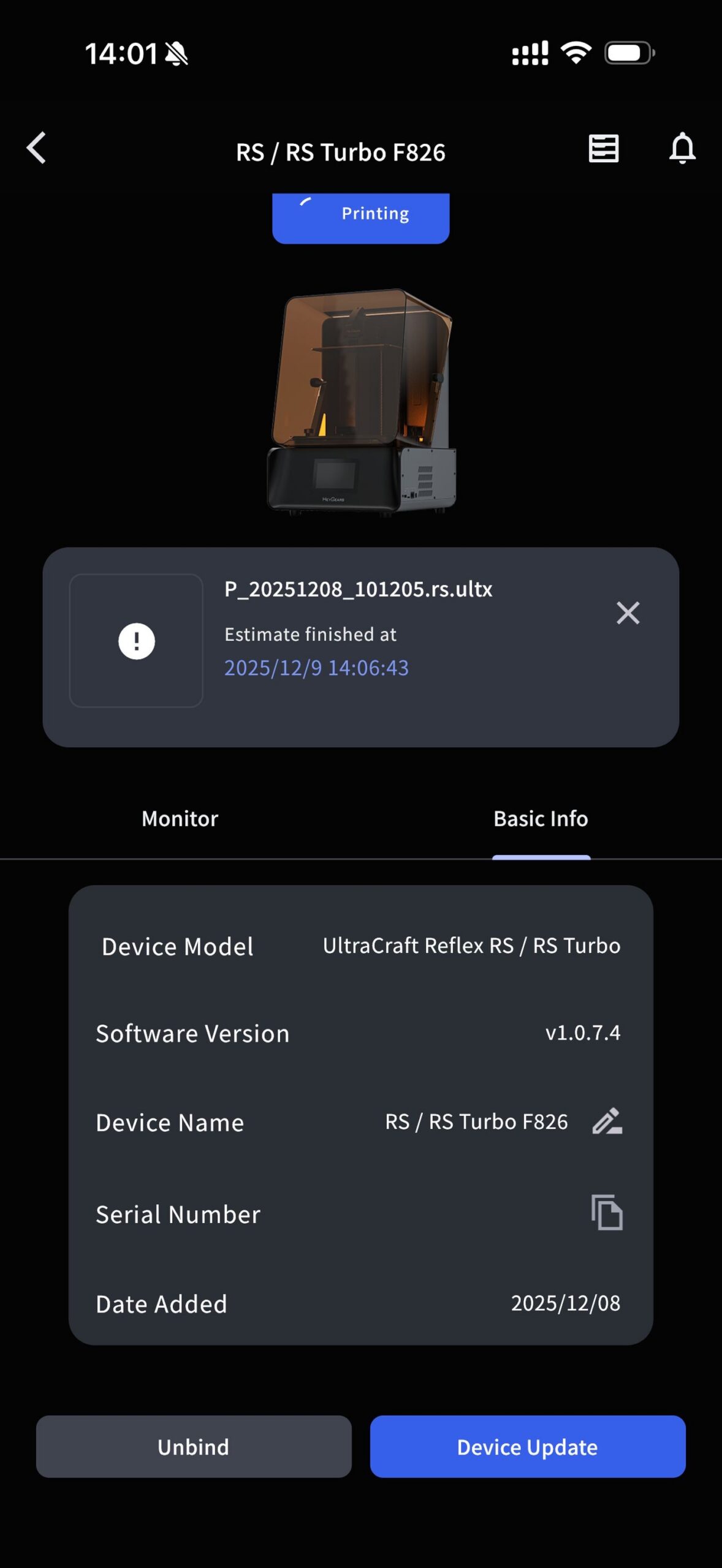
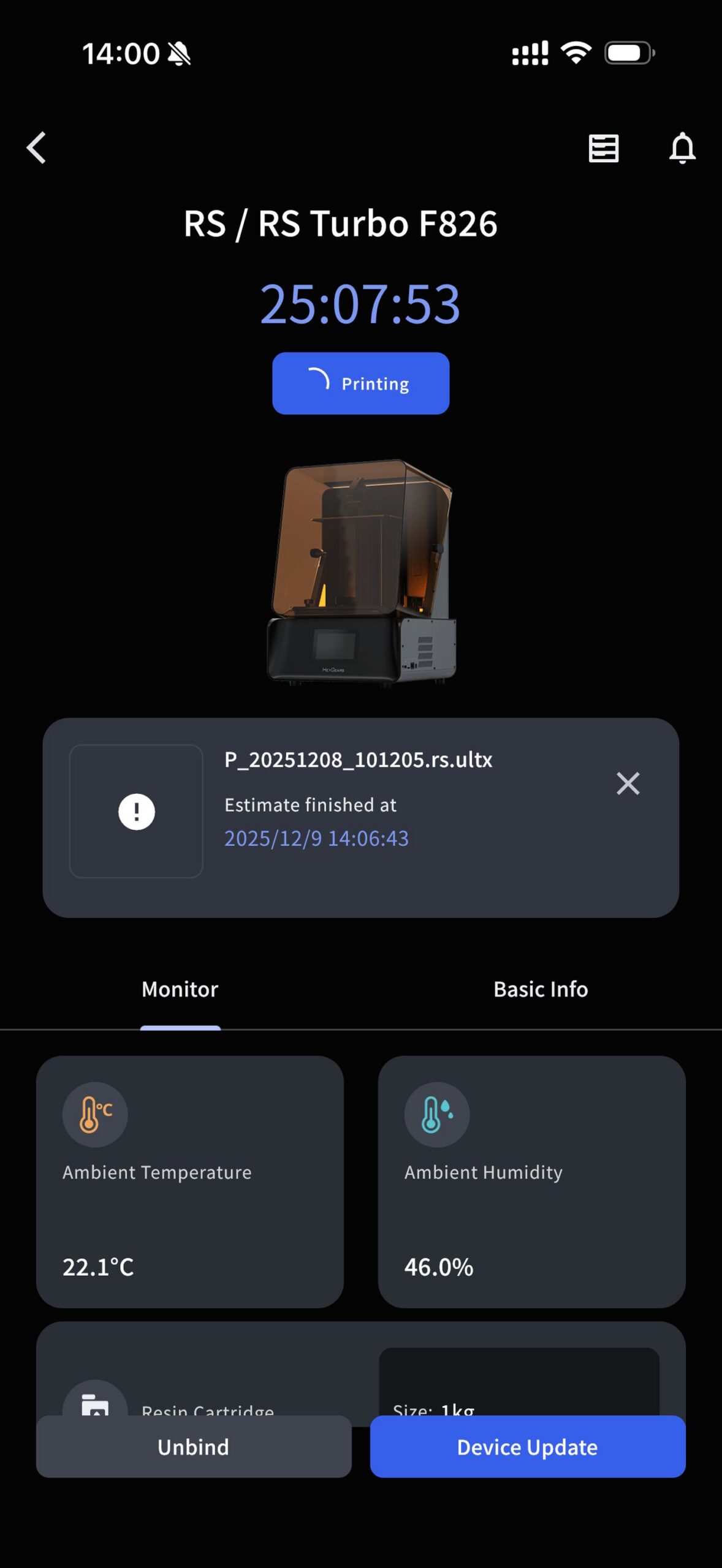
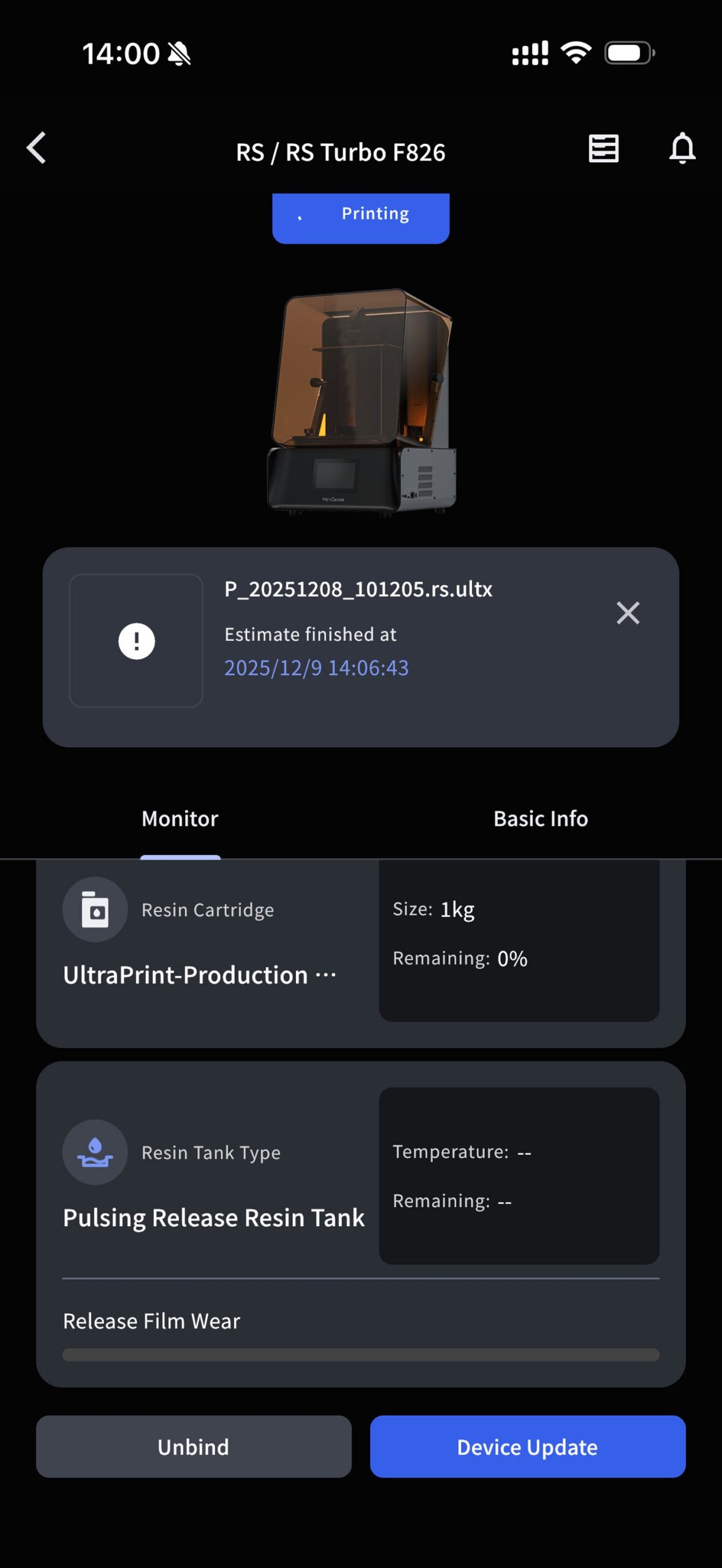
When setting up the printer, you can bind the printer to a HeyGears account which you can easily create in Blueprint GO. Once the account is created and the printer is connected, you are ready to send prints to the printer wirelessly. You can also transfer prints with an USB drive, through the USB connector on the side of the printer.
Once the printer and accessories are connected, the app mostly becomes a monitoring tool, where you can check the status of the printer, and get notified by it when the print is completed.

I would have liked to see some additional features, like the posibility of starting models available in the printer’s memory remotely, but maybe in the future.
Test prints with the HeyGears Reflex RS TURBO
Johnny Silverhand
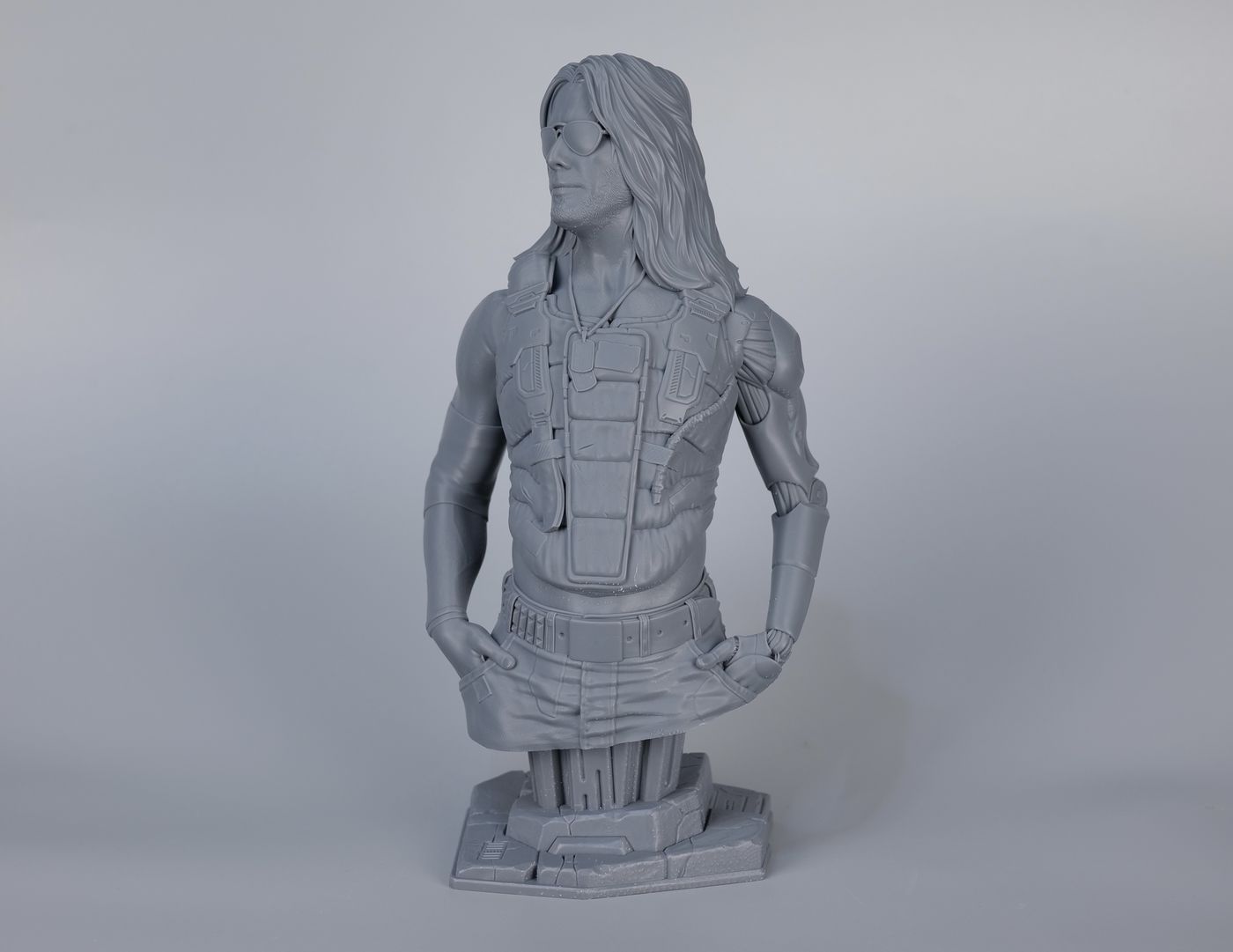
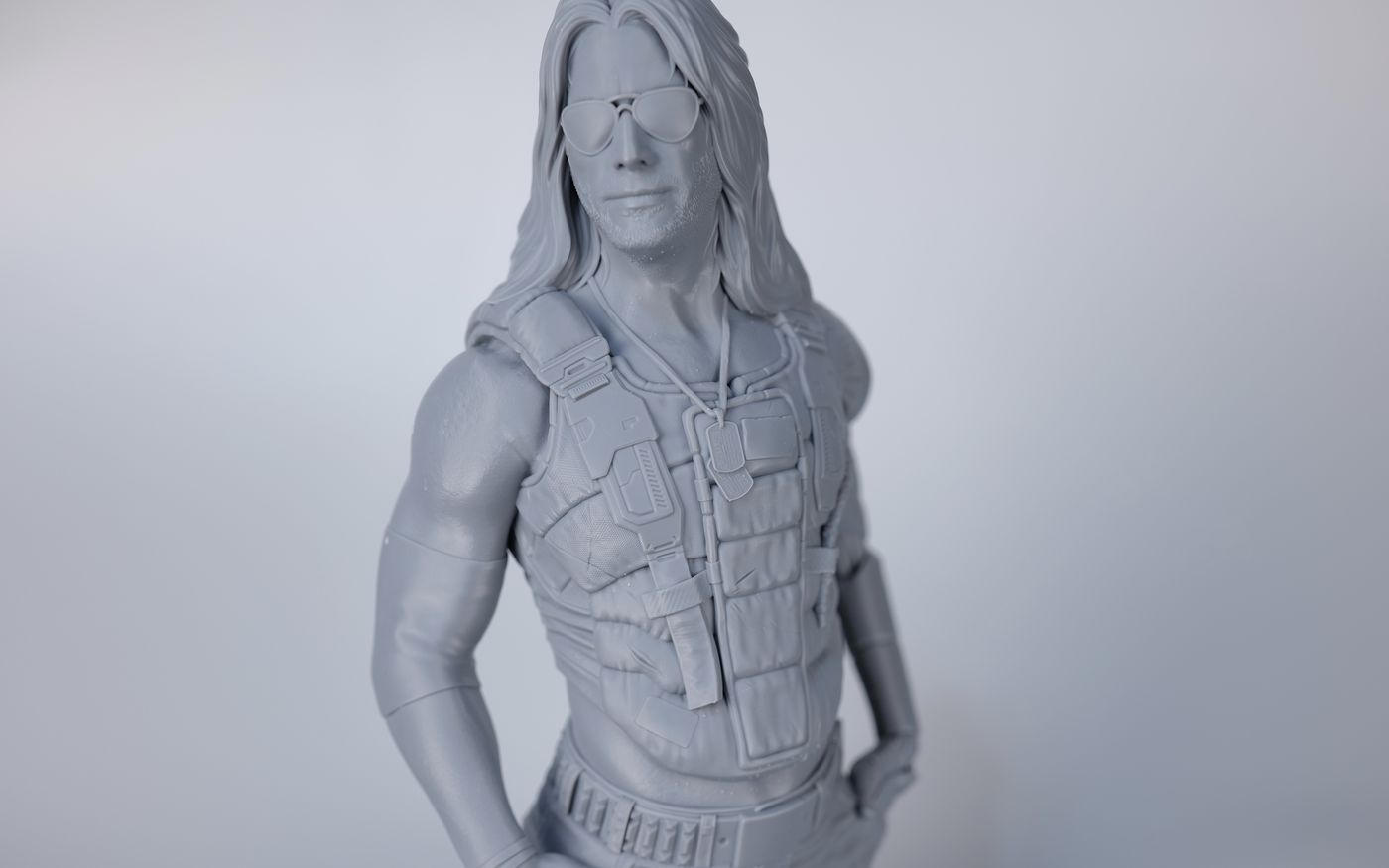
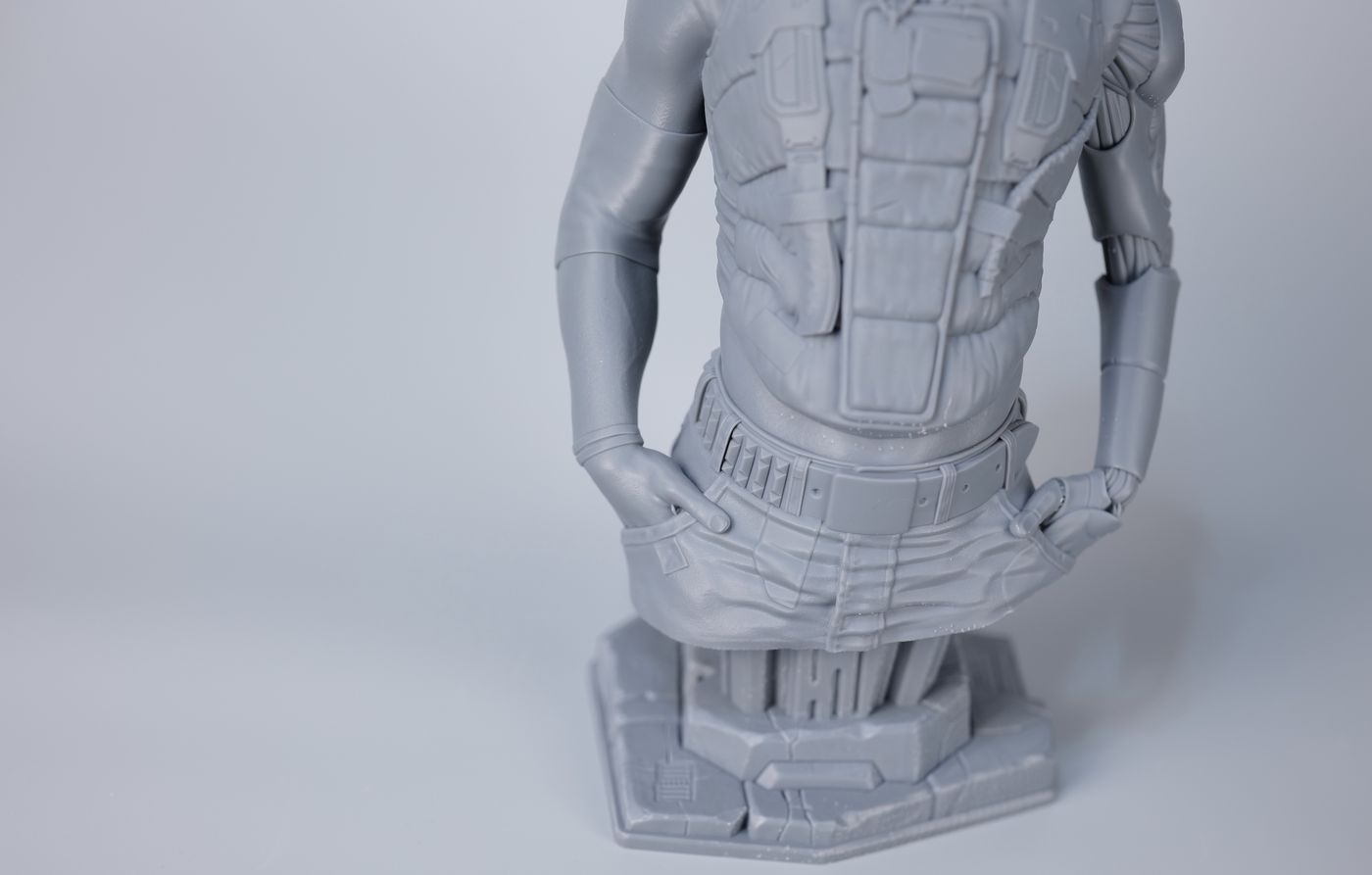
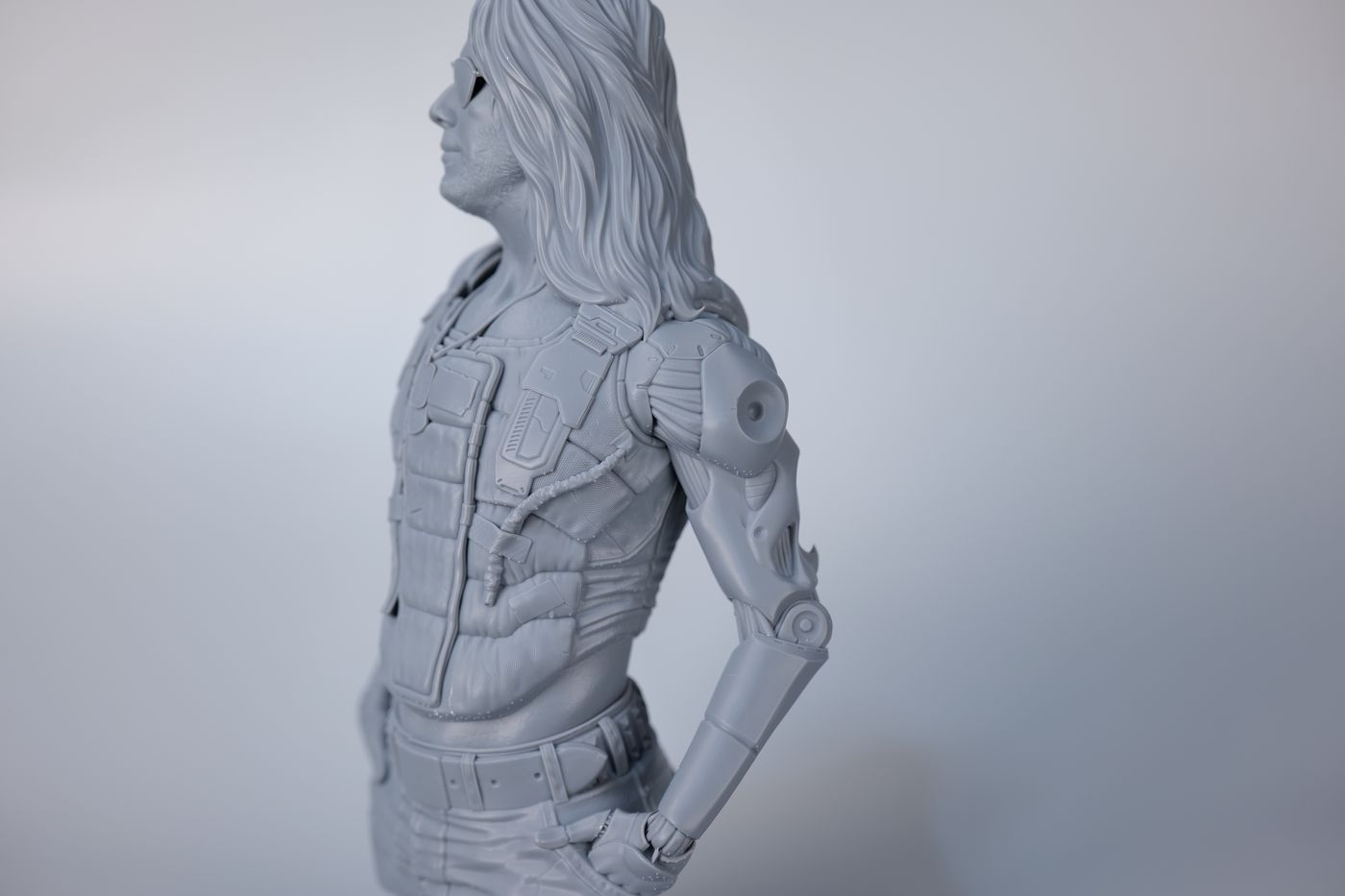
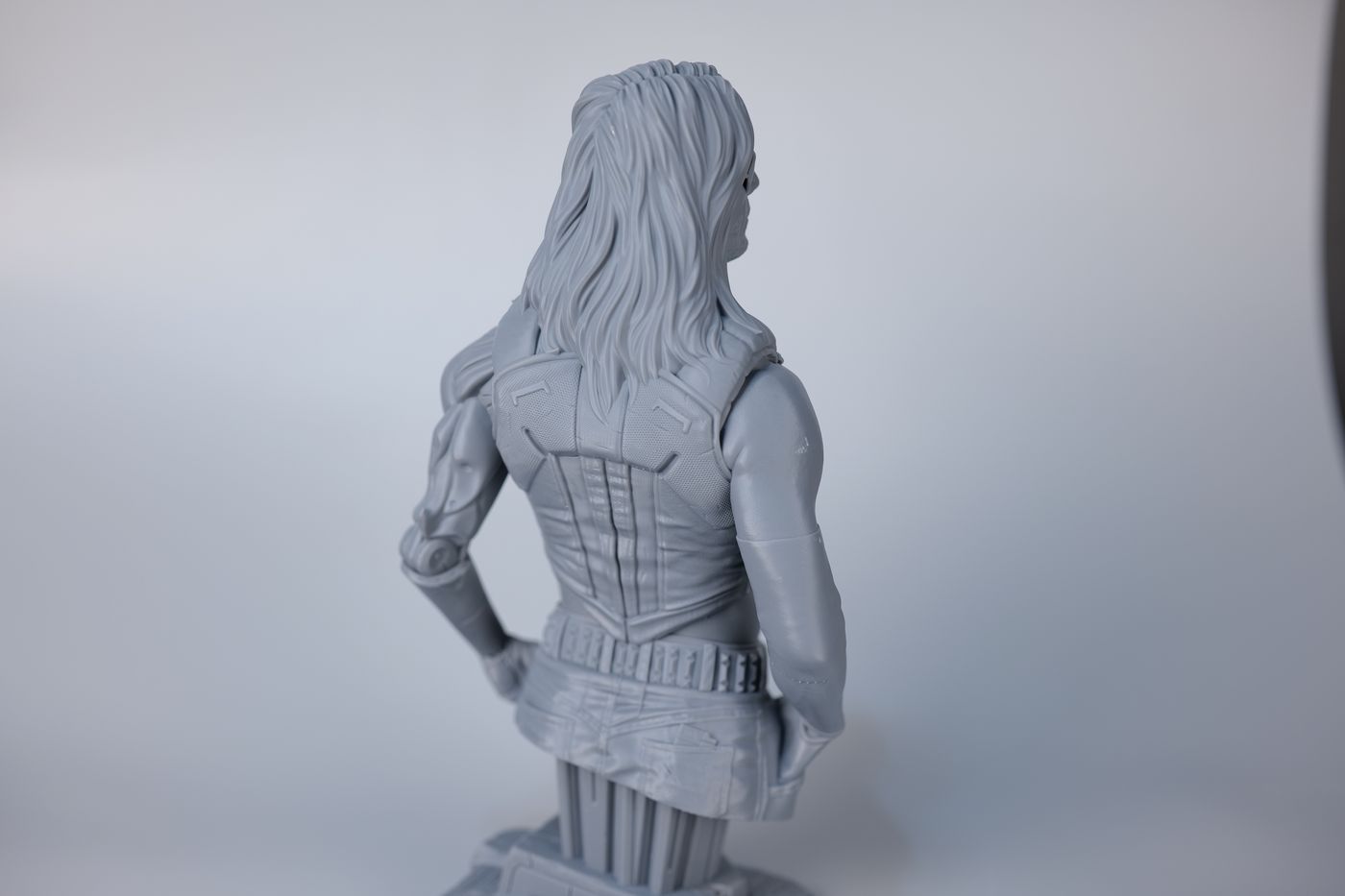
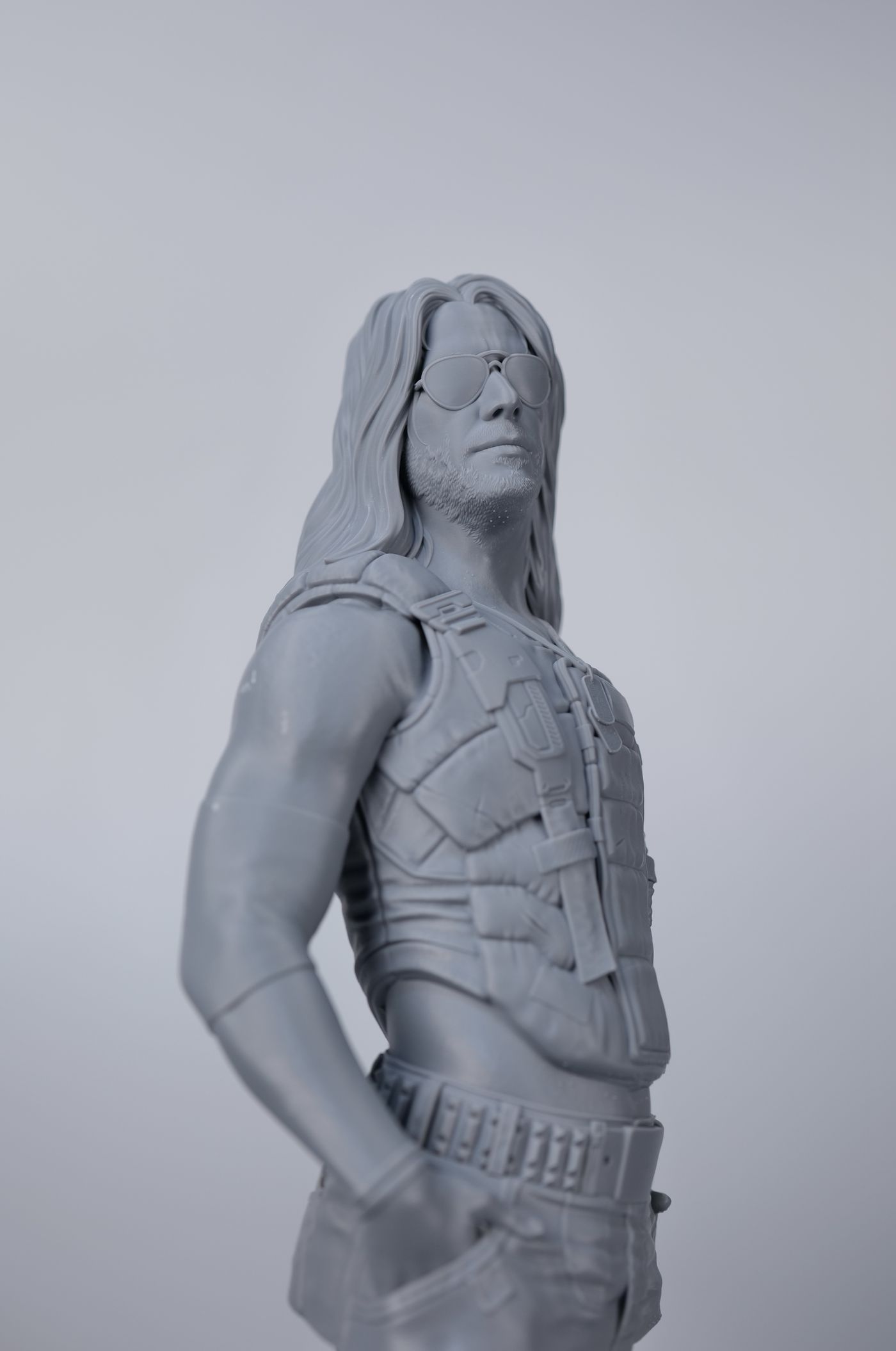
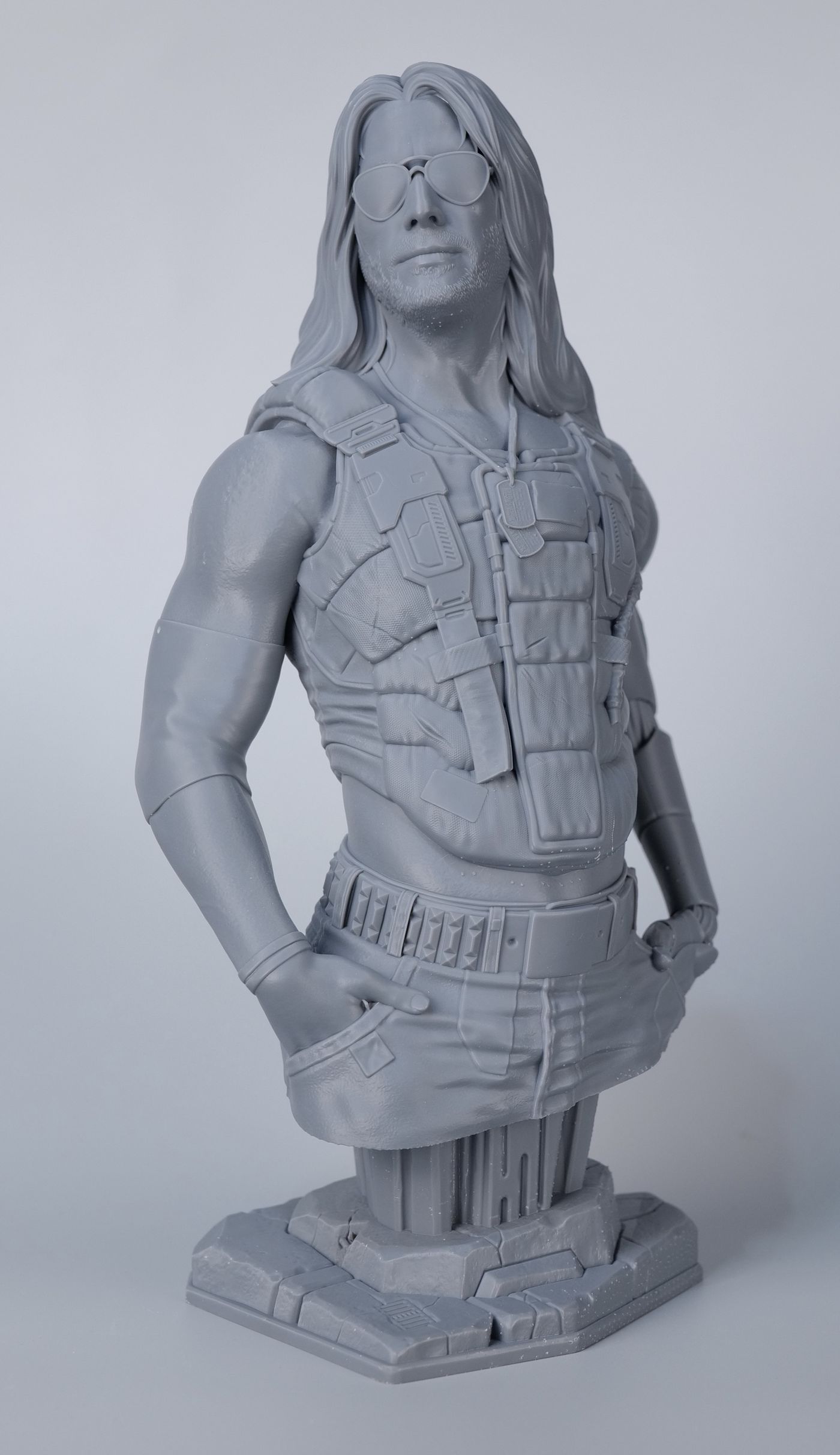
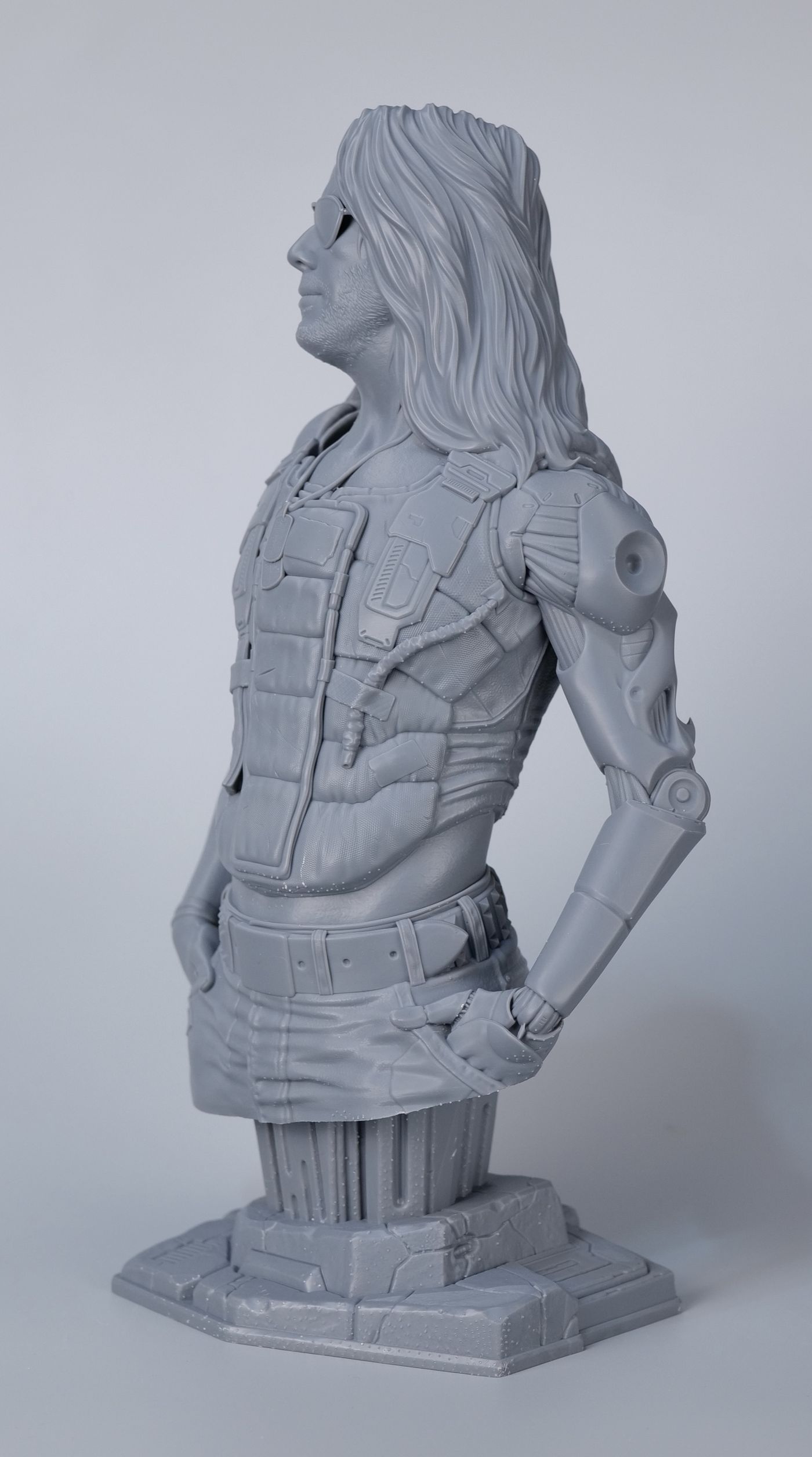
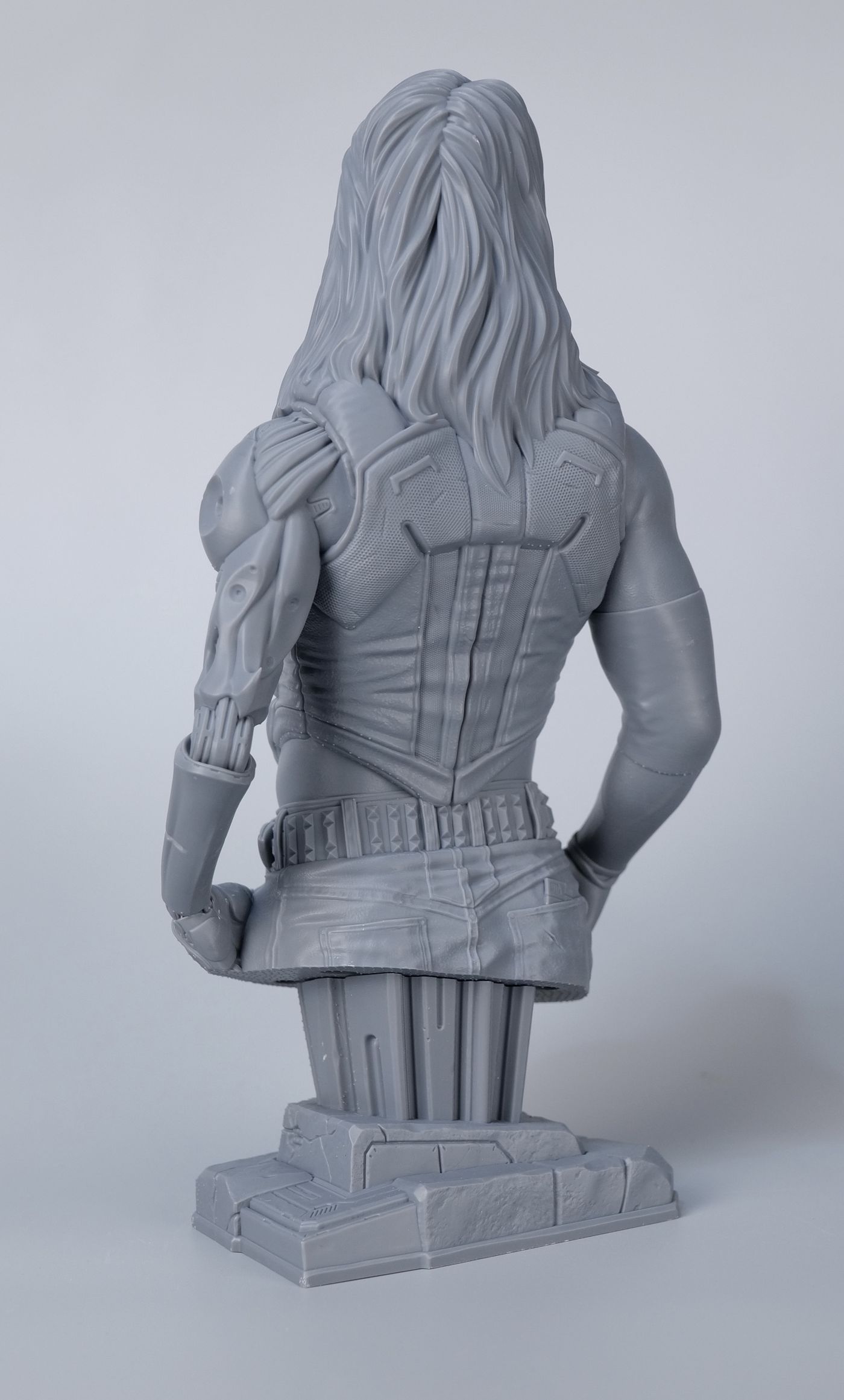
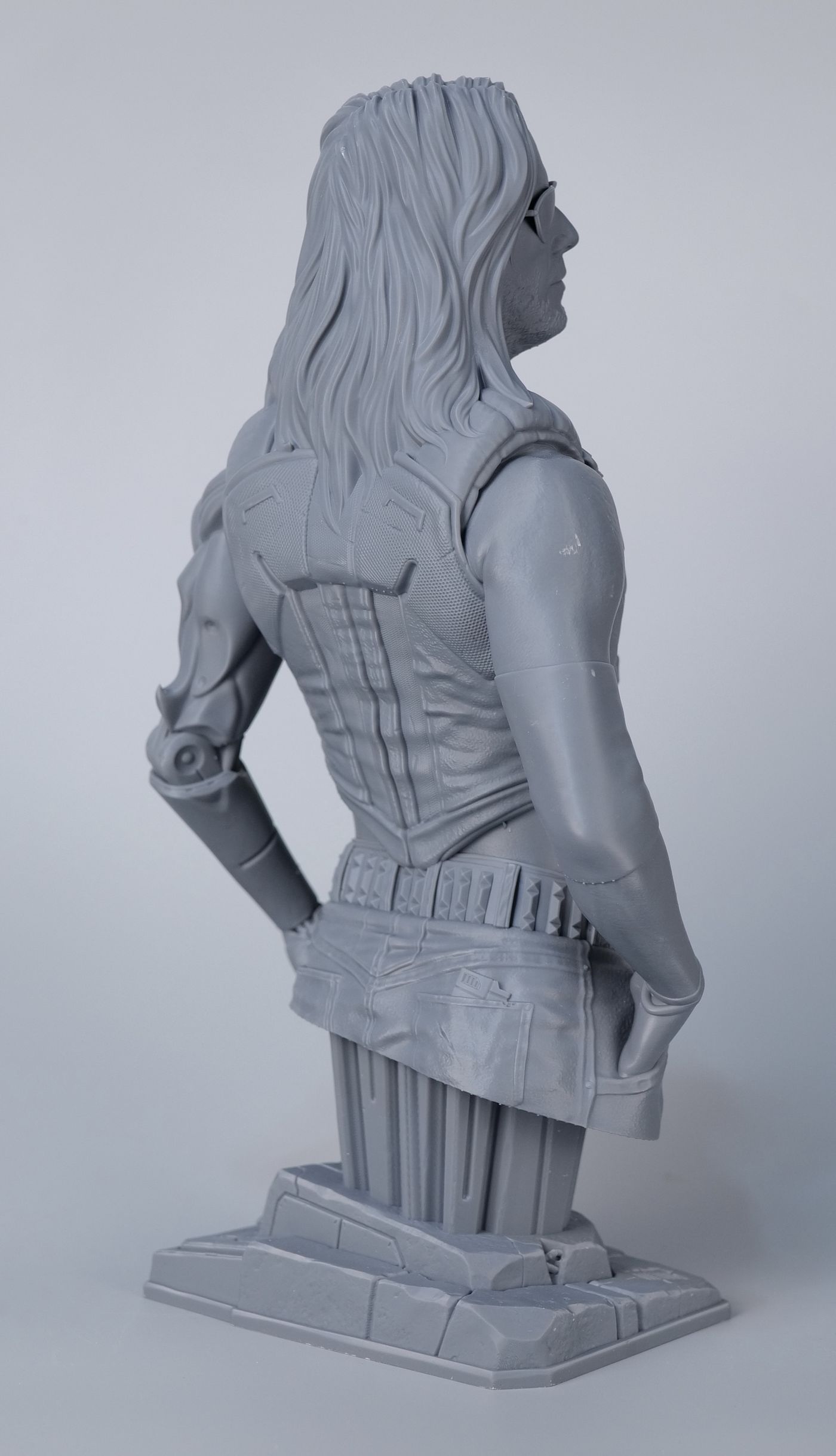
One of the first models I tried is the Johnny Silverhand model from Eastman, printed with the default settings for PAF10 resin. The print results are excellent, with some small marks from the supports.
The details captured are excellent, and the entire print is crisp and well defined.

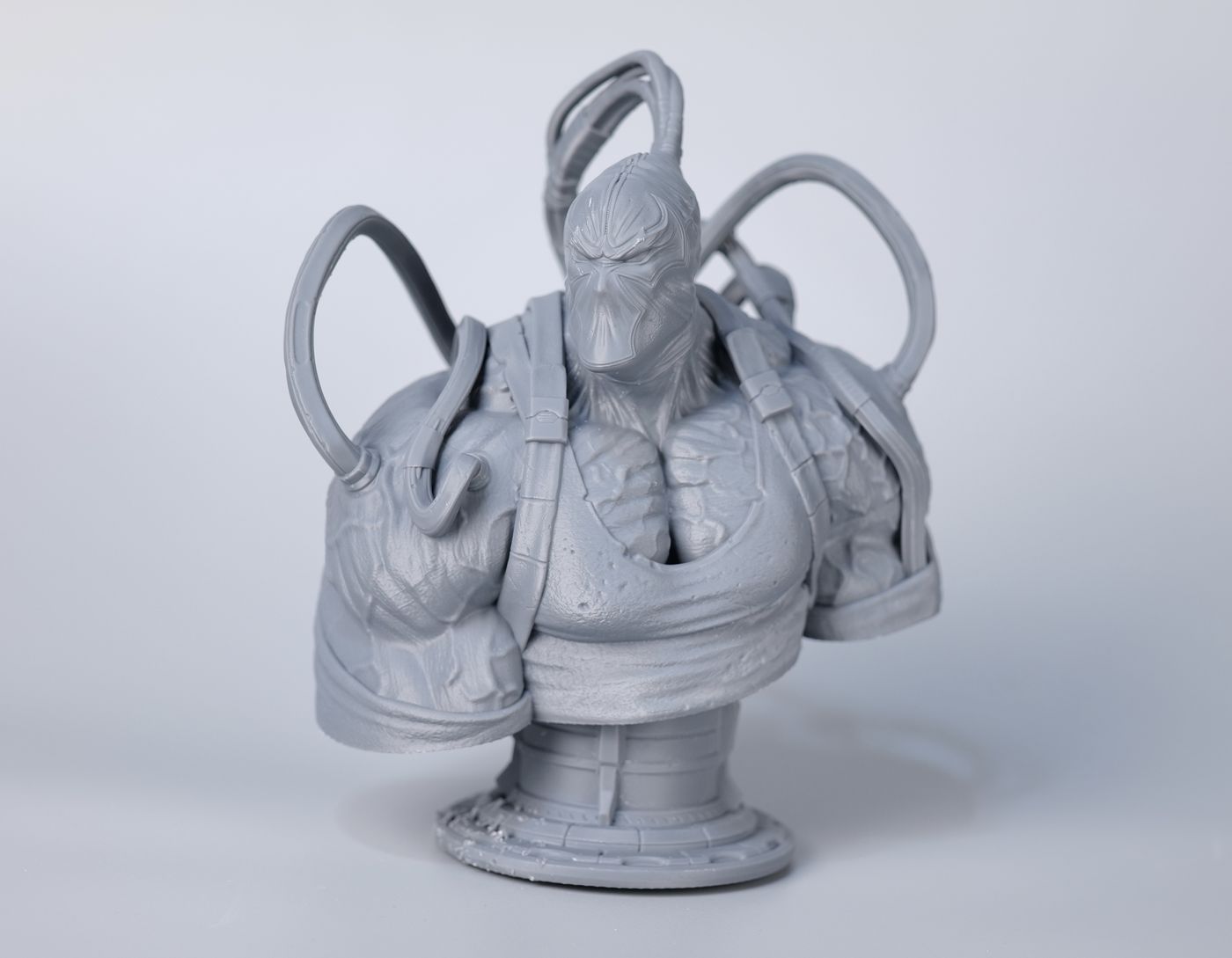
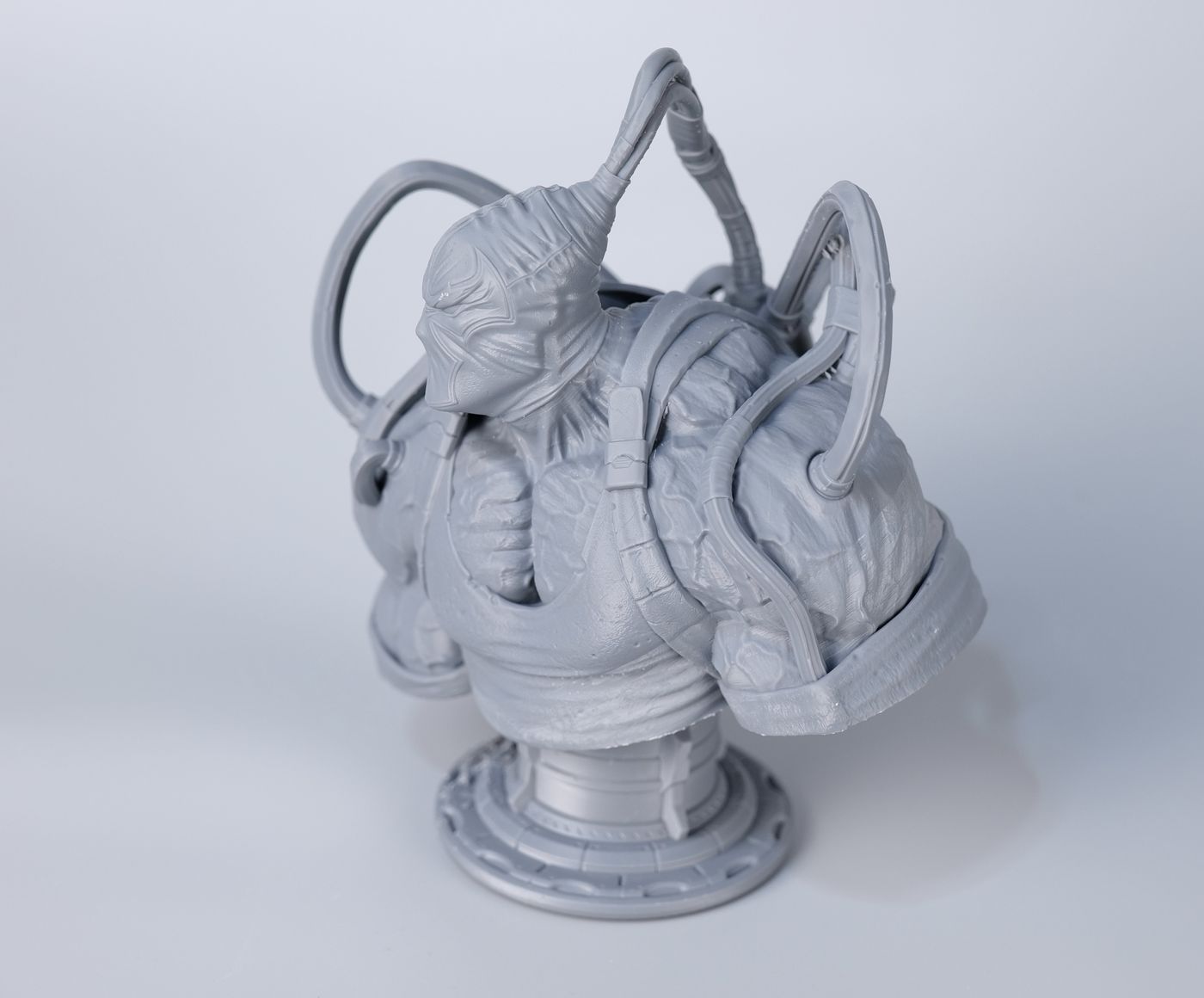
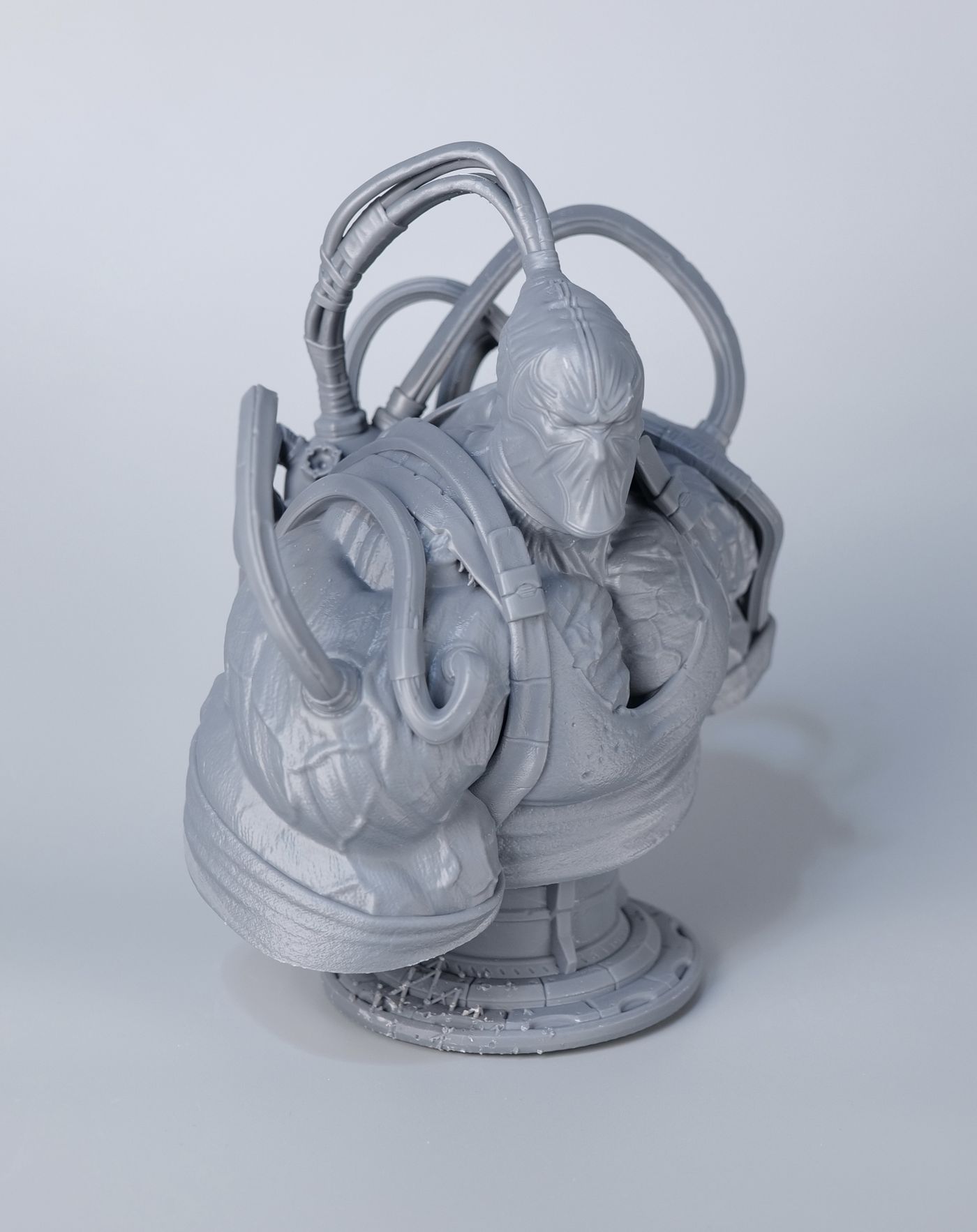
Bane Bust
Another model I printed is the Bane Bust from Eastman. This one also came out great, but due to a mistake in the way I prepared the print, it has a few small defects for the base.
Just like in the previous print, all the details are very high quality, and the print would be ready for painting without too much post-processing.
Where to buy?
If you wish to learn more about the HeyGears Reflex RS TURBO and the post-processing accessories like the UltraCraft Cure and UltraCraft Wash, follow the links below to visit the HeyGears Store.
HeyGears Reflex RS TURBO – Use code DPRINTBEGINNER for $60 off
Liked it?
|
|